The remote server response code is 403.

Hi Brizy Support Team,
I just purchased the Brizy Pro plugin (Freelancer WordPress package). After installing both Brizy and Brizy Pro, I entered my license key to activate it, but I received the following error message:
“The remote server response code is 403.”
I’ve already emailed my login details, password, and license key to communitysupport@brizy.io for your reference.
Could you please help me resolve this issue and activate my Brizy Pro license?
Thank you for your assistance!
-

Hi Linbergh,
Thank you for contacting us.
We’ve activated your license.
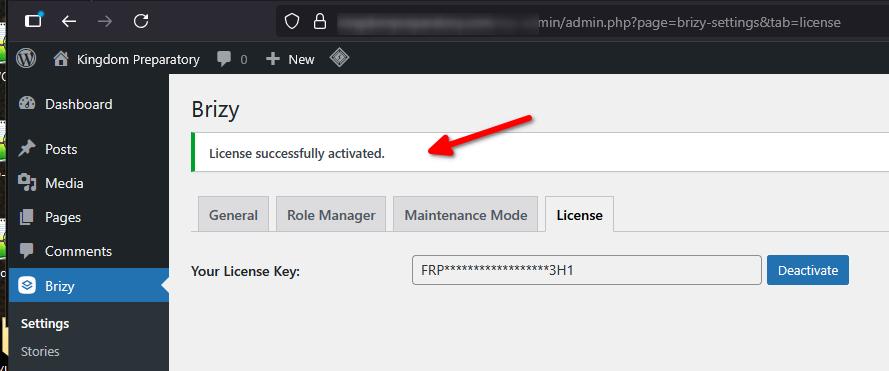
The error 403 you encountered usually happens when the server hosting your site is temporarily blocked by our activation server. Since we were able to activate it without any issues on our end, it’s likely that the problem was related to your network.
If this happens again in the future, please try connecting to a different network or ISP when activating your license.
Best regards,
Ariel H0 -
Hi, can you please help me again? I sent an email regarding another new website where I’d like to activate my license.
0 -
Hi Linbergh,
Thank you for reaching out.
We have activated Brizy Pro on your site. However, when we try to edit a page, it currently throws a 500 error, which indicates an issue on the server side. Could you please try updating PHP from v8.1 to v8.3 or higher and see if this resolves the problem?
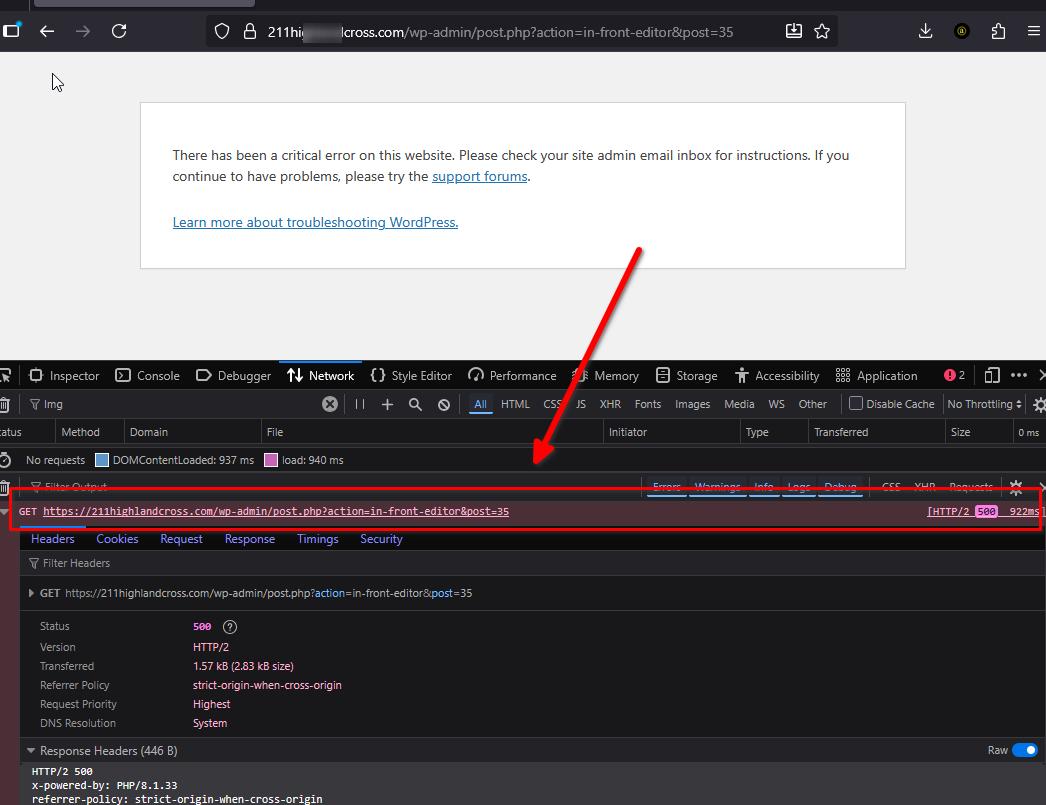
If the error persists, we recommend reporting this to your hosting provider so they can check the server logs and identify the exact cause of the issue.
Best regards,
Ariel H.0
Please sign in to leave a comment.
Comments
3 comments