mobile version has some bugs

Hello,
I've some new errors on mobile version of this website : https://les-violettes-du-grand-veymont.fr/
Hamburger menu icon doesn't appears :
what is expected :
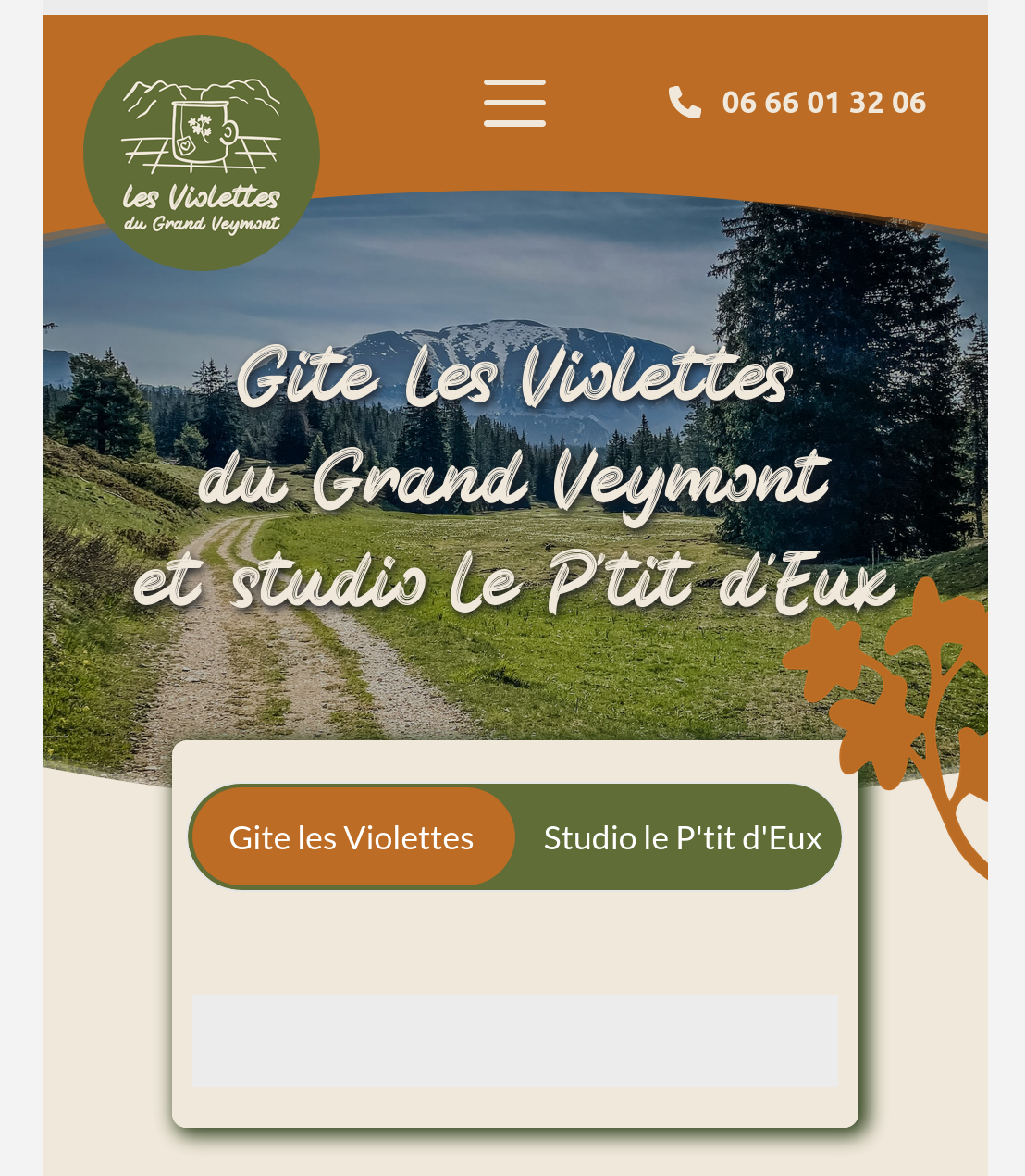
what I see :

As youu can see, the hamburger is not visible.
Another point :
in the mobile editor, I can see that :
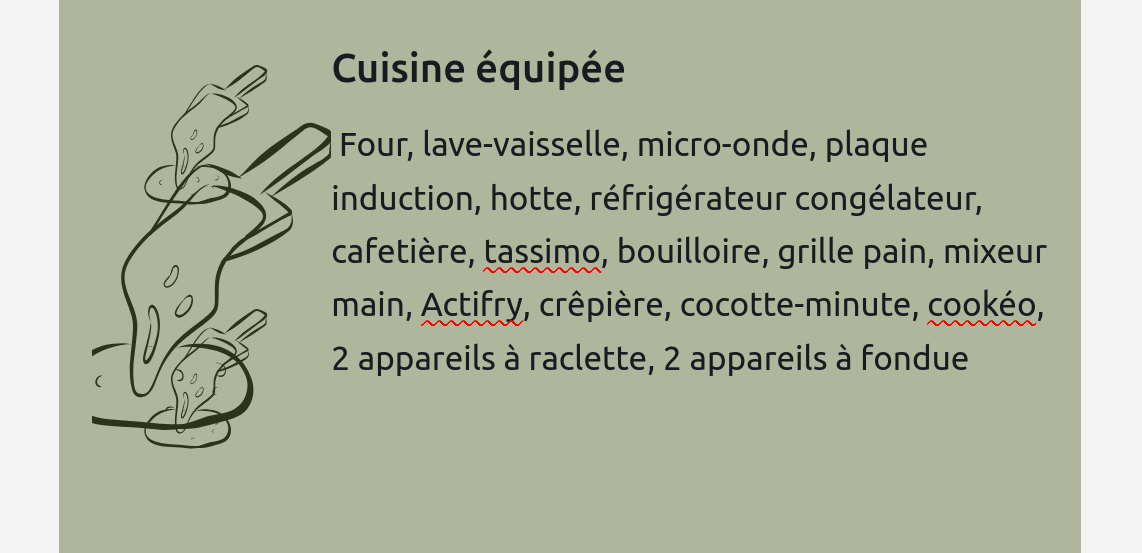
but in the desktop editor :
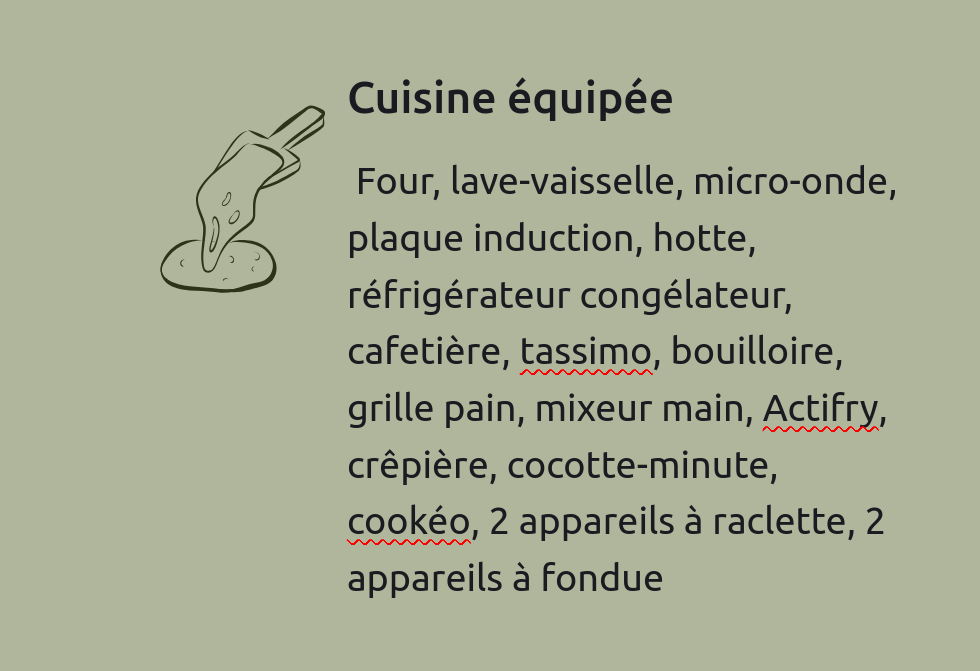
any photos, only the background image. Impossible to delete images, it doesn't appears.
I must put a background image for desktop, and delete it in mobile et tablet editor...
Another bug with images :
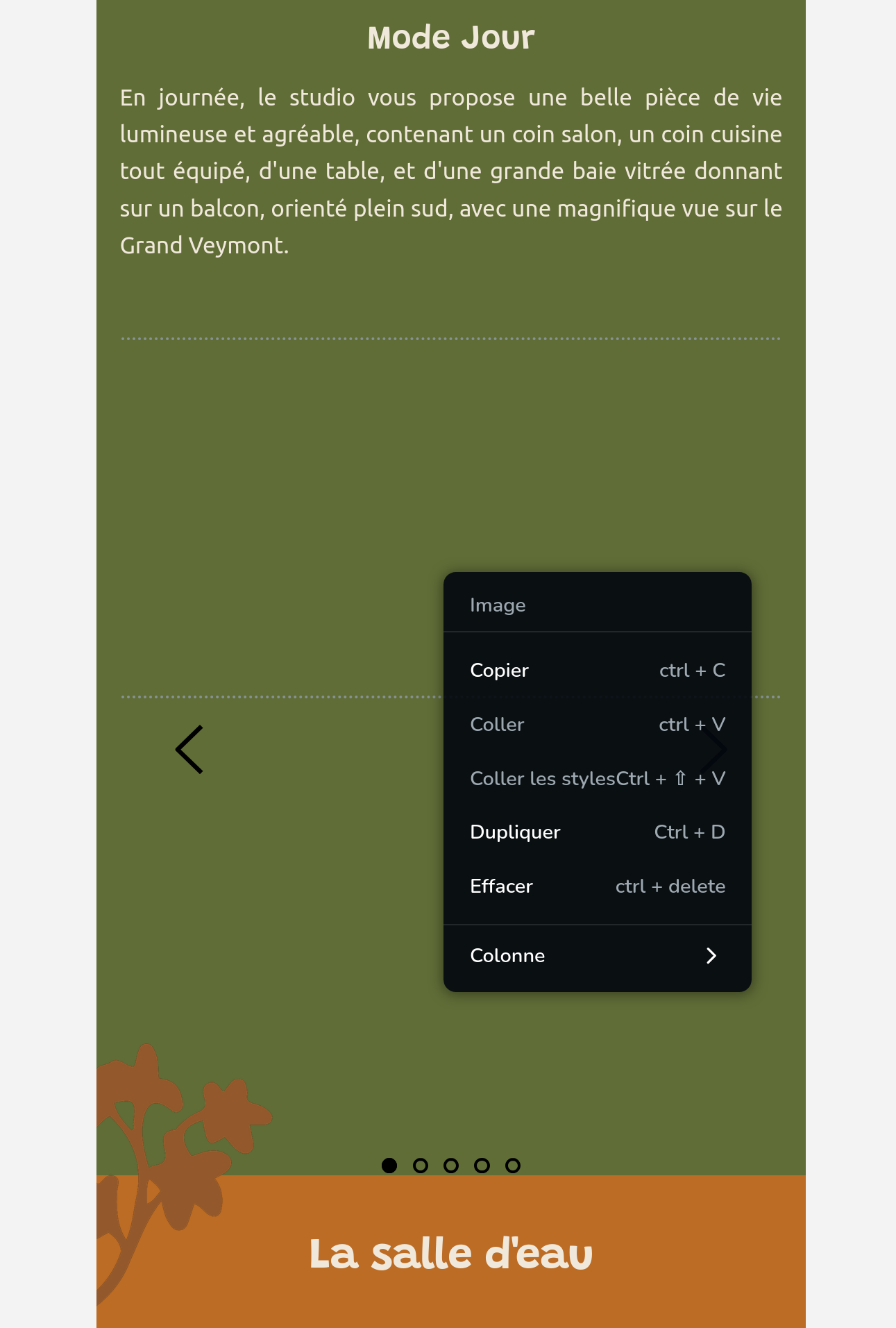
some photos aren't visible in editor AND on the site , only in mobile version.
Why there is so many problems ? all worked fine...
-

Hi Théophile,
Thank you for contacting us.
Please make sure that both Brizy and Brizy Pro are updated to their latest versions.
If you are already using the latest versions, try to temporarily set the width of the affected block (where the social icons are located) to 90%, click Update, and then preview the page on the front end to see if the icons display correctly. If the issue is resolved, you can revert the block width back to its original value.
Alternatively, you can also try adding 1px of padding to the same block — this simple change forces Brizy to recompile the page, which often resolves layout inconsistencies between the editor and the live site.
If this didn't help, could you please share temporary access to your WordPress Admin credentials so we can inspect your site?
Kindly send the following details:
* WordPress Admin URL
* Username
* Password
* Also, please include the links to the problematic pages for reference.You can send them securely to communitysupport@brizy.io.
Kind regards,
Ariel H.0 -
Hi Théophile,
I just wanted to follow up to see if the issue has been resolved with the solution we shared earlier. If you’re still experiencing any problems, please share your site’s credentials with us so we can take a closer look.
Best regards,
Ariel H.0
Please sign in to leave a comment.
Comments
2 comments