Brizy cloud App Sumo Deal Oct 2024

I bought from App Sumo in 2024, how do I integrate my Instagram feed?
-

Hello Lawrence,
Brizy Cloud has a native Instagram element. Kindly checkout it out to add an instagram feed to a webpage.
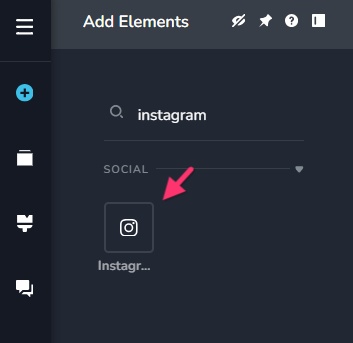 0
0 -
I did that, but I cant find where I link the element to an account. I couldn't see that in the documentation. simply adding the public page URL did not work.
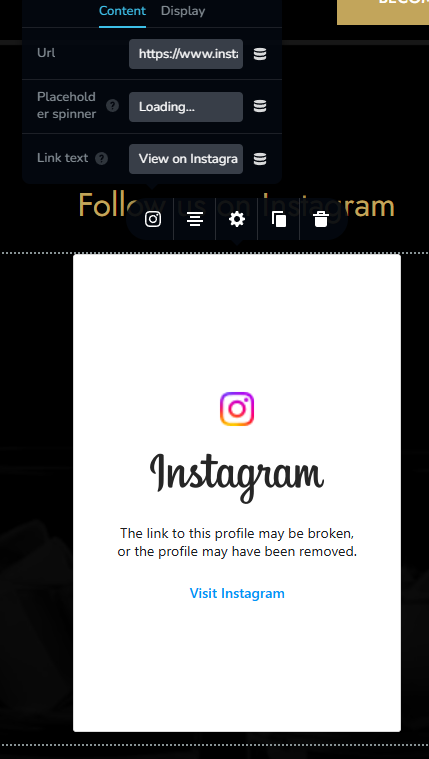 0
0 -
Hello Lawrence,
By pasting the instagram account URL like https://www.instagram.com/virat.kohli/ in the Brizy Instagram element, you can display an instagram feed on any webpage like at https://restaurant-1.brizy.site/test. However, you will see the above notification if your instagram account is set to be a "Private Account".
When an Instagram account is public, the profile and posts can be enbedded on any webpage. When an account is private, only the approved followers can see what is shared on the page. Embedding a private Instagram account on a website is not possible because the standard embedding features are designed for public accounts only. Have a look at https://youtu.be/yltlb-aVFik?si=cqYEVZmowzldPxeW for the procedure to enable or disable the "Private Account" option.
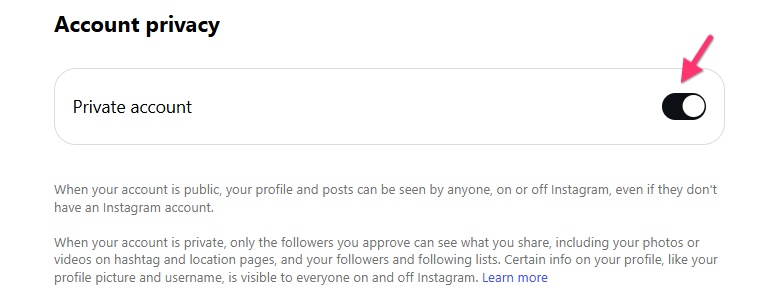 0
0
Please sign in to leave a comment.
Comments
3 comments