Animated text centering issue

-

Hello Ryan,
You can accomplish this in two steps
- Add a column element to the page, drag the heading text to one of the two columns and delete the second column.
- Increase the padding of the column to center align the heading text.
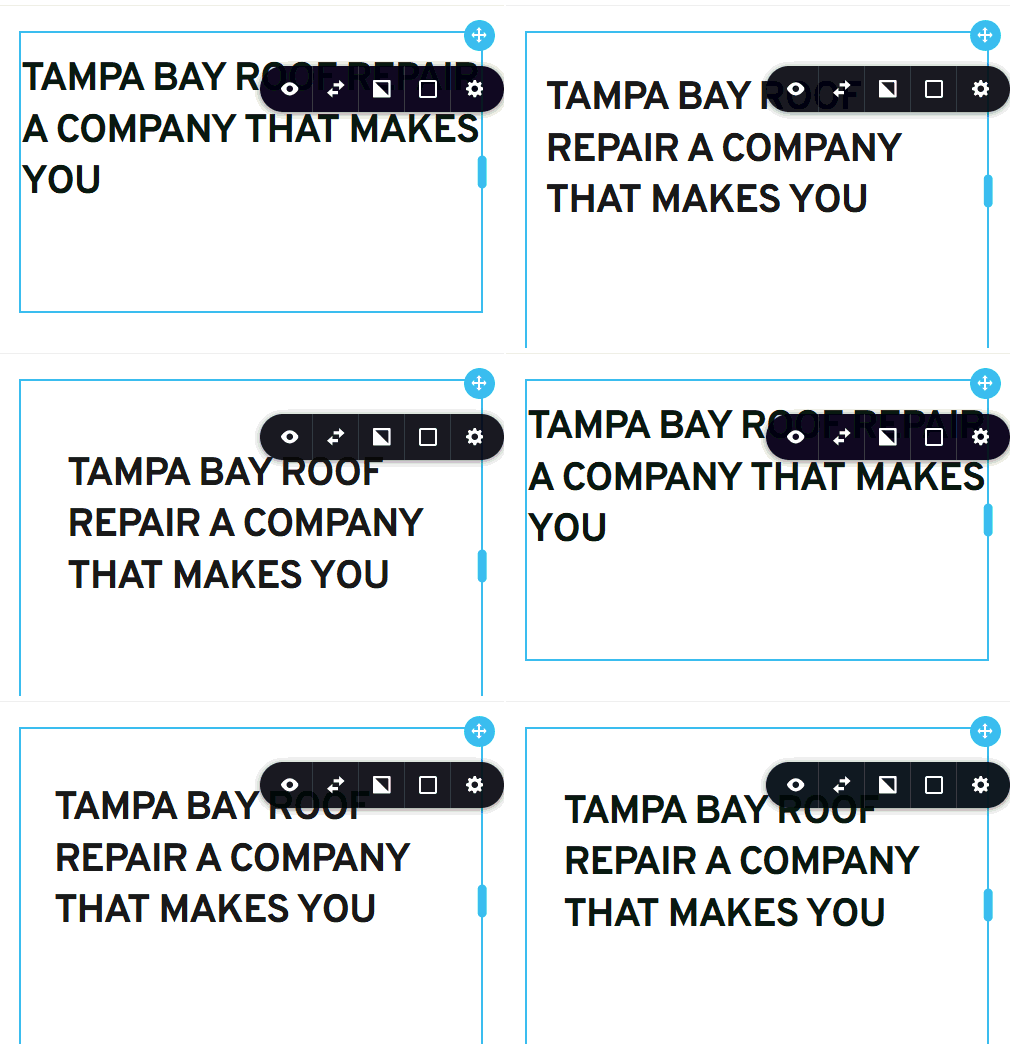 0
0 -
Hey, Thanks for this but didnt work. See here - https://somup.com/cT6b2H9VjL
0 -
Hello Ryan,
You are right; noted the bug with the Animated text element. For now, as you have suggested, the best option is to split the text into two lines.
0 -
thank you. is there a bug # i can reference?
0 -

Hi Ryan,
You’re welcome to follow up on this issue in the same support thread, and we’ll also share any updates here as soon as we have progress. At the moment, there isn’t a public bug number to reference, but we’ve got it tracked internally.
Best regards,
Ariel H.0 -
ahh ok. i will keep an eye here. thank you
0 -
Any update to this? thanks
0 -
Hi Ryan,
This issue is also in the queue. Please allow us a bit more time to work on a fix, and apologies for the delay.
Best regards,
Ariel H.0 -
Thanks for the response. You know its been nearly half a year, right? These little bugs are adding up.
0 -
Hi Ryan,
We completely understand your concern, especially given how long this has been ongoing. Please know that we’ve followed up with our developers again and reminded them about the issue.
Best regards,
Ariel H.0
Please sign in to leave a comment.
Comments
10 comments