Birzy global blocks not removing frrom other pages

Hello,
I made a video going over this here: https://somup.com/cT6irzPCkL
-

Hi Ryan,
Thank you for contacting us.
Please try temporarily changing the width of the block containing the duplicated form to 90%, save the page, and then switch it back to 100%. Alternatively, you can add a 1px padding, save, and then revert the change. This will force Brizy to recompile the page, which often resolves layout issues.
If the issue persists, please provide us with temporary access to your WordPress Admin so we can investigate further. Kindly add us as an Administrator user and send the following details to communitysupport@brizy.io.
Community Post link: https://support.brizy.io/hc/en-us/community/posts/30052119925522
WordPress Admin URL:
Username:
Password:Looking forward to your reply.
Best regards,
Ariel H.0 -
Hey Airel,
Didn't work. I made an updated video confirming this at https://go.screenpal.com/watch/cT6joNnbnYu. I also put that link in the email.
Sending email now.
Thanks
0 -
Hi Ryan,
Thank you for your cooperation.
Duplicating the Home page has fixed the issue.
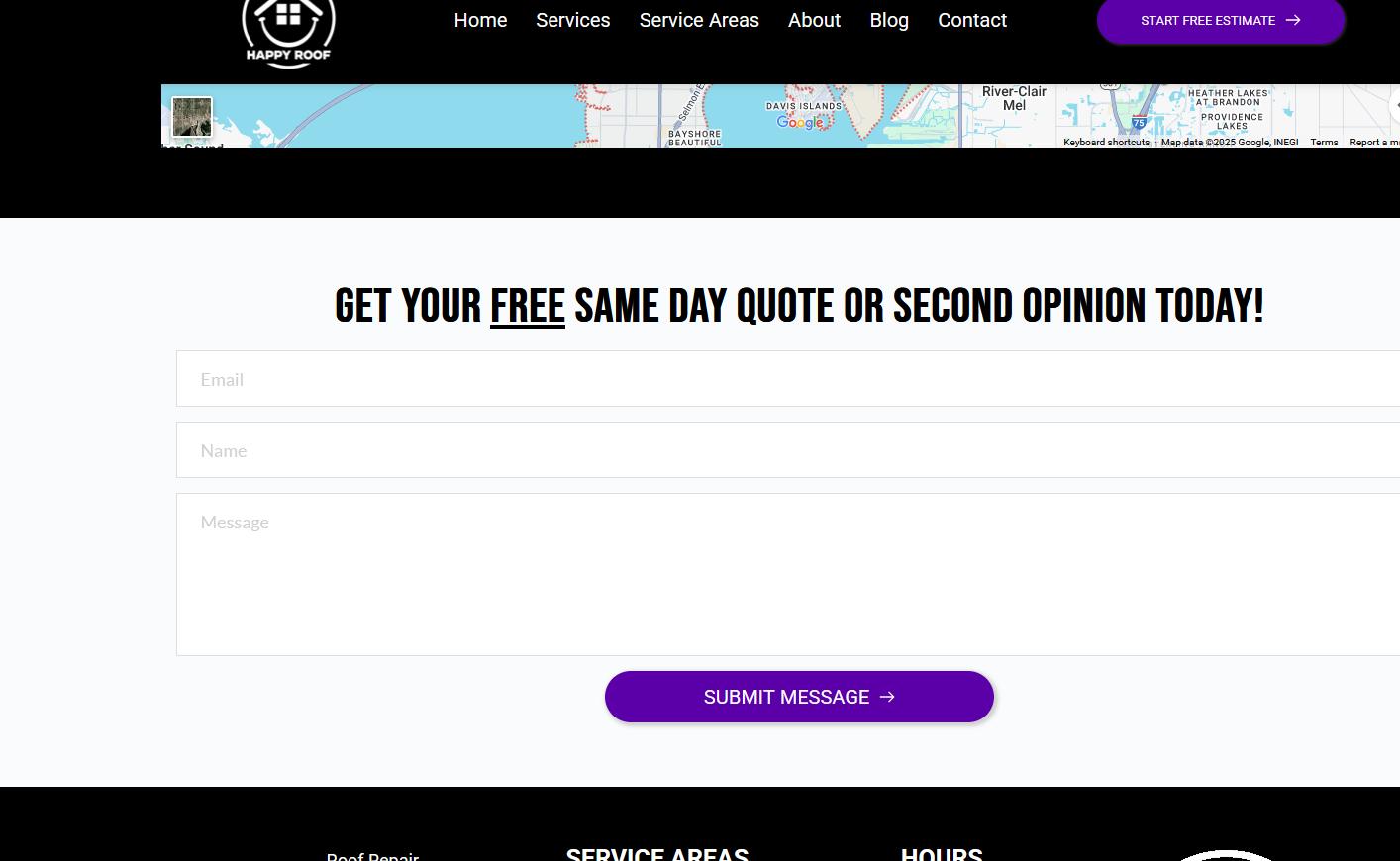
The problem is likely connected to object caching, where outdated or duplicated data was being stored in memory and displayed on the frontend even though it had been updated in Brizy.
Duplicating the page forces Brizy to recompile the page, skipping the cached content. In some hosting environments, persistent object caching (such as Redis, Memcached and OPcache) can retain outdated page data, which may cause similar display inconsistencies.
If you notice a similar issue on other pages, you can apply the same approach by duplicating the affected page as a quick fix. Alternatively, you can temporarily disable OPcache or any caching software while building your site in Brizy to prevent this issue.
Kind regards,
Ariel H.0 -
Hey thanks. So you are saying you duplicated the home page and then changed the default font page in WordPress settings? Other than that I would need to update the menu. I think that's it, correct? thanks
0 -
Hi Ryan,
I didn’t change the font. If it appears different, it may have reverted to the default setting. We duplicated the page by saving each block individually, then created a new page and retrieved the blocks from the saved ones.
Best regards,
Ariel H.0 -
Hey Ariel. Are you using a plugin like DUPLICATE PAGE or whatever?
Also, you can see there are 2 contact forms on this page: https://happyroof.com/tampa-bay-roof-repair/
Is the solution to create a duplicate of this page and work with that duplicate by using a page duplicator plugin?
Is this a known bug that is being fixed? Super annoying. thanks
0 -
Also, the
TAMPA ROOFING SERVICES
section is back. aggggg
0 -
Hi Ryan,
Thank you for the update.
To duplicate a page, you can save it as a layout and then import it into a new page, as demonstrated in this screencast - https://youtu.be/Zxqwbb5AXVs
We can't replicate replicate the issue on our end, so it doesn’t appear to be a Brizy glitch. It’s more likely related to OPcache retaining outdated data. If you’d like to confirm, I can duplicate your website on my staging server so you can test and compare whether the same issue occurs there.
We don’t recommend using third-party plugins to clone Brizy pages, as they may alter the page structure and break the site. The safest method is to use Brizy’s built-in layout export/import.
Best regards,
Ariel H.0 -
Ok, let me try this and see if it works. thanks
0 -
Is this bug being addressed? I see it on some of my other websites now. I also see many posts here on the forums about it.
0 -
Hi Ryan,
Thank you for the update.
We completely understand your concern. To further investigate the issue without affecting your live website, may we have your permission to duplicate your site in a secure staging environment? This will allow us to test and troubleshoot safely without interrupting your live site. The staging site will be password protected and fully secure, ensuring that only our team can access it.
Looking forward to your reply.
Best regards,
Ariel H.0 -
Yes. Make sure it's set to noindex and deleted afterwards. Thank you.
0 -
Hi Ryan,
Thank you for the update.
We were unable to replicate the issue on the staging site. To confirm, you can log in using your credentials at the following link: https://staging.brizywp.online/happyroof.
Please try working on this test site and let us know if you encounter any issues or have any questions.
Best regards,
Ariel H.0 -
Ok I will do this next week. I am on a deadline now. But, you do see the other posts about this same thing right? This doesnt seem like an isolated problem to my environment.
0 -
Hi Ryan,
Yes, we’ve received a few similar reports; however, each case appears to be unique to the specific website. When you have time next week, please check the staging site.
Best regards,
Ariel H.0 -
Hmm. Ok. Odd. thanks
0
Please sign in to leave a comment.
Comments
16 comments