Speed and Robots.txt issues

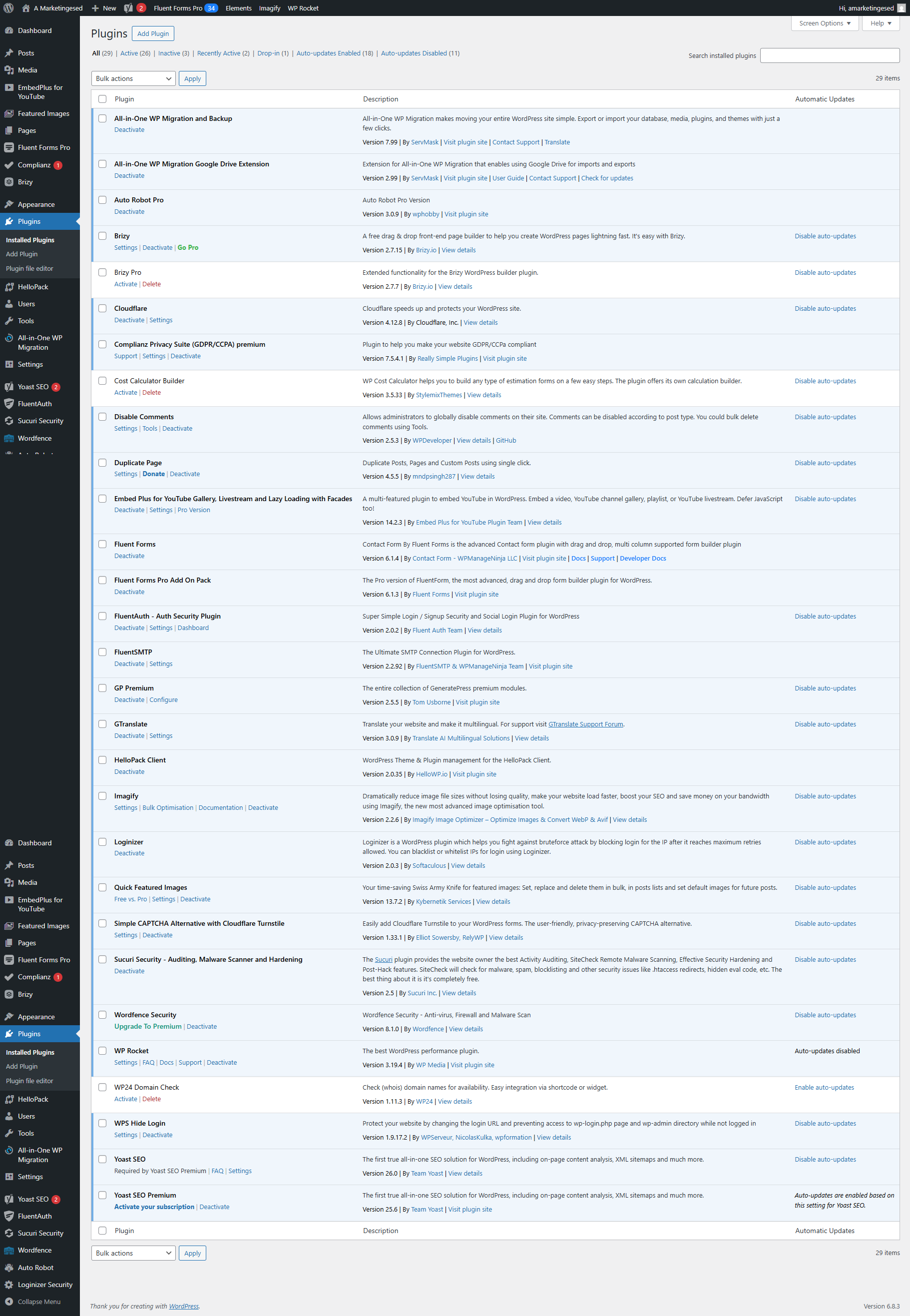
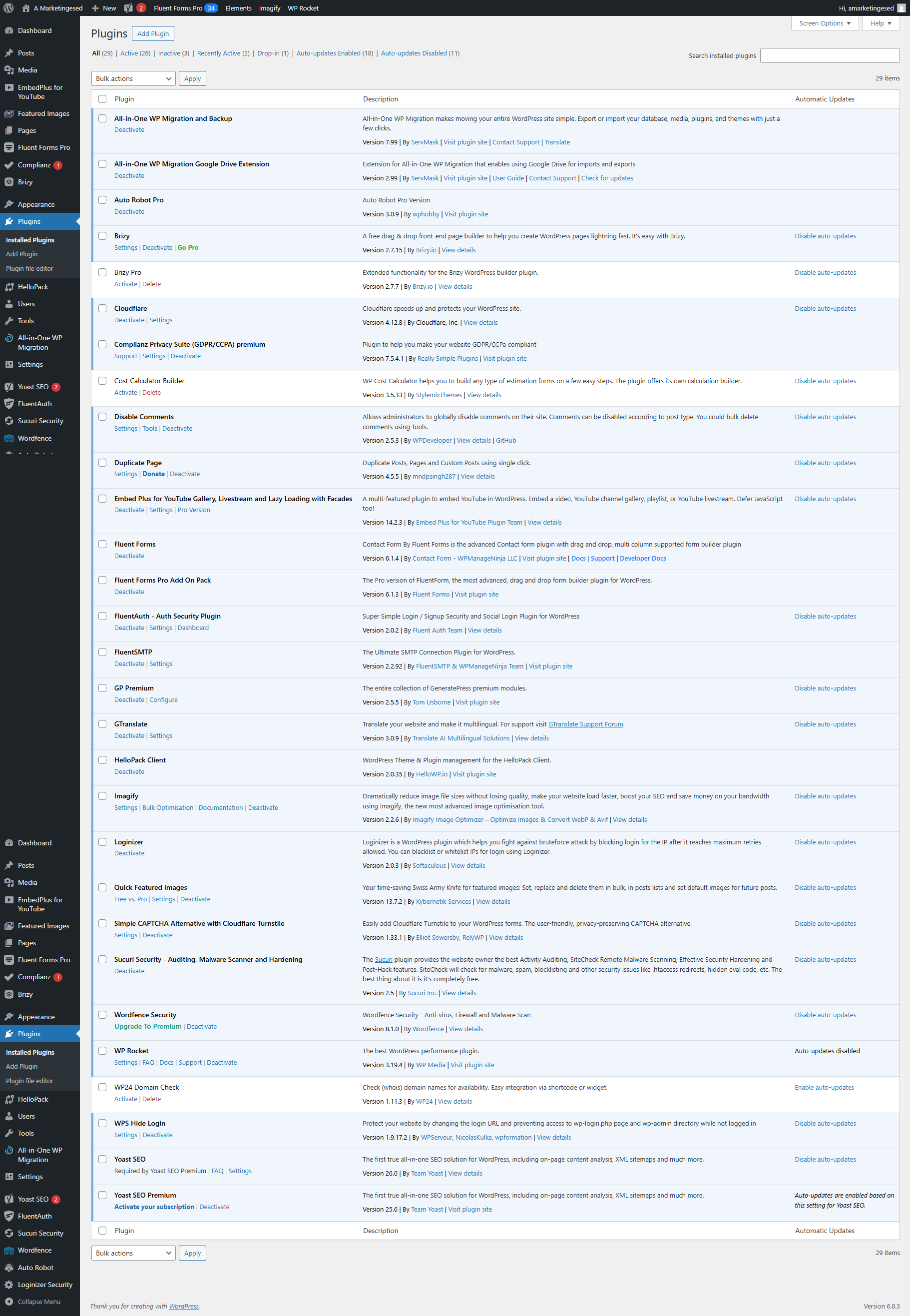
I had some caching issues, and the Pro plugin does not handle the robotx.txt file properly, at least according to my observations.
The two installations are completely identical, with the only difference being that Pro is not enabled on the test site.
The first page is live: https://amarketingesed.co.uk/
Measurement results: https://pagespeed.web.dev/analysis/https-amarketingesed-co-uk/4f0h7ei6df?form_factor=mobile
And this is a test site: https://weblockdev.com/
Measurement results: https://pagespeed.web.dev/analysis/https-weblockdev-com/3kxl3r5b24?form_factor=mobile
It seems that this script is causing the main problem, but I don't know how to delay or eliminate it.
Could you take a look at this?
The software is very good, but I would like its speed not to hinder my work.
Thank you.
-

Hello Istvan,
Your website's robots.txt file was created by Yoast and ideally Brizy should not have anything to do with it. Can you elaborate on what you mean by "the Pro plugin does not handle the robotx.txt file properly"? Have you noticed anything that would suggest Brizy tampers with the robots.txt file?
I don't find much difference between the two PageSpeed Insights reports you have shared.
- https://pagespeed.web.dev/analysis/https-amarketingesed-co-uk/4f0h7ei6df?form_factor=mobile
- https://pagespeed.web.dev/analysis/https-weblockdev-com/3kxl3r5b24?form_factor=mobile
Without Brizy Pro, your score is 53 and with Brizy Pro its 52, which is normal. Each WordPress plugin, when active, adds its own code, scripts (JavaScript), stylesheets (CSS), and potentially database queries to your website. These resources need to be loaded by a visitor's browser, increasing the overall "page size" and the number of HTTP requests required to render the page. When you delete/deactivate a plugin, you remove its associated code, scripts, stylesheets, and any database overhead it might have been contributing. This reduces the amount of data that needs to be loaded and processed, which can directly lead to improvements in page performance and load times. This is generally true for all plugins.
0 -
Hi, yes.
On websites where Brizy Pro is installed, this error message appears at the bottom of PageSpeed on every page.
29
Content-signal: search=yes,ai-train=no
Unknown directive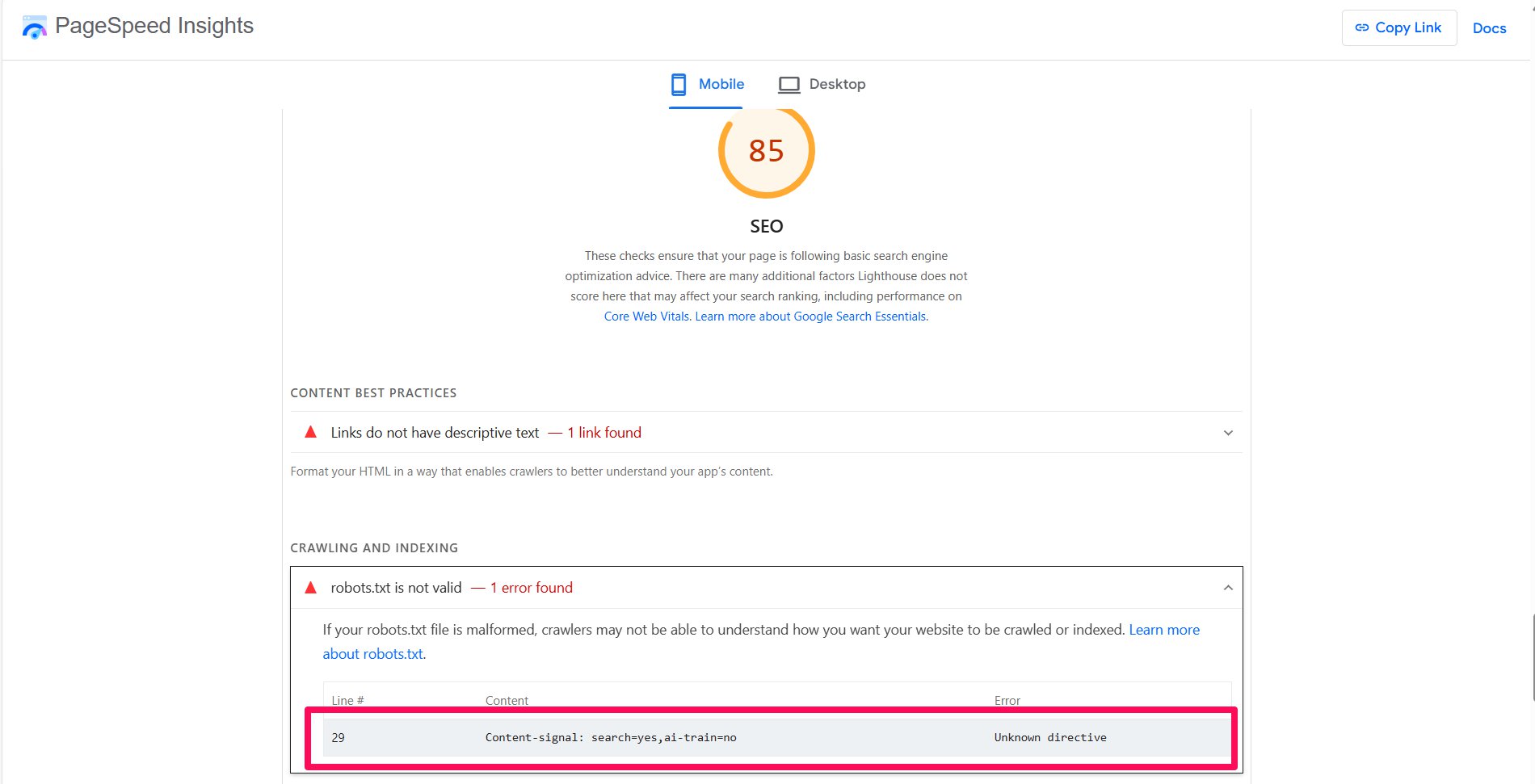
If the extension is disabled, this error disappears. Because of this, the SEO score is only 85.
The Performance value should normally be at least 8 points, which I can achieve with other builders, but here I can't even get close to it. A score of 52-53 is pretty dismal.
0 -

Hi,
Thank you for the update.
Another factor that can significantly affect your PageSpeed score is unoptimized images, which increases load times. Since you’re already using WP Rocket, I recommend reviewing the following resources for the best optimization practices:
https://docs.wp-rocket.me/article/1265-load-javascript-deferred
https://docs.wp-rocket.me/article/1816-optimize-critical-imagesAbout the issue with your robots.txt file (ai-train=no), the line isn’t incorrect, it’s simply unrecognized by Google’s parser, which is why it shows as an error. This won’t affect your site’s SEO or performance in any way.
Best regards,
Ariel H.0
Please sign in to leave a comment.
Comments
3 comments