Question about migrating from Brizy Cloud Pro to Brizy Wordpress

Dear Brizy Team,
I am currently using Brizy Cloud Pro for my website, which I have already built and published.
Recently, I activated a WordPress hosting plan and I would like to continue managing my website with Brizy WordPress Pro, using the same design I have already created on Brizy Cloud.
I would like to ask if there is any way to export my existing Brizy Cloud Pro website and import it into Brizy WordPress, so that I don’t need to manually rebuild all the pages.
If this option is not available, could you kindly let me know if there are any tools or alternative methods to simplify this migration?
Thank you very much for your support.
Best regards,
Fabio
-

Hello Fabio,
An automated tool to migrate a project from Brizy Cloud to Brizy WordPress does not exist. However, you can save each page in Brizy Cloud as a design layout and import it page by page to Brizy WordPress. Here are the steps.
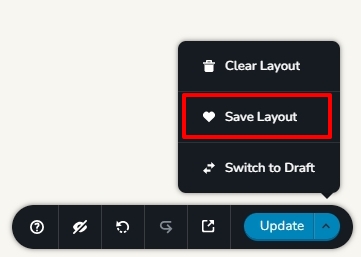
- Save each page as a design layout in your Brizy Cloud project by selecting the "Save Layout" option at the bottom right corner. This will save the page as a design layout in the "Saved Blocks and Layouts" library.
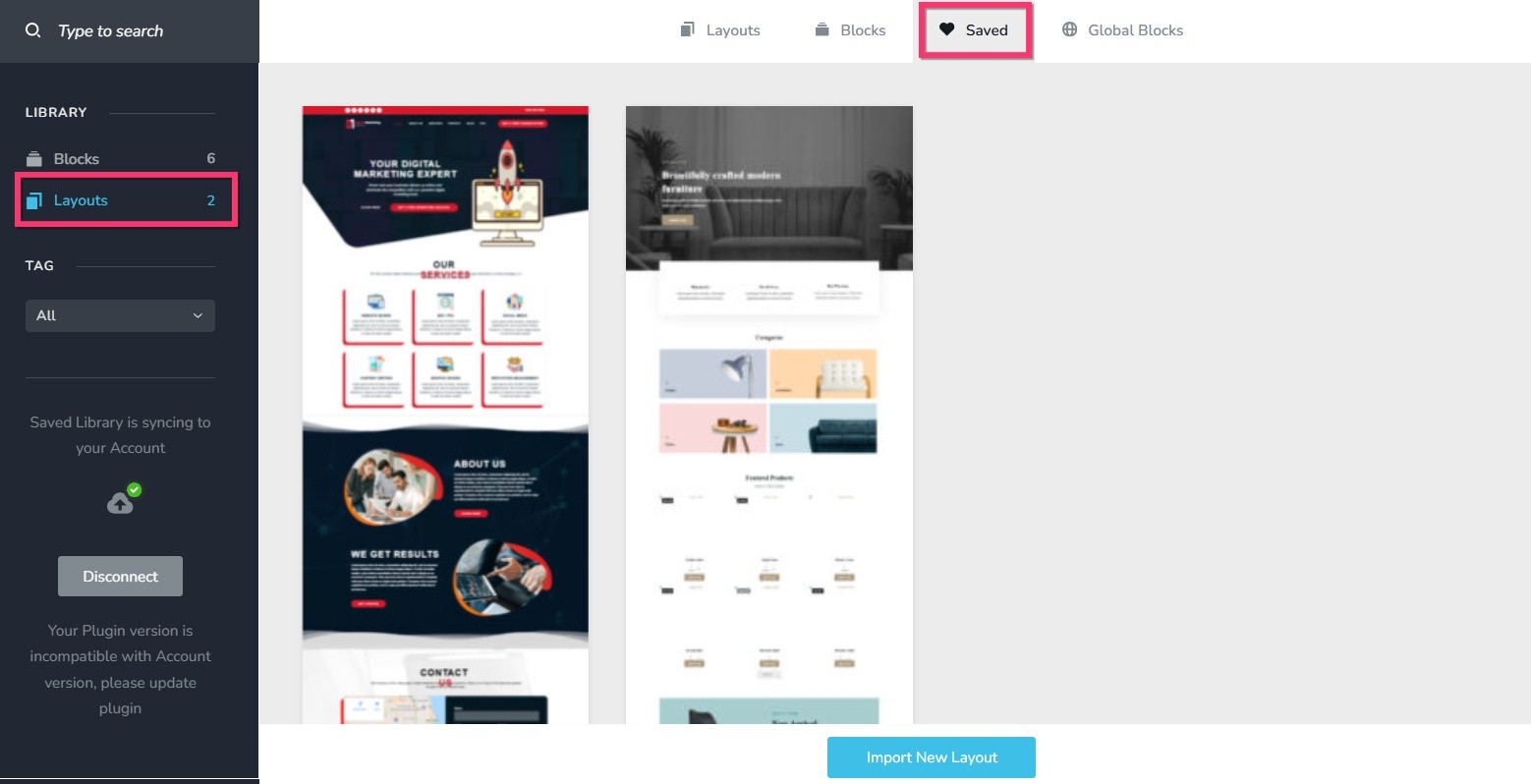
- In your WordPress project add pages one by one and import the page layouts saved in step 1 to respective pages.
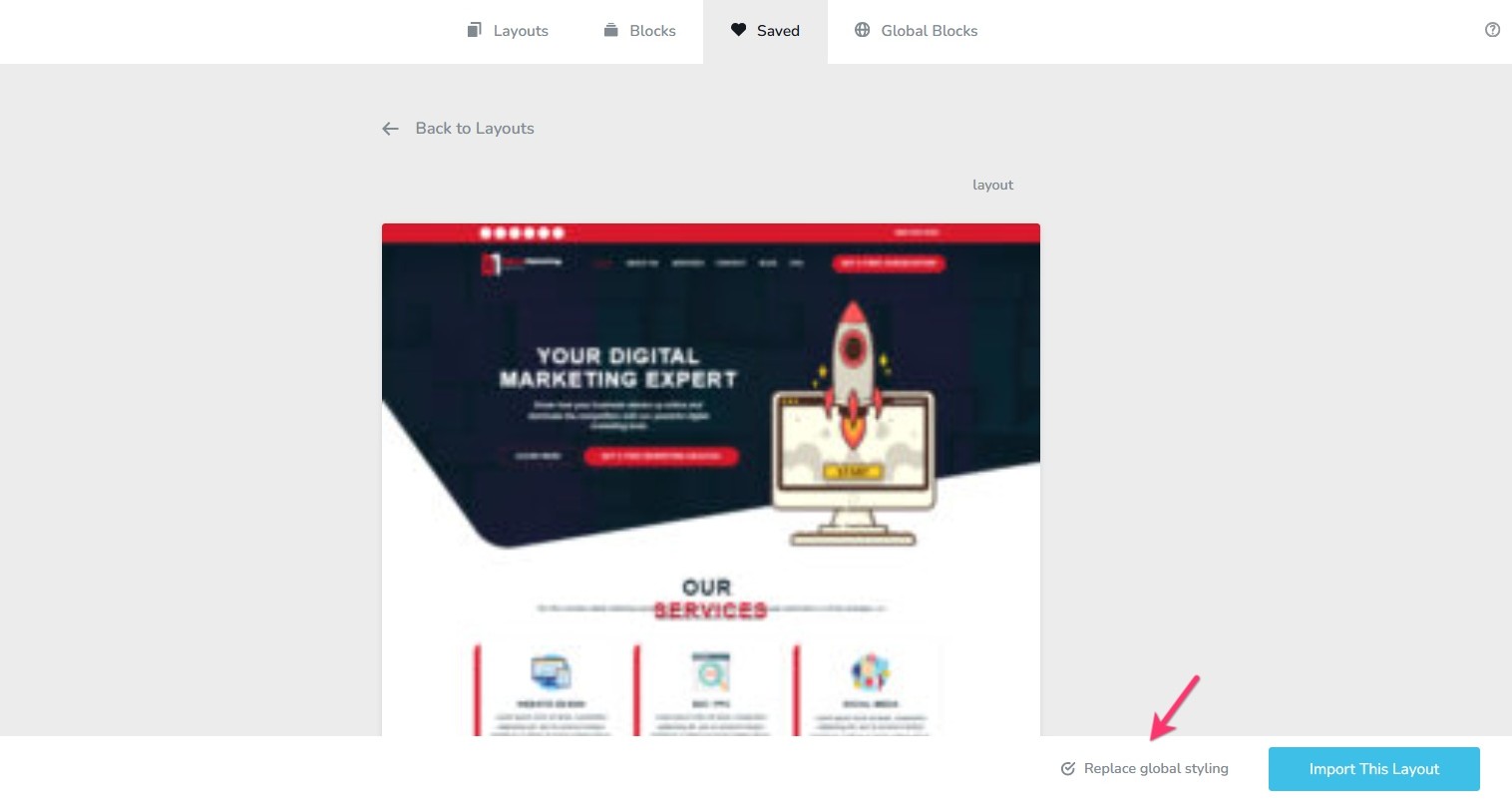
- Select the option "Replace Global Styling" while importing the first page to import the global colors and typography from Cloud to WordPress
- Recreate menu in WordPress, setup global blocks and display conditions
- Re-setup the email notifications for Brizy forms in the WordPress project.
0 - Save each page as a design layout in your Brizy Cloud project by selecting the "Save Layout" option at the bottom right corner. This will save the page as a design layout in the "Saved Blocks and Layouts" library.
Please sign in to leave a comment.
Comments
1 comment