How to edit Custom Pulldown Menu Option

I have a website www.BargainArk.com and one of the menus is called PRODUCTS. Unlike the other menu options, PRODUCTS is a PULLDOWNt menu wherein a SUB-MENU appears when you click on PRODUCTS. How do you edit this SUB-MENU and alter the categories and the pictures that appear in the sub-menu. Please see the attached pic that shows what I mean.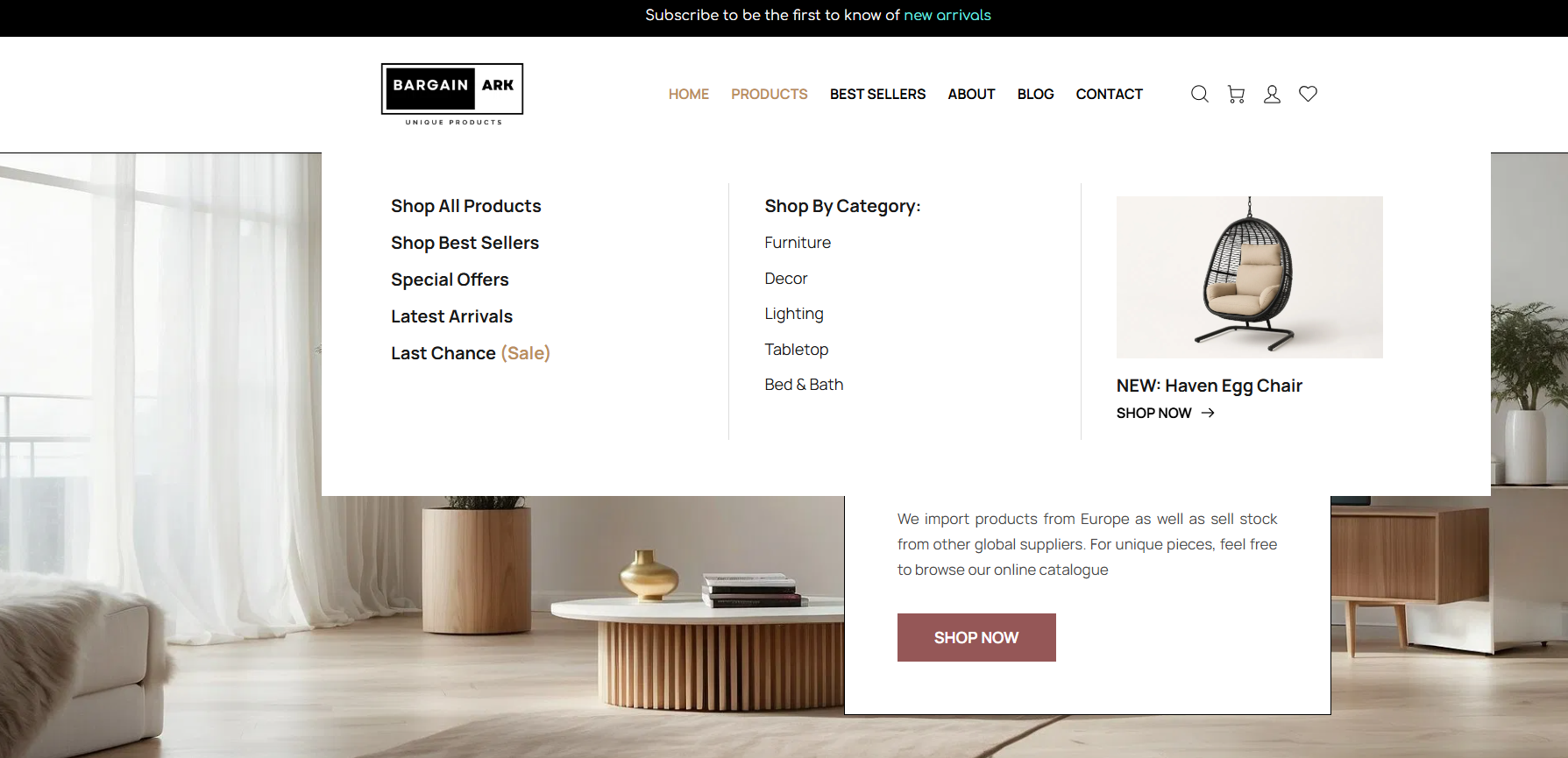
There is a section called 'Shop by Category' and I've changed the name of the categories and unfortunately, it's not reflected here. Also, I want to change the default picture as I don't sell that chair. That picture is from the template. Finally, how do I create a custom menu from scratch with a similar pulldown menu such as this? I might like to do it for the Blog menu option. Thank you.
-

Hello Roderick,
The "Products" menu is developed using the "Mega Menu" feature of the Brizy menu element. In the Brizy Cloud editor, kindly click on the "Products" menu and the mega menu container will open up. You can edit the contents of the mega menu just like how you would edit a Brizy page.
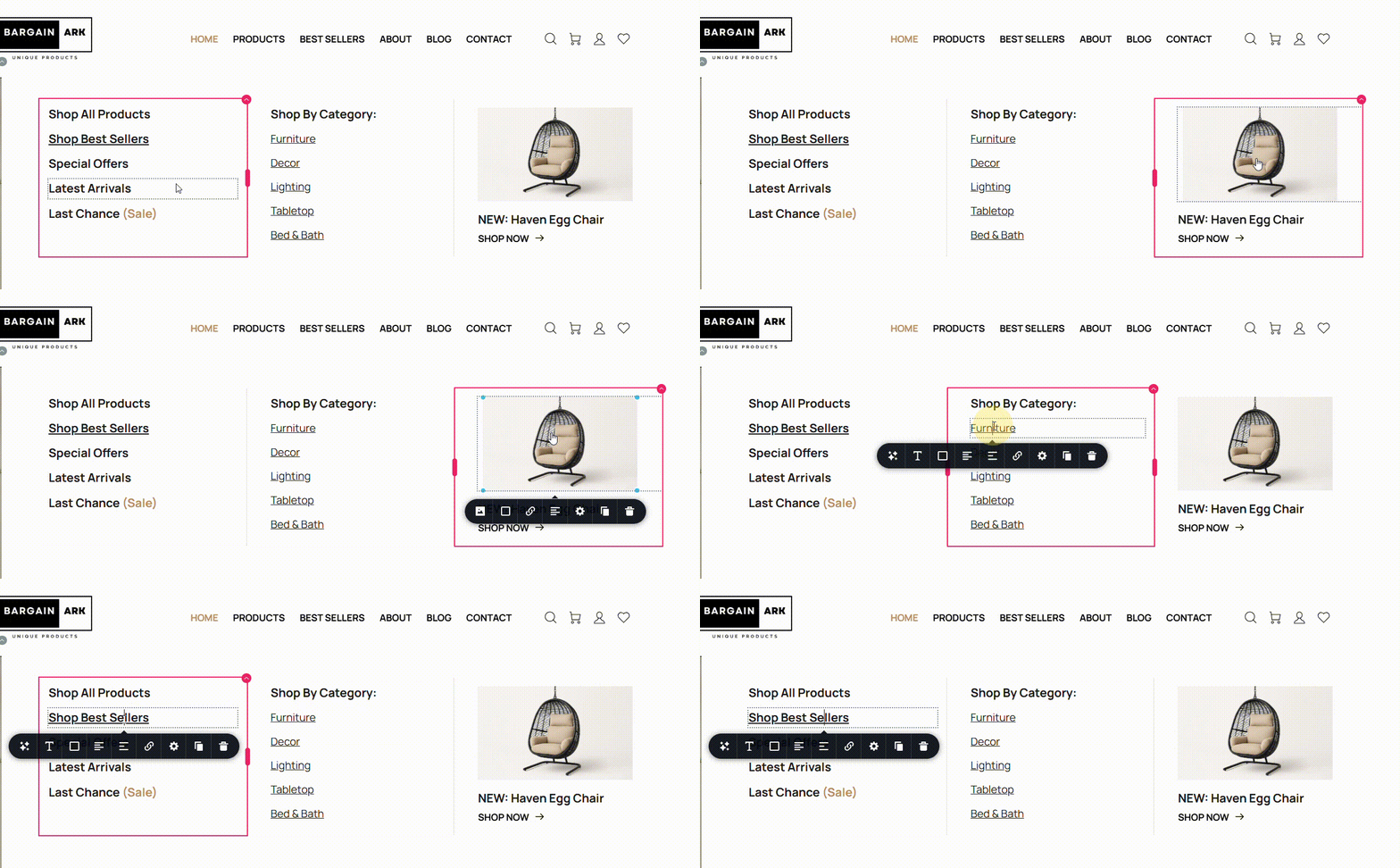
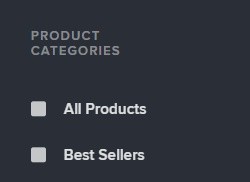
The "Shop By Category" column in the mega menu is setup by adding static text which hyperlinks to respective category pages. A better approach would be to create a category menu and display the list of categories dynamically. Kindly have a look at the tutorial Discover How to Create Menus & Navigation on Brizy Cloud. Look for your product categories under the heading "Product Categories" while adding the category menu.
For the procedure to create a mega menu for your blog, kindly follow the procedure at Mega Menu | Brizy Builder 2020. Since the tutorial was developed 5 years ago, the user interface could be different. You can get a broad idea from this tutorial. If you have more questions, kindly get back to us.
0
Please sign in to leave a comment.
Comments
1 comment