Images Not Displaying After Migration to Subfolder

We recently migrated our WordPress site from the root folder to a subfolder named Staff/. After the migration:
Images do not appear on the front end when using Brizy.
However, when editing pages with Gutenberg, the images are visible.
It seems that Brizy is not displaying the images correctly after the site was moved to the subfolder. Could you please assist us in resolving this issue?
Site is moved from "https://www.iablueprint.com/" to "https://www.iablueprint.com/staff". On same hosting.
Moreover, In Media when we upload a new image the path in media is shown as below
https://www.iablueprint.com/staff/wp-content/uploads/2025/10/Your-paragraph-text-1.webp
whereas old image in media is showing the path as shown below.
https://tdmvxwhppt.onrocket.site/wp-content/uploads/2025/05/Your-paragraph-text-1.png
The old uploaded image when seen from the source of the visual code editor shows the correct path, however, it does not render the image on the front end[generated a picture tag with blank source]

-

Hi Beaux,
Thanks for contacting us.
Could you please try using the Replace URL tool to see if that resolves the issue?
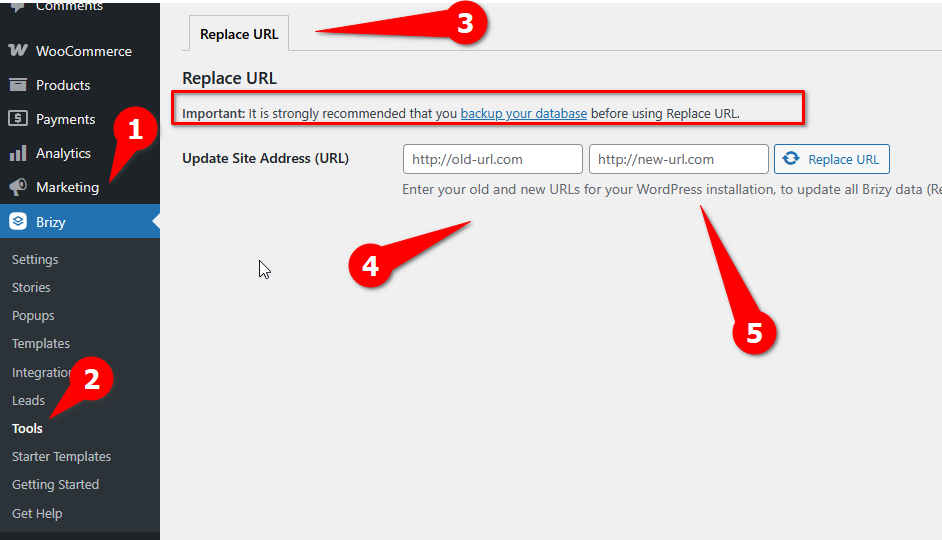
In addition, I’d also recommend resetting your permalinks:
1. Log in to your WordPress dashboard.
2. Go to Settings > Permalinks.
3. Without changing anything, simply click Save Changes.This will refresh your permalink structure and often helps clear up related issues. Please give that a try and let me know how it goes.
Best regards,
Ariel H.0 -
Hi Beaux,
I just wanted to follow up to see if the issue has been resolved with the solution we shared earlier. If you’re still experiencing any problems, please share your site’s credentials with us so we can take a closer look.
Best regards,
Ariel H.0 -
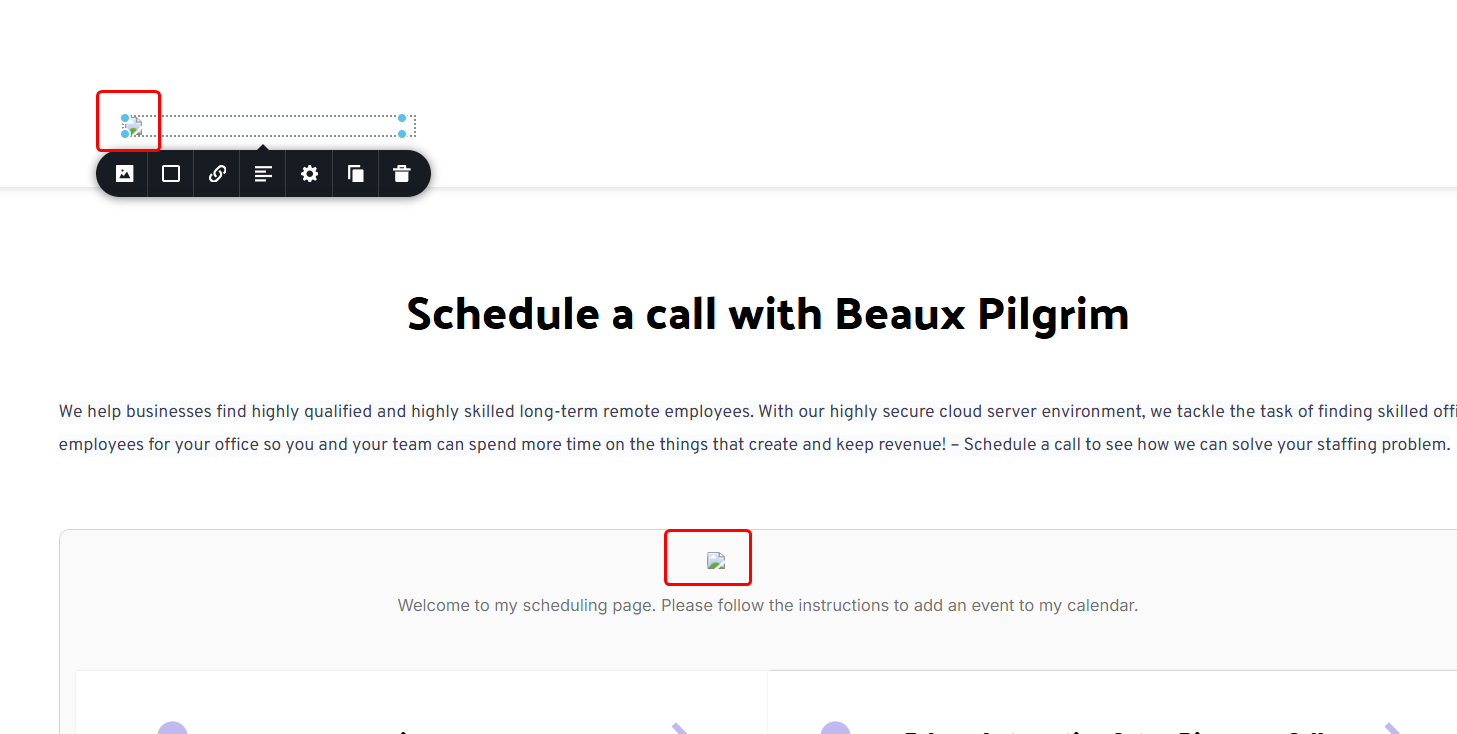
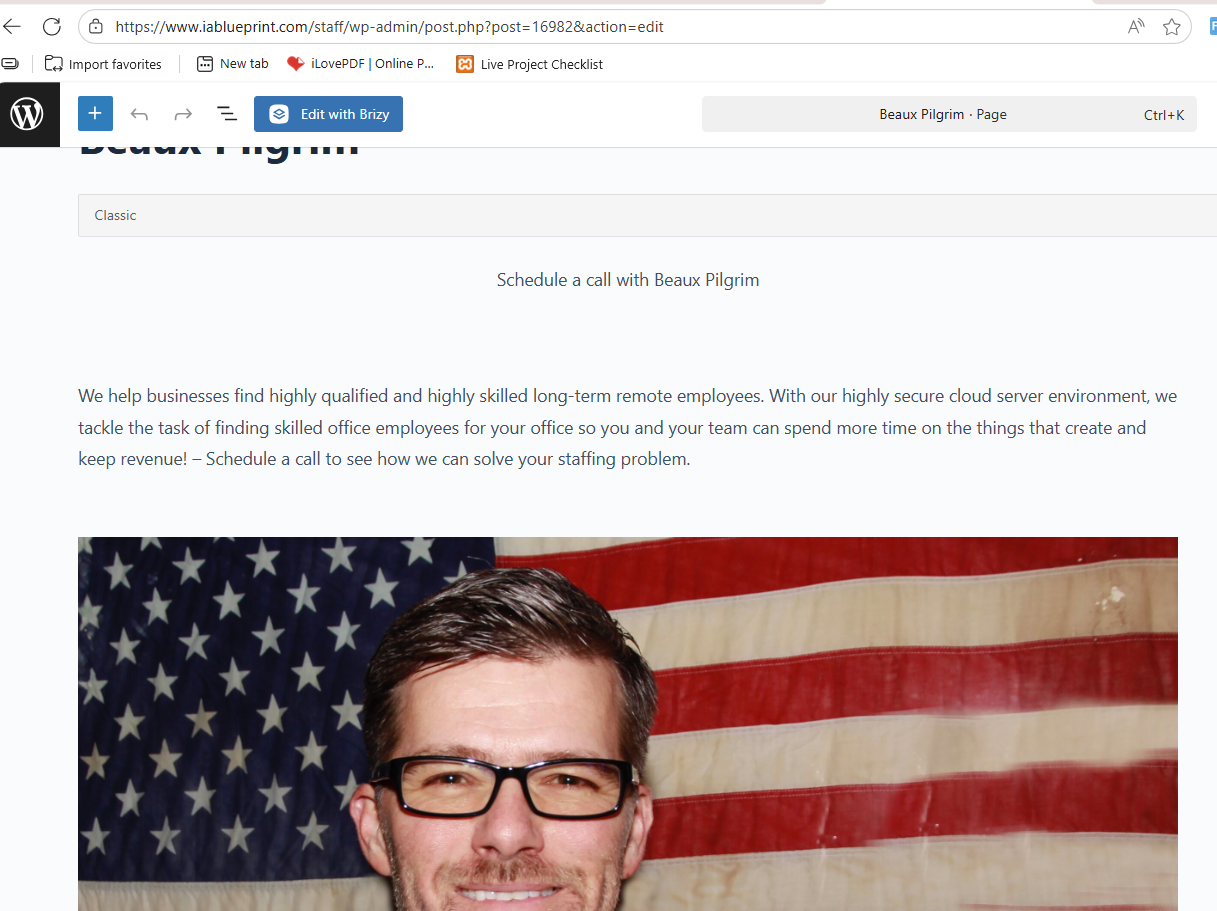
You can check this link to see the issue — the highlighted portion on the page should contain an image, but it’s not showing up.
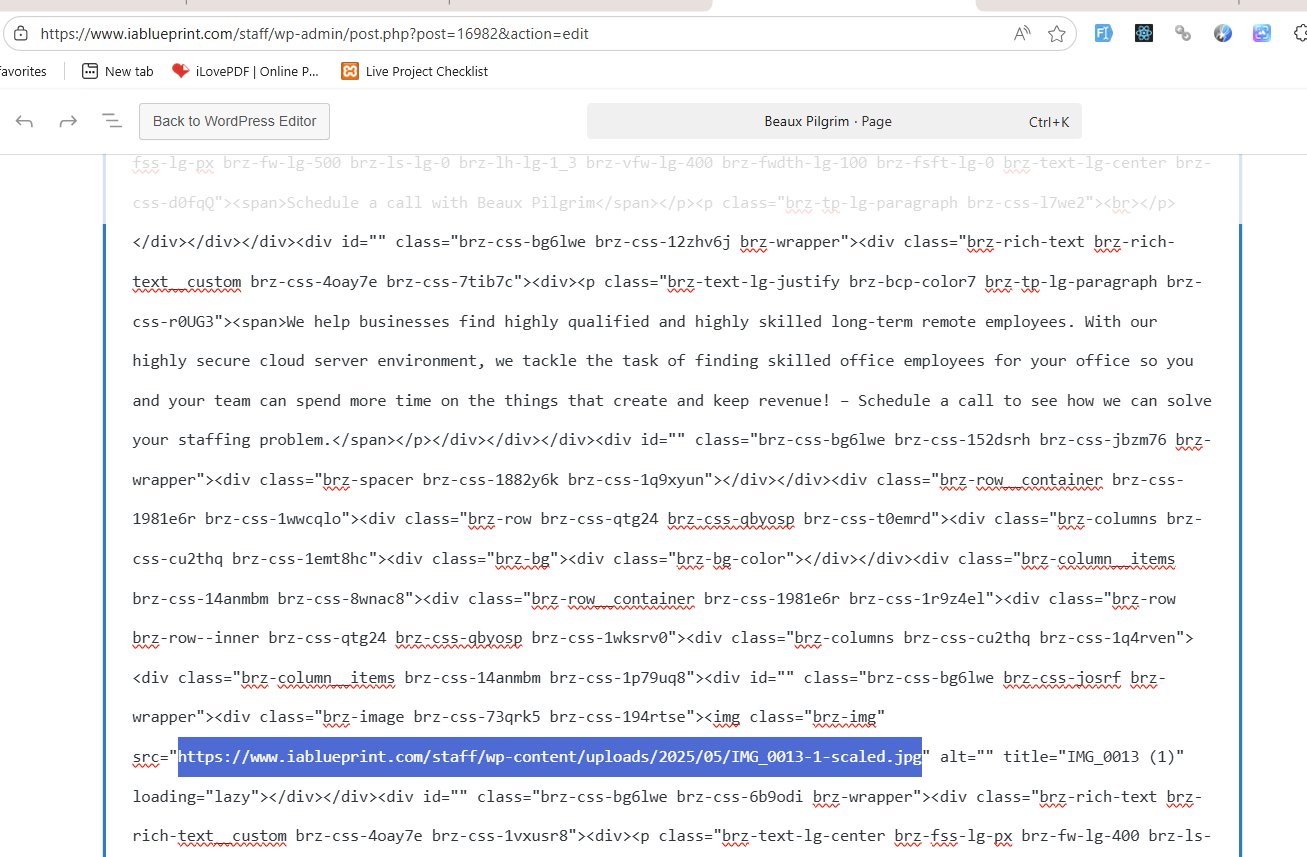
We’ve also attached a screenshot from the Gutenberg editor, where the image path is highlighted for reference. Image is visble when we enter this path directly in browser.
Below are the attached images and credentials of the admin panel for reference.
 0
0 -
Hi Beaux,
Thank you for cooperation.
The issue appears to be related to your CDN. If your images are being served through a CDN or proxy, the connection may be interrupted when the cached asset doesn’t match a new HTTPS request. Please try temporarily disabling your CDN from your hosting console and check if the issue persists.
We also noticed that your staging site is running quite slowly, and we had some difficulty accessing it. You may want to consider increasing your hosting resources to improve performance and stability. Additionally, please update your PHP version from 7.4 to PHP 8.0 or higher, as newer versions offer better performance, security, and compatibility.
Best regards,
Ariel H.0
Please sign in to leave a comment.
Comments
4 comments