Brizy WP Pro

Hi There, how do I switch to Pro, I don't have the option on WP to enter the product key
-

Hi Charlene,
Thank you for contacting us. Please ensure that you have the latest versions of Brizy and Brizy Pro and follow the steps on this link to activate your license: https://support.brizy.io/hc/en-us/articles/360019679472-How-to-install-Brizy-PRO-and-activate-your-PRO-license
Please try this and let me know how it goes.Best regards,
Ariel H.0 -
Hi Ariel, already checked all the articles etc. hence the reach out. As I mention I don't have the option to add the product key.
0 -
 0
0 -

Hello Charlene,
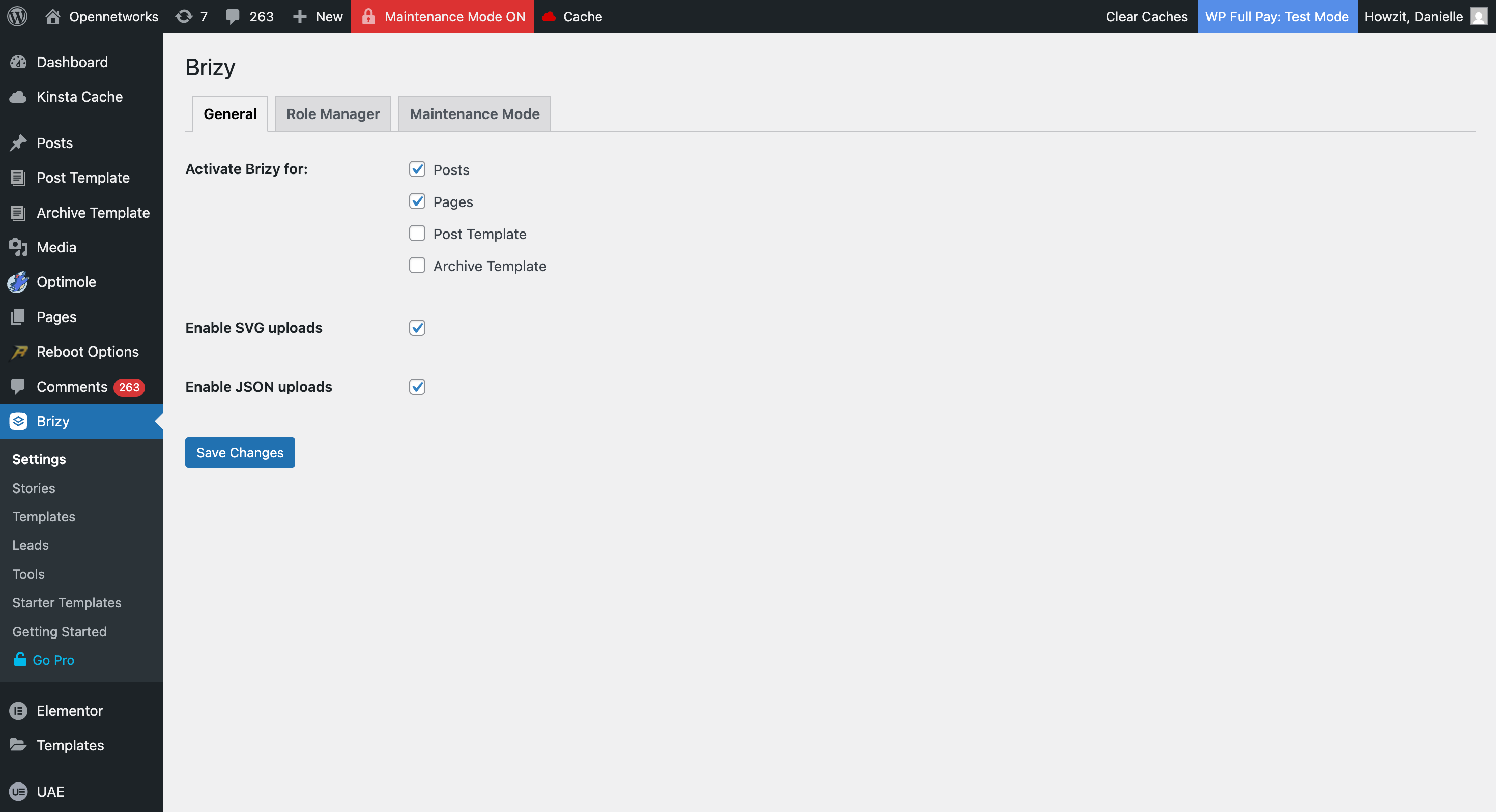
Can you please confirm if you have these versions of Brizy and Brizy Pro?
 0
0 -
I have Brizy the latest version, I'm equiring to get Brizy Pro
0 -
Hello Charlene,
To install the latest Brizy Pro, kindly follow these steps
- Sign in to your Brizy account at https://www.brizy.io/account/login
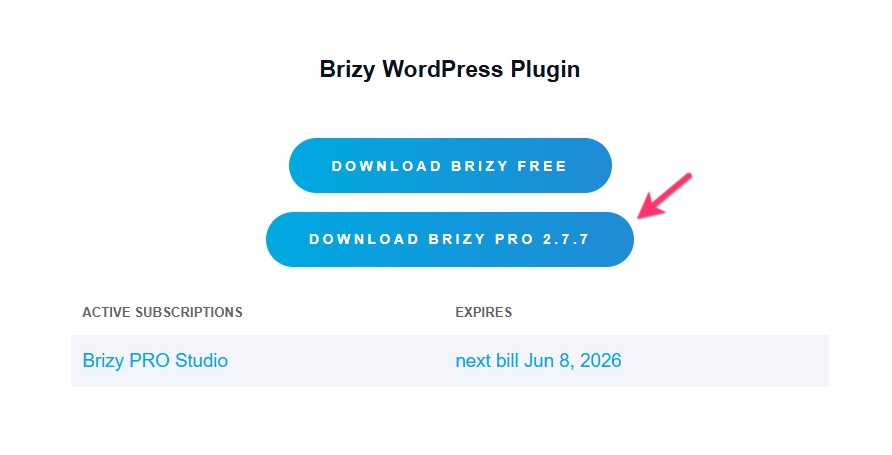
- Scroll down to the heading "Brizy WordPress Plugin"
- Select the button "Download Brizy Pro 2.7.7"
- Deactivate and delete Brizy Pro in your WordPress Dashboard
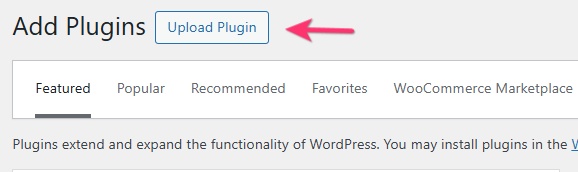
- Under Plugins > Add Plugin, select "Upload Plugin"
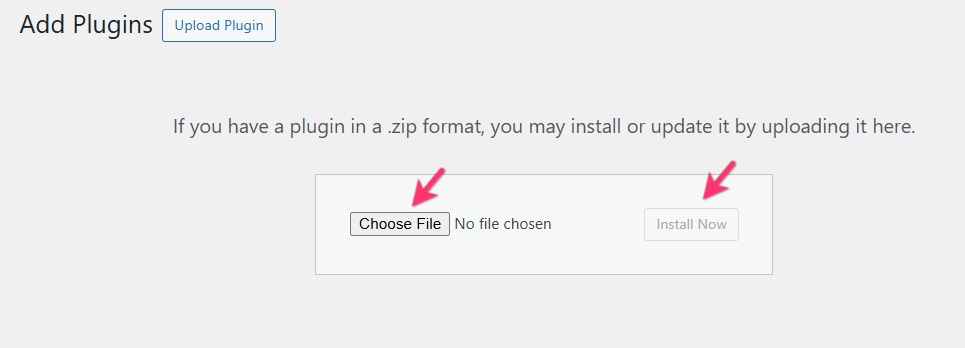
- Upload the Brizy Pro ZIP file and and click "Install Now"
0 - Sign in to your Brizy account at https://www.brizy.io/account/login
Please sign in to leave a comment.
Comments
6 comments