Connect Fav Layouts across websites not working

Hi, I tried to retrieve a Fav Layout in a second website (SmartInvestorModels.com) that i registered (separate license key); it prompts me for a username & pswd when i click on the heart icon in the second website, but didn't like any and all of the pswds that it could possibly be. Why don't you make this transferability easier?
Presently, I can't call up Fav blocks or layouts that i saved in my primary website (RichardsPublishing.com), which I essentially would like to use as a starting template for the second website.
Can you solve the problem?
Thank you.
Richard Wiegand
-

Hello Richard,
Individual WordPress projects' saved blocks and layouts are synchronized with your Brizy Cloud saved blocks and layouts repository. A central repository of saved blocks and layouts was not created as you had never visited your Brizy Cloud free account. On your behalf, I have accessed your Brizy Cloud dashboard and now syncing of blocks and layouts should work fine.
Kindly attempt to sync your saved blocks and layouts again.
0 -
Hi,
I'm trying to sync but it appears to be unsuccessful. What should i do?
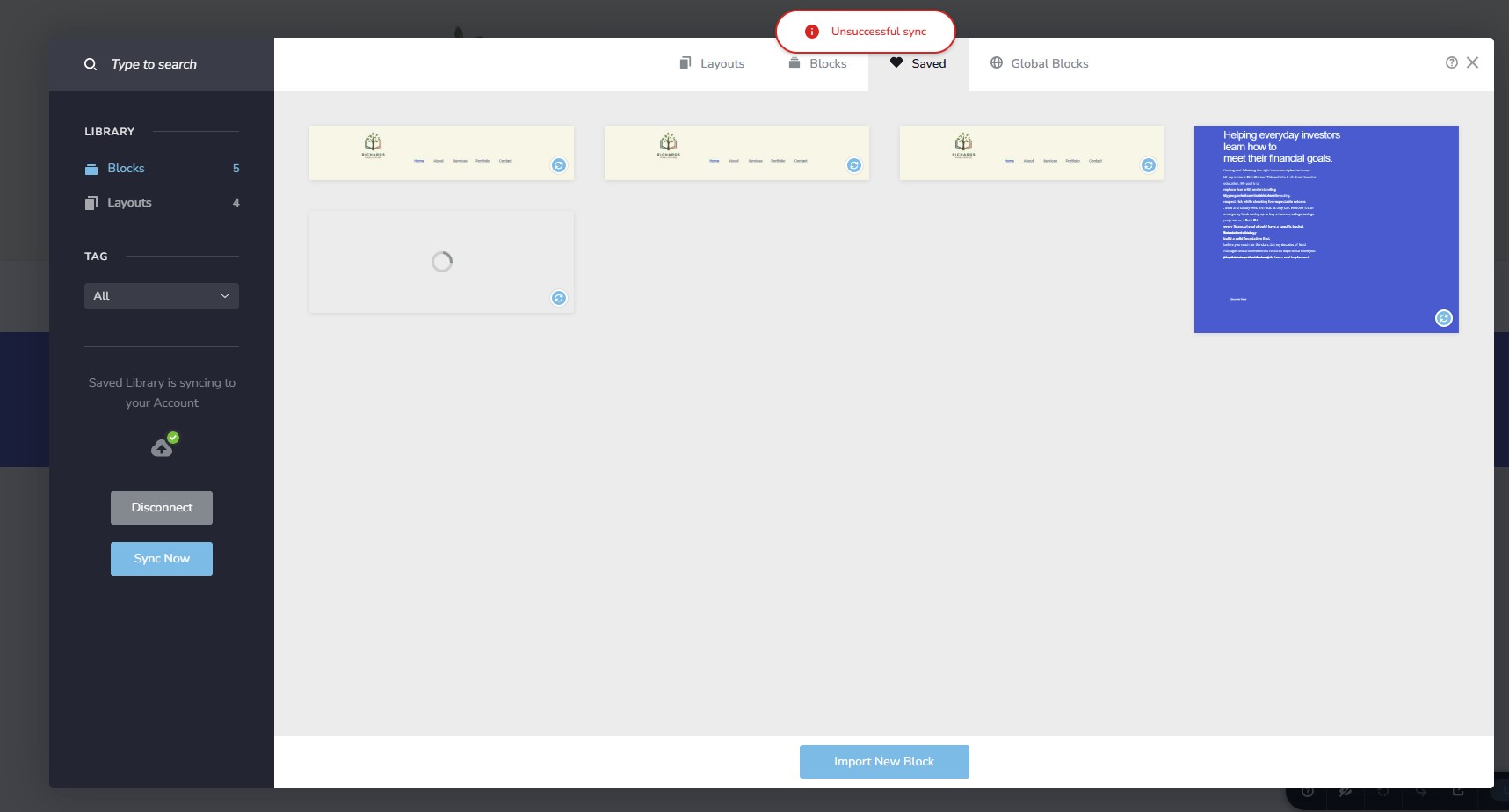 0
0 -

Hi Richard,
Thank you for the update.
Could you please try disconnecting and reconnecting your site, then run a sync again to check if the saved blocks start working?
If it still doesn’t work, kindly try using another browser and see if that helps.If the issue persists, ensure that your site is running on PHP version 8.2 or higher, you can check this directly from your WordPress dashboard by following these steps:
1. Log in to your WordPress dashboard.
2. Go to Tools > Site Health.
3. Click on the Info tab at the top.
4. Expand the Server section — here you will see the PHP version your site is using.Please try this and let me know how it goes.
Best regards,
Ariel H.0
Please sign in to leave a comment.
Comments
3 comments