What is the best way to add GTM? Previous plugin recommendation is problematic.

What is the best way to add GTM? Previous plugin recommendation is problematic. Preview not working. Container loads empty, missing the 'tags' array.
0
-

Hello David,
Kindly install the GTM4WP plugin and in your WordPress Dashboard under Settings > Google Tag Manager, copy paste the Google Tag Manager container ID.
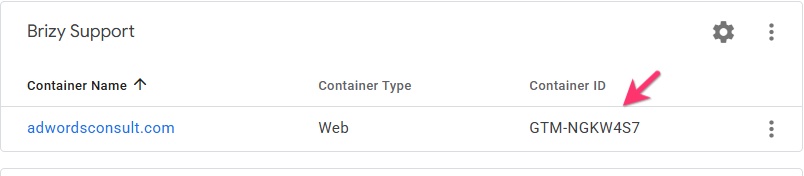
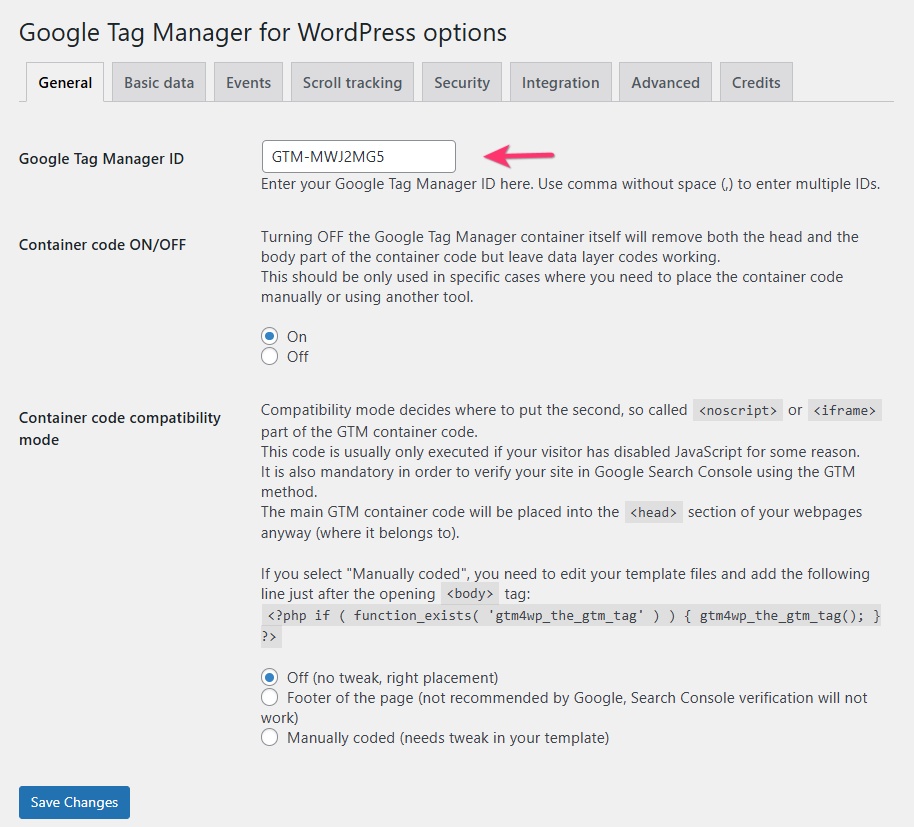
Do you have any error after following this procedure?
0 -
I've had this plug-in installed for a long time, and everything was fine, until seemingly the last update from Brizy. Now GTM preview does not work and debugging tags is virtually impossible.
0 -
Hello David,
Can you please try an alternate approach?
- Deactivate and delete the GTM4WP plugin
- Install the plugin "Insert Headers And Footers"
- In your WordPress Dashboard under Settings > "WP Headers and Footers", paste the GTM code that must be pasted in the <head> of the page under the "Scripts in Header" heading
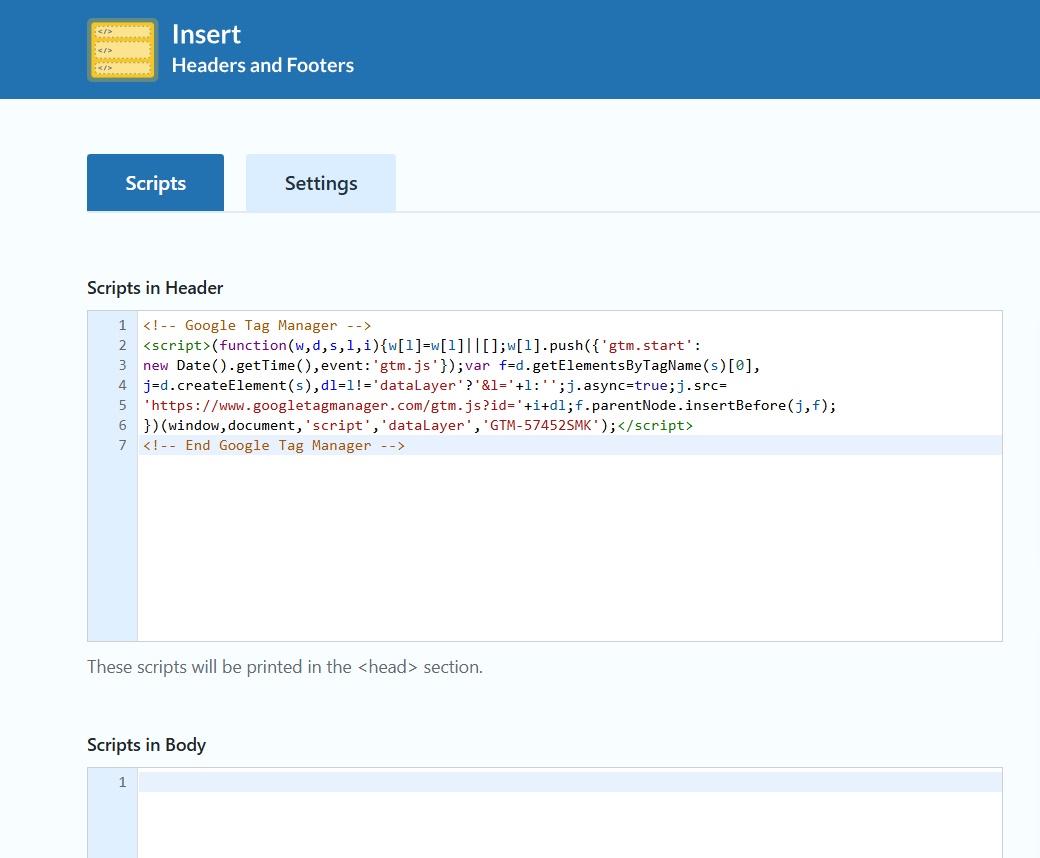
- Open any Brizy page and drag the "Embed" element to the top of your global header and paste the code that is meant to be pasted immediately after the opening <body> tag in the Embed element.

- Test the installation using https://tagassistant.google.com/
0
Please sign in to leave a comment.
Comments
3 comments