site down after attempted restore before brizy/brizypro updates

have been holding off the two Brizy plugin updates but last night something occurred to cause them to update. site was negatively affected, so I attempted to reload/restore from Updraft backup. Site is now a blank white screen but bluehost shows the site loaded. I am a total novice, and have no idea how to effectively revive/restore the site: peacearroyogrande.com
there is a login still viable for Mr. George
Christian Clawson jc***ten@***il.com
p.s. can you share a Brizy/BrizyPro plugin updating manual for Dummies? Our site php was updated by Bluehost since I was unable to do so for our church site. Thx for any help you can provide.
-

Hi Christian,
Thank you for contacting us.
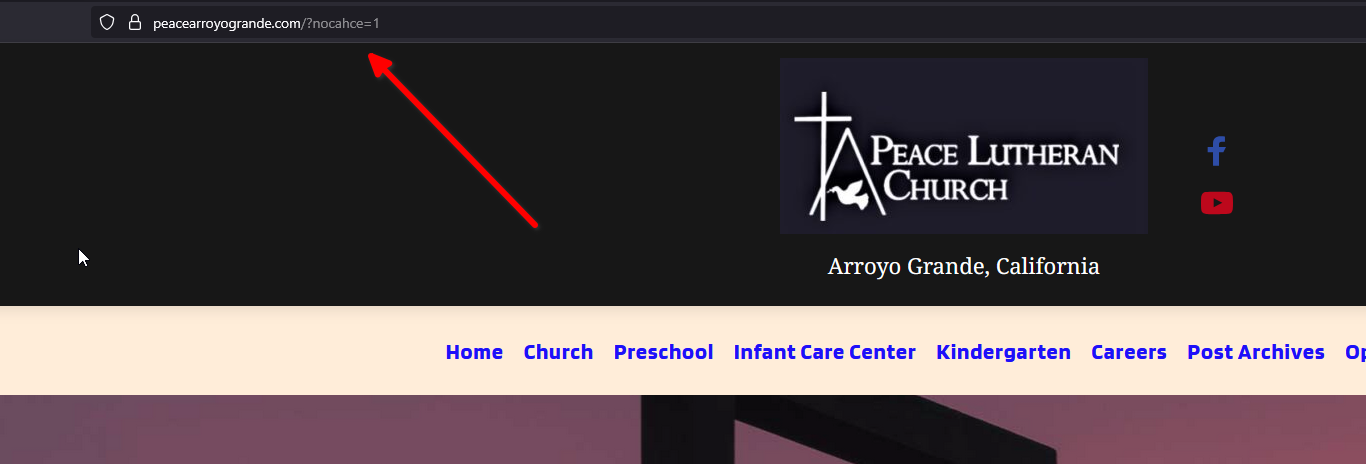
I’ve checked your site and it’s now working. If the normal URL still shows the Bluehost landing page, please try opening it with this link instead: https://peacearroyogrande.com/?nocache=1. This will bypass caching and load the live site directly.
For updating Brizy safely, the best approach is to first disable all third-party plugins, then run the update. Once updated, check your pages on the front end. If you notice any broken layouts, you can fix them by editing the page with Brizy, forcing it to recompile. A simple way is to make a minor change (for example, add a bit of padding or type a period in a text block), then save the page. This usually resolves layout issues after an update.
Best regards,
Ariel H.0
Please sign in to leave a comment.
Comments
1 comment