Embed fields code shows "?" rather than the icons

Hello
I have created some Embed codes to show icons.
- Pages saved.
- Page visualize correctly
after few weeks i need to make some changes on that page.
- backend shows the icon as a question mark "?"
- Embed code shows the question mark in the code rather than the Icon : <div class="service-icon3">?</div>
- page icon visualize correctly
But I'm Afraid to save the page because I don't want that the question mark substitute the current icon.
please see screenshot attached as reference.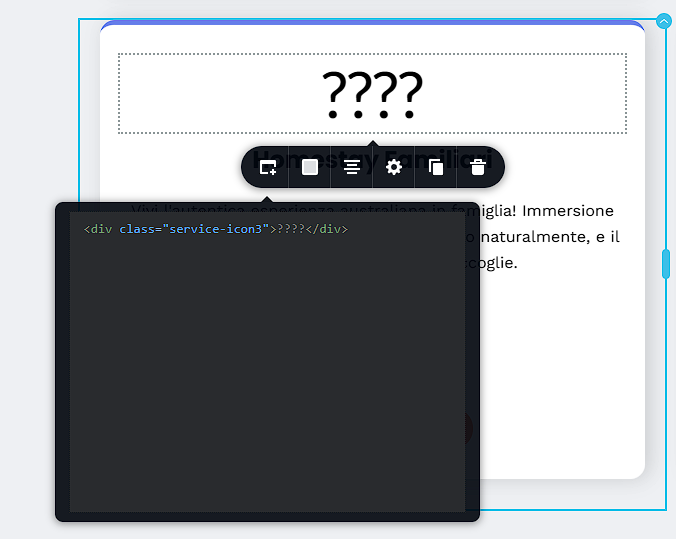
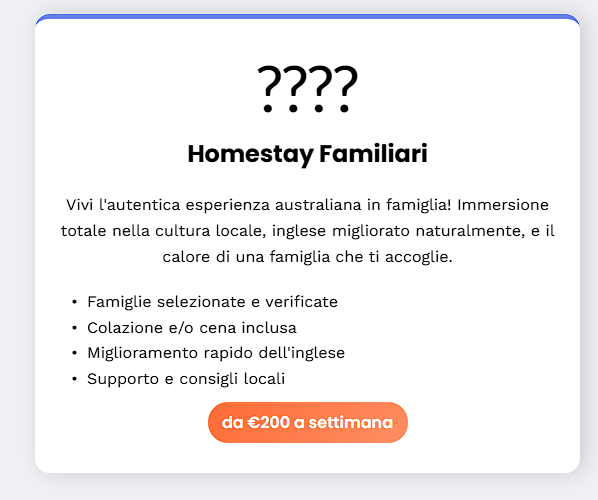
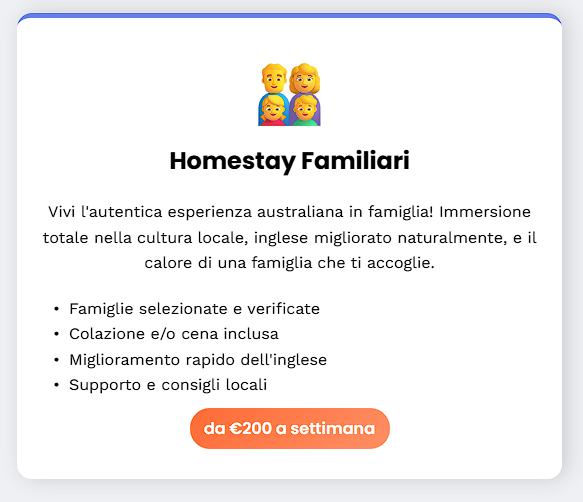
-

Hi Valerio,
Thank you for the details and the screenshot. Please share the URL of the page. Could you also share the original embed code you used for the icons? This will help us replicate the issue on our end and better assist you.
Looking forward to your reply.
Best regards,
Ariel H.0 -
the embed code is on the post: <div class="service-icon3">?</div>
this is what appear now, the original added code used to be: <div class="service-icon3">📅</div>
also, I have saved a page, and even if the code shows "?" the saved page still show teh correct icon.
one of the page is :
https://www.workingholidayvisa.it/servizi0 -

Hi Valerio,
Please save the entire page as layout and make changes to the page. The icons should continue to display well in the frontend even after you make changes to the page.
0 -
thank you George and Ariel.
@George, i don't really understand what do you mean, why save as layout? a backup page?
yes I already saved a page and even if the code show the "?" the icon seems stay in the page, but I don't know why.-1 -
Hi Velerio,
Thank you for the update and we apologize for the inconvenience.
It looks like this is a glitch. We’ve also seen a similar issue reported before, and it has already been escalated to our dev team for review so they can address it in a future update. In the meantime, it should be safe to continue making changes to your page, the icon will still display correctly on the front end.
Best regards,
Ariel H.0 -
Nice,
Thank you0 -
correction, I have saved a page after i have changed an animation effect, now all the icon have been replaced with a question mark.
so is not safe to save with this glitch.
Edit:
At the begining I thought only if a block have been edited the icon have been replaced with a "?".
then I realized that is completely random.
- some icons are showed,
- some others are completely different icons,
- some others are shown as "?" in backend but as icon on the frontend !!0 -
Hi Velerio,
Since the icons show in the frontend, do you think you can ignore the editor view of the embedded icons?
0 -
Hello
No the icons are not showing on the front end.
As mentioned earlier some are shown, some appears as questions marks some are completely different0 -
Hi Velerio,
All icons at https://www.workingholidayvisa.it/servizi, are displaying well in the frontend. I see the design at https://jmp.sh/4qjqzzkt. Can you give us URLs of the pages where you are seeing icons with a question mark or something else in the website frontend? We will take a look.
0 -
sure, have a look at this page:
https://www.workingholidayvisa.it/corsi-di-inglese-in-australia-per-working-holiday-visa
for example, the second block from the top, shows the question marks.
a very similar block, 2/3 blocks below, the icon are shown.
even below, when there is Sydney - Melbourne, they show a question mark before the name.
Yesterday I added the "Perth" with icon, and the icon is shown correctly on both backend and front end (so far)0 -
Hi Velerio,
Kindly check the embed codes added to https://www.workingholidayvisa.it/corsi-di-inglese-in-australia-per-working-holiday-visa. Ideally your embed code should include an icon and it should look like this.
<div class="card-icon1">🏆</div>
On the above page, instead of the icon, you will see a question mark
<div class="card-icon1">?</div>
I have added sample icons to your embed code and it show in the frontend. Please check
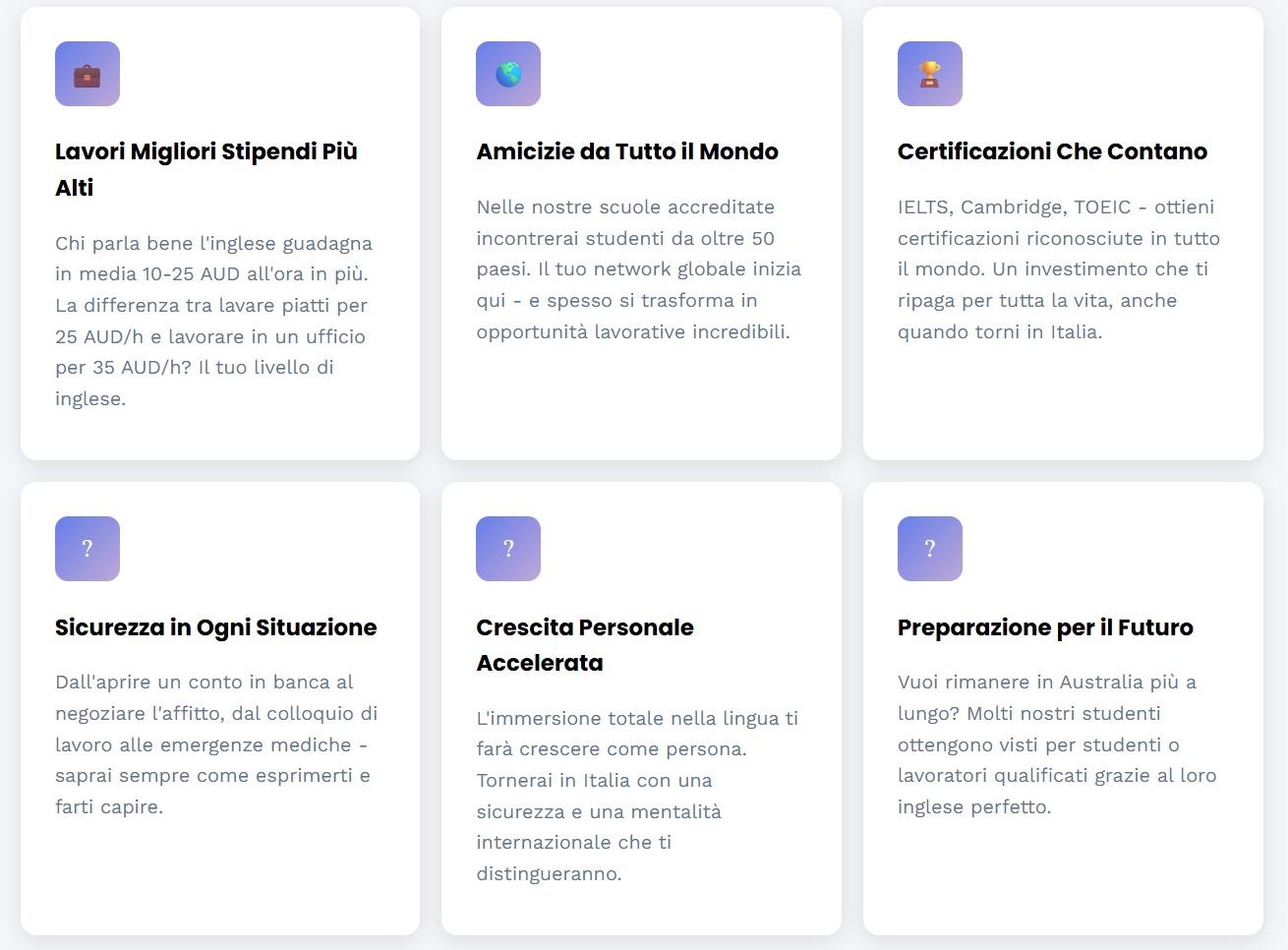 0
0 -
hi George
please have a look above, the main post and my second reply/comment.
Is exactly what i'm talking about.
All those questions marks used to be icons that now, for some reasons have been transformed in question marks.
So i need to redo all the pages and change again into icons hoping that will save and it will be kept as it is.0 -
Hello Valerio,
We do not know why the icons in the Embed code got changed to question marks. As a precaution, after adding the icons, kindly save your page as a design layout. In case the icons turn to question marks again, you can import the design from the saved layout and restore your page.
0 -
Hello Guys.
Following George Recommendation, the behaviour is completely random, is making my effort useless.
Even If I complete the page, save as layout, Is just a matter of time that another page have the same problem.
In few words I will never know when a page will stop showing icons, regardless If I open the page for editing or if I make a small changes such as change in the seo description.
I can't publish a website with this problem, please fix asap.0 -
Hello Valerio,
Other Brizy clients do not include icons in their embed codes. We are encountering this use case for the first time in this project. Therefore, it might not be possible to fix this issue.
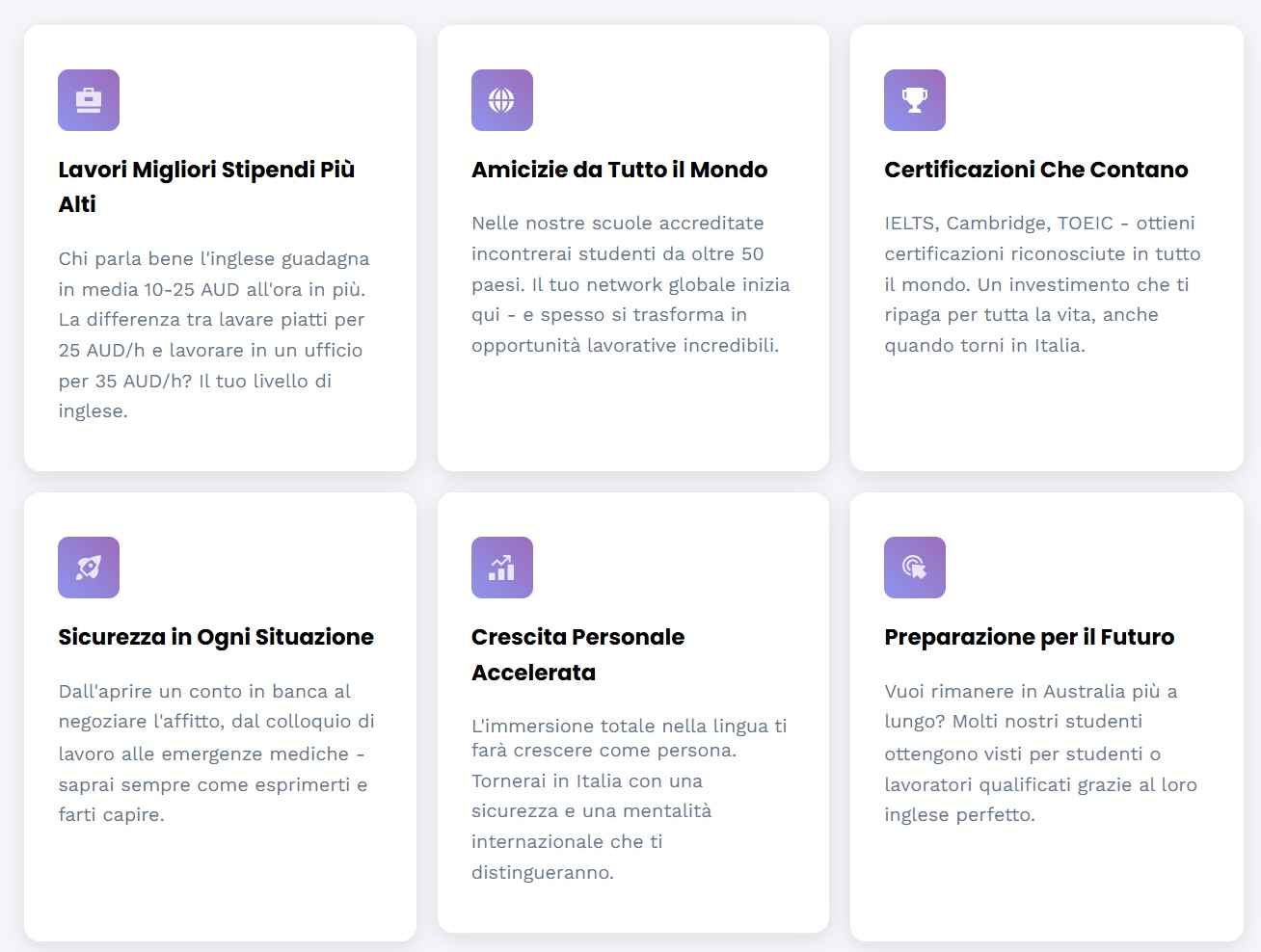
Do you have a reason for embedding external icons rather than using Brizy's built-in icons? Brizy's native icons can be used for creating a design similar to the one found at https://www.workingholidayvisa.it/brizy-native-icons. This approach could be your best solution to fix this issue.
 0
0 -
There are many reasons why i need to use the emebed icons, they are part of my design, native icons are not always pretty, and based on my current workflow, searching for the equivalent icons, with the same stiles look and feel, it will be very time consuming.
But since it seems at this stage is the only way and there probably wouldn't be a fix, I guess I have to take that way.0 -
Hello Valerio,
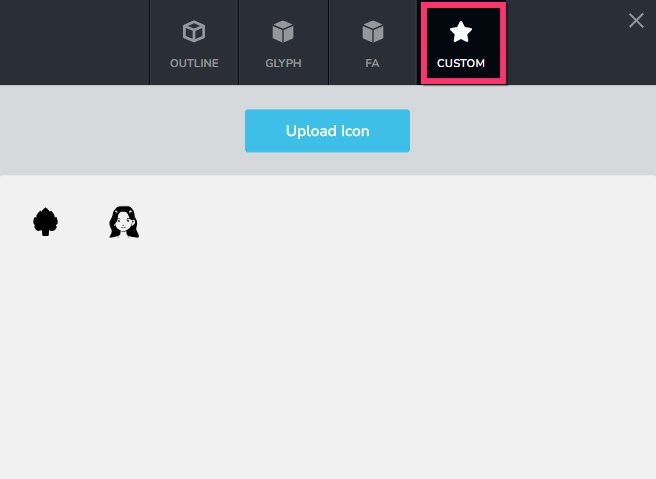
If you can find more suitable icons online in SVG or ICO format, you can upload those as custom icons to your icons library.
 0
0 -
I may have found a workaround.
It seems the issue is related to the graphical copy and paste of the icon in the embed code.
Since my icons are emoji Unicode i added the html decimal unicode and it seems working fine (maybe because they are interpreted as char rather than gfx).
So the embed code for the "target" icon became <div class="service-icon3">🎯</div>
Also I have noticed that I was able to add the complete Font-awesome package by adding the inclusion in the head code:
<link rel="stylesheet" href="https://cdnjs.cloudflare.com/ajax/libs/font-awesome/6.4.0/css/all.min.css">
and using the embed code for the icons.
Regarding the media and Icons panel, it would be very useful if you can show the file format and limits.
for example the media page should show for example "format supported: jpg, png, gif, mp4, pdf max 5000px, max 10mb in size"
Same for the custom icon "format supported SVG, ico, png max 500x500, 1 mb.0 -
Hello Valerio,
We are happy that you found a solution; thanks for sharing it.
Thanks for your suggestion about displaying the supported file formats and its respective upper limits. I will forward this request to our developers.
0
Please sign in to leave a comment.
Comments
20 comments