Why are incorrect fonts showing in mobile and tablet view?

See attached images for reference.

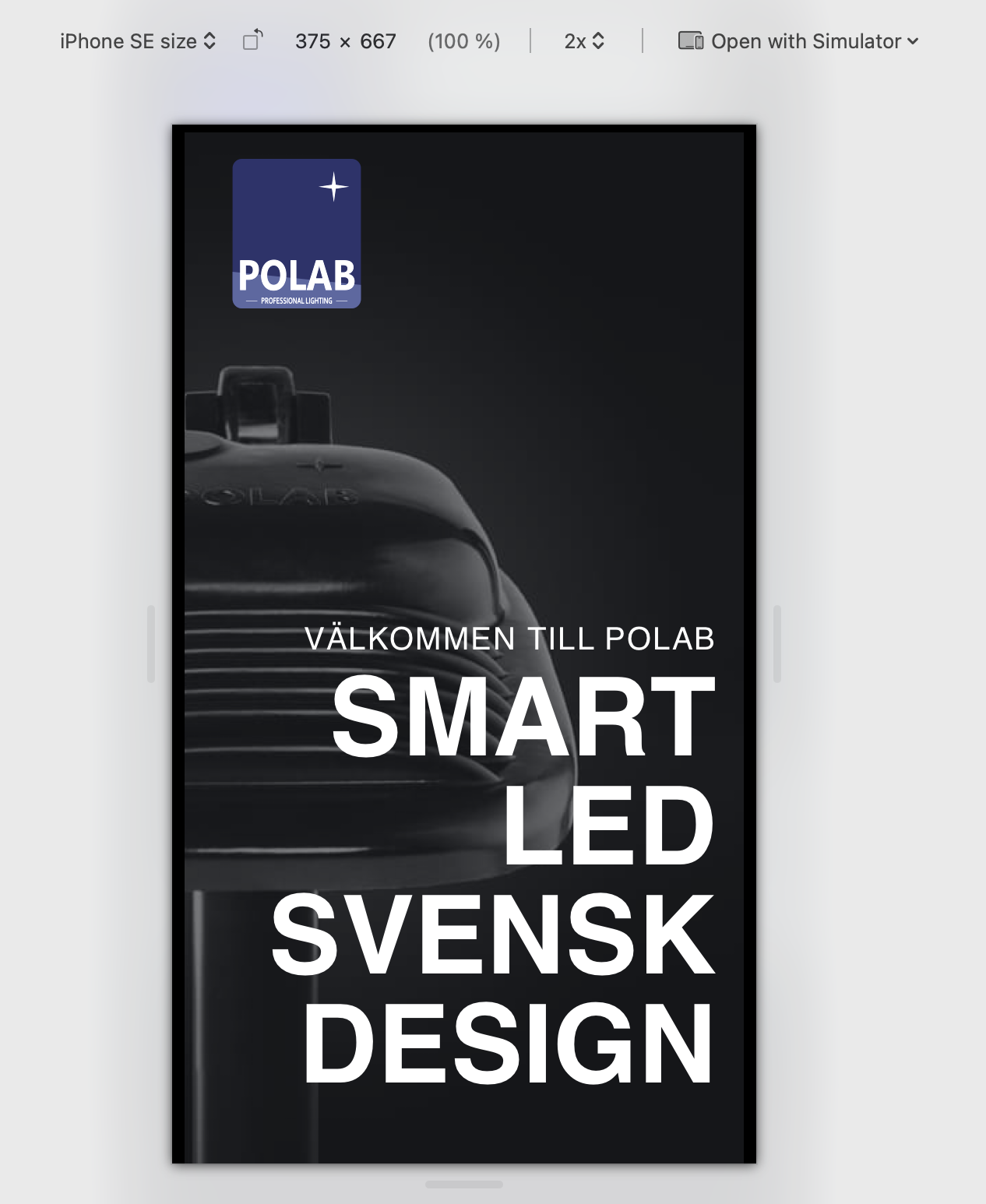
-
Site uses Blocksy theme. Yesterday a theme update was made. Is this the reason for the font issue?
[edited] Just restored to a previous backup with Blocksy 2.1.10. Same font issue.
0 -

Hi Mikael,
Thank you for contacting us.
Could you please provide the URL so we can inspect it?
Best regards,
Ariel H.0 -
URL sent in a separate email.
Actually after deleting cache entire page has incorrect fonts after refresh…[edited] Just found out only 1 page affected (home page).
0 -
Hi Mikael,
We haven’t received your email yet. In the meantime, could you please try adding /?nocache=1 (example: https://mysite.com/?nochache=1) at the end of the URL and check if the issue still persists? This forces the browser to bypass cached content and load a fresh version of the page.
Best regards,
Ariel H.0 -
Same issue. I test with incognito window and cleared cache.
0 -
Hi Mikael,
Please share your WordPress admin login details with us so we can take a closer look. Please add us as an Admin user to your WordPress Dashboard and send the following details to communitysupport@brizy.io.
Community Post link: https://support.brizy.io/hc/en-us/community/posts/29508253354002
WordPress Admin URL:
Username:
Password:Looking forward to your reply.
Best regards,
Ariel H.0 -
Please note, issue not only for mobile and tablet nor 1 page but for entire URL/all pages.
0 -
Hi Mikael,
I understand. Could you please confirm if you’ve already sent over your site credentials? Unfortunately, we haven’t received them yet.
Best regards,
Ariel H.0
Please sign in to leave a comment.
Comments
8 comments