Brizy website layouts and blocks are not loading

Hello
Ready-made brizy site layouts and ready-made blocks do not load on the raxu.ru website.
Can you help? Does your software block me?
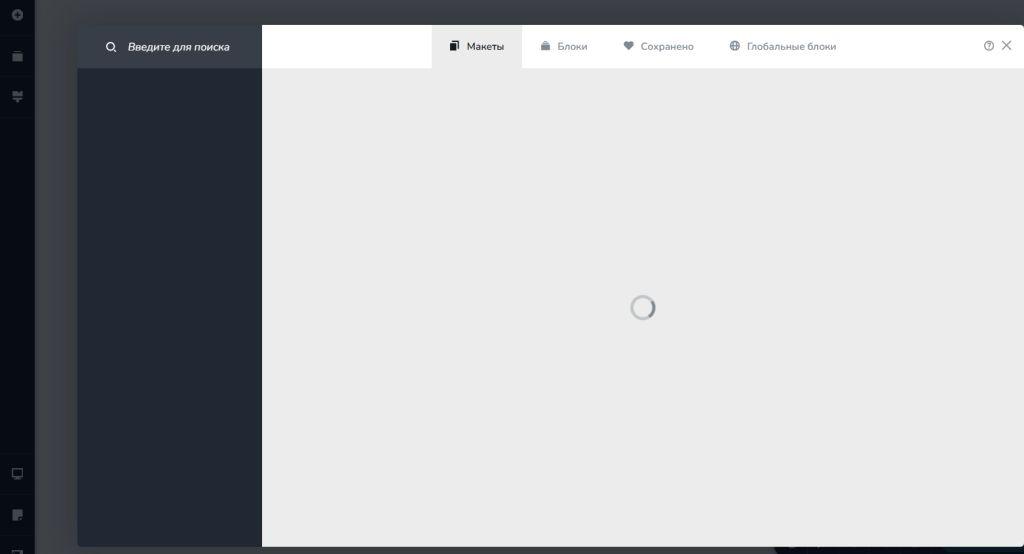
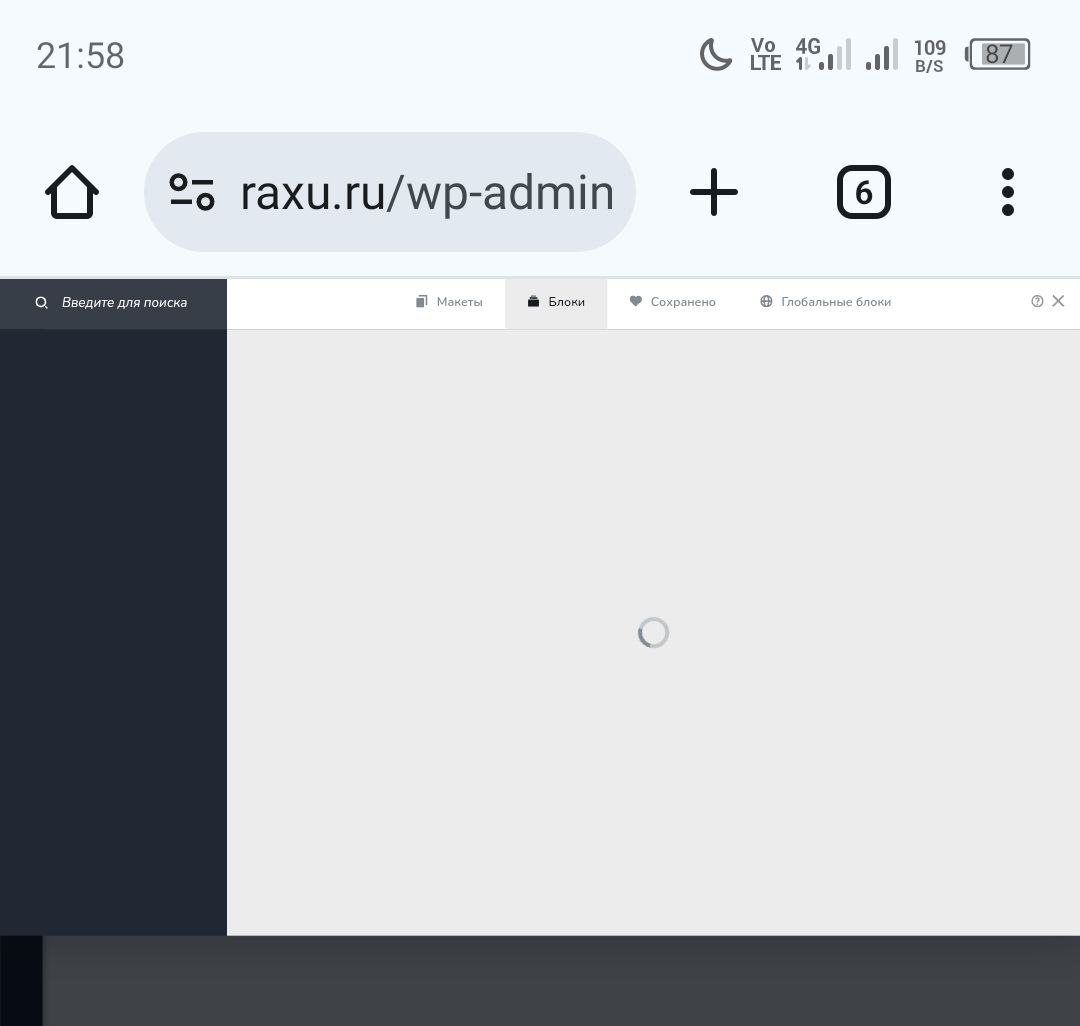
-

Hi Timur,
Thank you for contacting us.
We’ve checked from our end and are able to access the ready-made blocks without issue.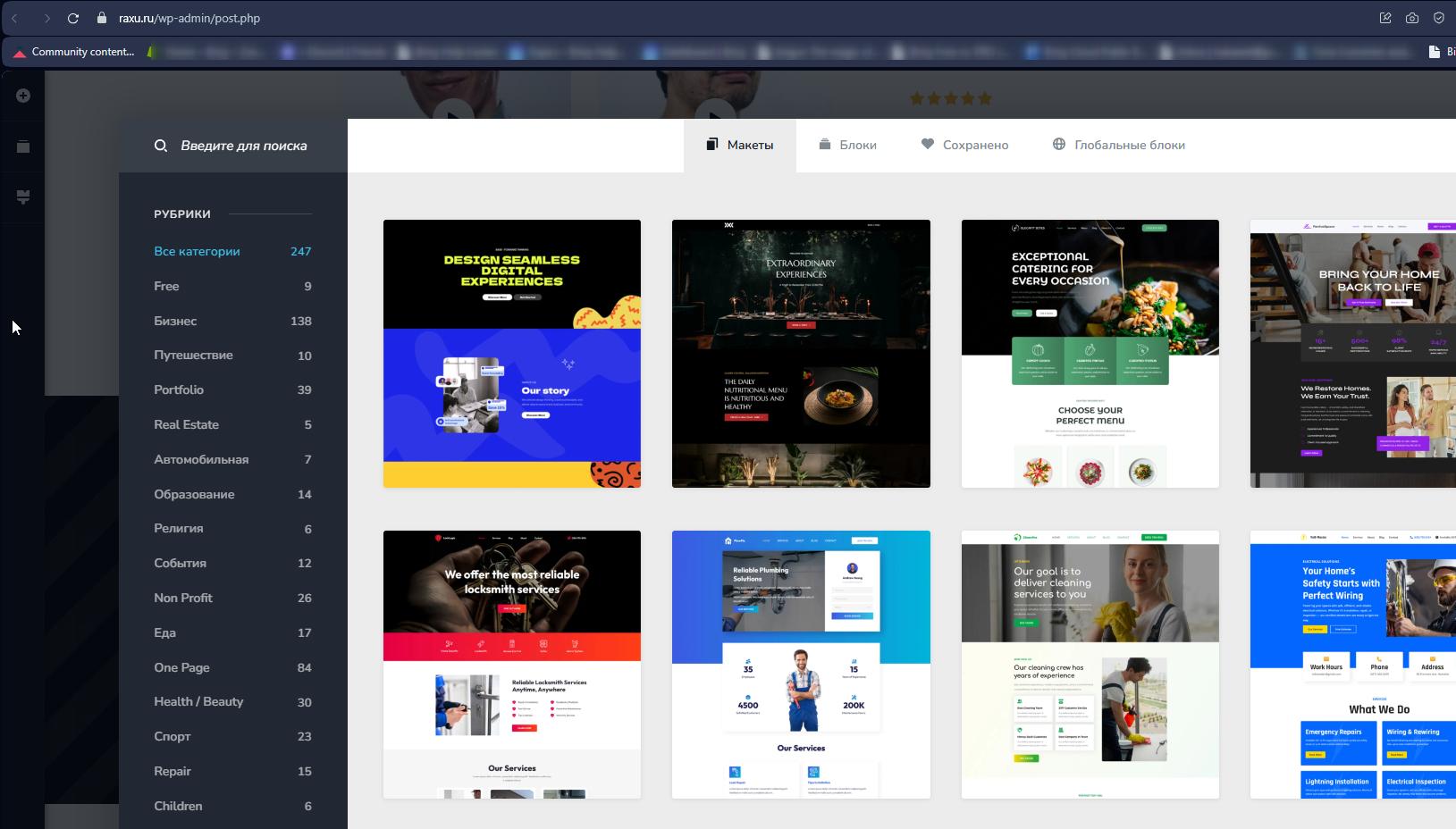
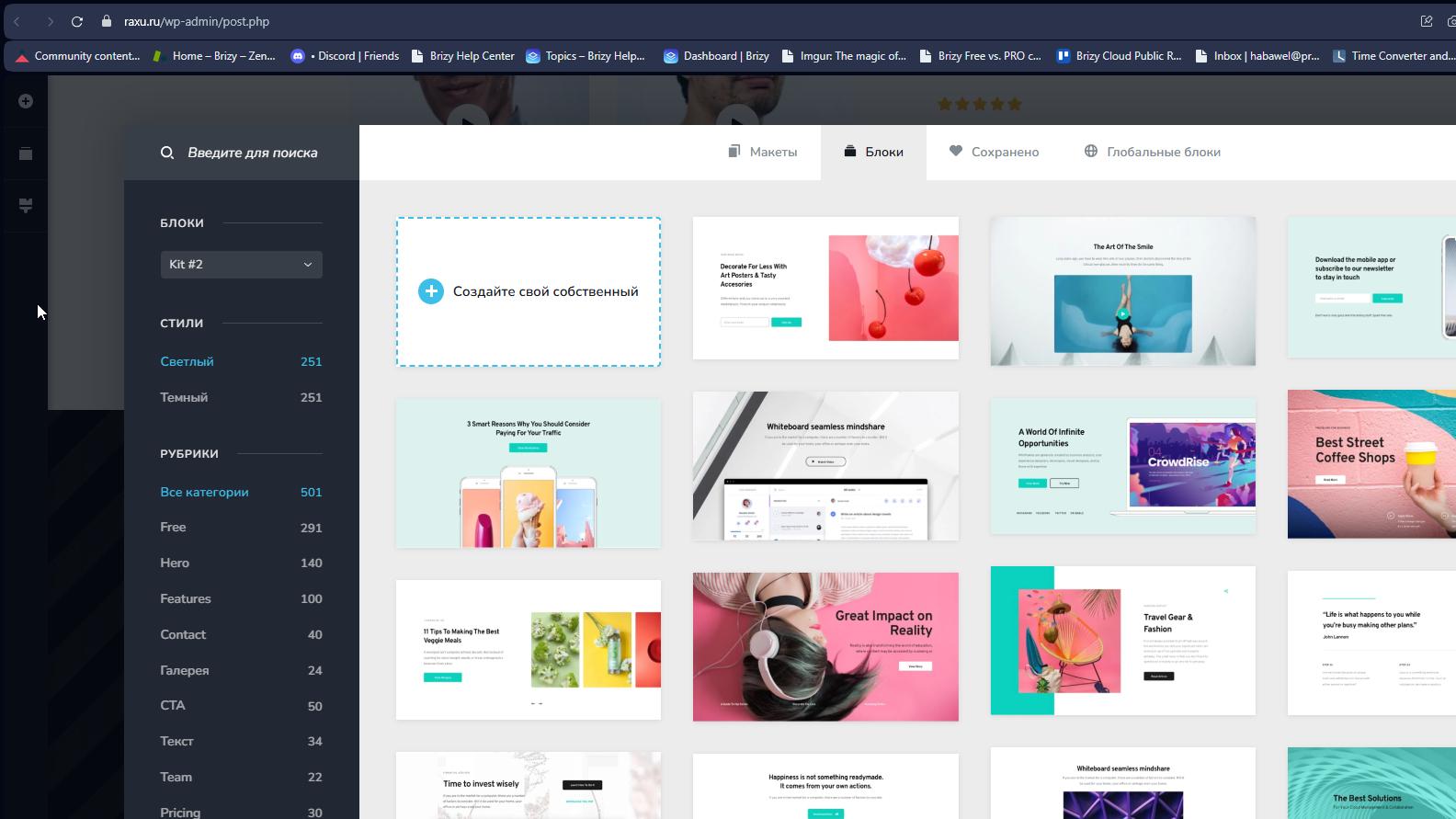
It’s possible that something on your side is interfering with the connection. Could you please try accessing the blocks using a different browser or another computer/device to see if that makes a difference?
Best regards,
Ariel H.0 -
We tried to open it through another browser and through other devices - we still can't get access.
How can we solve the problem?
0 -
Hi Timur,
Thank you for the update.
To help us investigate further, could you please run both a ping and a traceroute test to websitebuilder-demo.net and share the results with us?
Here are the steps:
On Windows:
1. Press Win + R, type cmd, and press Enter.
2. Type:ping websitebuilder-demo.net
and press Enter.
3. Next, type:tracert websitebuilder-demo.net
and press Enter.
On macOS:
1. Open the Terminal.
2. Type:ping -c 4 websitebuilder-demo.net
and press Enter.
3. Next, type:
traceroute websitebuilder-demo.net
and press Enter.
Additionally, please visit https://whatismyipaddress.com and share your IP address with us.
Looking forward to your reply.
Best regards,
Ariel H.0 -
Hello
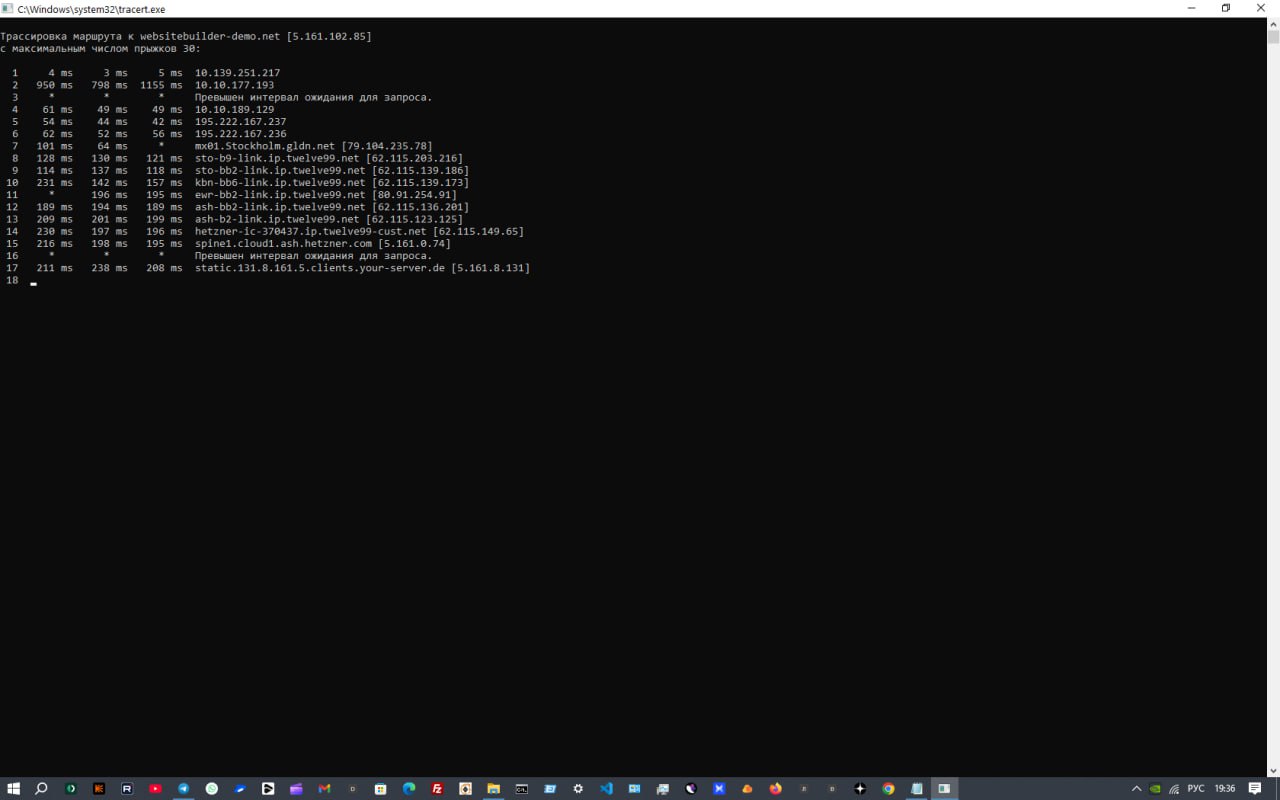
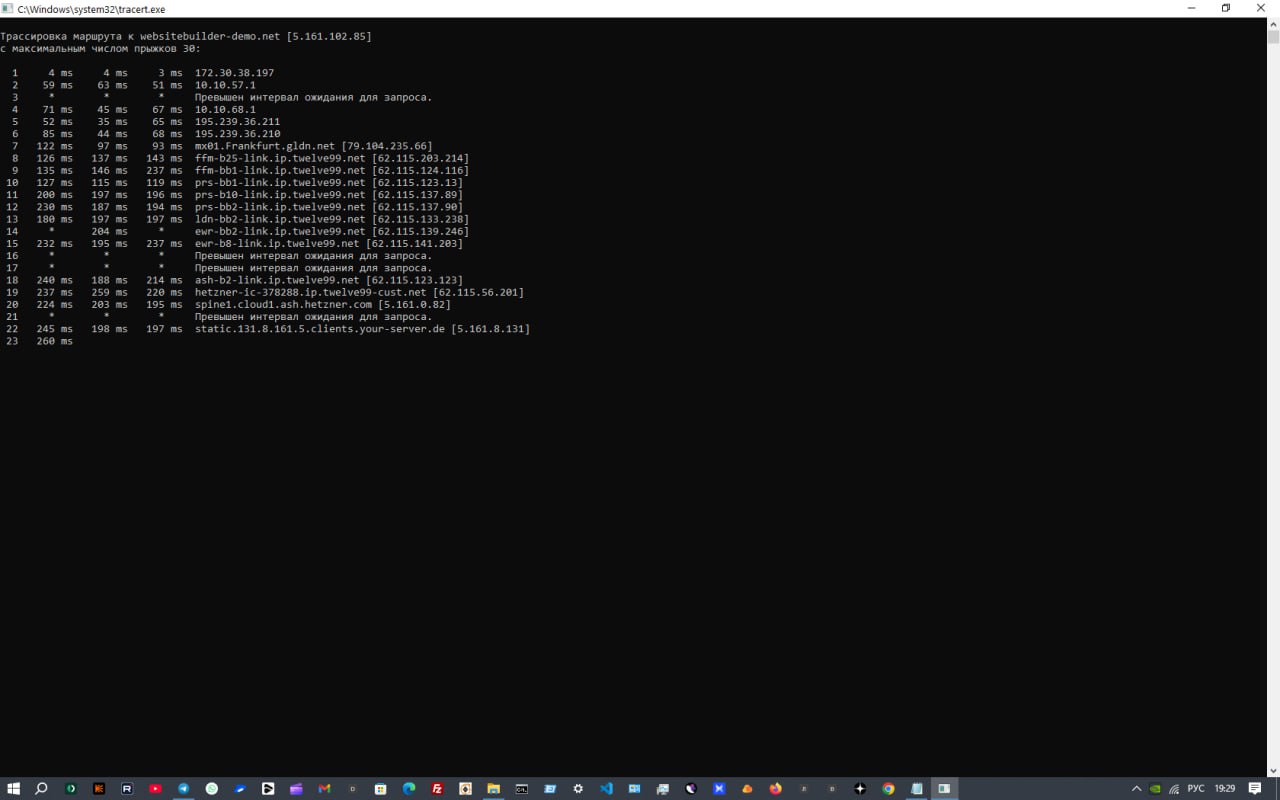
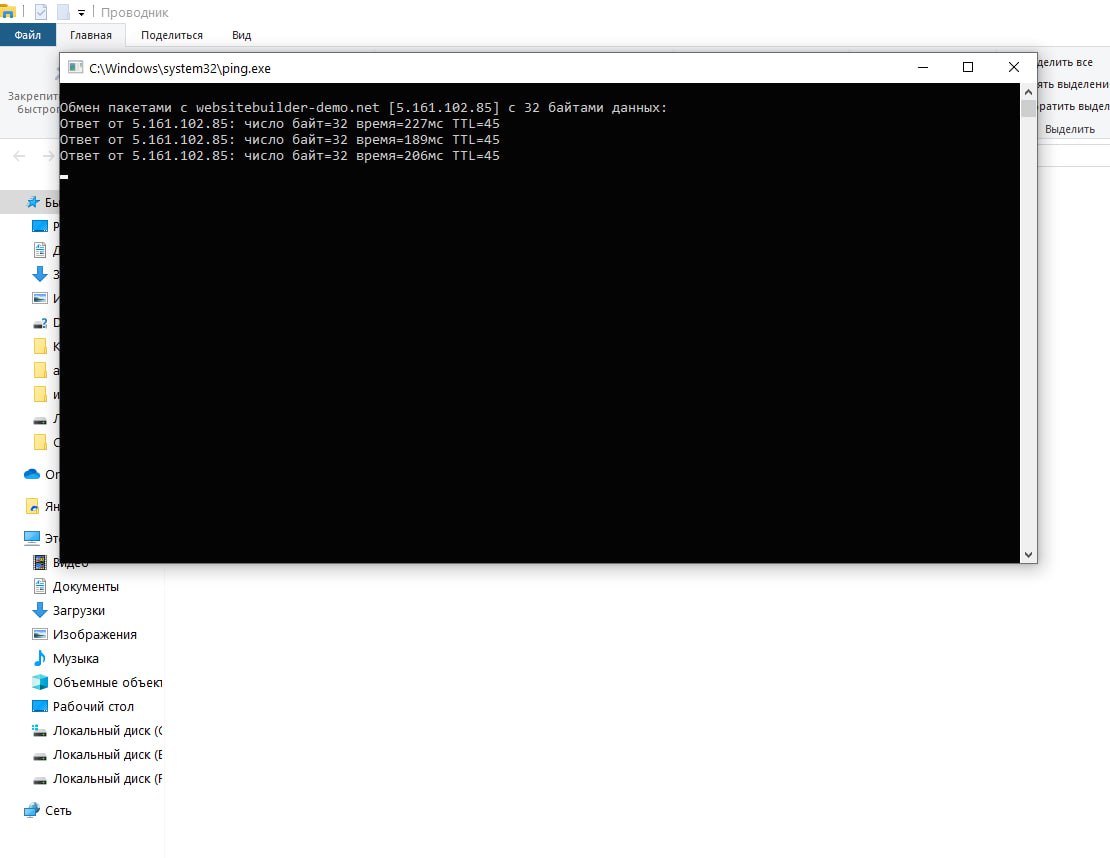 0
0 -
Hi Timur,
Thank you for the update.
Could you please visit https://whatismyipaddress.com, copy your public IP address from there, and share it with us? We’ll then be able to check and unblock it if necessary.
Best regards,
Ariel H.0 -
Hi
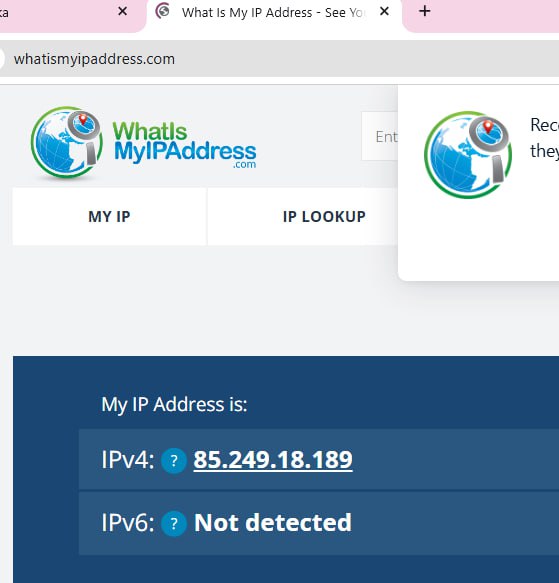 0
0 -
Hi Timur,
I’ve asked our senior support team to unblock your IP and I’m currently awaiting their response. I’ll get back to you as soon as I receive confirmation.
Best regards,
Ariel H.0 -
Hi Timur,
Thank you for waiting.
We’ve gone ahead and whitelisted your IP address. Could you please try accessing the block library again and let us know if it works for you now?
Best regards,
Ariel H.0 -
Hello!
We checked, but the block library isn't loading.0 -
Hi Timur,
My apologies for the inconvenience.
As a workaround, could you please try tethering from your mobile data provider, using a VPN, or connecting through another available ISP? This should allow you to bypass the block.
Best regards,
Ariel H.0 -
Hello
I can access blocks and ready-made websites with a VPN. I want to write a letter to my internet provider about my inability to access the ready-made blocks.
What IP address are the ready-made blocks located on?
0 -
Hi Timur,
Thank you for the update.
The IP address block is 85.249.18.0/24, this could be helpful to include when contacting your internet provider to ensure they can assist you in resolving the problem.
Best regards,
Ariel H.0
Please sign in to leave a comment.
Comments
12 comments