Can't enter Pro License

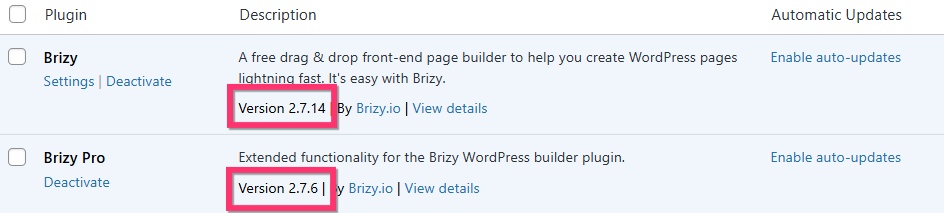
HI! My current Brizy and Brizy Pro plugin verions are not the same on my dashboard to download. its not letting me enter my pro license. Mind helping?
-

Hello Toby,
There are the most recent versions are Brizy and Brizy Pro. Kindly update to these versions. If you do not find a update notification to update these versions, delete the plugin, download the ZIP file from your Brizy account and upload it to your WordPress dashboard. If this does not help, kindly get back to us.
 0
0 -

Hi Toby,
Thank you for sharing the login details. We’re currently reviewing the issue and will get back to you as soon as we have an update.
Best regards,
Ariel H.0 -
Hi Toby, could you please try activating your license again?
0 -
Hey Ariel,
I don't think I ever heard back from anyone after I mentioned that the activation key still doesn't work when I enter it.
0 -
Hi Toby,
We apologize for the delay.
Please share your WordPress admin login details with us so we can take a closer look. Please add us as an Admin user to your WordPress Dashboard and send the following details to communitysupport@brizy.io.
Community Post link: https://support.brizy.io/hc/en-us/community/posts/29399310032018
WordPress Admin URL:
Username:
Password:Looking forward to your reply.
Best regards,
Ariel H.0 -
Hi
I've already done that in this email chain. Are you able to pull it back up?
0 -
Hi Toby,
Sorry about that. We’re able to access your site, but it looks like your server is being blocked by our license server. I had already asked our senior support team to whitelist the IP, but it seems that didn’t resolve the issue. We’ll check if we can manually activate the license, could you please provide us with your license key?
Best regards,
Ariel H.0 -
That's so odd because I have one other site on my account and it looks like that passed through perfectly. Here you go: ------
0 -
Hi Toby,
Thank you for waiting. We’ve manually activated your license, and you should now be able to continue working on your website.
If you have any further questions, please let us know.
Best regards,
Ariel H.0 -
Thank you so much!
0 -
Hi! I'm having the same situation happen again on another one of my websites. How should I go about entering the license?
0 -
Hi Toby,
Thank you for reaching out.
Do you happen to have access to another hosting setup where you could move the current website? If the site is hosted on the same server, it’s likely being blocked by our firewall. If you can move it to another server, please give that a try.
Otherwise, please follow the previous instructions to send us your site’s credentials along with the license key so we can help you manually activate the license.
Looking forward to your reply.
Best regards,
Ariel H.0 -
Hi Toby,
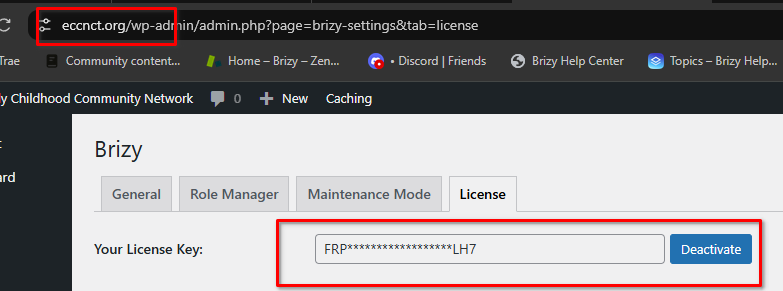
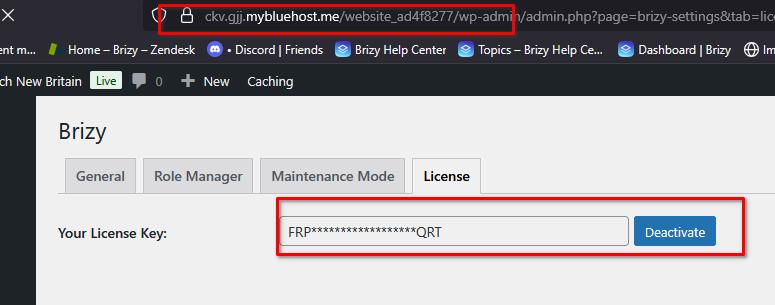
Thank you for your cooperation. We’ve manually activated the license for e**nct.org and are currently working on the other sites. We’ll update you here as soon as we’ve completed them.
Best regards,
Ariel H.0 -
 0
0 -
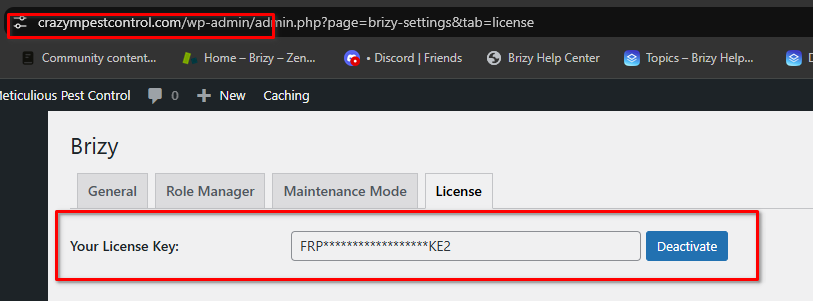
Hi Toby, we've completed manually activating the licenses.
0
Please sign in to leave a comment.
Comments
15 comments