Unable to Upload JSON File

I had ChatGPT generate a saved block in a JSON file. I can't find where to upload it, so I can use it in Brizy. I am using the latest version. Thank you!
-

Hello Henrik,
The saved blocks are usually downloaded in ZIP format. You can study the file format by downloading a sample saved block. Hover over a saved block and click on the "Download" icon to download a saved block
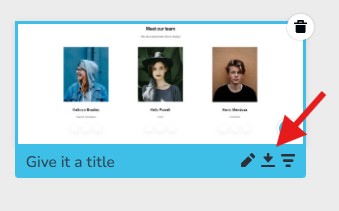
Extract the ZIP file into a folder. You will see the folder structure. If you follow the exact same folder structure and file formats, you may be able to import a saved block design into a Brizy page.
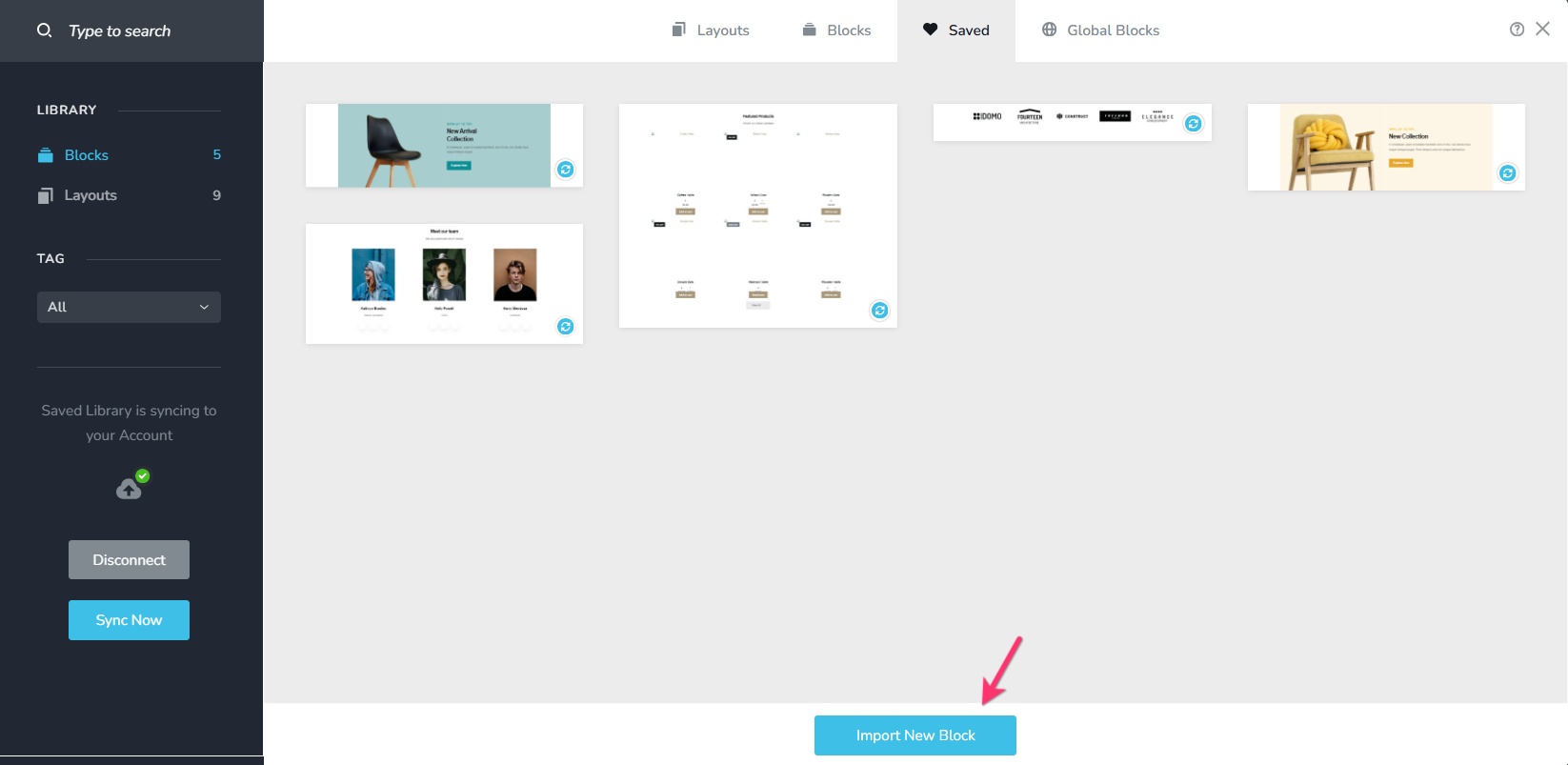
If you have a ZIP file in the prescribed format, you can import the design by selecting the button "Import New Block" in the Saved Blocks library.
What is the objective in generating a saved block in a JSON format? Kindly let us know. We can suggest the most effective way to accomplish your objective.
0
Please sign in to leave a comment.
Comments
1 comment