I want to eliminate white spaces

Hello Team,
I want to eliminate white spaces that are not getting eliminated as of now. Those two white spaces are above the header and below the header. 
-

Hello Abhijit,
The embed code added under the "Testimonials" section has caused the Block Settings (black) icons disappear. Please remove this embed code in order to restore the block settings icons.
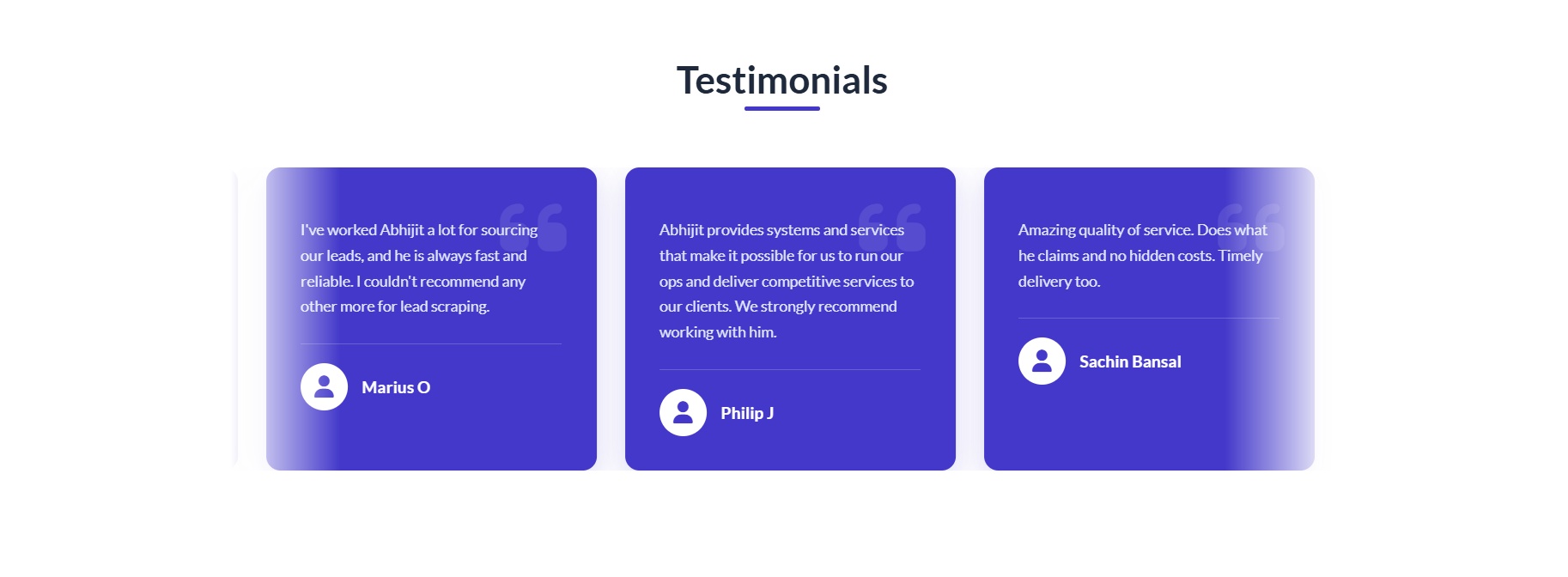
The width of your page is altered by the embed code pasted under "Our Database Sources" section. To restore the width of the pages in the Brizy editor, please remove this code.
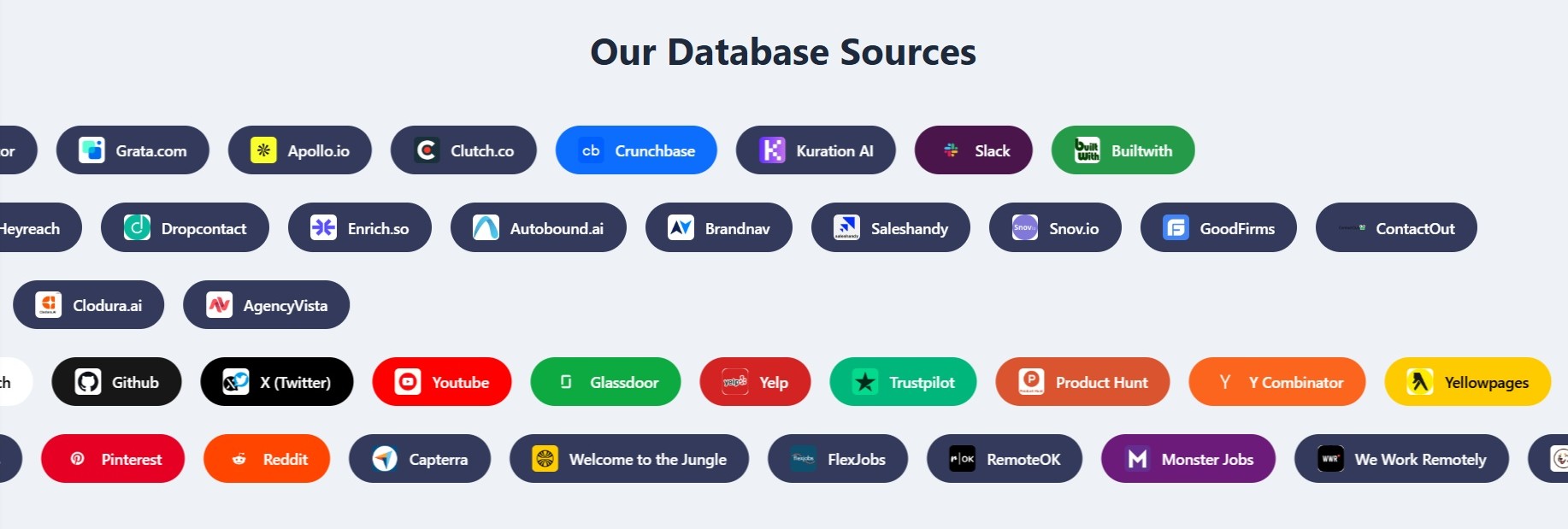
Head tags and HTML opening and closing tags are included in these two embed codes. Pasting Embed codes with these tags can alter the HTML structure of your webpage. Please discuss with your Embed code provider Neon Theme and request them to revise the code in such a way that it does not interfere with your homepage structure. Once you receive the revised code from them, paste the codes into its respective blocks.
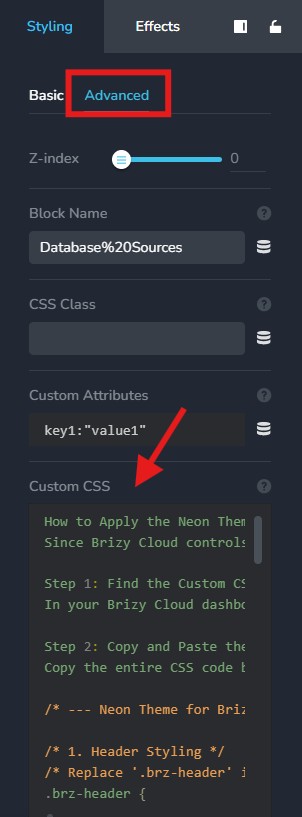
You may also want to delete the code added under "Custom CSS" area of the "Our Database Sources" block.
Once the Block Settings icon is accessible and page has the right width, please get back to us. We will help you remove the white spaces above the header and below the header.
0
Please sign in to leave a comment.
Comments
1 comment