Need for reactivation

Hello there!
My website does not work. I am sure it is caused by my license key because I do not see my website in my WP Licenses. Unfortunately, I am not able to Deactivate the old license key in my WP because there is an error: cURL error 7: Failed to connect to www.brizy.io port 443 after 11 ms: Could not connect to server.
Could you please somehow force my license key (FRP******************672) to be deleted, so I can put my new license key there?
Thank you very much and have a lovely day!
Ondří from the Czech Republic!
-

Hello Ondří,
I do not see a license key with the with the details you have provided above. Do you want to delete the license key assigned to the domain nanoet.cz? This can be done.
I have generated a new license key in your account. Please try adding it to your project. If you do not have success, kindly get back to us.
0 -
Hello hello!
No, no, no! I am talking about ondri.cz. I cannot see it in my WP Licences, but I had used Brizi with a Licence Key in the past, but now I cannot manage it at all. Could you please help me? Could you please somehow delete my webpage (ondri.cz) from Brizi database, so I could re-add a new Licence Key?
Thank you!
(ondri.m@icloud.com)0 -
Hello Ondří,
I confirm that our database does not contain the license for ondri.cz. It must have been removed previously. Only one of your licenses is activated at the moment, and that is for nanoet.cz.
0 -
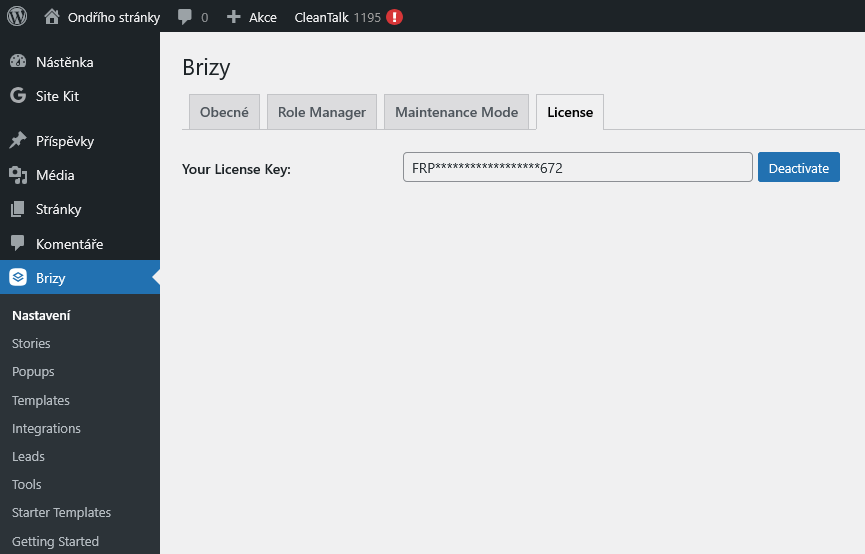
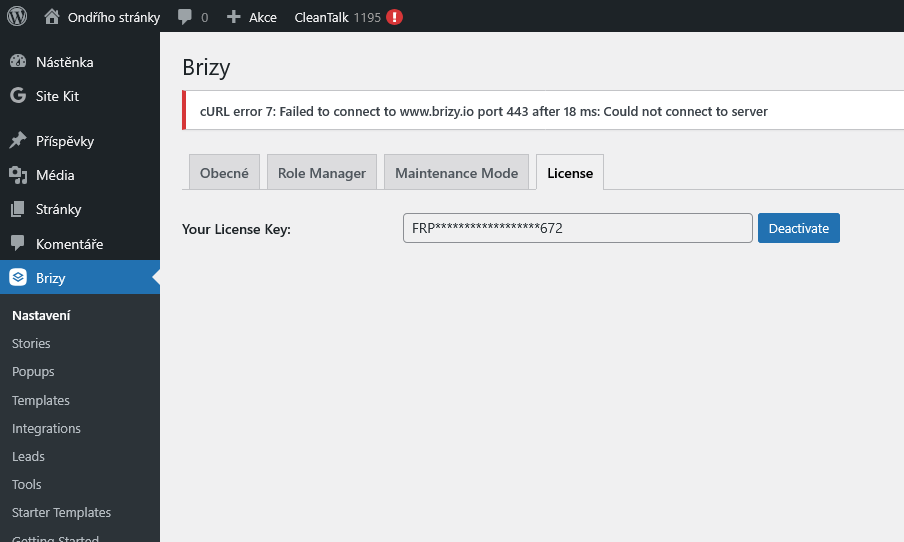
I tried to deactivate and activate it, but it is not working. The error (cURL error 7: Failed to connect to www.brizy.io port 443 after 30 ms: Could not connect to server) is still displayed. What should I do now?
1) Try to re-activate
2) Unsuccessful try to re-activate
 0
0 -

Hi Ondřej,
Thank you for the update.
Before we proceed further, could you please try disabling all other plugins except for Brizy and Brizy Pro, then test it again? This will help us check if the issue is being caused by a conflict with another plugin.
If the issue still persists, please provide us with your server’s IP address as we may need to whitelist it. You can find it by going to https://dnschecker.org, entering your domain name in the DNS check field, setting it to A record, and hitting search.
Looking forward to your reply.
Best regards,
Ariel H.0 -
Hello hello!
I am so sorry for all the trouble, but it is still not working.
- I tried to uninstall and install both of the plugins (Brizy and Brizy Pro). Nothing happened.
- I tried to disable all plugins (except for Brizy). Nothing happened.
My IP address is 2001:718:1c01:281:91bb:4bfb:db66:9535.
Thank you very much for all the help and for your patience!
Ondří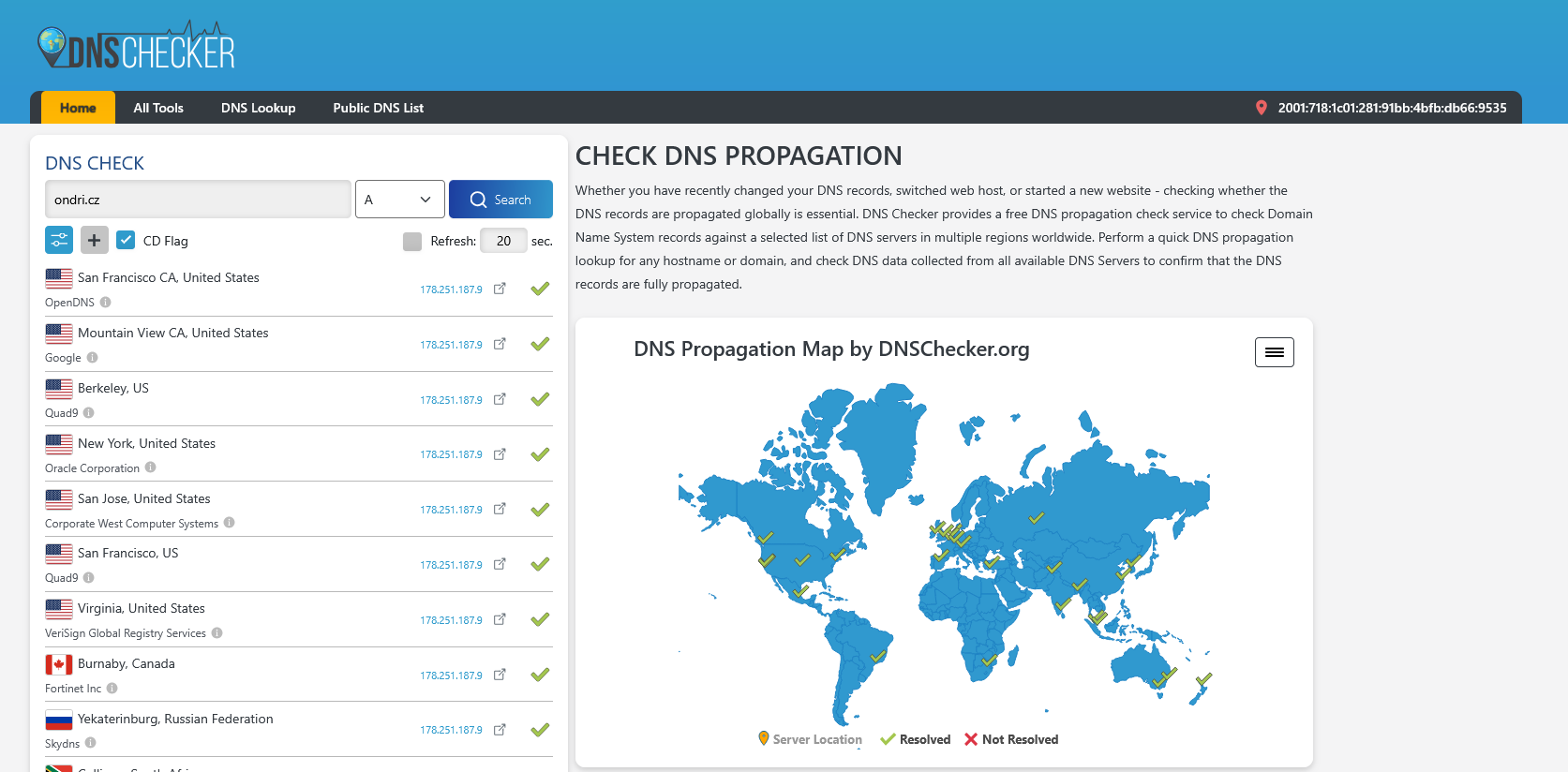 0
0 -
Hi Ondřej,
Thank you for the update. I've asked our senior support team to whitelist the IP. Could you please check if you could activate your license?
If the issue continues, please share access to your WordPress Admin dashboard (with administrator rights) along with your license key, and send the following details to communitysupport@brizy.io
Community Post link: https://support.brizy.io/hc/en-us/community/posts/29136028220050
WordPress Admin URL:
Username:
Password:
License Key:Looking forward to your reply.
Best regards,
Ariel H.0 -
Hello! Sorry for the delay, but ok! I will do so! Thank you for now!
0 -
Hi Ondřej,
Thank you for your cooperation.
It looks like your hosting provider may be blocking the connection to brizy.io on port 443. We recommend reaching out to them and asking if they can whitelist brizy.io so the license key can be updated properly. Please also ask them to increase your PHP memory limit from 256M to at least 512M (or higher) for the best editing experience with Brizy.
That said, your Brizy Pro installation on this website is still working, you just won’t be able to change the license key at the moment. You should still be able to create and publish your site using Brizy.
I assume that you reached out to us because the home page is not working, this can often be resolved by forcing Brizy to recompile the page. You can do this by temporarily adjusting a block, for example, increase its width to 90% (save, then revert), or change the padding by 1px (save, preview, and then revert).
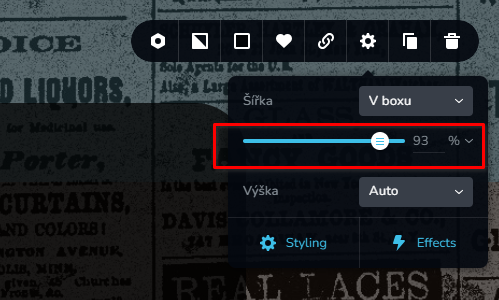
This will usually trigger a recompile and fix the layout or publishing issues.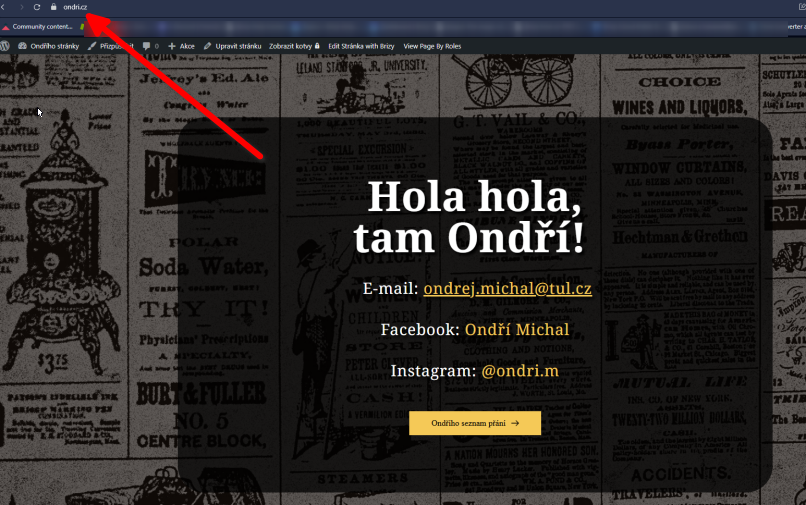
Best regards,
Ariel H.0
Please sign in to leave a comment.
Comments
9 comments