How to to custom Buy Now

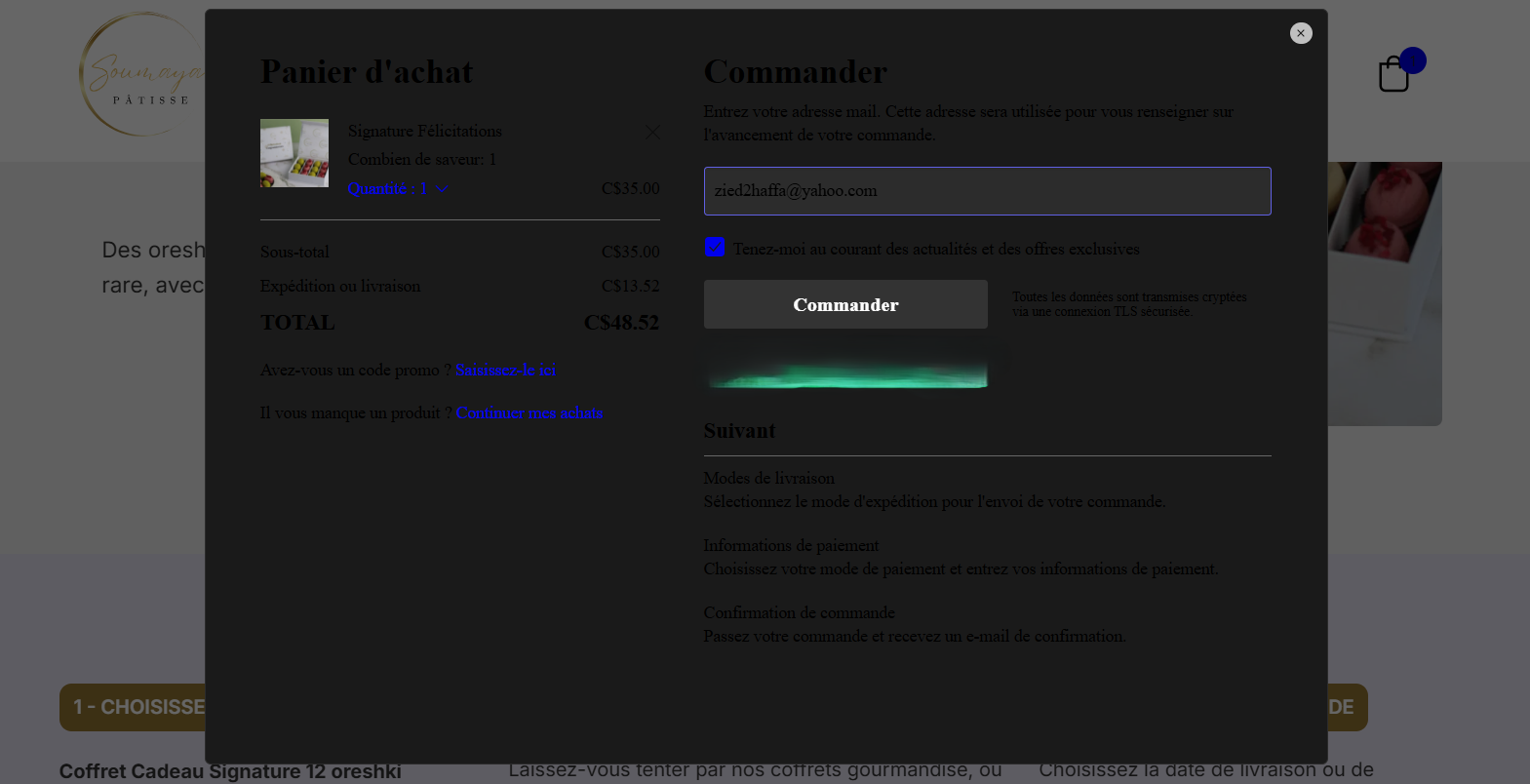
I need your support with an issue I’m facing. When I embed the Buy Now button or the cart, it opens as a popup with a black/dark overlay that doesn’t look good. Could you guide me on how to customize or improve this?
Thanks a lot!
-

Hello Mahfoudh,
When clicking on the "Add To Cart" button on your product pages, I see your "Cart" page which looks like this.
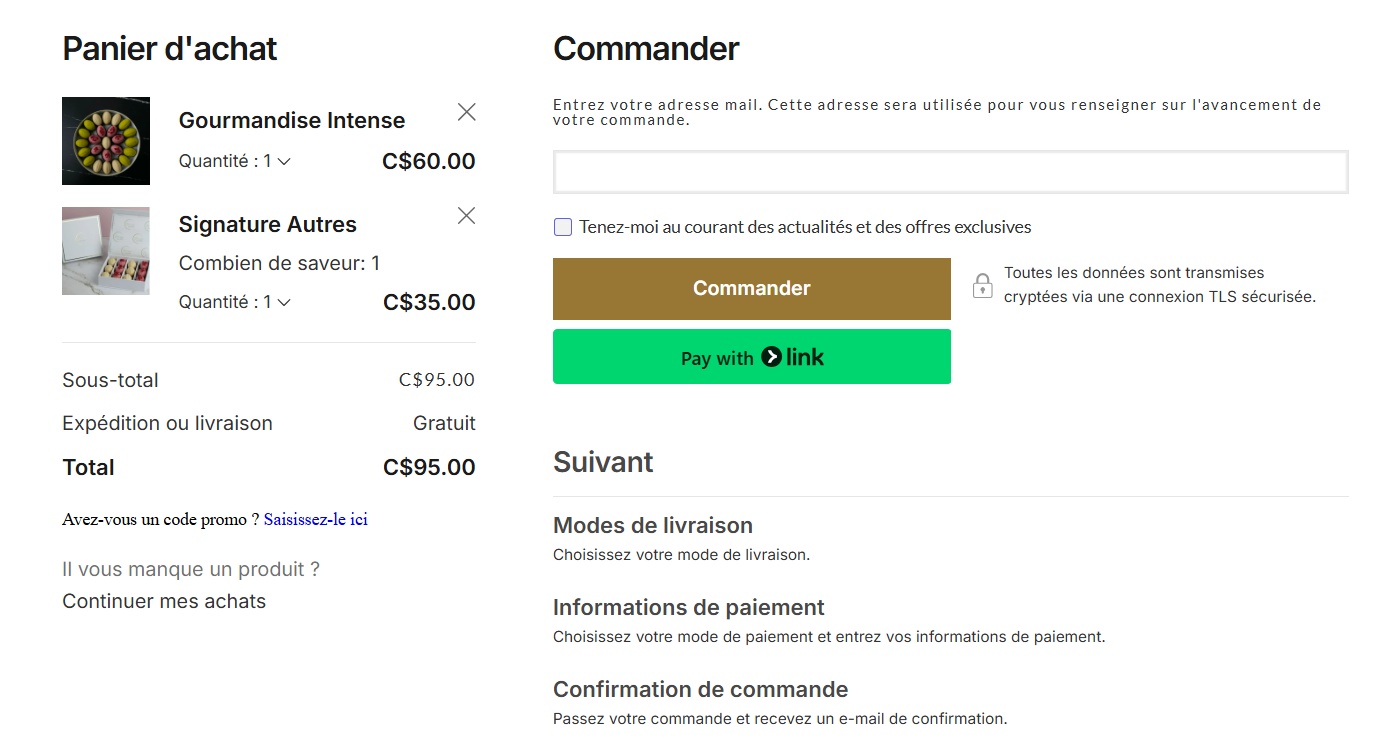
I could not see the a popup with a black overlay. What are the steps we must follow to see the popup?
0 -
Hi Georges,
Thank you very much for your responses, actually the problem happened when I created Buy now and embeded it, just the button for a quick check out. also when I added the floating cart when I embeded it, it's like i broke something in the backend code, because all the shop feature were not there, nothing. So I ended to remove it.
1- Check this page: soumayapatisse.com/black-overlay-test2- Check this video i recorded: check this
Accordingly!0 -
Hello Mahfoudh,
If you are integrating an ECWID shop within a regular Brizy Cloud website, then the store extensions, such as the floating Shopping Bag icon may work well. Since Brizy Shops has an API interaction with ECWID, these extensions may not work well unless we make them compliant. Embedding these store extensions may not be possible at the moment for a Brizy Shop.
0
Please sign in to leave a comment.
Comments
3 comments