403 error updating Brizy Pro = cannot activate new license key

Hey Brizy, need help immediately getting Brizy Pro to work AND you have our server blacklisted based on every other support post I've read.
Here's my current page blown up badly by Brizy:
Recently we have been unable to save from Brizy's editor, and I know I needed to update our Brizy plugins versions to the most recent...but I have been afraid to because when I do our pages completely are destroyed.
I have updated both versions to 2.7+ for free/pro and our site is blown up (badly). I just tried to make a worthless edit to the home page and tried to save but am getting again "This page needs a refresh. You’ve probably updated this page (or another page) in a different tab or browser." and "Cannot Save" message at the top of the page.
When I was working on the plugins I -was- able to save an edit to the home page after I just updated Brizy Free. This was awesome as I thought it was something else preventing the save (Wordfence, Hostgator, etc), so then I tried to update Brizy Pro to the newest version after downloading it. Deactivated/deleted Brizy Pro 2.3+ [yes was old], downloaded, installed new plugin, activated. but, then the home page broke badly.
I then thought the license might not be activated because it was already active after I reinstalled, so then I thought it might be a stale license (last one 2020). I then went about disabling the license for a4ftactical.com in the brizy.io/account licenses, generating a new license, copying the full license key, and when trying to add to the Settings->Licenses - it gave the 403 error everyone else had been getting.
So, to reiterate, our site is down, looks horrible - & I need help getting Brizy Pro activated AND getting our site whitelisted immediately. After that, I'm hoping we are able to save our pages from the Brizy editor.
I will email support the 4 items that Ariel usually asks for to get into our WP site.
Thank you
Edward
PS this blacklisting stuff is pretty horrible guys - if this happened on the weekend, we would have no recourse but to completely rebuild the site from a backup which is time consuming - why are sites getting blacklisted especially for lifetime license holders like myself?
-

Hi Edward,
My apologies for the inconvenience.
I tried accessing your WordPress admin page, but it appears that access is blocked by WordFence, which is preventing us from logging in.
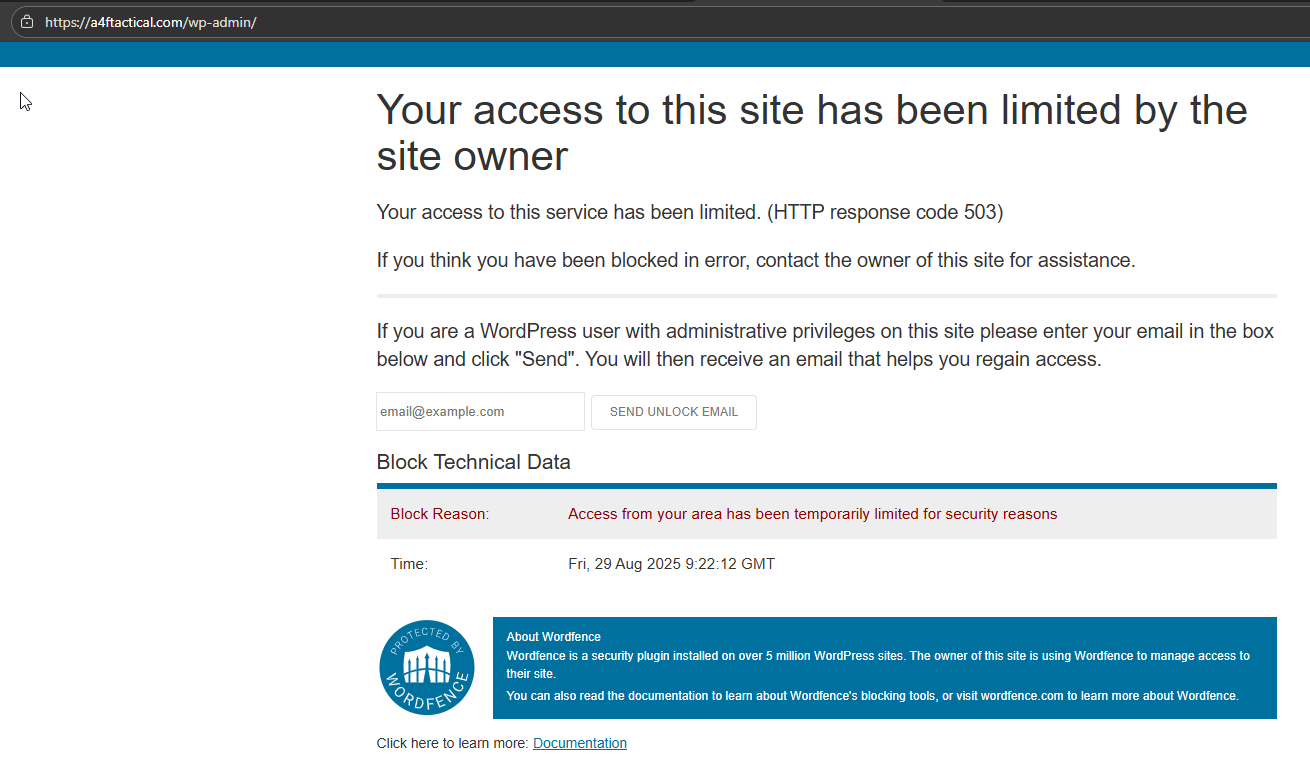
Could you please provide us with your license key so we can check if it’s possible to activate it manually from our side? In addition, please temporarily disable WordFence so we can access your site and assist you further.
Looking forward to your response.
Best regards,
Ariel H.0 -
Hey Ariel, thanks for the response. I'm sending over new creds/URLs and keys and such through email to you (just sent)
0 -
Hey Ariel, please let me know if you've had any luck with the new URL and with the license key.
0 -
Hi Edward,
Thank you for the update.
Wordfence is still blocking our access to your website. Could you please temporarily disable it so that we can log in and continue troubleshooting? Once we’re done, you can re-enable it right away.
Best regards,
Ariel H.1 -
Hey Ariel, ah, country blocking...I'm not sure where you guys are specifically at, but that's probably what is going on.
You should be able to log on - please do immediately.
For the future, please respond to the email that we currently have with you guys (and with the cc email with pat***ami) and send me your IP address/country so that we can specifically unblock you for additional troubleshooting.
Thank you
0 -
Hi Edward,
Thank you for sharing all the details and I completely understand how frustrating this must have been.
I want to reassure you that this was not related to your license, instead, it looks like the page itself had become corrupted.
To fix this, we rebuilt the page. Since editing the home page in Brizy worked but publishing failed, we saved it as a layout and then imported that layout into a new page we created called Main, which we’ve now set as the new home page. With this setup, you should be able to continue editing and publishing without issue.
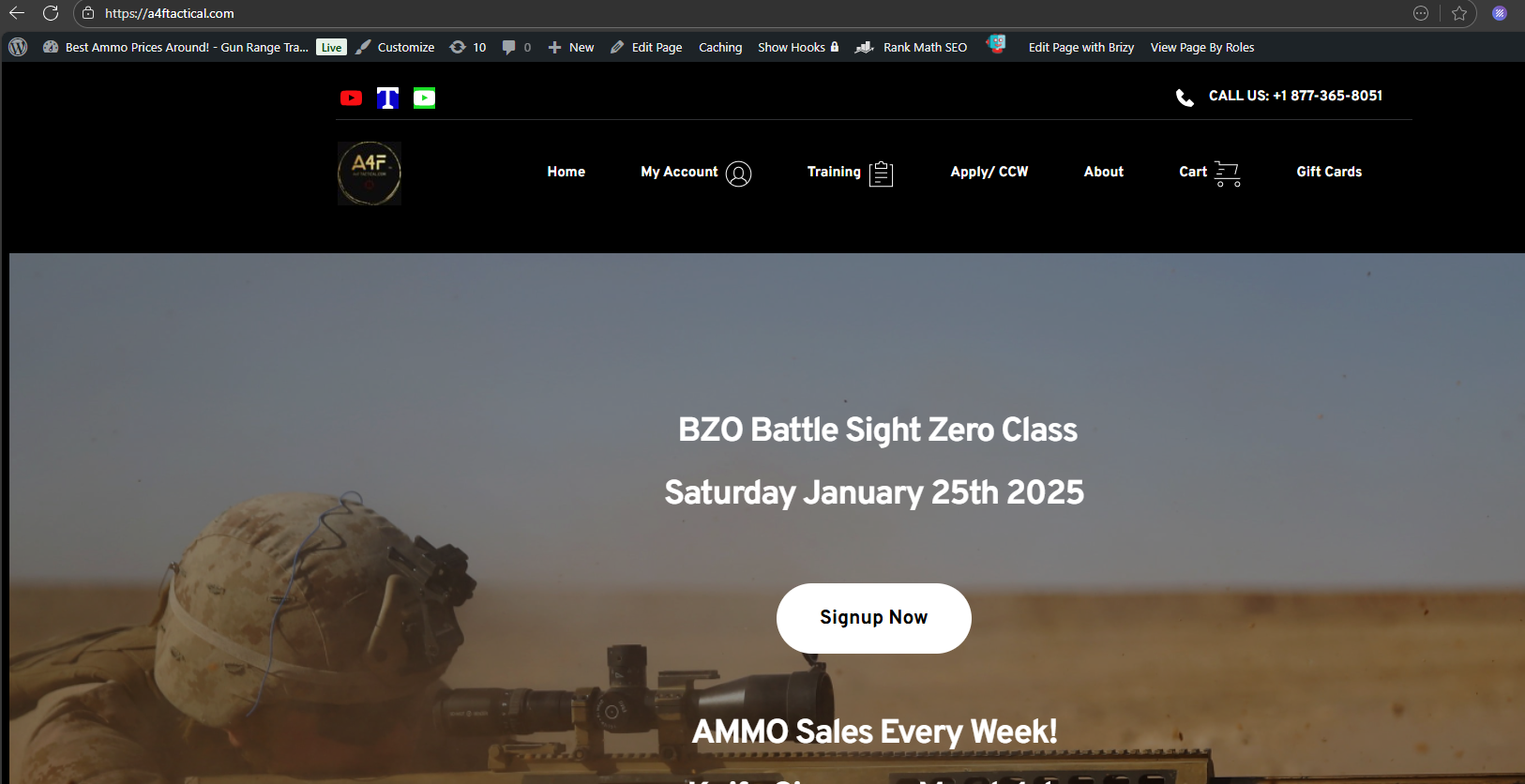
We also copied the email account (pa***ami) on our reply as requested.
If you have any further questions, please let us know.
Best regards,
Ariel H.0 -
Fantastic, thank you Ariel! We will reach out if we have any more difficulties.
Best regards
Patrick
0
Please sign in to leave a comment.
Comments
7 comments