Saved Blocks are restricted in the workspace?

Hello
I have created different workspaces like,
- Live websites
- Work in progress
And I have noticed that the blocks that I have saved are restricted to the workspace are not global or shared within the workspaces.
I have also noted that there is not way to select at block and move or share whithin the workspaces.
Am I correct?
Maybe you should add to the resources?
Thanks
-

Hello Valerio,
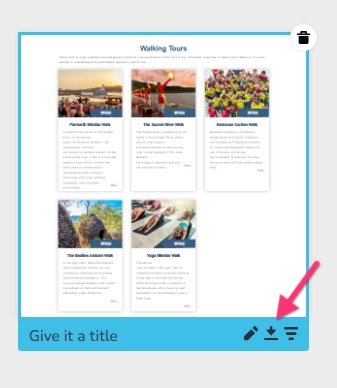
You are right; the saved blocks and layouts are visible only from within a workspace. Currently there is no option to make it available across workspaces. To reuse the saved block across workspaces, you will need to download a saved block from one project and import it to another. Hover over the block you want to download and click on the "Download" icon
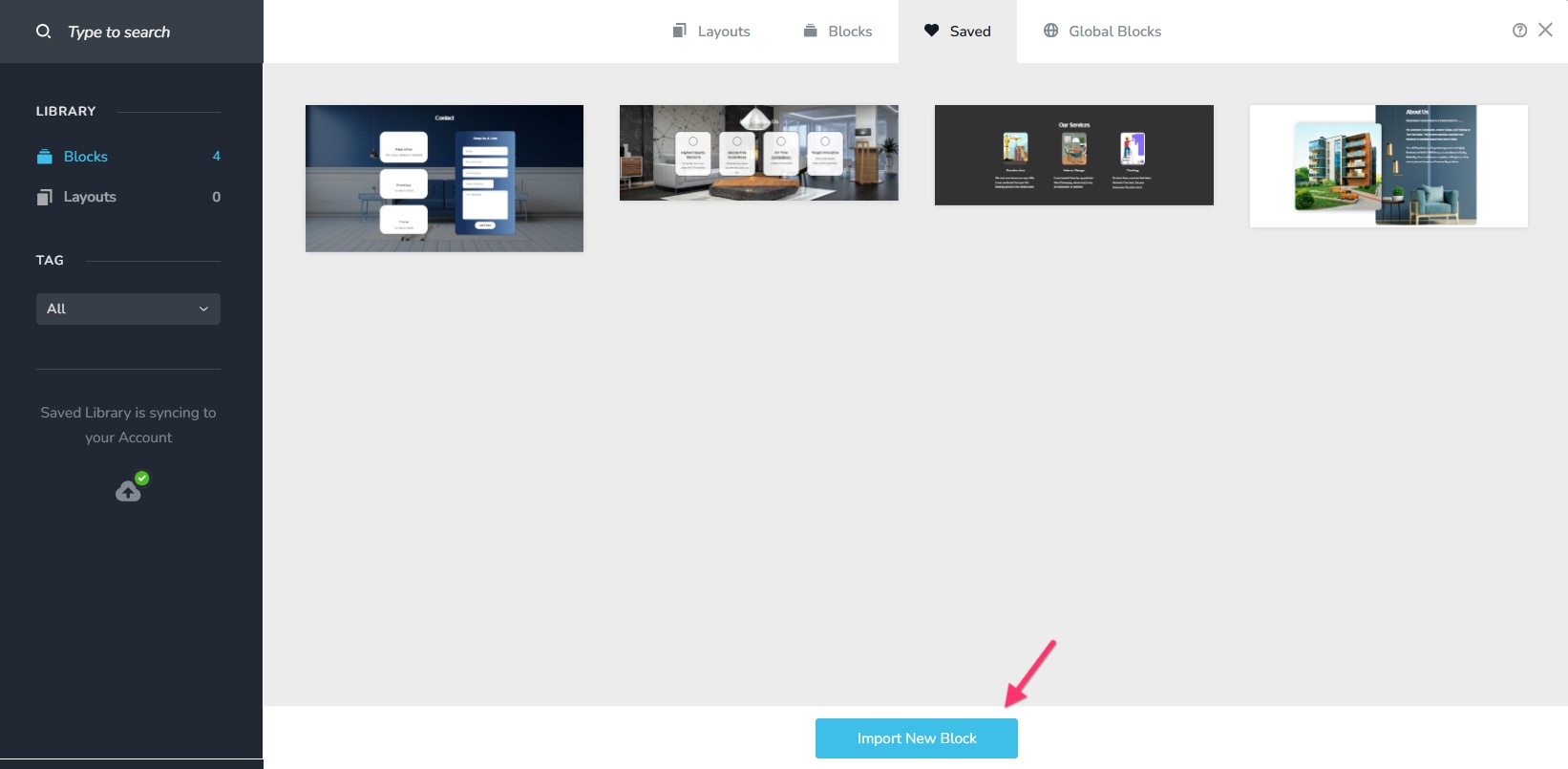
Import the download the block in another project by selecting the "Import New block" button
Creating distinct client workspaces is the most common way web agencies organize their projects in Brizy Cloud. A workspace is assigned to each client and when a client is invited to his workspace, they can only view their own projects. Agencies did not want blocks saved in one customer project to be accessible by another customer. In light of this, saved blocks and layouts are currently limited to workspaces.
0
Please sign in to leave a comment.
Comments
1 comment