Starter Templates Unavailable Not Loading

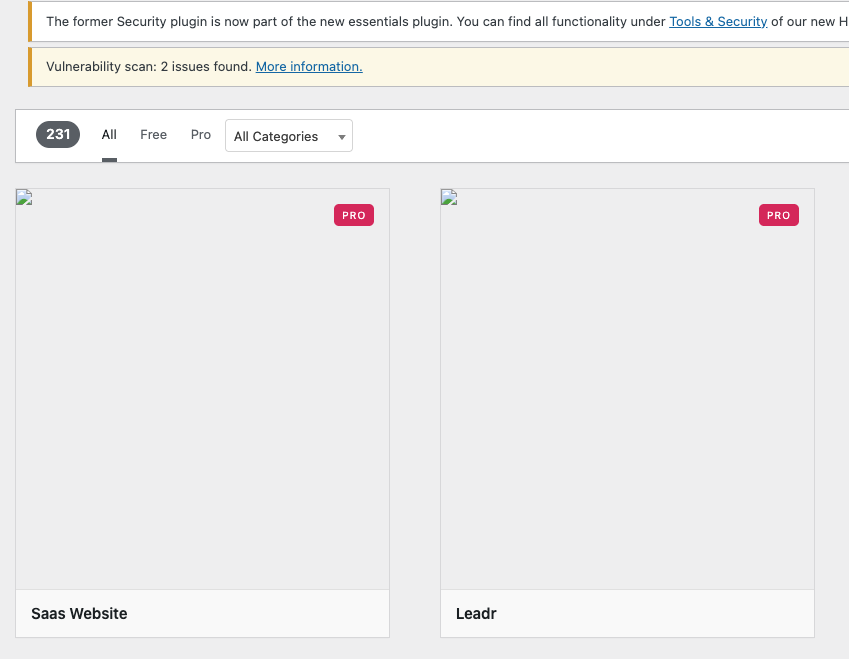
When I click on Starter Templates, all I get is a page of broken icons and an error message when I click on Details.
-

Hi Lawrence,
Thank you for contacting us.
To help isolate the issue, please try the following steps:
1. Please ensure that you have Brizy 2.7.8 and Brizy Pro 2.7.3 installed.
2. If the update made no difference, temporarily deactivate all other plugins except Brizy and Brizy Pro.
3. Switch to a default WordPress theme (such as Twenty Twenty-One) and test again.These steps will help determine if the issue is being caused by a conflict with another plugin or your current theme.
If the issue continues, please send us your site credentials so we can take a closer look. Kindly add us as an Admin user to your WordPress Dashboard and send the following details to communitysupport@brizy.io.
Community Post link: https://support.brizy.io/hc/en-us/community/posts/28787876690450
WordPress Admin URL:
Username:
Password:Looking forward to your reply.
Best regards,
Ariel H.0 -
Hi Ariel,
Yesterday, my WP installation sent out user credentials to communitysupport@brizy.io. I also sent them via an email from *********67@gmail.com. Please let me know if you find anything.
0 -
Hi, just wanted to check and see if anyone was working on solving this issue...?
0 -
Hi Lawrence,
Thank you for your cooperation.
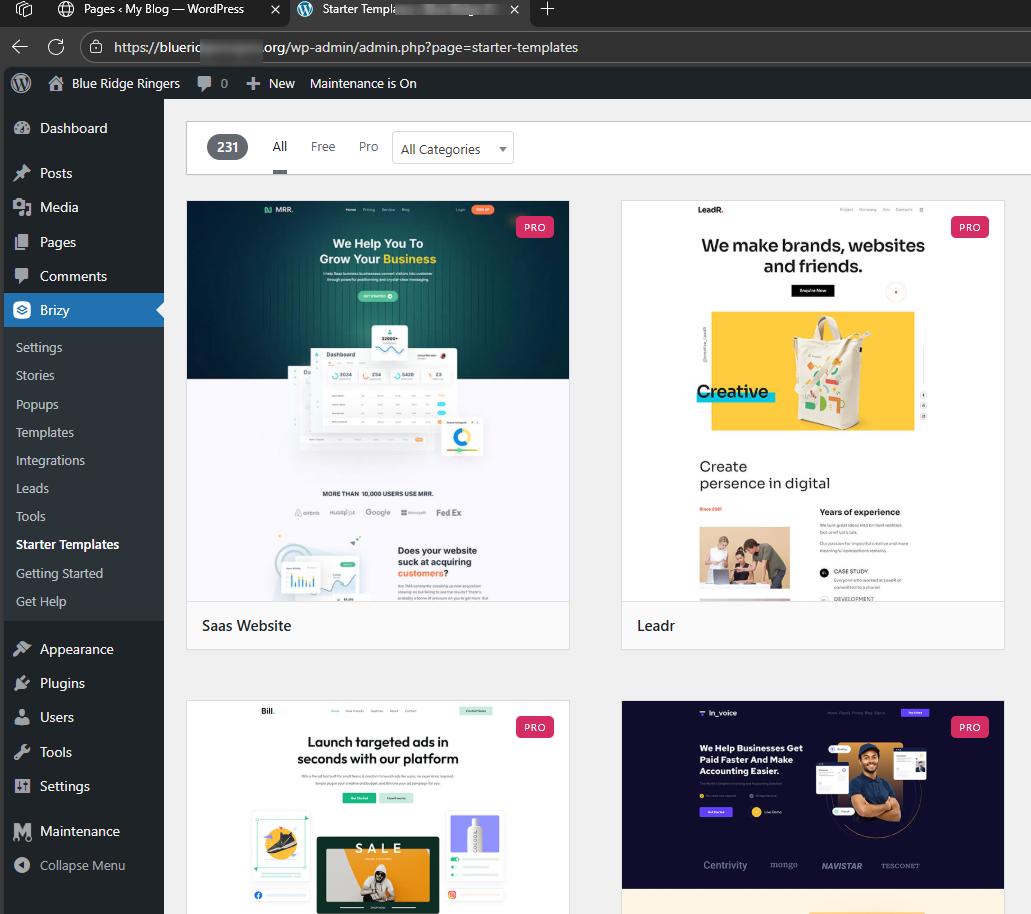
We were able to access the Starter Template from our end without issues.
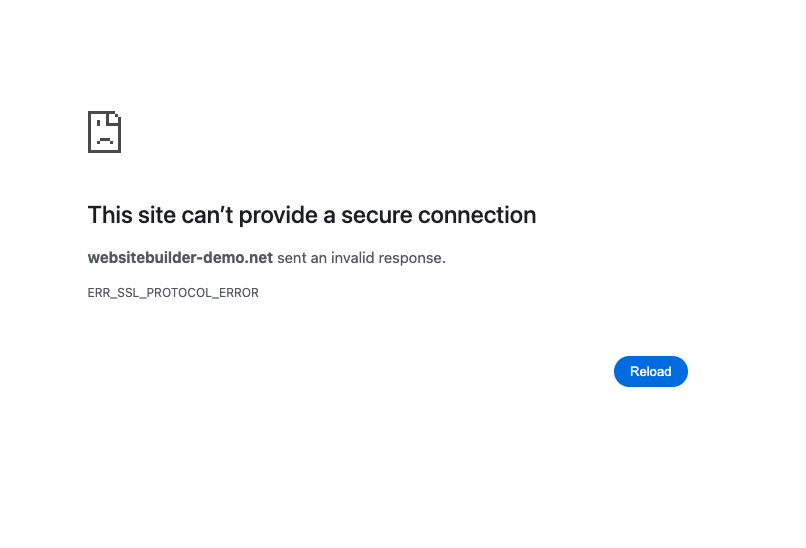
The error you’re seeing is likely related to your browser, network, or security software. Could you please try the following:
1. Open https://websitebuilder-demo.net/leadr/ directly in your browser.
2. Test in another browser or device.
3. Clear your cache and DNS, or try a different network (e.g., mobile hotspot).
4. Temporarily disable any antivirus/firewall that may be blocking SSL.Please try this and let me know how it goes.
Best regards,
Ariel H.0 -
Hi Ariel,
I tried that link in my current browser after deleting cache, cookie data, etc. and also checked to see whether my Chrome browser had any security options turned on that might prevent access. The only thing checked is Standard security.
I also tried the link through Safari which I rarely ever use and it gave me the same error message. I use Optimum for internet service and am unaware of any type of firewall that we have access to.
I use Duck Duck Go as a search engine, but even after turning it off, I still get the same message.
0 -
Hi Ariel,
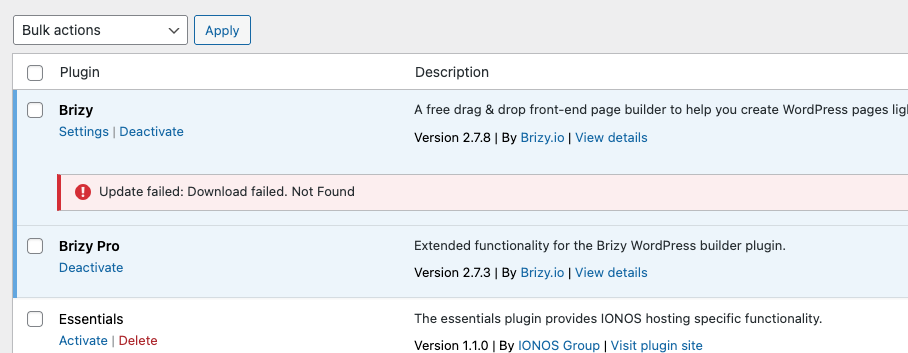
I just encountered another issue with Brizy. The free Brizy page builder plugin update failed to download and update. Here is a screenshot. I have to wonder if this is related to the first issue.
 0
0 -
Hi Lawrence,
Thanks for the update.
To help us check further, could you please run a traceroute to our site websitebuilder-demo.net and share the results with me? This will show the path your connection takes to reach our server and may help us identify where the issue is happening.
Here’s how you can do it:
On Windows:
1. Press Windows Key + R, type cmd, and press Enter.
2. In the Command Prompt window, type:tracert websitebuilder-demo.net
3. Press Enter and wait for the results.
On Mac:
1. Open Terminal (Applications > Utilities > Terminal).
2. Type:traceroute websitebuilder-demo.net
3. Press Enter and wait for the results.
The command will list each hop your connection makes to reach our site. Once it finishes, you can simply copy and paste the results into your reply so we can review them.
Regarding the update issue you mentioned, this was only recently rolled out, so it may take a little more time before everything syncs up properly.
Best regards,
Ariel H.0 -
Hi Ariel,
Here's the traceroute I ran:
traceroute to websitebuilder-demo.net (167.206.37.137), 64 hops max, 40 byte packets
1 docsis-gateway (192.168.1.1) 7.559 ms 3.729 ms 3.392 ms
2 * * *
3 173.219.203.48 (173.219.203.48) 12.550 ms 15.601 ms 11.650 ms
4 66.76.227.8 (66.76.227.8) 30.259 ms 29.530 ms 30.747 ms
5 173.219.218.141 (173.219.218.141) 44.687 ms 47.279 ms 45.257 ms
6 173.219.231.31 (173.219.231.31) 47.589 ms
173.219.238.21 (173.219.238.21) 29.948 ms
173.219.231.31 (173.219.231.31) 48.713 ms
7 24.157.15.220 (24.157.15.220) 65.749 ms
451be09f.cst.lightpath.net (65.19.113.159) 42.039 ms 43.673 ms
8 451be05a.cst.lightpath.net (65.19.118.90) 66.613 ms 65.953 ms 66.268 ms
9 64.15.6.140 (64.15.6.140) 53.246 ms 53.144 ms
64.15.6.142 (64.15.6.142) 64.796 ms
10 451be055.cst.lightpath.net (65.19.118.85) 42.524 ms
451be051.cst.lightpath.net (65.19.118.81) 41.696 ms
451be055.cst.lightpath.net (65.19.118.85) 43.213 ms
11 * * *
12 * * *
13 * * *
14 * * *
15 * * *
16 * * *
17 * * *
18 * * *
19 * * *
20 * * *
0 -
Hi Lawrence,
Thank you for your cooperation.
We’ve checked on our side and the site is loading normally, this kind of issue usually occurs when something on the network is interfering with the secure link before it reaches our server. It can be caused by firewall scanning HTTPS traffic, or even an ISP filter.
A good way to test is to try opening the site from a different connection, like a mobile hotspot. If it works there but not on your usual network, it confirms the issue is with the local setup or provider. If it still doesn’t load after that, please share your public IP with us and we’ll be happy to check further on our end.
Best regards,
Ariel H.0
Please sign in to leave a comment.
Comments
9 comments