In Brizy Stories, are there ANY options for adding our own tracking script?

As per the subject, how do we add our own Google Analytics or other tracking script to Stories?
-

Hello Tyler,
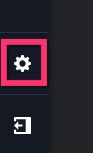
In the Story editor, on the left sidebar towards the bottom, select the "Settings" icon.
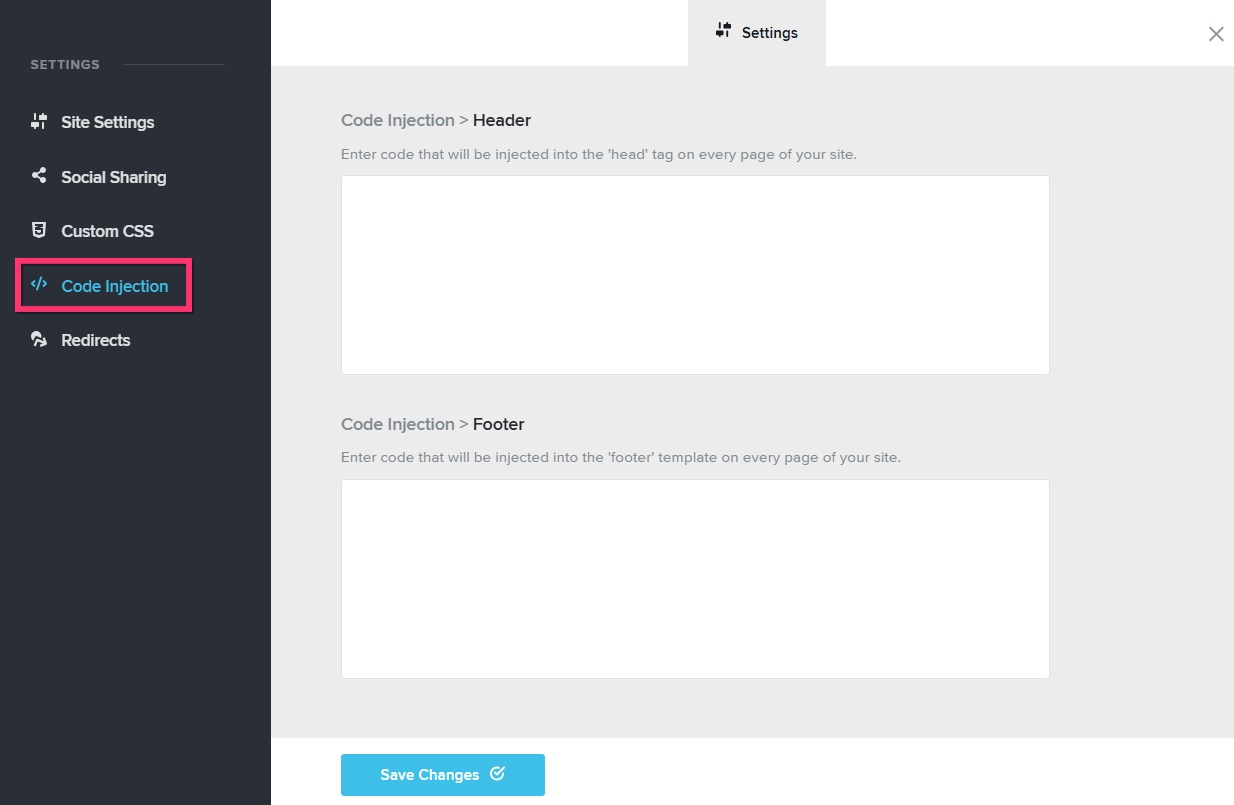
You can add the Google Analytics tracking script under the "Code Injection" section.
 0
0 -
Hi, I have been looking - and asking - for this icon for a year.
Why do you see it? This is what I see: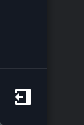
I'm headed to a trade show and not having any of these options - that used to be there - makes me wonder why I'm using Brizy for this purpose.
How can the settings be re-added to my account?
Thanks!0 -
Hello Tyler,
This option was missing till yesterday and we released an update today, which brought back the "Settings" icon in the left sidebar. The screenshot I shared above was from your "TY.com IG - WhatsNew" project. Have a look at https://jmp.sh/c7OKQw89
If you still do not see it, kindly close your browser window, sign into your Brizy Cloud dashboard again and check.
0 -
Beauty! THANK YOU! Just in time for a quick story for an event I'm attending Thursday.
0
Please sign in to leave a comment.
Comments
4 comments