Bug Report - Brizy Wordpress Builder - Images Upload & Display

Hello there,
Hope this message is finding you well.
Since a few weeks, I noticed two (related ?) bugs :
- first one (and main problem) :
I'm totally unable to upload new images on my website. These images are uploaded on wordpress library perfectly fine. I tried to upload older images (already uploaded on wordpress library prior to the bug.s) and ended up unable to upload them either. Each time a "failed to upload file" error message show up when I try.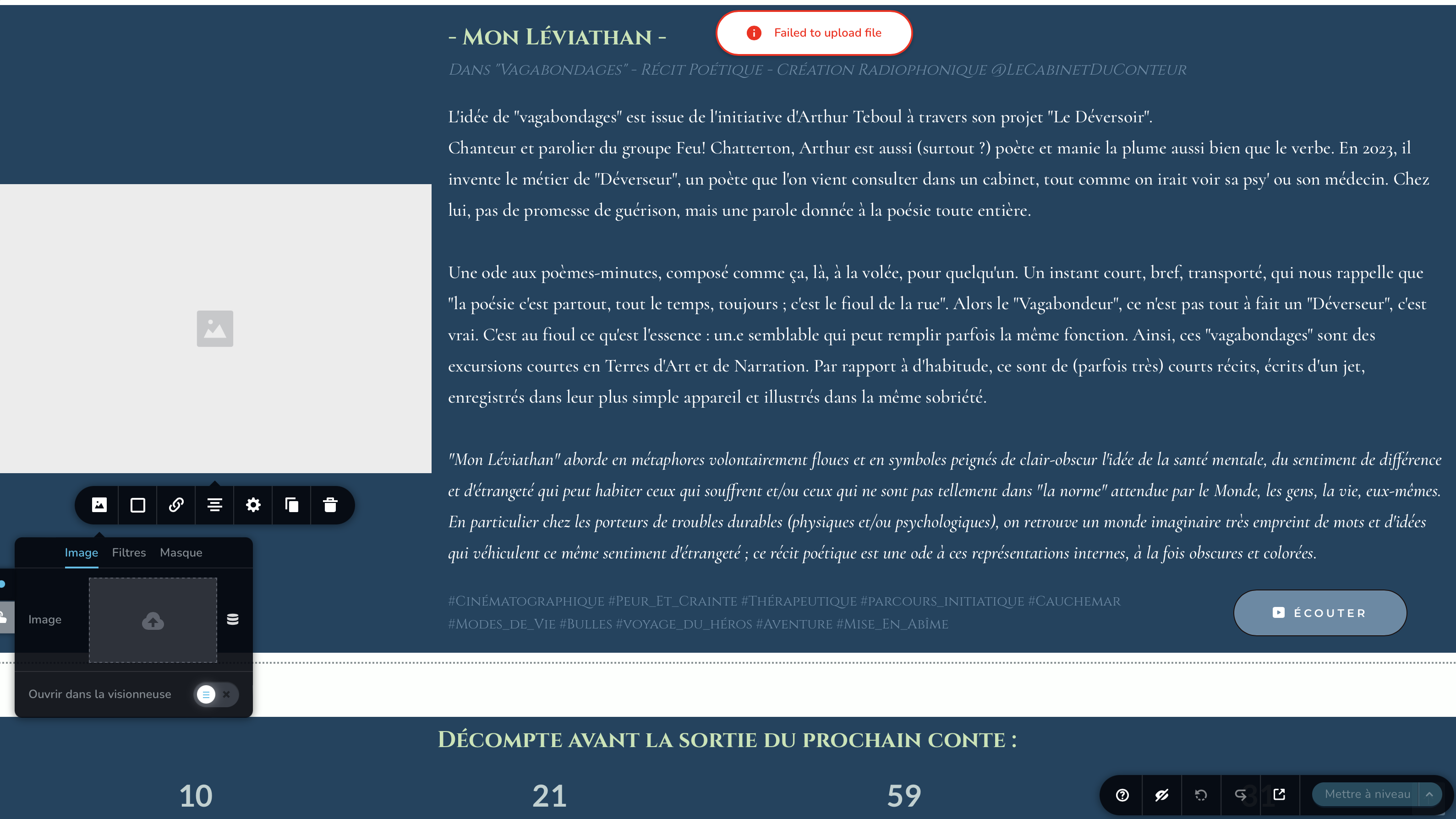
- second one (annoying but not-that-problematic at the end of the day) :
On the brizy builder view, almost every image doesn't show (image icon appears at their places), meanwhile on my website they appear just fine.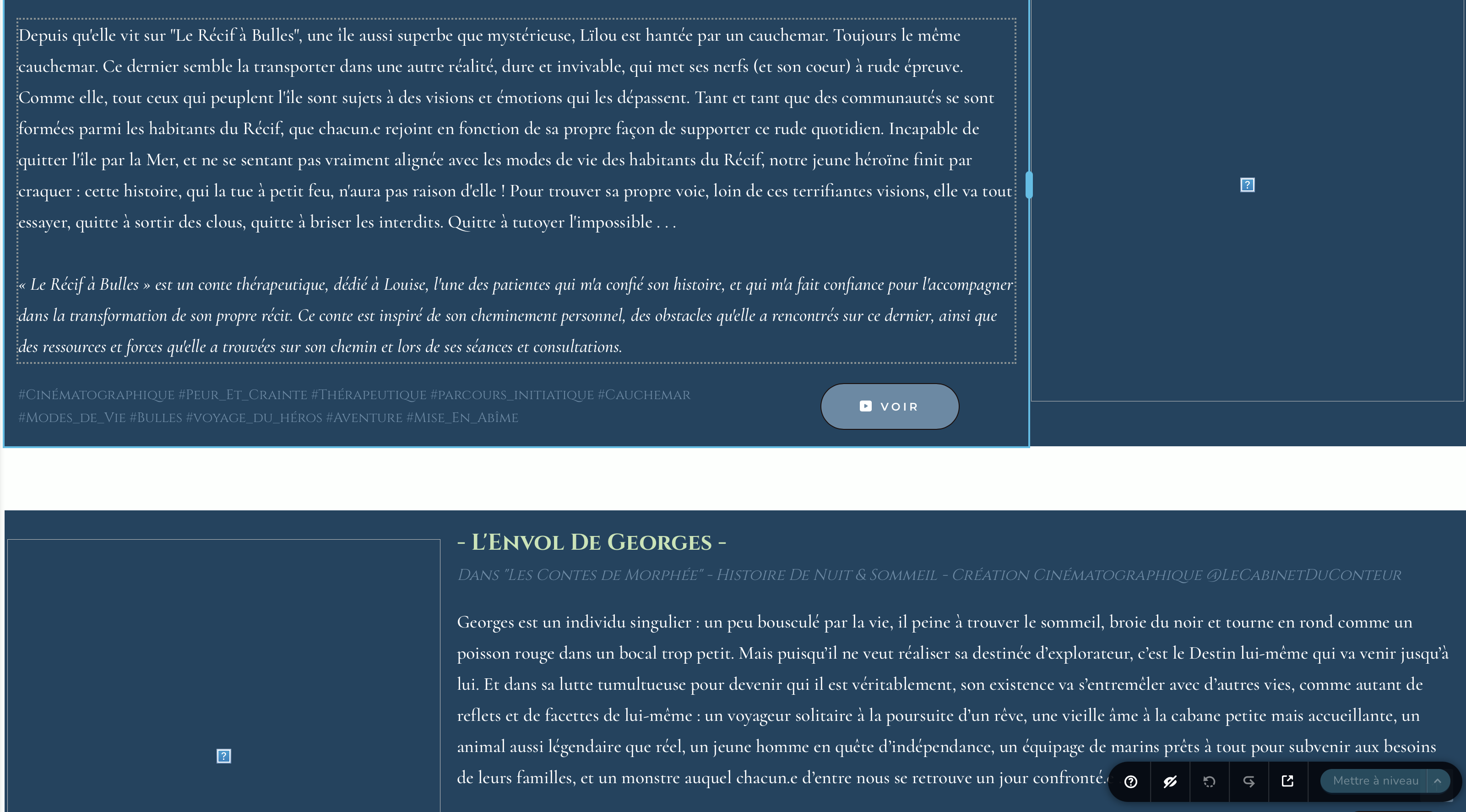
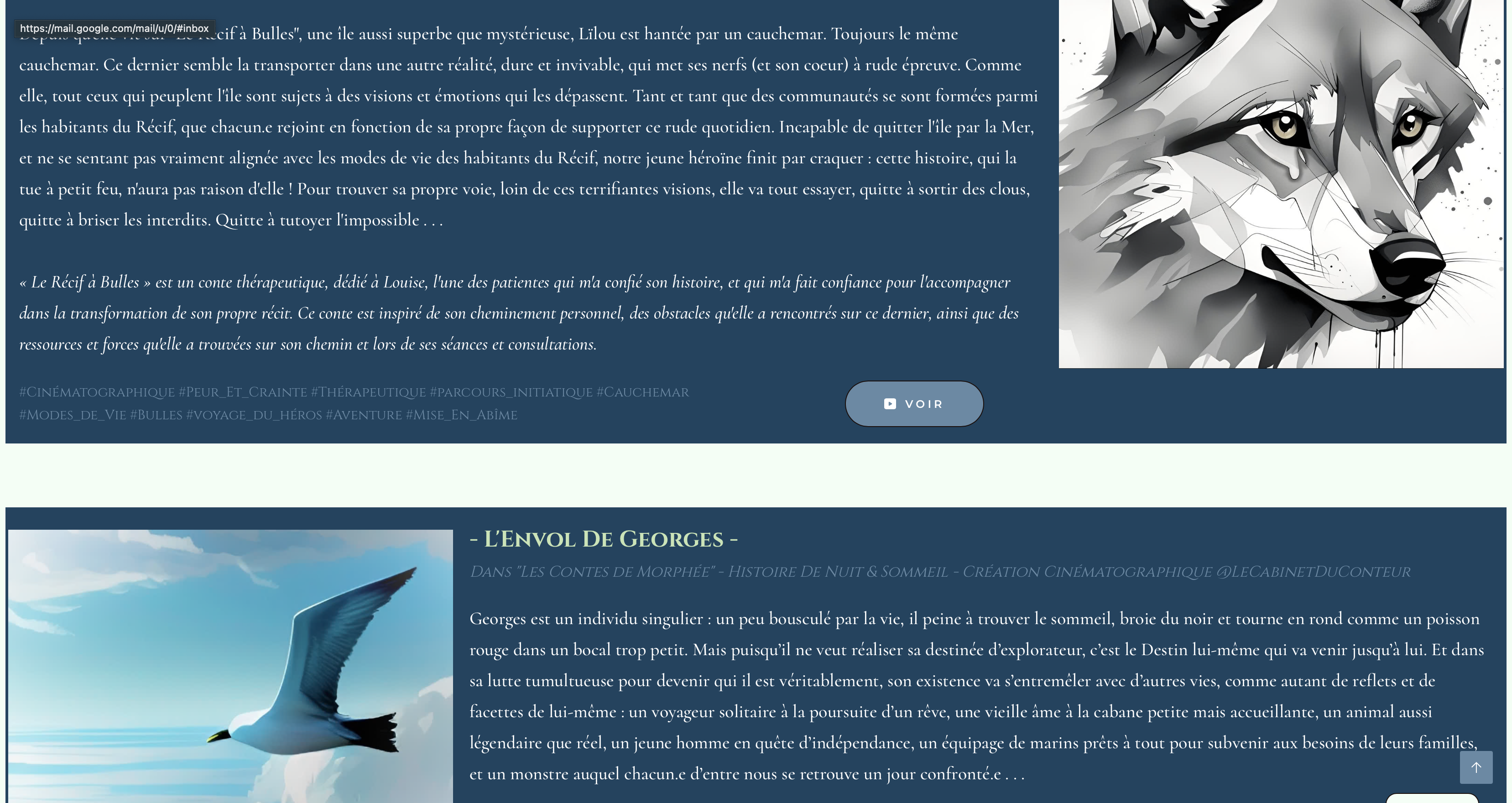
For the record, I use brizy pro on my wordpress and everything is updated (wordpress, brizy, brizy pro and every plugin possible). How can I fix that ? Seems like a bug to me as everything worked just fine 2 months ago (I don't change anything before it started to go south).
Thanks for the time and effort you'll put to my question/report.
Have a great day. Kindly,
Victor Duhayon - Le Cabinet du Conteur
-

Hi Victor,
Thank you for reaching out.
I tested the image upload functionality in my test environment using the latest versions of WordPress, Brizy, and Brizy Pro, but I wasn’t able to replicate the issue—everything worked as expected. This suggests the problem might be related to something specific in your server environment.
Could you please try is temporarily disabling ModSecurity on your server, as it can sometimes block certain requests like image uploads in Brizy. After disabling it, please check if the image upload works as expected.
If that doesn't help, please feel free to provide your site’s login details so we can take a closer look. Kindly add us as an Admin user to your WordPress Dashboard and send the following details to communitysupport@brizy.io.
Community Post link: https://support.brizy.io/hc/en-us/community/posts/28544713872274
WordPress Admin URL:
Username:
Password:Best regards,
Ariel H.0 -
Hi Victors,
Upon checking, the issue is coming from the Image Optimization Service by Optimole plugin. When this plugin is disabled, images upload without any issues.
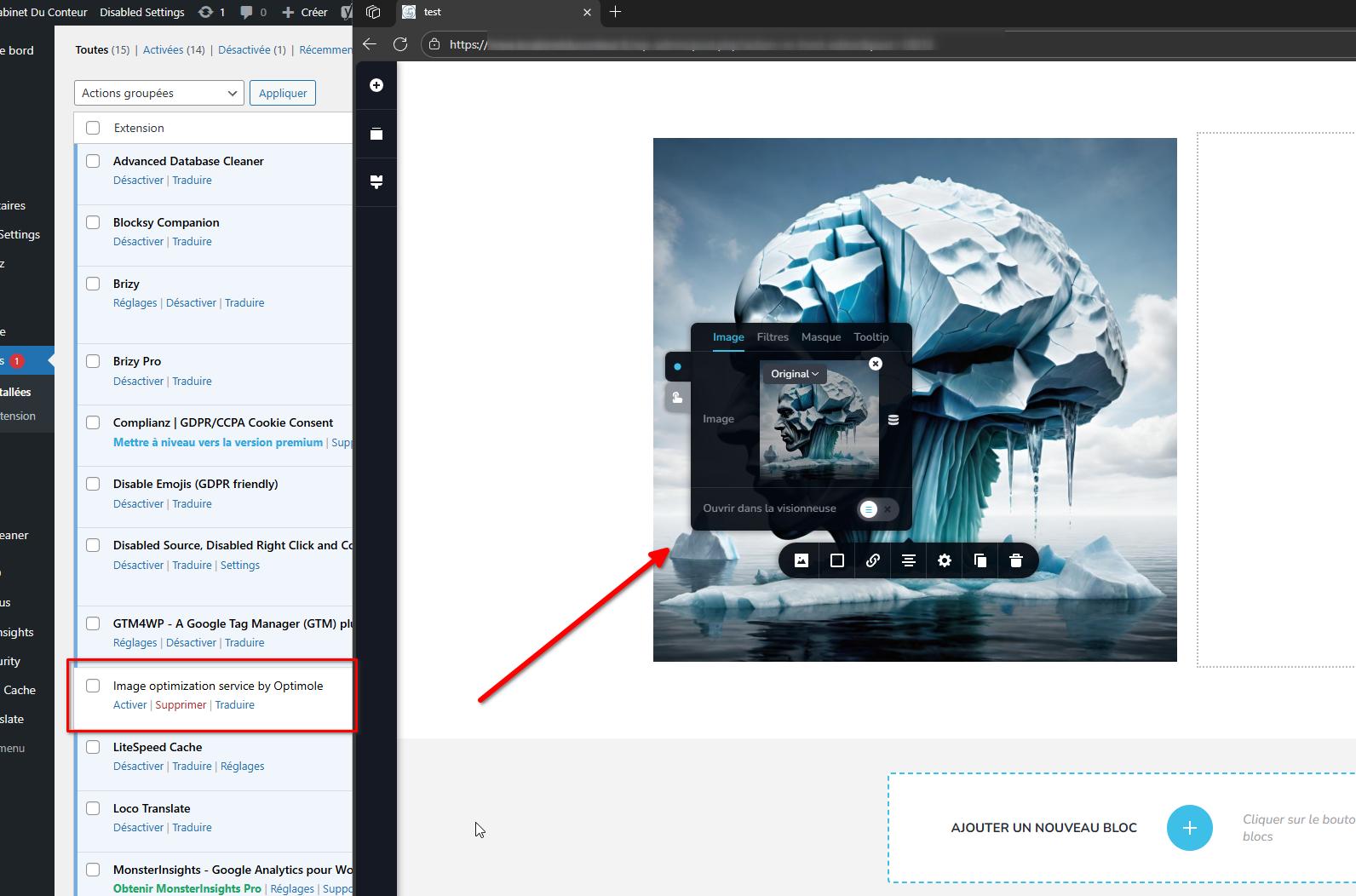
You might want to check the plugin’s settings or contact the plugin’s support to see if there’s a way to keep it enabled without affecting image uploads. Otherwise, you can temporarily disable it while working on your site.
Best regards,
Ariel H.0
Please sign in to leave a comment.
Comments
2 comments