forms not working

https://sellandscape, forms still not working, I deleted the forms, added new ones, cleared cache, cleared cache on hosting end, plugins updated, old forms still showing. These are on two pop-ups, I cannot find another cache to clear. I have sent info to your support email with a user name which I added so you guys can look at my site. This has been since the update and my customer is losing money.
-

Hello Diane,
I checked the forms associated with the popups linked to the "Request An Estimate" and "Send Review" buttons on your homepage. I also checked the forms associated with the "Request Free Estimate" buttons at
- https://sellandscape.com/residential-landscaping-and-lawn-care/
- https://sellandscape.com/commercial-landscape-and-lawn-care-services/
I see the same design in the editor and in the frontend for all of the 4 forms. If old forms are still showing, can you specify the page URL and the specific section, so that we can take a look?
Email notifications are not set up in the forms on these pages, and none of the apps in the list are integrated with the form either.
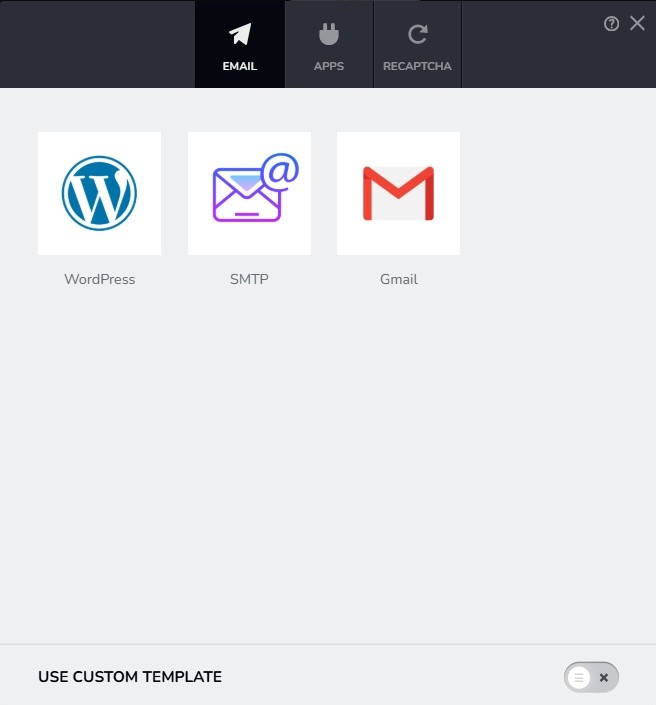 0
0 -
since the forms are in two popups, it is the same on all pages. I did indeed setup email notifications on both forms so I don't know why it shows that it's not. Seems like the update really did a number on Brizy and things are not back to normal. I guess I will have to not use pop-ups and add a new form plugin--so disappointing and a lot of extra work.
0 -
also, before you looked at anything I had deleted the forms in both pop-ups and added new ones. See the screenshots. Yet the old forms show up. Not enough concern here from Brizy about all the problems everyone is having after the update.
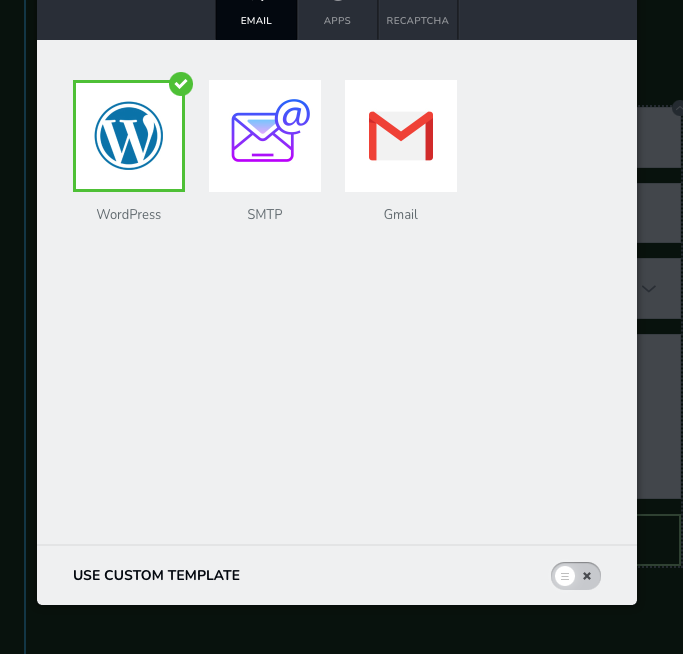
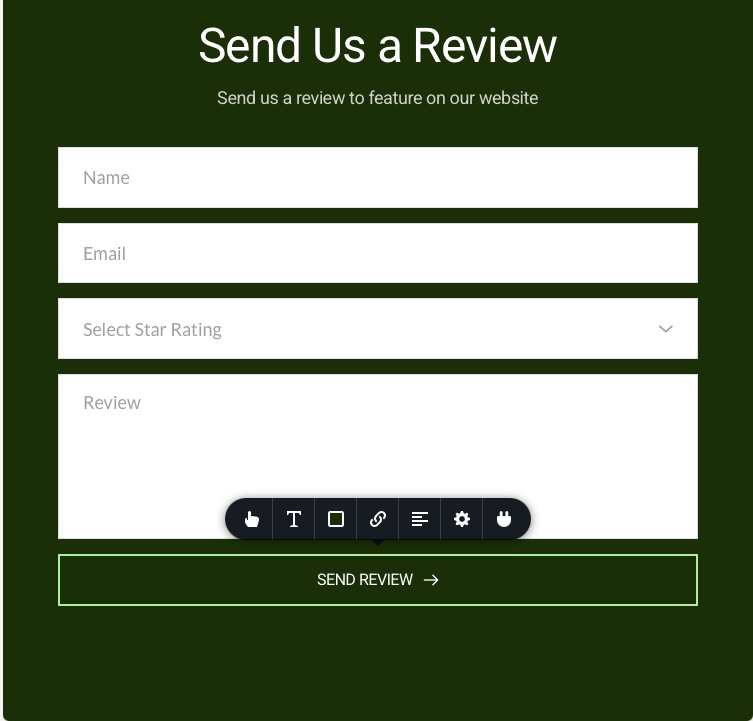 0
0 -
Just did a whole new pop-up with new form, sent to my own email which I know works and email not sent
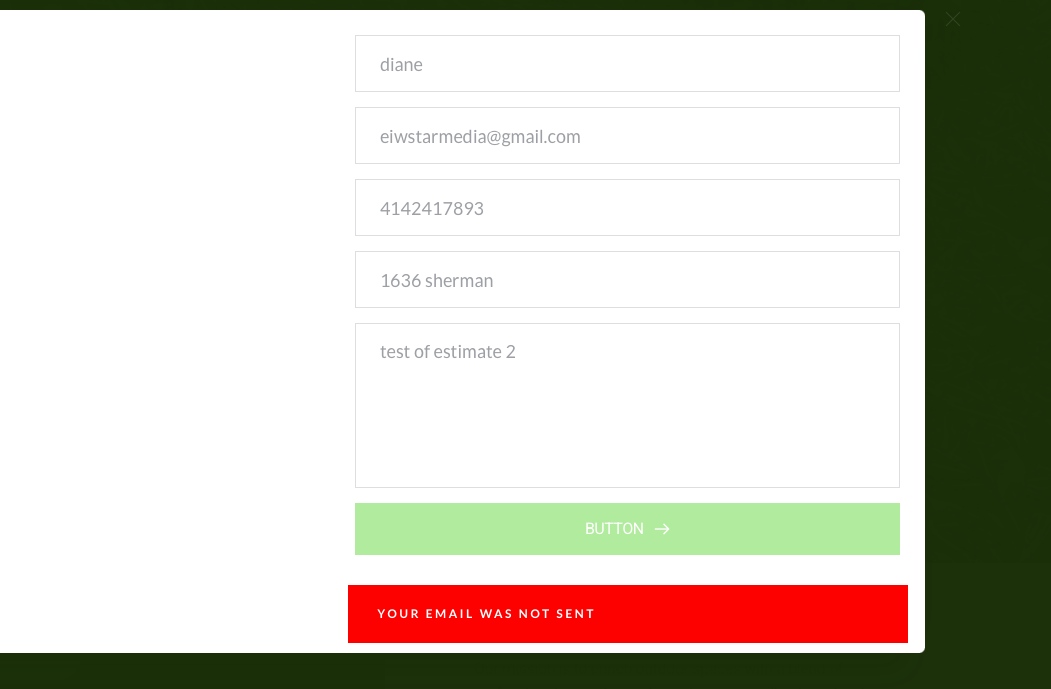 0
0 -
also, I only use 7 plugins and this was done with the 5 other plugins deactivated and only Brizy and Brizy Pro active
0 -
used a WPform (shortcode) in the popup and it worked. Something wrong with your form.
0 -
both forms appear in the popup even though I deleted the Brizy one. Cleared cache and it is still there. Now I have to delete the popup entirely and start over.
0 -
everything is messed up! the second form is still there even though I deleted, created new forms, new popups. So angry right now.
0 -
Hello Diane,
I see that you have removed WP Forms and have setup Forminator forms. Everything looks fine now. I only see a single form on the homepage, Commercial and Residential pages.
0 -
it's not really fine because I can't use the pop-ups with buttons.
0 -
You can place the forms within the popups just like at
- https://sellandscape.com/residential-landscaping-and-lawn-care/
- https://sellandscape.com/commercial-landscape-and-lawn-care-services/
Popups attached to the buttons on these pages had WP Forms shortcodes. The form was not displayed by the shortcode as you had removed the plugin. I have replaced the WP Forms shortcode with Forminator shortcode to make these forms work.
0 -
I see that but I was trying to use the pop-ups listed under the wp admin Brizy on the left side instead of creating pop-ups for each page. Those pop-ups were showing two forms when clicked even after deleting conditions and where they were shown. emptying cache did nothing. I still am having trouble getting notifications from the forminator forms as well. This has all been such a mess!
0 -

Hi Diane,
Thank you for reaching out.
The reason you're having trouble receiving email notifications appears to be due to a server-related issue — possibly a misconfiguration, or restrictions where SMTP or the "wp_mail()" function is blocked on the server side.
We can confirm that all form submissions are being successfully collected in Brizy Leads. This means that Brizy is working as expected and properly recording the data from the form. However, the emails are not being sent out due to a delivery issue likely caused by the hosting environment.
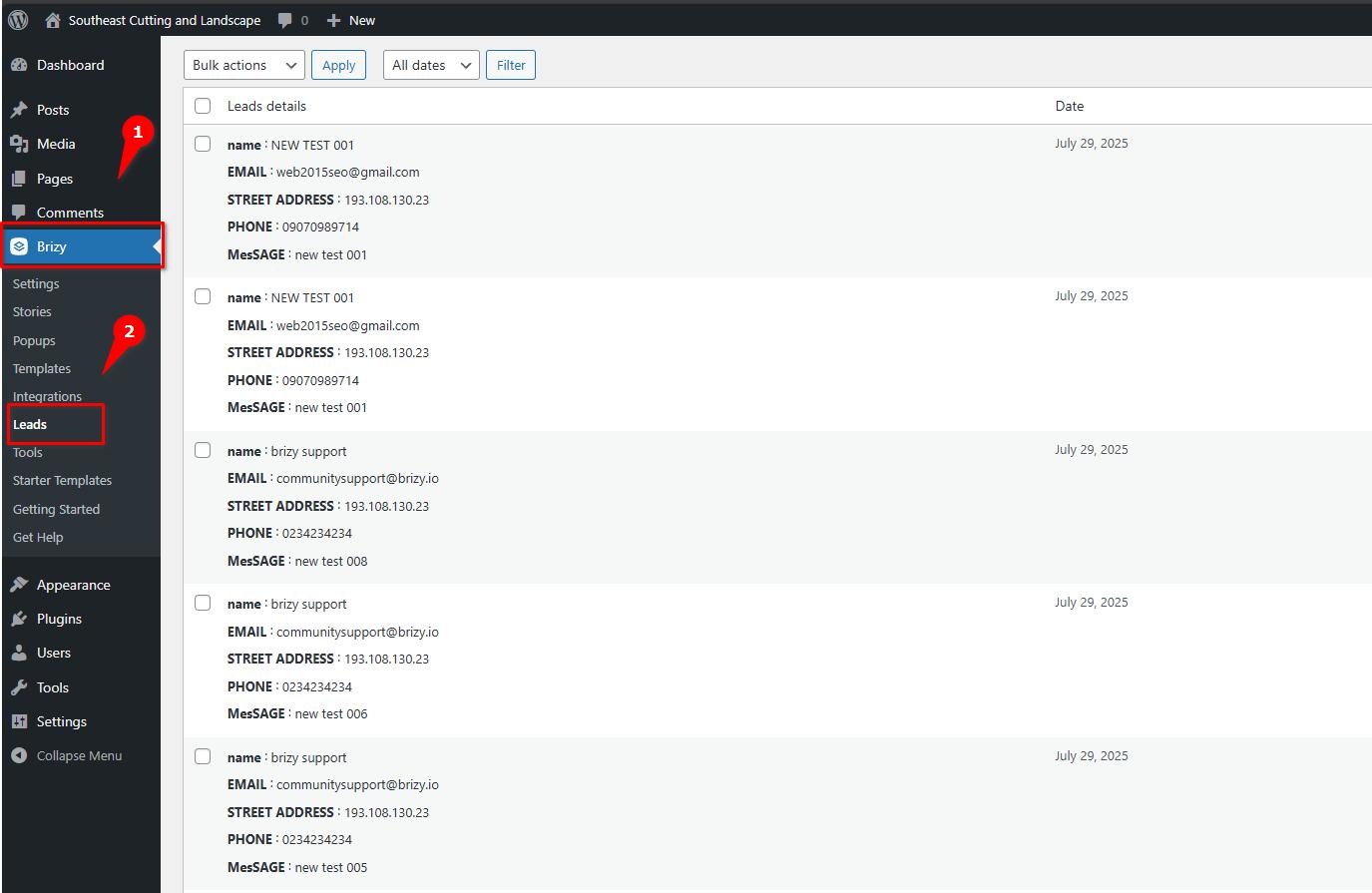
I performed all testing here: https://sellandscape.com/form-test/, and I also noticed that you’ve tried using Forminator. While the form appears to be sending, the emails are still not being received, which further confirms that the issue is not with the form plugin itself but with the server’s ability to send emails.
We recommend contacting your hosting provider so they can investigate this further and check whether outbound email sending is properly configured and enabled on your server.
Let us know if there's anything else we can assist you with.
Best regards,
Ariel H.0 -
Thank you for all your help KC and Ariel. Sorry I got a little testy. I will try checking with hosting
0
Please sign in to leave a comment.
Comments
14 comments