Server Down/Running Extremely Slow

Team,
Something is wrong with your server. Updates are taking forever and syncing with external hosting is virtually impossible.
Please fix ASAP.
-
Guys -
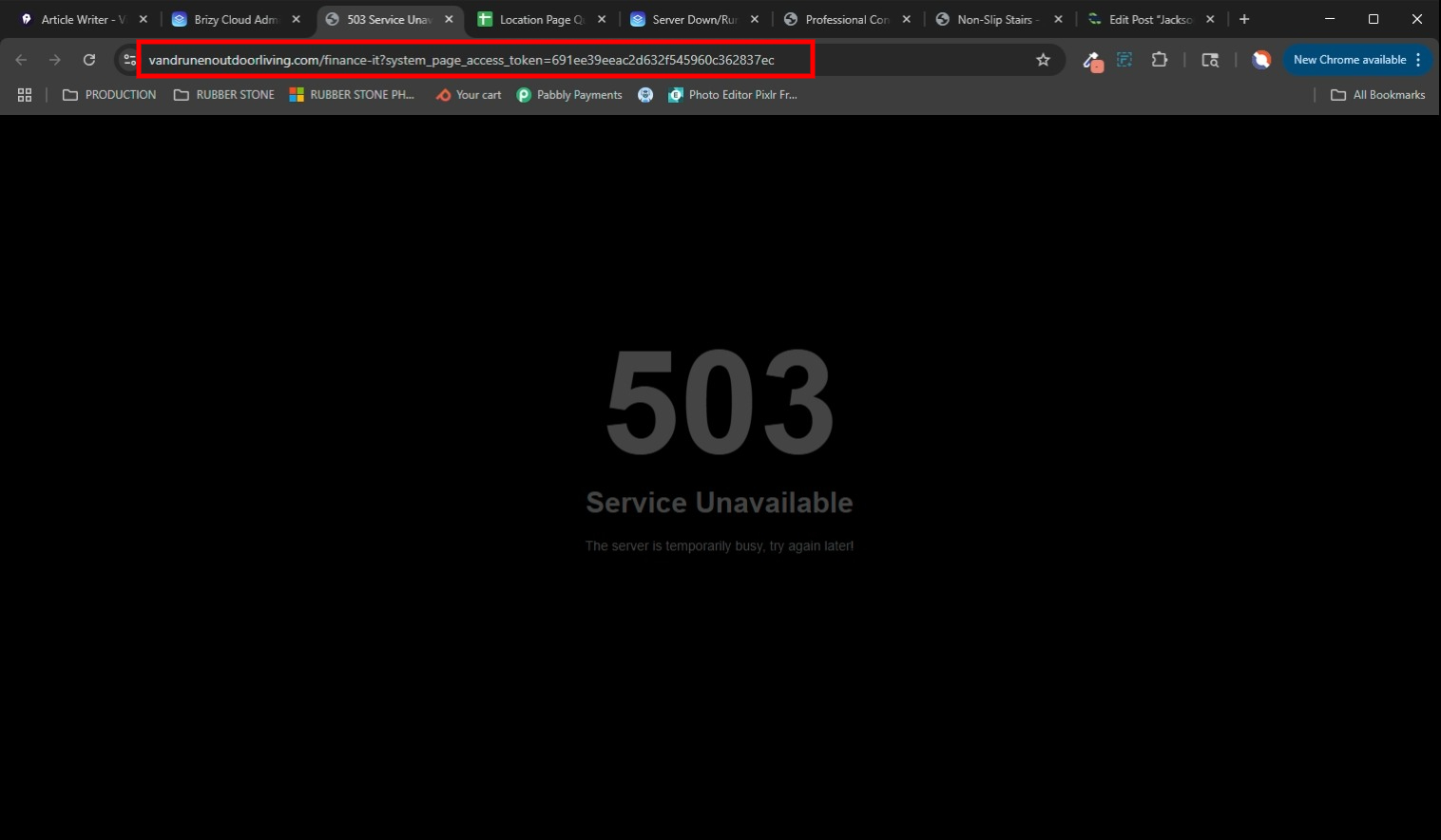
This is a serious issue - site is still showing a 503 because it isn't syncing properly. I've deleted all the files and reloaded. Still not showing up.
URGENT
0 -
I'm now discovering that many of my sites are facing the same issue when trying to access the link using the preview icon in the builder or previewing it from a page on the builder.
 0
0 -

Hello David,
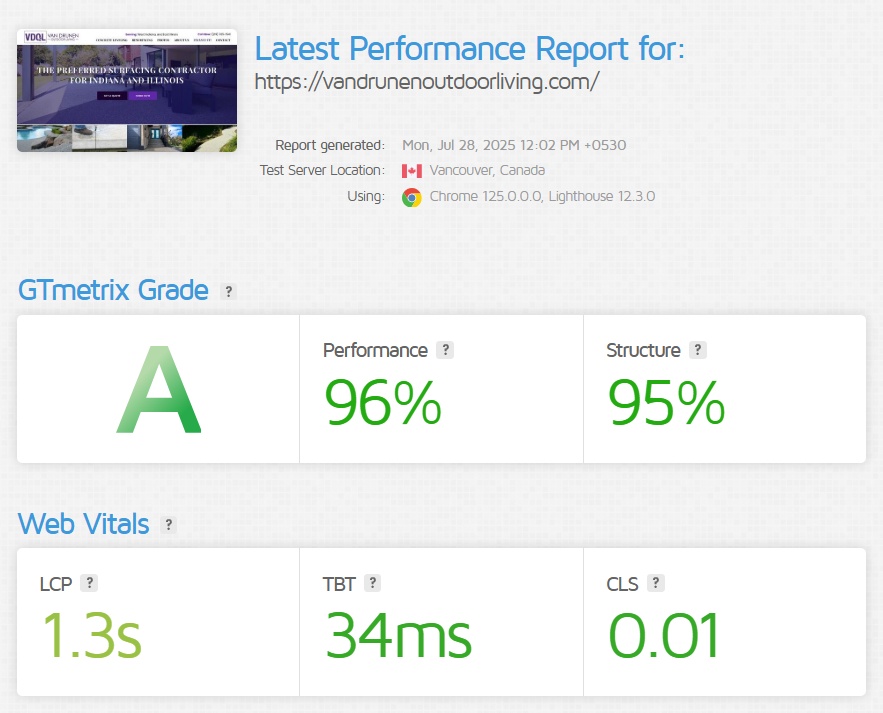
When visiting your website, https://vandrunenoutdoorliving.com/, I see the design at https://jmp.sh/pbHdcBgw and the performance of the page on GT Metrix looks reasonably good. https://gtmetrix.com/reports/vandrunenoutdoorliving.com/XkmcSNL8/
"503 Service Unavailable," error indicates that the server is currently unable to handle the request due to a temporary overload or scheduled maintenance. This error suggests that the server is operational but cannot process the request at that specific moment. Could it be possible that your webserver experienced a temporary overload or scheduled maintenance during the time you checked?If this issue occurs on other websites, kindly remove the following parameter from the browser address bar and check the preview and check if that helps.
?system_page_access_token=691ee39eeac2d632f545960c362837ec
 0
0 -
This is not the issue here.
It has something to do with Brizy. I already checked with hosting at length. There were no issues.
When he checked his system, here is what he said:I checked yoru website and I see that it's showing this error after a long loading:
I also checked your PHP error log and it seems that the error is caused by this:
It appears your website is making a cURL request to
https://vandrunen.brizy.site/finance-it, but this page is currently unavailable. This broken link can sometimes cause errors or slow down your site.This is the new page I created (twice now).
I've not updated any other site so there is no issue UNLESS I try to access the site using a preview link, any of the preview links.
As I mentioned about one of the working websites. Even trying to use - https://admin.brizy.io/projects/22584877/preview does not work while https://allseasonslandscapingms.com works fine because the site is cached on the server and I've not made any updates.
Look deeper at things, there is something going on that has now caused my client's website to be inaccessible for large chunks of time after updating.It does seem that sync does eventually send everything for the server, but it looks like it is taking 20-30 minutes, and not everything gets sent. In some cases, the homepage worked, but inner pages didn't or, pages worked, but some images didn't load.
Here is a video for more examples:
https://nimb.ws/otNBUMPAny preview link I use from Brizy does not work, while the direct link does because it is cached.
If I update any of these sites, the same thing will happen that is happening with Vandrunen, and I will not be able to access it.Take my word for it, I've researched it extensively and you've got an issue with the platform, or at least with my account somehow, and it needs resolving asap.
0 -
Hello David,
My colleague Basharat Reyaz checked the preview of a Server Sync website and it works fine. You can see his test at https://jmp.sh/h5rXNDUY. Hence this may not be an issue at large with all Server Sync websites.
Can you create a new user for us in your hosting Control Panel for us to investigate this issue? You can then send the following details to our email communitysupport@brizy.io
- Control Panel URL:
- Username :
- Password:
0 -
Unfortunately, Hostinger does not use CPanel. I've shared delegated access with the hosting account, which gives access to all websites under that hosting. All are listed under Websites. You'll find vandrunenoutdoorliving as well as all the others in my account that are experiencing the same issue... never experienced before.
BUT - all the others are showing up without issues because I have not updated them today. If I update any, the same issue will likely happen. It will be a Hostinger account sharing invite.
0 -
UPDATE:
On another site: https://admin.brizy.io/projects/22403595/I'm trying to save a draft page. For about 20 minutes now, the saving icon just spins.
This is what first alerted me that something was wrong on Friday. If I try to publish this page, I have no doubt the site will experience a 503 error.
Another thing I'm experiencing - Even though I am only publishing these pages as draft, when I visit the site just after saving draft, it takes time to reload again as if the page is caching all over again. Brizy should be sending nothing to the server UNLESS I have published something live.
0 -
Hello David,
We have escalated the issue to the next level of investigation. We will keep you informed as we have an update.
0 -
Thank you. As of now, I cannot do anything, and I have deadlines. Please prioritize.
0 -
Hello David,
Since you can check the live URL instead of the preview URL after making a change, should this hold up your projects?
We could not look at https://admin.brizy.io/projects/22403595/ as this URL did not open any project. Can you share these details of your project?
- Frontnend URL
- Project Name
- Workspace
0 -
I can view those sites if I go to the direct link.
If I edit those sites, even the direct link will result in a 503 for some unknown amount of time. Read through the original posting. Getting 503's from the preview links is only one of the issues, but not the main issue. The main issue is if I make a site edit, the synced site ends up in a 503.
So where are we with this? I've got to get things accomplished.
0 -
Hello David,
We are unable to reproduce the 503 error in the frontend when making an edit in the project. Please see my test at https://jmp.sh/3eCalfyI. Can you do more tests and check if the issue persists? Maybe use different browsers for checking the frontend and for editing.
We are still looking into the issue of editor previews returning a 503 error.
0 -
Kc - try going to another page of the website now. For example, the concrete leveling page. That is another thing I mentioned above. I've had experiences where the site loaded but images did not come from sync, or homepage loaded but not inner pages.
Right now I've just tested concrete resurfacing and it doesn't load at all and ends up in a 5030 -
To do a full and thorough test, you've got to do more than update a single page and review that page. Brizy is syncing the ENTIRE site again (which I don't think is every efficient), so you have to test more than a single page, you've got to review multiple pages to see what the result is.
When you see an issue come from me, trust me... I've tested it thoroughly. I've been in this industry for almost 2 decades. worked with thousands of sites and multiple platforms. If I say there is an issue, it is a legitimate issue. I reported this legitimate issue on Friday afternoon. It is now Wednesday - 5 days later. I'm no closer to being able to get tasks accomplished and this is becoming a real nussance.
0 -
Hello David,
I could reproduce the 503 error when editing an inside page of your website. We are looking into it. We apologize for the delay in fixing it. We will soon get back to you when we have an update on this.
0 -
Hi Kc - what is the update on this?
I have a feeling this isn't site-specific to that single site and do not want to update another site on my account.0 -
Kc -
What is the update? It has been 5 business days now.
0 -

Hi David,
Thank you for following up, and I sincerely apologize for the delay.
We’re still working on this. Kindly allow us a bit more time to address the issue properly, we’ll keep you updated as soon as we have progress.
Thanks again for your understanding.
Best regards,
Ariel H.0 -
Hello David,
The above issue has been resolved. Please check whether editing pages in your Server Sync projects causes a 503 error in the front end of the website. Please also confirm if you are able to preview the pages from the editor without any errors?
0
Please sign in to leave a comment.
Comments
19 comments