Importing Layouts created using Brizy Cloud to Brizy WP

Hi,
I'm having issues with importing layouts created using Brizy Cloud and into Brizy WP.
I tried making changes to the server as per this post but it still doesn't work.
Here's my current server settings:
max_execution_time: 300
max_input_vars: 300
memory_limit: 1536M (or higher)
post_max_size: 1536M
upload_max_filesize: 1536M
It's giving me this error:
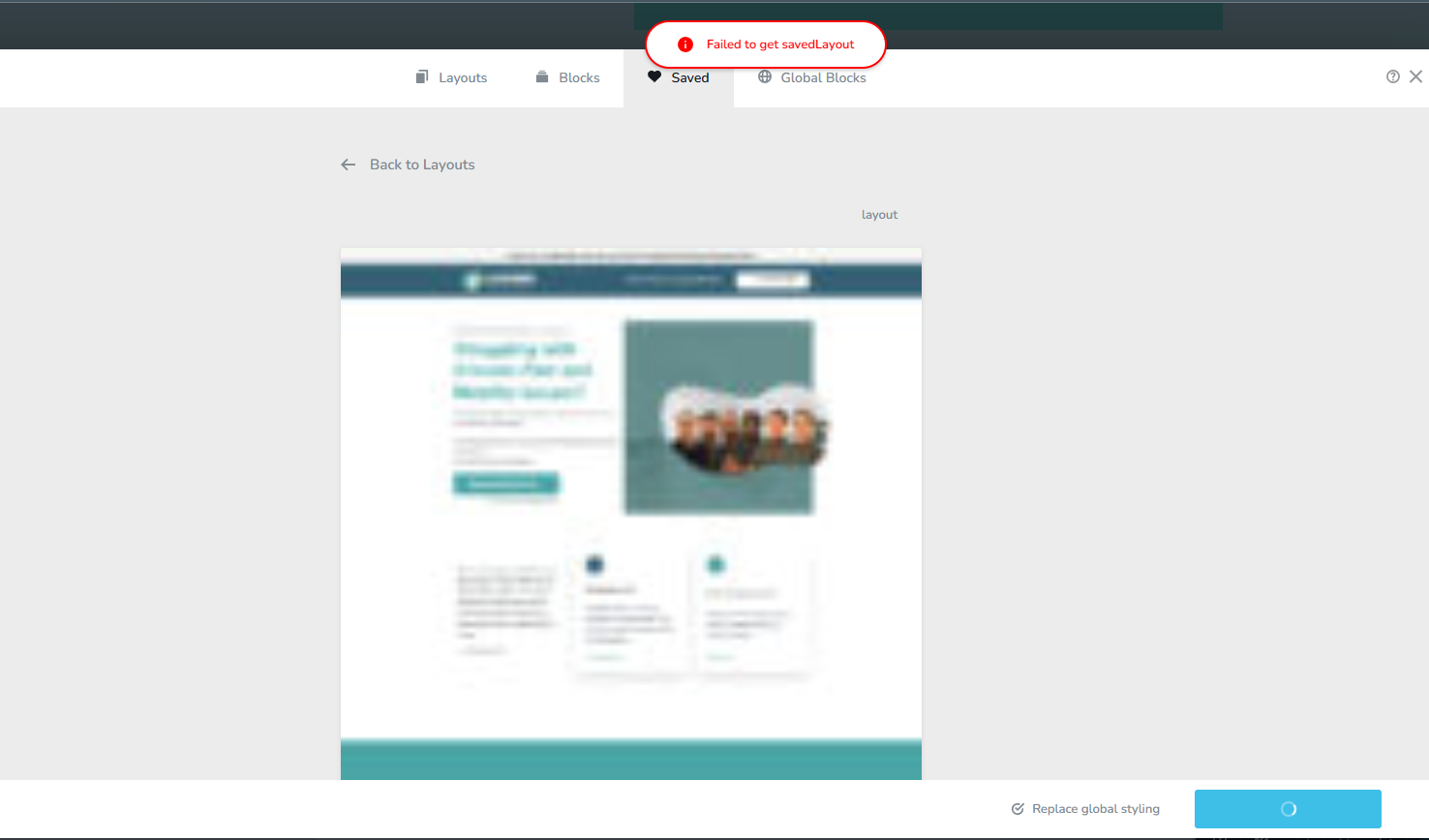
I did try importing a block and that worked.
Please advise a work around to this issue.
Thanks
-

Hi Kim,
Thanks for reaching out.
If you haven’t already, please make sure your server is running PHP 8.0 or higher, updating PHP might resolve the issue with importing layouts.
If the problem persists after the update, kindly share your WordPress admin login details with us so we can take a closer look. Please add us as an Admin user to your WordPress Dashboard and send the following details to communitysupport@brizy.io.
Community Post link: https://support.brizy.io/hc/en-us/community/posts/28297875216402
WordPress Admin URL:
Username:
Password:Looking forward to your reply.
Best regards,
Ariel H.0 -
Hi Ariel,
I updated the server's PHP from 8.2 to 8.4 and then I was able to finally import the layout.
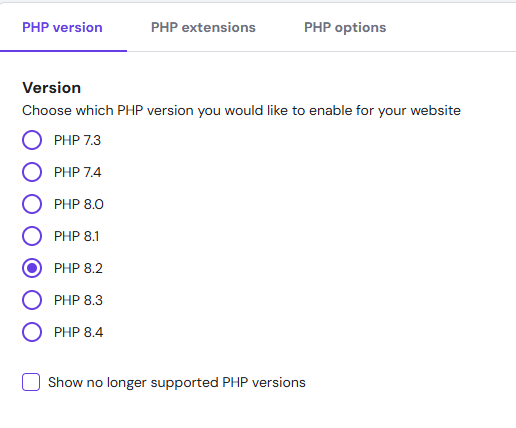
However, when I check replace global styling, it doesn't import the global styling. Is this function working or is this a bug?
This is what it's supposed to look like from the Brizy Cloud.

This is what I'm seeing when I import in Brizy WP. I don't see the style listed.
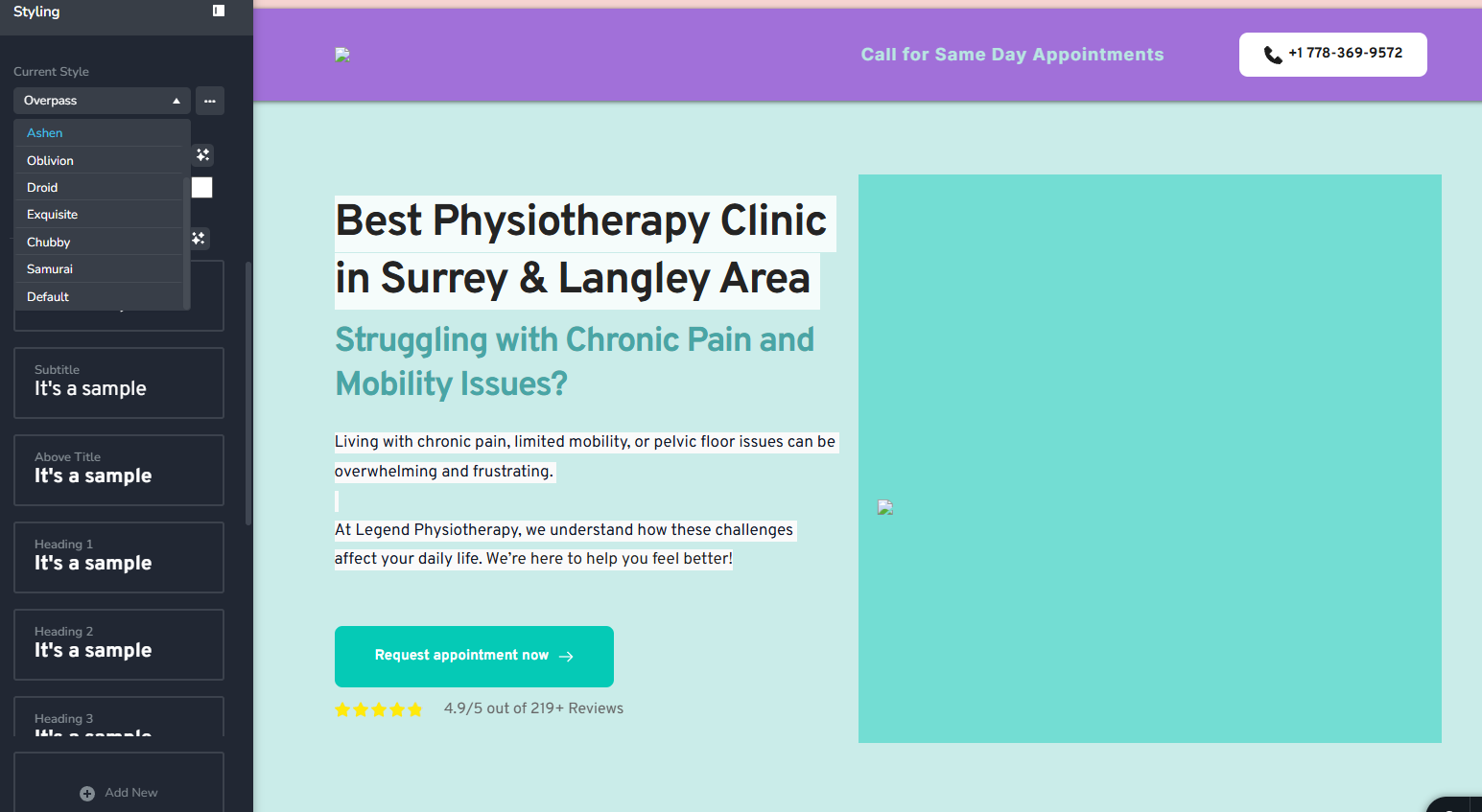
Please advise.
Thanks
0 -
Hi Kim,
Thank you for the update, and I’m glad to hear that updating the PHP version helped with the layout import.
Regarding the Replace Global Styling option, this is actually expected behavior and not a bug. The feature is designed to preserve the global styling of your current site, so it doesn’t override it automatically when importing layouts. This helps avoid unintentional changes across your existing pages.
If you’d like to apply the global styling from the imported layout, you’ll need to manually update the global settings (colors, fonts, etc.) after the import.
If you have any further questions, please let us know.
Best regards,
Ariel H.0 -
Okay thanks for the clarification!
0 -
Hi, I have a follow up issue with this.
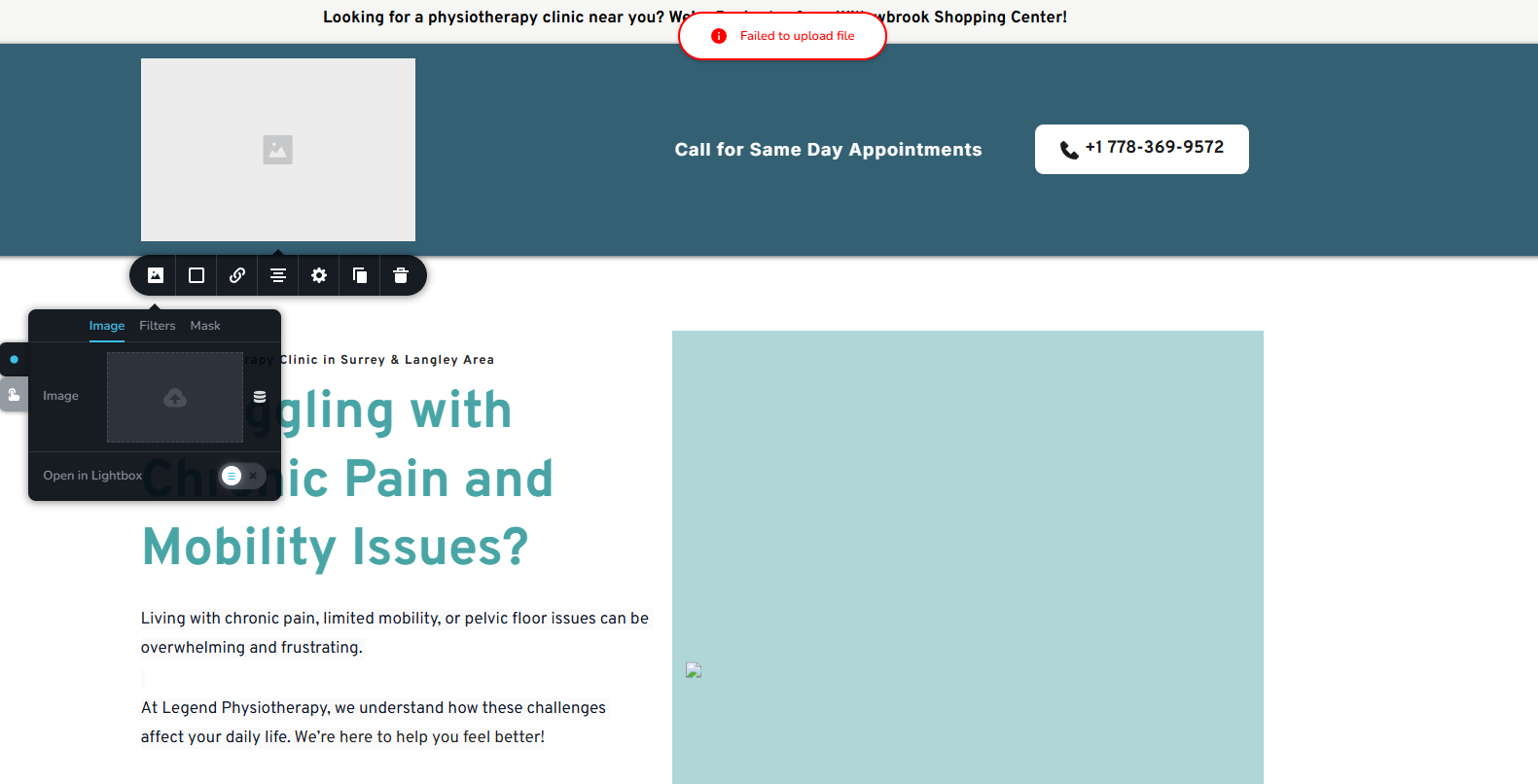
I get this error "Failed to upload file" whenever I try to select an image even though the file is already uploaded in the media library.
0 -
I tried reverting back to an old version of Brizy and Brizy Pro plugin (followed this one) but it still didn't work.
1 -
Hi Kim,
Thank you for keeping in touch.
Kindly follow the steps we shared in one of our previous emails to securely send your site credentials. Additionally, please provide temporary access to your cPanel or hosting console, so we can further investigate the issue.
Looking forward to your reply.
Best regards,
Ariel H.0 -
Hi Ariel,
I just sent an email to communitysupport@brizy.io with the requested details.
Let me know if you need anything else to fix the issue.
Thanks
0 -
Hi Kim,
Thank you for the update.
I checked the site and saw a 404 error in the console when uploading images.
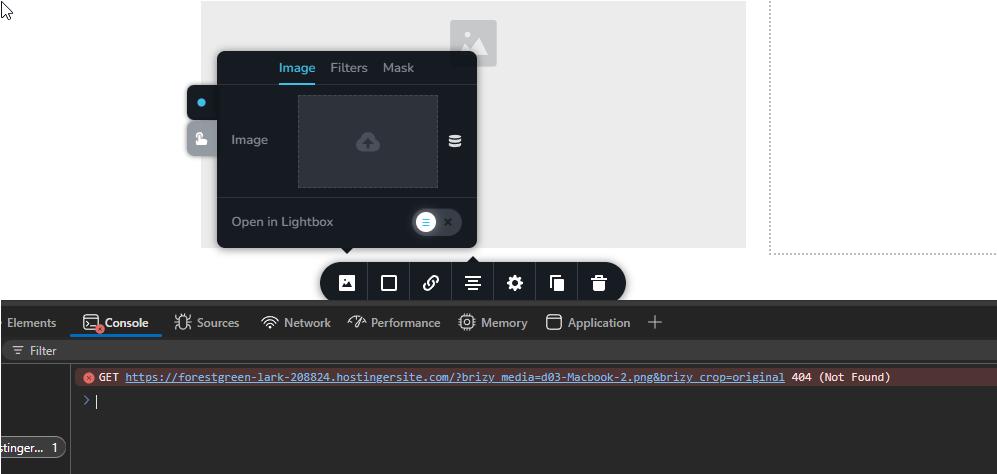
This is happening because the site's current URL doesn’t match what WordPress is expecting. Right now, the WordPress and Site Address URLs are set to: http://legendphysiosurrey.com
But the site is actually running on: https://forestgreen-lark-208824.hostingersite.com
Because of this, WordPress is trying to upload images to the wrong domain, which causes the 404 error.
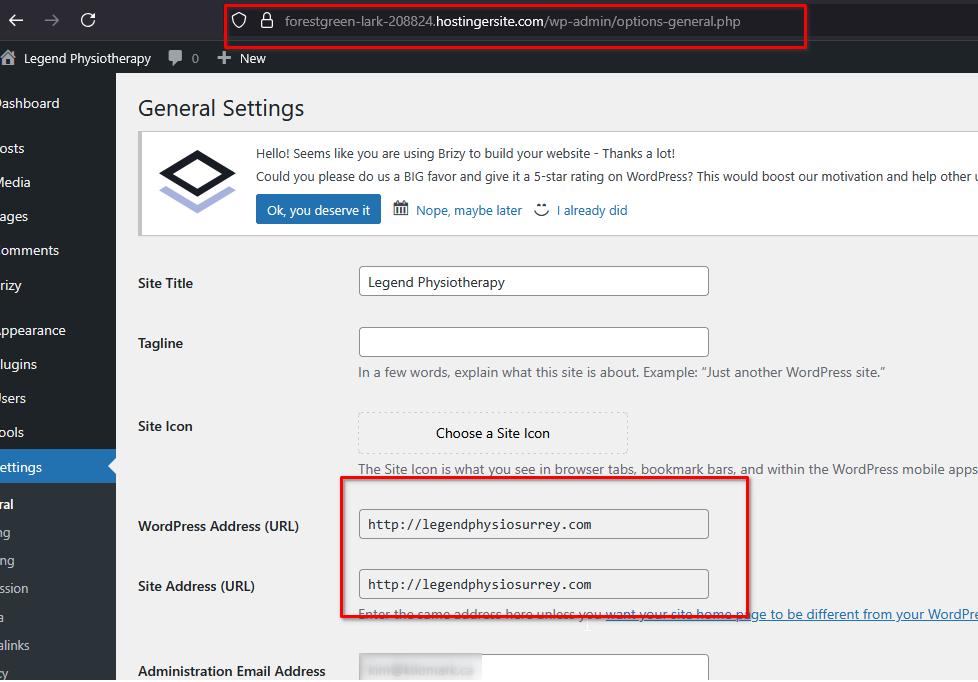
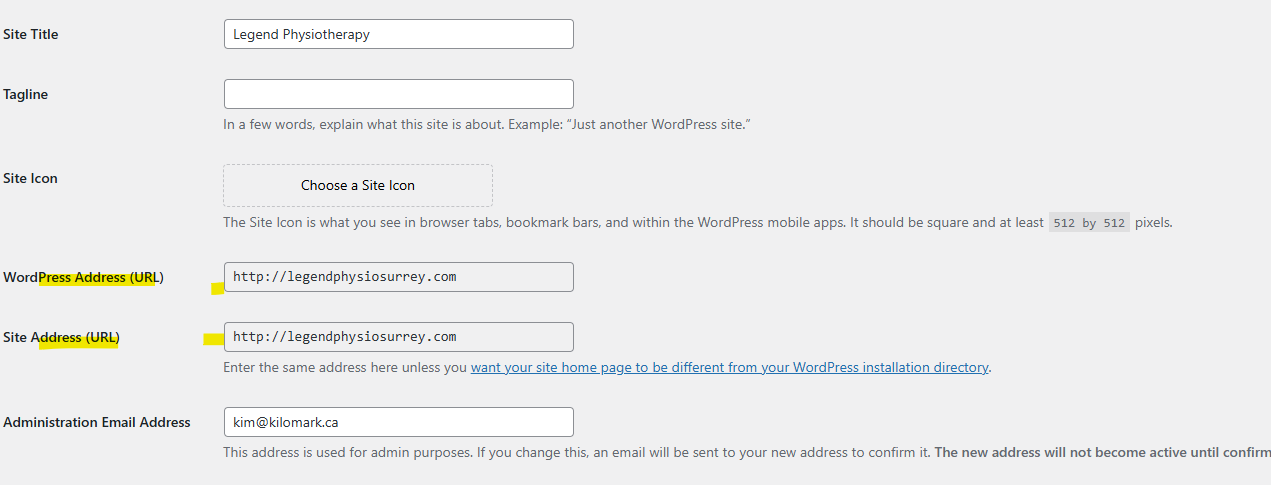
Since this is just a staging site, you can temporarily change both the WordPress Address (URL) and Site Address (URL) under Settings > General to: https://forestgreen-lark-208824.hostingersite.com
This should fix the image upload issue while you're working on the site. When you're ready to go live, you can switch the URLs back to: http://legendphysiosurrey.com
As for the issue with importing blocks from Brizy Cloud, I temporarily synced my Brizy Cloud account with your website to test it, but I wasn’t able to reproduce the same issue.
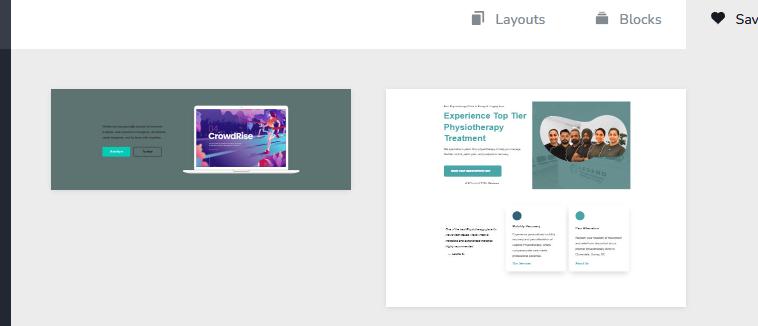
When you get a chance, please try duplicating the block in your Brizy Cloud account, save it again as a new block, and then try importing it. Let’s see if that helps.
Let me know how it goes or if you have any questions.
Best regards,
Ariel H.0 -
Hi Ariel,
How can I change the URL of the site since both options are greyed out?
Regarding Brizy Cloud, it somehow worked again after a few minutes. Not sure what exactly happened.
Kim
0 -
Hi Kim,
Thank you for the update, please refer to Method 3 on this article:
https://www.wpbeginner.com/wp-tutorials/how-to-change-your-wordpress-site-urls-step-by-step/If unsure, please reach out to your hosting provider so they can walk you through the process.
Best regards,
Ariel H.0
Please sign in to leave a comment.
Comments
11 comments