Layout and Styling Issues with Brizy Frontend only

Hello Brizy Support,
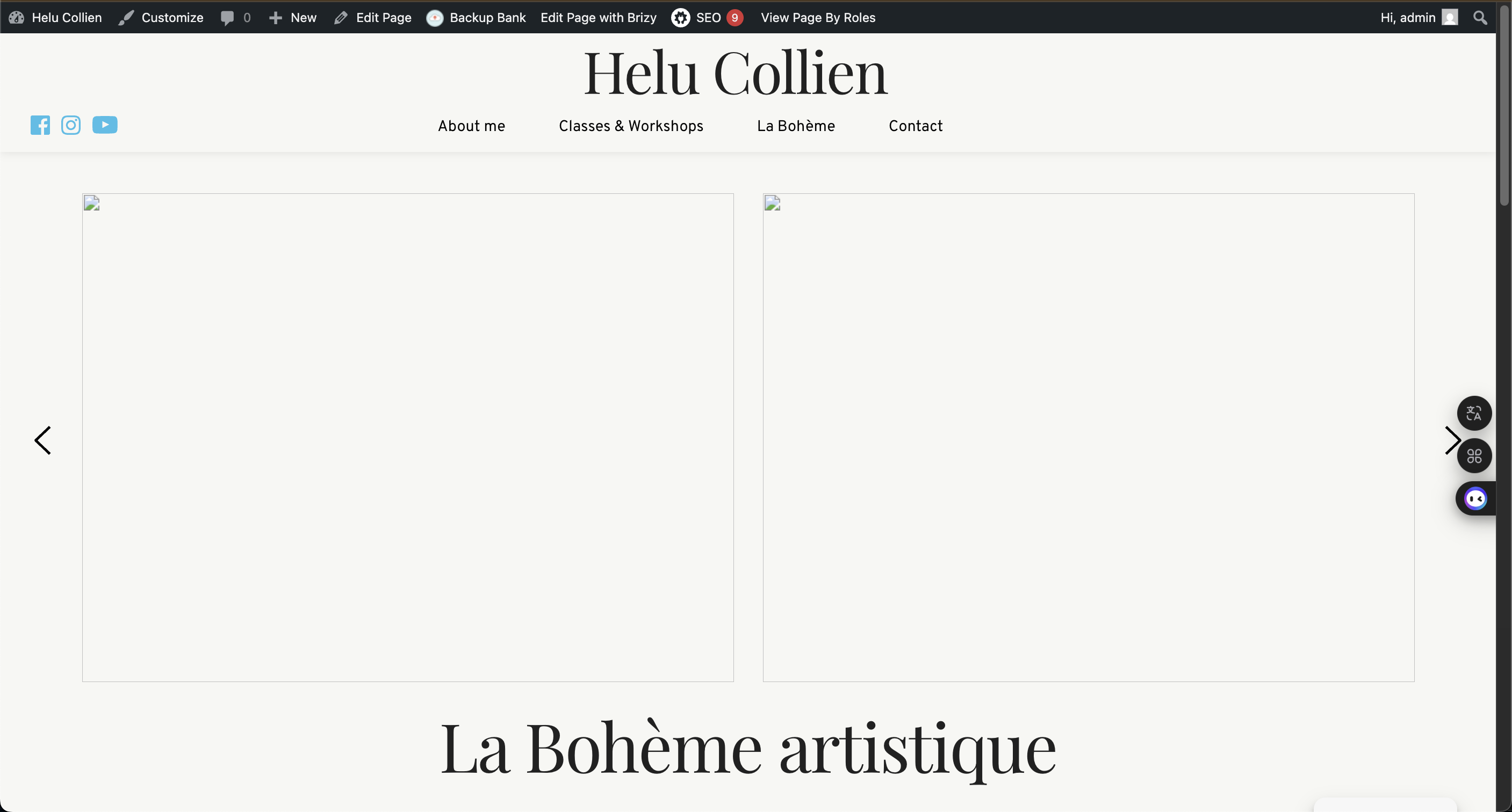
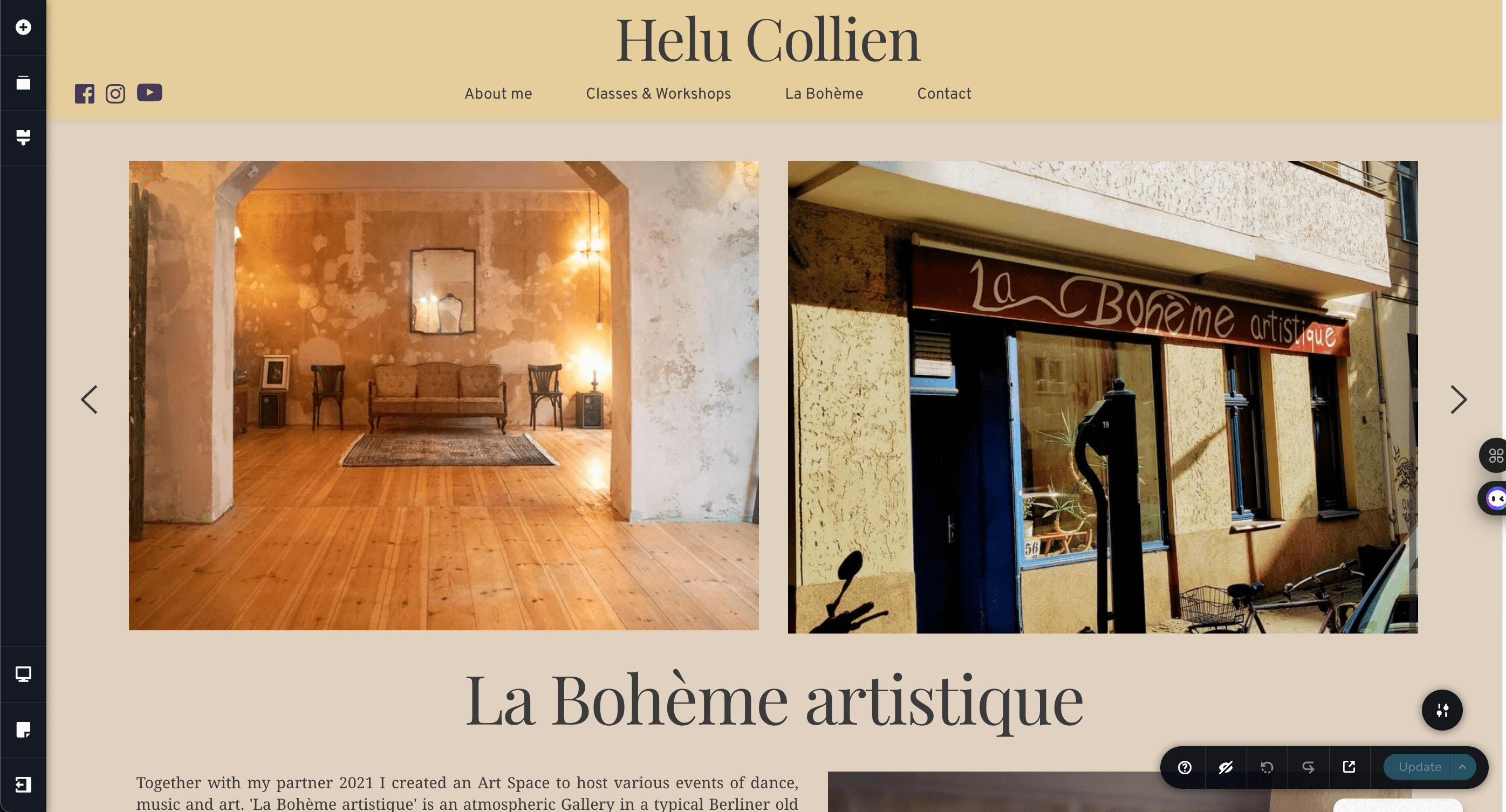
I'm experiencing persistent layout and styling issues on my website (helu-collien.com) when using Brizy. While in the Brizy Builder everything is just perfect (screenshot) on the frontend render its not (screenshot). Some pictures are not available, colors are completely gone and some fonts as well. But the basic components from brizy are displayed.
Here’s what I’ve tried so far:
-
I cleared all caches (browser, plugin, and theme caches).
-
I disabled all plugins except Brizy to check for conflicts.
-
I checked my theme (Blocksy) and tried switching to a default WordPress theme, which sometimes improves the situation.
-
I ensured all plugins and themes are up to date.
Additional Information:
-
Ive just made a migration of the site from a multisite project (where Brizy was also white labeled) caused by a license change of Brizy. Used Prime Mover.
Could you please advise how to resolve these issues?
Is there a way to reset all styles to default Brizy settings (regenerate,...), or to ensure Brizy styles have the highest priority?
Thank you very much for your help!
Best regards,
Elias
-

Hello Yann,
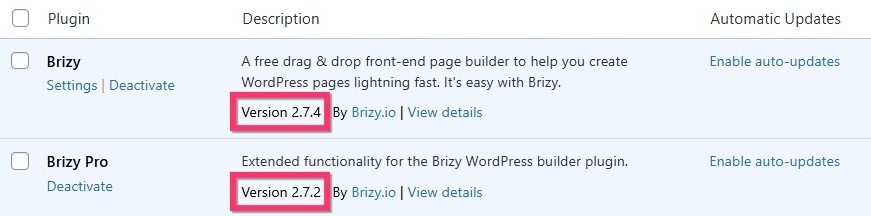
Do you have these versions of Brizy and Brizy Pro? If not, kindly update to these versions.
Open every page with missing content in the Brizy editor, make a minor change like adding a space to a text or increasing the padding by 1 pixel in every block with missing content. In a block, you need to make a single change even if there are multiple elements missing. Click the "Update" button at the bottom right corner to save you work for each page. This should help display the missing content in the website frontend.
If you need help with this, kindly give us access to your project and we will do this for you. Please add a new user to your WordPress Dashboard and send the following details to our email: communitysupport@brizy.io
- Support Forum link: https://support.brizy.io/hc/en-us/community/posts/28287652104594
- WordPress Admin URL:
- Username
- Password
Please let us know in this forum when you send us the email.
0 -
Thanks for your fast answer. Plugins are up to date and the minor-change trick sadly doesnt work. Sent the email with credentials. Thanks in advance!
0 -

Hi Elias,
Thank you for your cooperation.
We’ve escalated the issue to our developers for further review.
In the meantime, we appreciate your patience and will keep you updated as soon as we have more information.
Best regards,
Ariel H.0 -
Hi Yann,
Just a quick update to let you know that we’ve fixed the issue on your website. When you get a chance, please clear your browser cache before loading the site and check if everything is working as expected from your end.
Best regards,
Ariel H.0 -
Hey Ariel,
Bless you and your team, many thanks here.
Im so sorry to bother you again with this - but I just changed the header on the "about me" (home-page) a little and added a freshly saved mobile header and it crashed again. Only the home page this time but maybe you can give me a little advice here, where this is triggered.
All the best
Yann0 -
Hi Yann,
Thanks for reaching out again, and no worries at all — you're not bothering us!
We’ve just checked the site on our end and couldn’t replicate the issue; everything seems to be loading as expected. When this happens, it’s often related to a local caching issue. Could you please try clearing your browser cache or check the site using another browser or device?
Let us know if the problem persists after that, and we’ll be happy to investigate further.
Best regards,
Ariel H.0 -
Hey Ariel,
This is strange. I deleted cookies, website data and cleared all caches. Even opened on a different browser. Home Page (only) shows not the brizy styling of the builder.
Best regards
Yann
0 -
Hi Yann,
Thanks for the update.
To help us investigate further, could you kindly provide access to your cPanel or hosting console? You can securely send the login details to communitysupport@brizy.io. Rest assured, we’ll treat the information with care and only use it for troubleshooting purposes.
Looking forward to hearing from you.
Best regards,
Ariel H.0 -
Thanks. I sent the mail.
0 -
Hi Yann,
We’ve reverted Brizy and Brizy Pro to their previous versions, and the site now appears to be working as expected.
To help us troubleshoot the issue further without affecting your live site, we recommend creating a staging version of your website. You can follow the steps in this guide to set it up:
https://wp-staging.com/docs/create-a-staging-site-clone-wordpressLet us know once it’s ready so we can continue testing.
Best regards,
Ariel H.0 -
Hi Ariel,
Thanks a lot. Would be really helpful to get it working completely clean again.
Created a staging site: https://helu-collien.com/staging/
Credentials stay the same for now. Thanks a lot for this complete customer service.
Best,
Yann
0 -
Hi Yann,
Thank you again for your patience.
My colleague Basharat took a closer look and found that a non-Brizy selector (mob-menu) was interfering with the global styling. It was hidden deep inside the popup, which made it a bit tricky to spot.
You can see the issue demonstrated in this screencast: https://jmp.sh/CJLZepUL
Let us know if you have any questions!
Best regards,
Ariel H.0 -
Dear Ariel,
Thats awesome and again a layer-8-issue - my bad. Thank you guys a lot. Highly appreciate your full service here. Haven't been working on this site for some time and forgot about custom experiments.
Best,
Yann
0
Please sign in to leave a comment.
Comments
13 comments