Brizy Header Menu Not Showing On Browsers

Hi guys, we recently have an issue with our blog website for one of our properties, the header with navigation is not showing up on any browsers. Inside admin you can see the header on the page section and on the Brizy template section, we have updated the Brizy and Brizy Pro plugins to the latest versions, but still they not show up.
Also, on the main blog home page, we are showing the 3 columns and 5 rows but we have 25 blogs, is there a way to place navigation on the bottom of the blogs to show the next 15 blogs?
Let me know if you want us to send you access to Admin, thank you James Bedoya Astor Companies.
-

Hello James,
To display the header on the frontend of the website, make a minor change (for example, increasing the padding by 1 pixel) and click the "Update" button to save the project.
If you have missing content on any other block, similarly, make a minor change (like increasing the padding by 1 pixel) and save the project. If multiple elements are missing within a block, you only need to change one of the elements and save the project. This will restore the all elements within the block in the frontend.
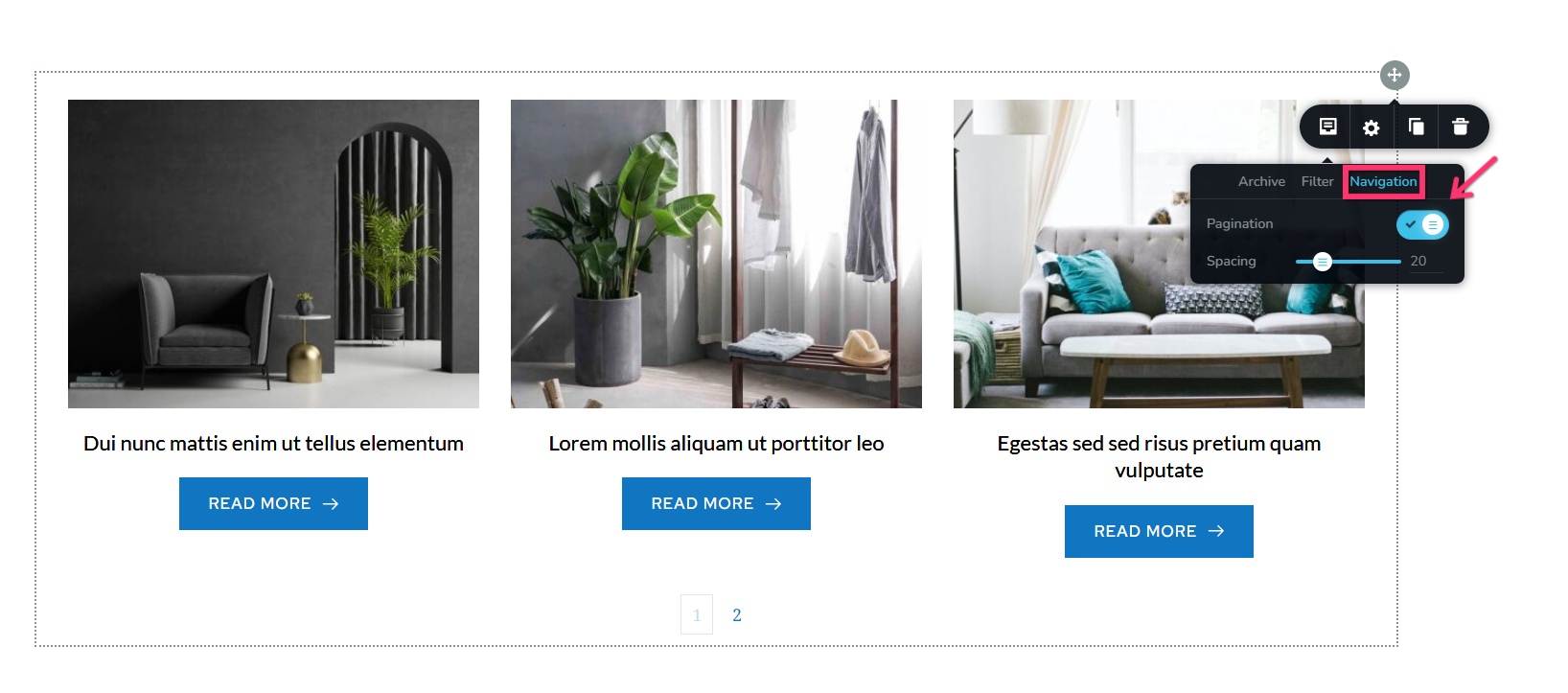
You can enable pagination in the "Archive" element under the "Navigation" tab
 0
0 -
Thank you Kc, got the header fixed after adding a bit of padding.
Also, was not aware of the pagination option, now all the posts shows up in pages.
Thank you again for all your help this years.
By the way here is website in question:
0 -

Hello KC George
This is not a solution. I have several sites, and having to make this change on each site is kind of ridiculous.
My customers are complaining that my design is very bad, and I cannot tell them that it's the design and development at Brizy that is the issue.
This happened once before, and to have it again is very embarrassing.
I have tried what you say, but it has recurred twice this week.
What is planned to solve this once and for all?
0 -
Also, I am trying to make the change you suggest, and I am finding I cannot even save my page back!!! This is a commercial site.
It will not be long before the client asks me to use another product which is not prone to this kind of behaviour on a regular basis.
0 -
Hello S R Savoor,
We apologize for the inconvenience due to Brizy updates. These are possible reasons why you are unable to save changes made to a Brizy page.
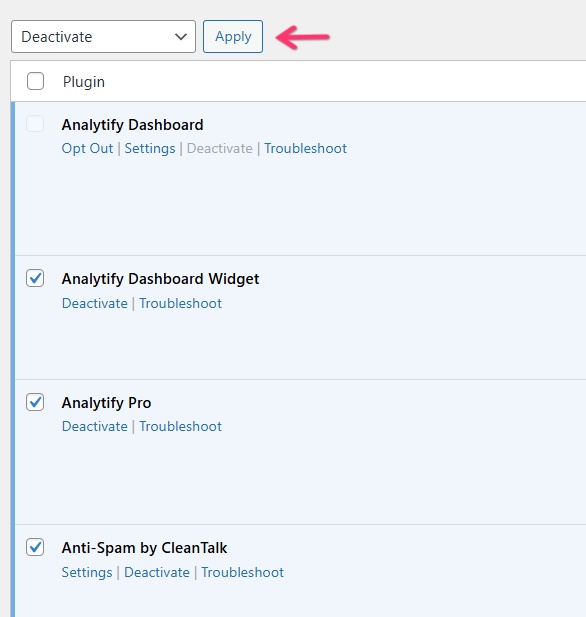
- A conflict with another plugin in your WordPress Dashboard. Deactivate other plugins and check if you are able to save your work
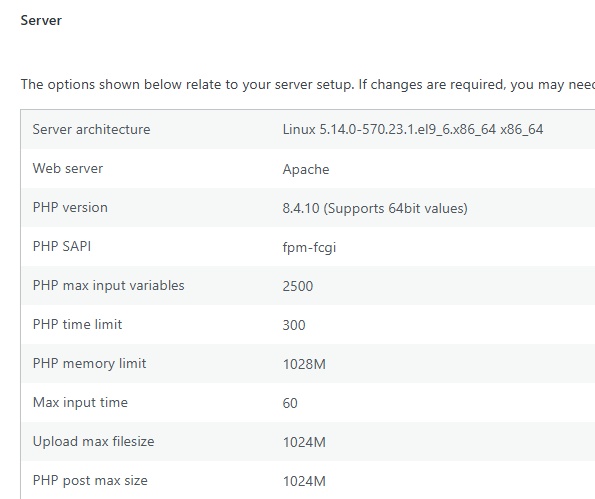
- Low PHP limit set for parameters like post_max-size. In your WordPress Dashboard under Tools > Site Health > Info, open the "Server" accordion and check the PHP limits set for your website. In your hosting control panel, increase PHP limits to values below. If you have access to cPanel, you can follow the procedure at https://jmp.sh/GeA00OxZ
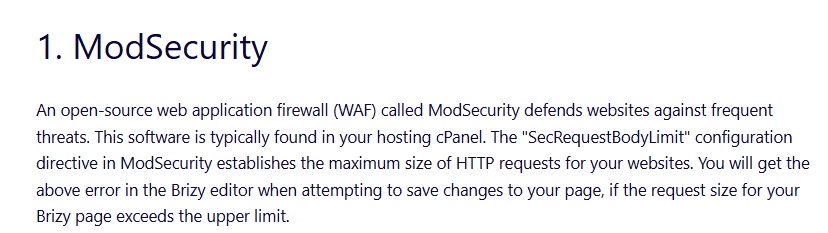
- Low values set for "SecRequestBodyLimit" directives in ModSecurity, a popular web security software. Kindly follow instructions at https://support.brizy.io/hc/en-us/articles/22590197512210 under the heading "1. ModSecurity" to increase these limits.
0 - A conflict with another plugin in your WordPress Dashboard. Deactivate other plugins and check if you are able to save your work
Please sign in to leave a comment.
Comments
5 comments