Big problem with the display of project website - link considered as dangerous by Google !!!

Hello,
I just activated my Brizy Cloud codes from my Appsumo purchase and when I create a project and I click on the preview link (https://bison57ffedd3.brizy.site/?system_page_access_token=f49870f4fc13ddb38d30cf0a8ccd3bca), Google tell me the link or site is dangerous and it is not possble to display the preview.
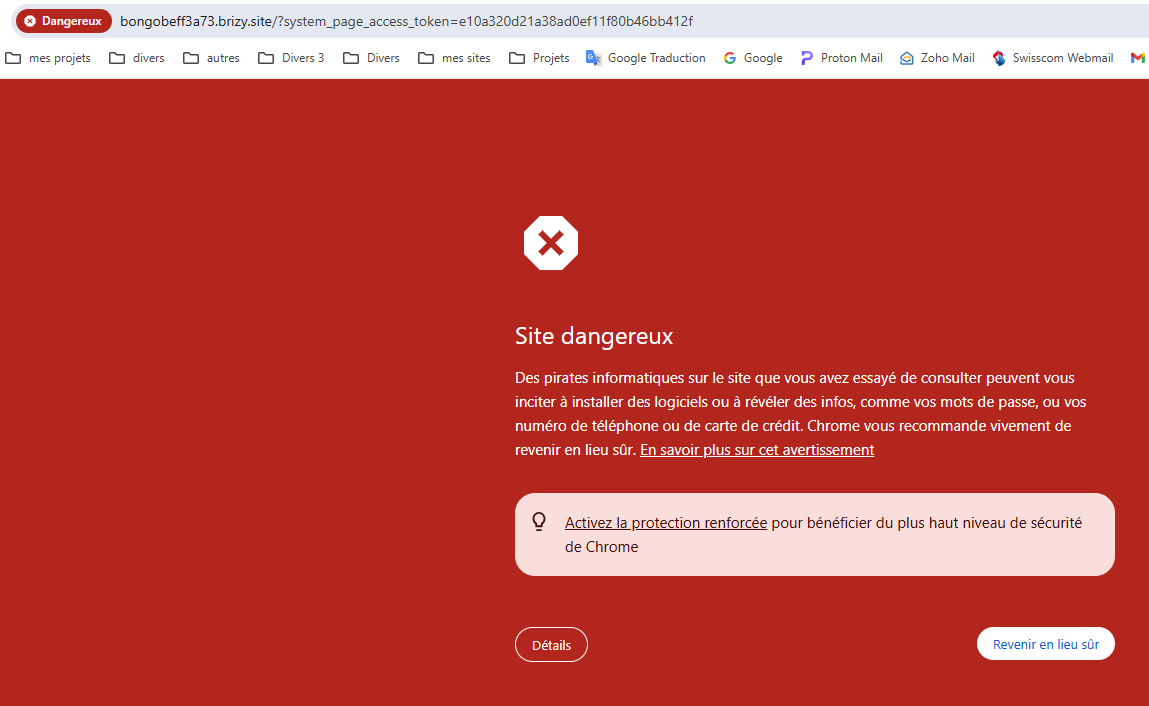
Message translated : Hackers on the site you tried to visit may trick you into installing software or revealing information like passwords, phone numbers, or credit card details. Chrome strongly recommends returning to a safe place.
It is not a good start. Looking for your quick answer and solution.
But I am already thinking to the refund because your hosting/website cloud management is not secure.
Claude Rouiller
-

Hello Claude,
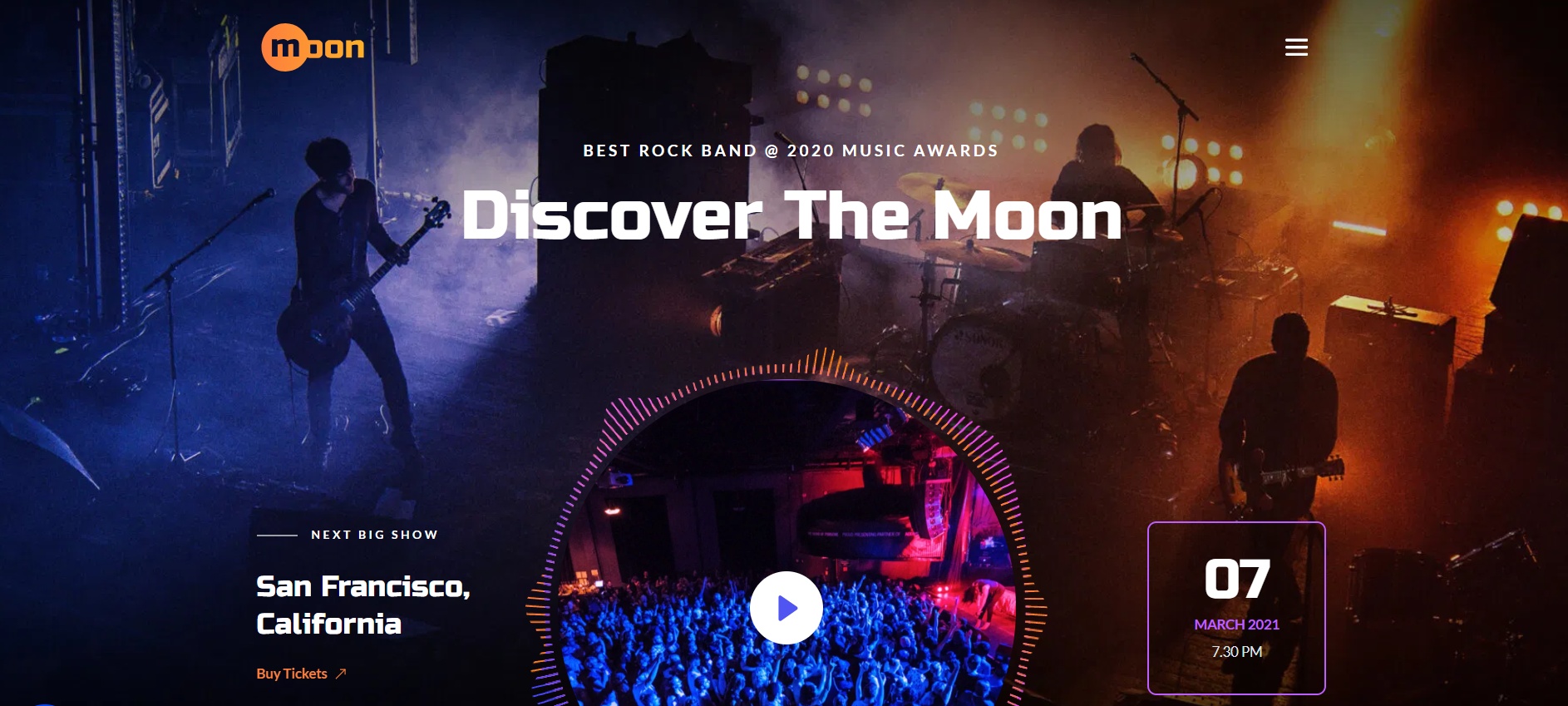
We see the design below when visiting the URL https://bison57ffedd3.brizy.site/
Our experience with the "Dangerous Site" warning is that it is not displayed consistently across different devices or in different instances of the same browser. For instance, you might see the "Dangerous Site" warning on your desktop computer, but it might not appear when you visit the same page on your mobile using Chrome. You might no longer notice the warning if you repeatedly reload the website in the same browser window five or six times. You mat not see the same warning if you visit the website using Google Chrome on a different laptop/ computer.
If you see this error only on a single device, I guess you don't need to take any corrective action.
0
Please sign in to leave a comment.
Comments
1 comment