PRO Account Issue

Hello, I've had a PRO lifetime account since 2021, now pro features are blocked and I'm being asked to upgrade to a PRO-account (see screenshots). These features were available just a few days ago. Please advise.Thanks!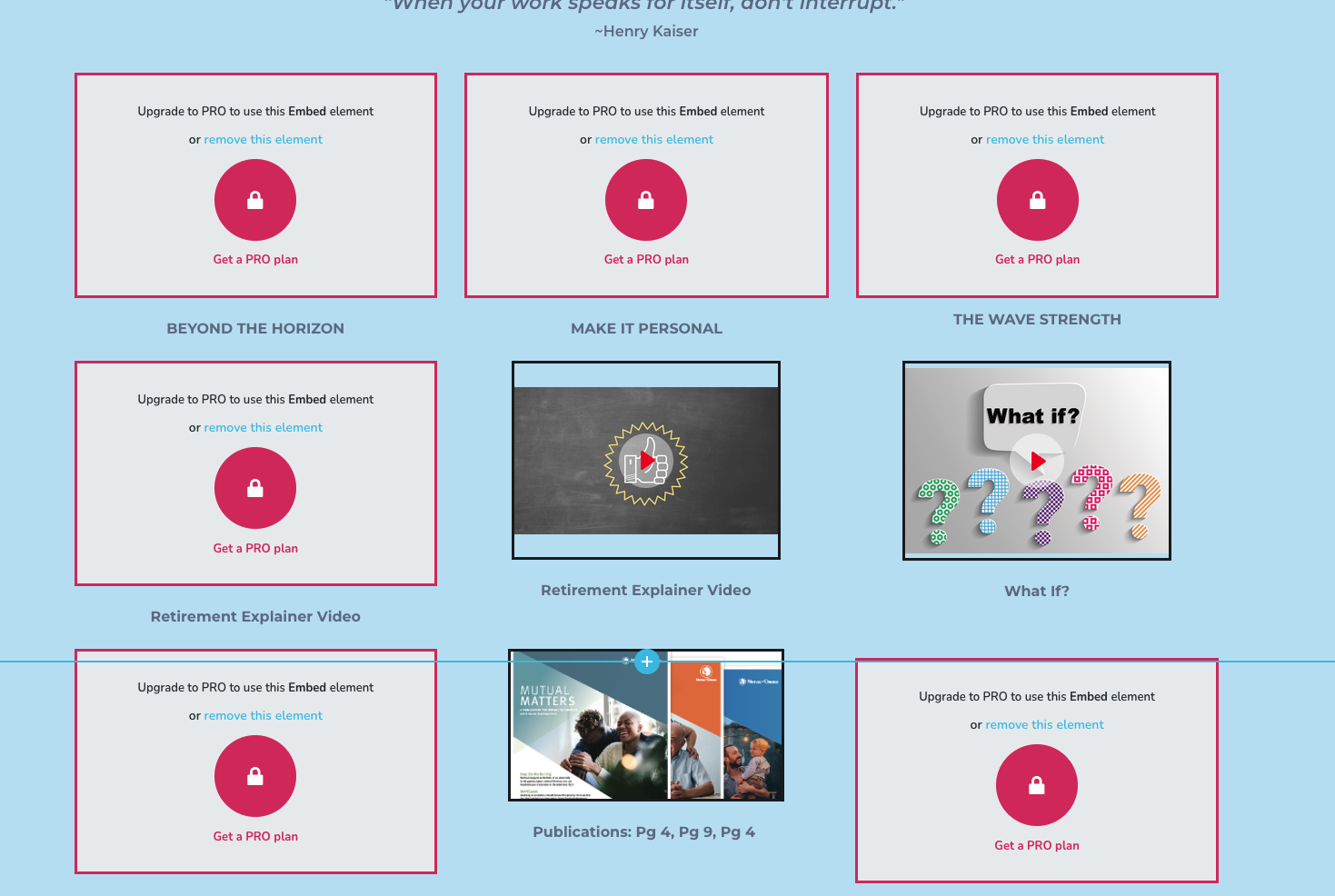
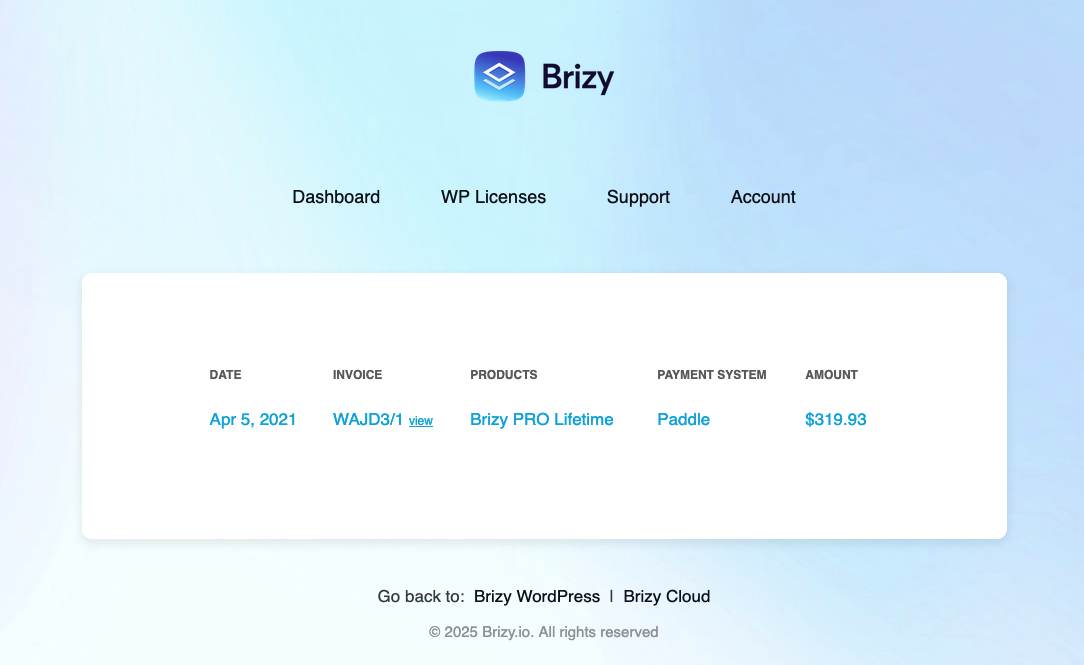
-

Hi Mark,
Thanks for reaching out, and I’m sorry to hear about the trouble.
This issue is often caused by a version mismatch between the Brizy Free and Pro plugins. Please make sure you have the latest versions installed - Brizy Free 2.7.3 and Brizy Pro 2.7.1. Once both plugins are updated, your Pro features should be restored.
Please try this and let me know how it goes.
Best regards,
Ariel H.0 -
Hi there Ariel,Thank you so much for your prompt response, I appreciate that!I have a couple of concerns with upgrading at this time:
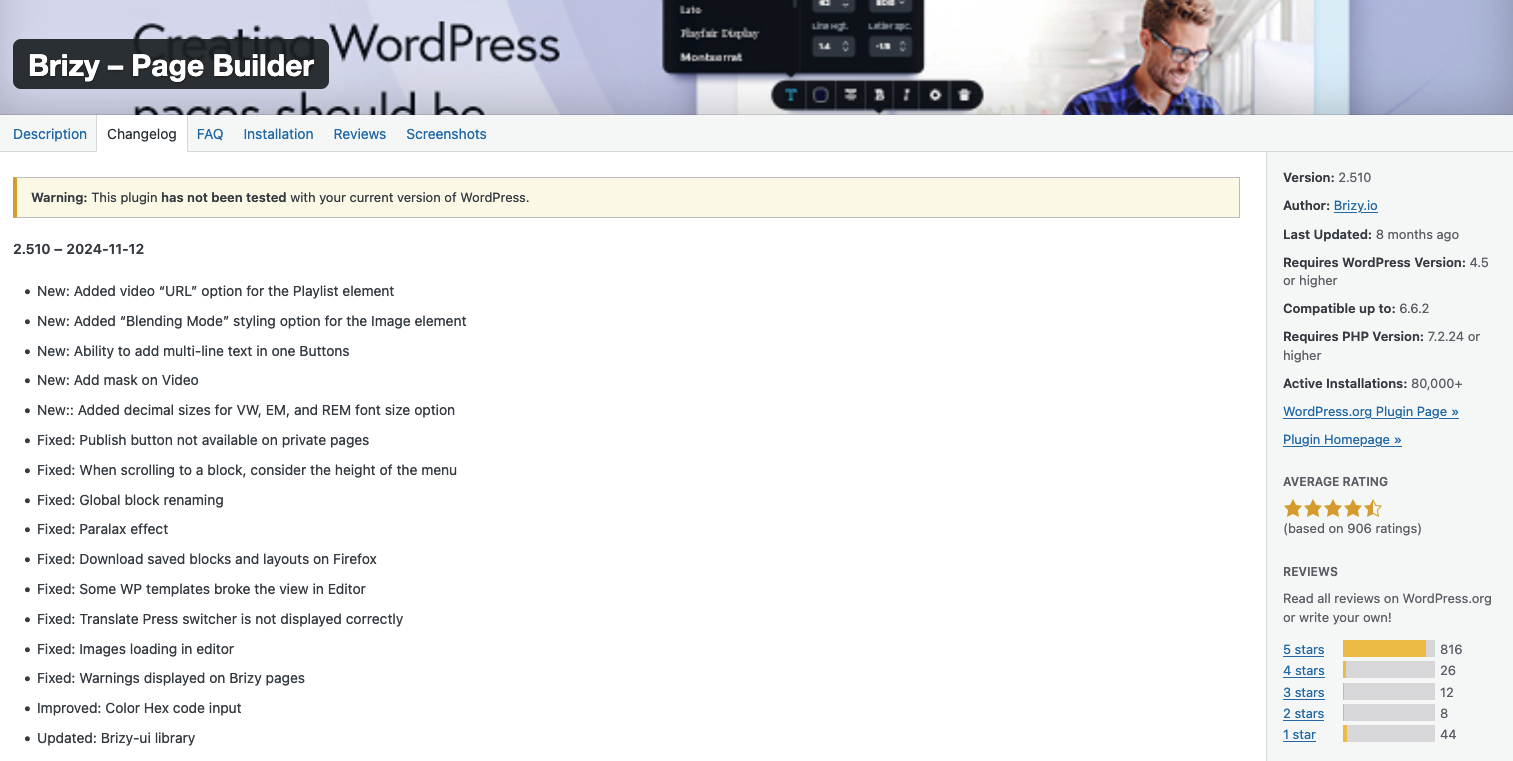
- It appears that I'm currently running Brizy free version 2.6.22
- And "Upgrading" will actually install version 2.510. (the WP Plugin library says it's not been tested with my version of WP)
- I'm currently running Brizy PRO 2.7.1
- Please see 2 screenshots below illustrating the points above.
Thanks again, I look forward to hearing your thoughts!-mark
 0
0 -

Hello Mark,
To fix the issue, kindly follow these steps
- Delete Brizy 2.6.22
- Sign in to your Brizy account at https://www.brizy.io/account/login and scroll to the heading "Brizy WordPress Plugin" and download Brizy Free plugin
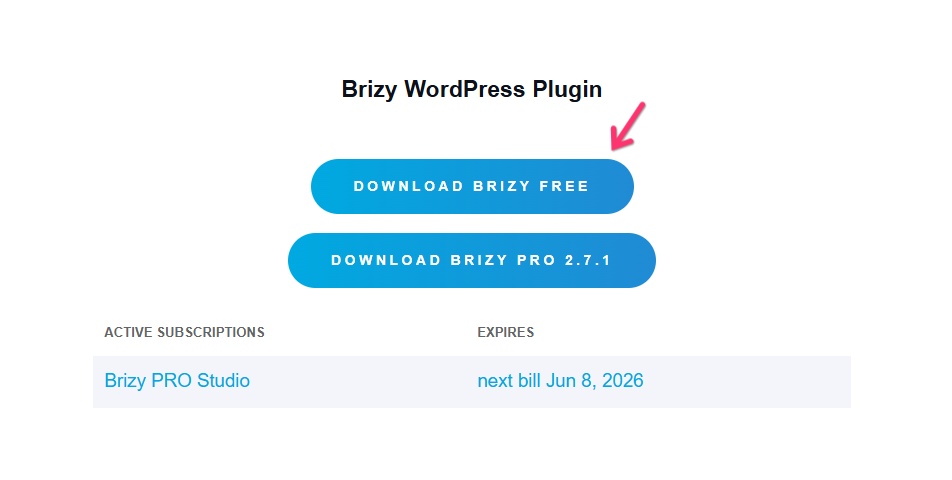
- In your WordPress Dashboard under Plugins > Add New, upload Brizy 2.7.3 ZIP file and check if the above issue is resolved.
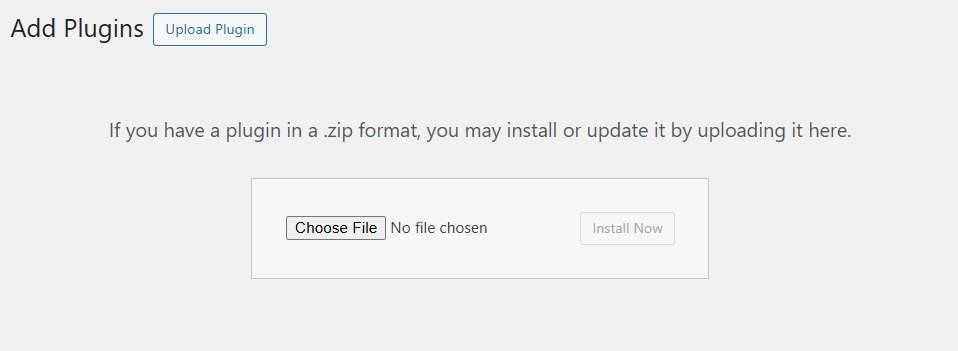
This should help you have these versions.
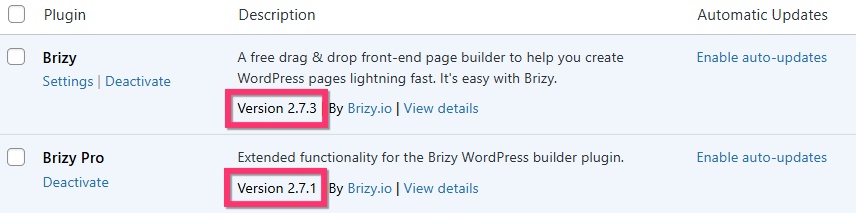
You may continue to see an update notification to update to Brizy 2.510. Kindly do not update to this version.
0 -
Thanks Kc George, that worked like a charm, appreciate your help! :o)
-mark
0
Please sign in to leave a comment.
Comments
4 comments