fatal error on WP website from brizy pro plugin

Please see the error below... The front end of the site is blank except for the social sharing plugin... the backed seems to work still... I just emailed you an admin login per the usual way... thank you.
---------
Howdy!
WordPress has a built-in feature that detects when a plugin or theme causes a fatal error on your site, and notifies you with this automated email.
In this case, WordPress caught an error with one of your plugins, brizy-pro.
First, visit your website (https://firstamendment.win/) and check for any visible issues. Next, visit the page where the error was caught (https://firstamendment.win/wp-admin/admin.php?page=wc-orders) and check for any visible issues.
Please contact your host for assistance with investigating this issue further.
If your site appears broken and you can't access your dashboard normally, WordPress now has a special "recovery mode". This lets you safely login to your dashboard and investigate further.
xxx
To keep your site safe, this link will expire in 1 day. Don't worry about that, though: a new link will be emailed to you if the error occurs again after it expires.
When seeking help with this issue, you may be asked for some of the following information:
WordPress version 6.8.1
Active theme: Neve (version 4.1.2)
Current plugin: (version )
PHP version 8.4.10
Error Details
=============
An error of type E_ERROR was caused in line 56 of the file /srv/htdocs/wp-content/plugins/brizy-pro/brizy-pro.php. Error message: Uncaught Error: Class "BrizyPro_Admin_Updater" not found in /srv/htdocs/wp-content/plugins/brizy-pro/brizy-pro.php:56
Stack trace:
#0 /wordpress/core/6.8.1/wp-includes/class-wp-hook.php(324): brizy_pro_loaded('')
#1 /wordpress/core/6.8.1/wp-includes/class-wp-hook.php(348): WP_Hook->apply_filters(NULL, Array)
#2 /wordpress/core/6.8.1/wp-includes/plugin.php(517): WP_Hook->do_action(Array)
#3 /wordpress/core/6.8.1/wp-settings.php(578): do_action('plugins_loaded')
#4 /srv/htdocs/wp-config.php(83): require_once('/wordpress/core...')
#5 /wordpress/core/6.8.1/wp-load.php(55): require_once('/srv/htdocs/wp-...')
#6 /wordpress/core/6.8.1/wp-admin/admin.php(35): require_once('/wordpress/core...')
#7 {main}
thrown
-

Hello Daniel,
We apologize for the inconvenience.
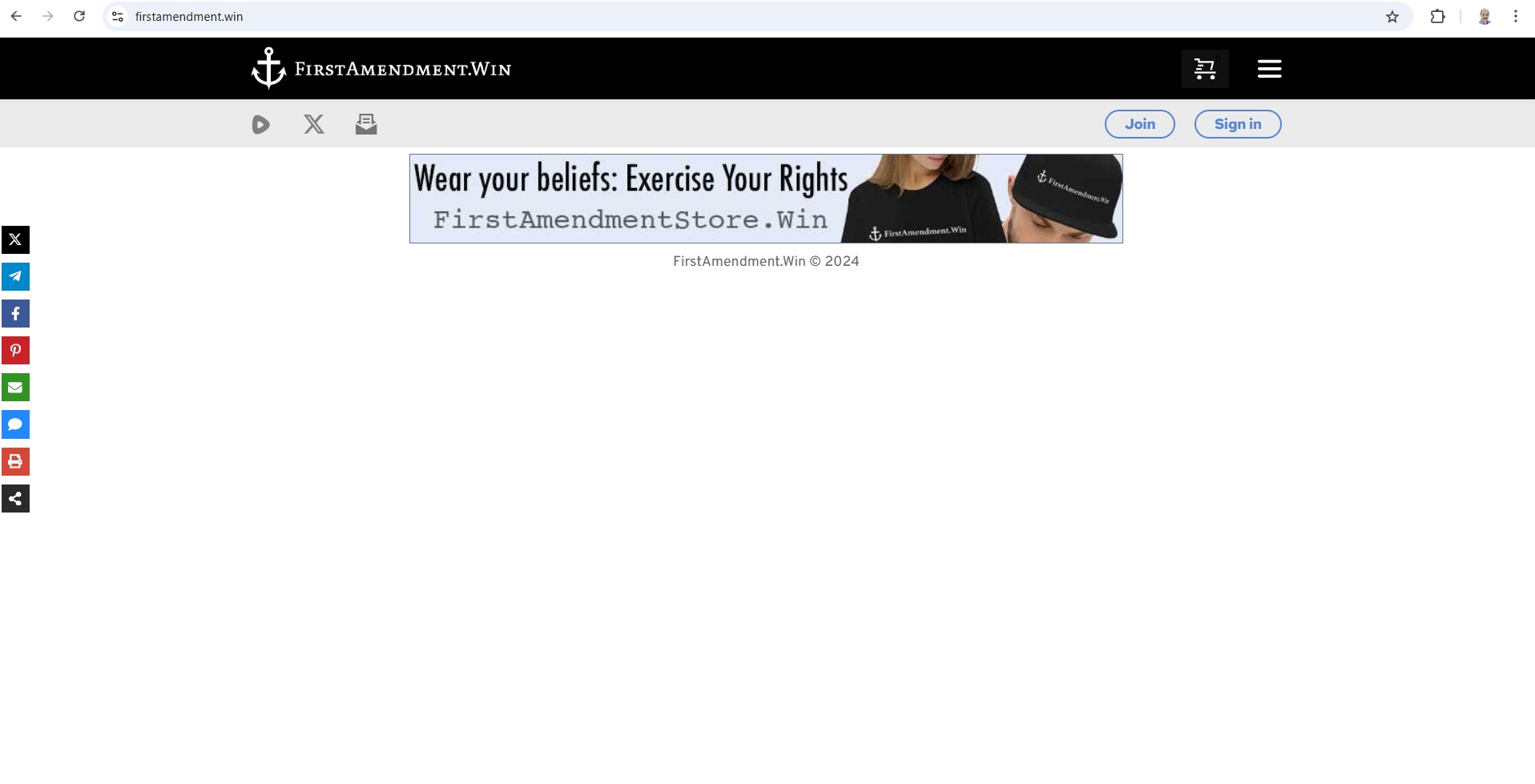
Your homepage was edited using the Gutenberg editor. We have restored it now. We see the design below in the homepage. Did you have more content than this on your homepage?
 0
0 -
Yes, there's a lot more.. most via shortcode... I didn't edit anything... what may have happened is WooCommerce logged in to check out an error with their plugin and they probably messed everything up... I'll restore from a backup and hopefully that solves it... I'll let you know if there's further issues... thank you.
0 -
I restored but there are still issues. Few issues I see (maybe more):
1) The headers are gone even though they're on the templates
2) My popup is not linking to mailchimp even though it's setup
3) My popup's close "X" button is not displaying
4) My popup loads each reload when it's set to load once
All this worked fine before...
And I've cleared cache and tested in incognito browsers
Also, I had to change your admin password... I just email that...
0 -
Hello Daniel,
We apologize for the inconvenience again. Regarding the issues you have mentioned above
- Header blocks issue will be fixed by our developers as a hotfix in Brizy 2.7.1, which will be released soon (hopefully within a day)
- We have fixed the issue with the popup not working with Maichimp
- Popup's close "X" button is now displaying
- Popup loading once condition is broken and we hope to release a fix soon.
0 -
Hello Daniel,
We have released Brizy 2.7.1. This should fix the issue with the global header. Please check.
0 -
Kc,
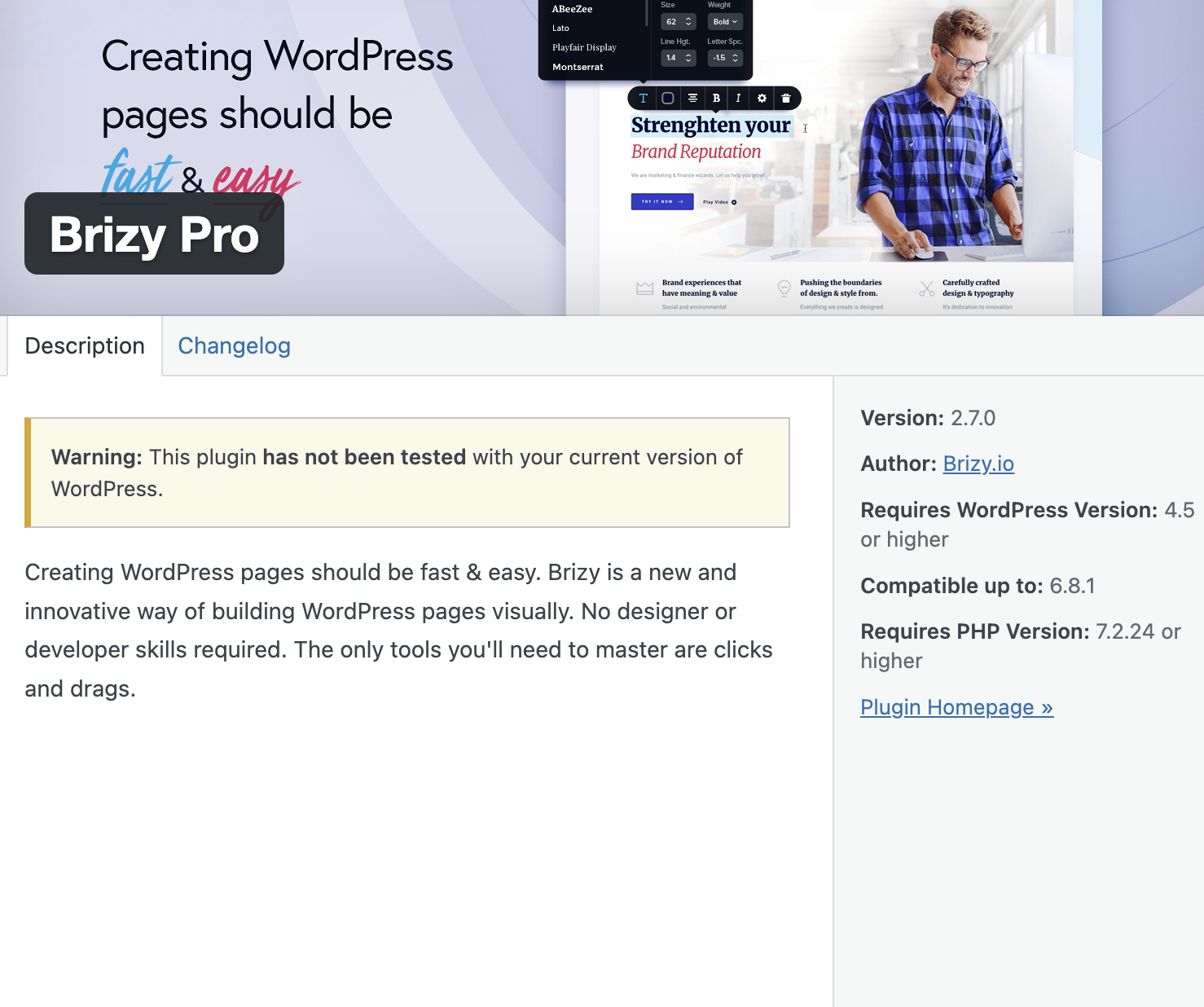
My free version is 2.7.1 and my pro version is 2.7.0 and untested with current WP (see attached)
With the headers back I now see the shopping cart (bubble) on the top right is missing (see attached)
As you mentioned the pop condition is still broken.

 0
0 -
Hello Daniel,
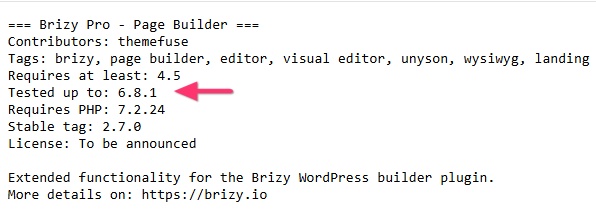
Plugin authors are responsible to test their plugins and ensure compatibility with each new release of WordPress and update their readme file in the WordPress plugin repository. The details of the Brizy Pro plugin you have shared above comes from the https://brizy.support/wp-content/plugins/brizy-pro/readme.txt file our developers upload to the plugin repository. We have not yet updated our Readme.txt that the Brizy Pro has been tested with WordPress 6.8.2 and hence you see the above notification. I will request our developers to update the Readme file for Brizy Pro.
We have fixed the issue with the cart icon in the header.

 0
0 -
The cart icon still doesn't work 100%... it's working except for the bubble background... the color can't be changed because the bubble doesn't look like it's displaying at all... I've cleared cache and tested on incognito...
Any estimate when the popup load will be fixed?
0 -
Hello Daniel,
Please try applying a custom color for the bubble background for the cart icon and check if that helps.

The popup issue is fixed at our end. We hope to release an update with a fix for this bug soon.0 -
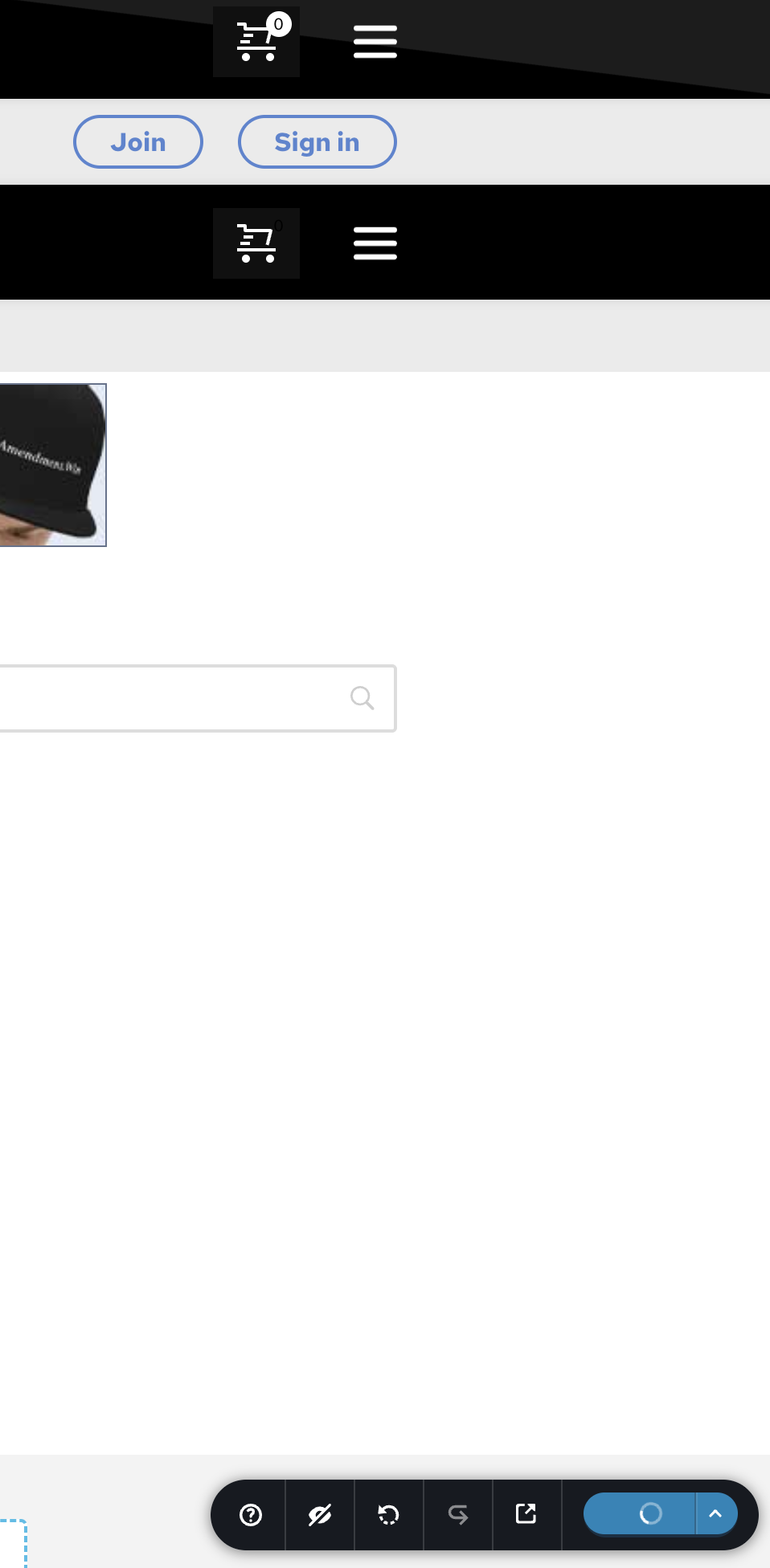
I could change the color but when I save it, it just spins forever and never saves... screenshot shows the blue save button is spinning... I tried it multiple times and it spins for hours... cleared cache and all that... something still seems wrong...
Your admin login is still good... if you can check it out that'd be great...
 0
0 -
Hello Daniel,
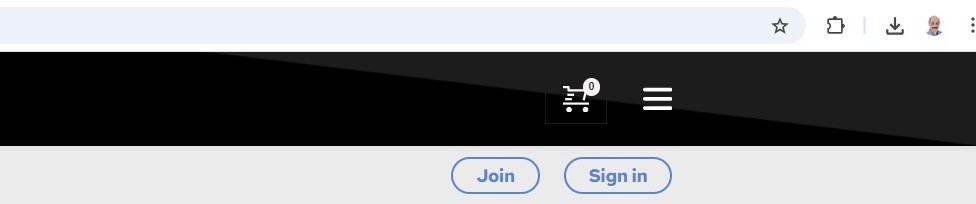
We have made this change for you.
 0
0 -
Kc,
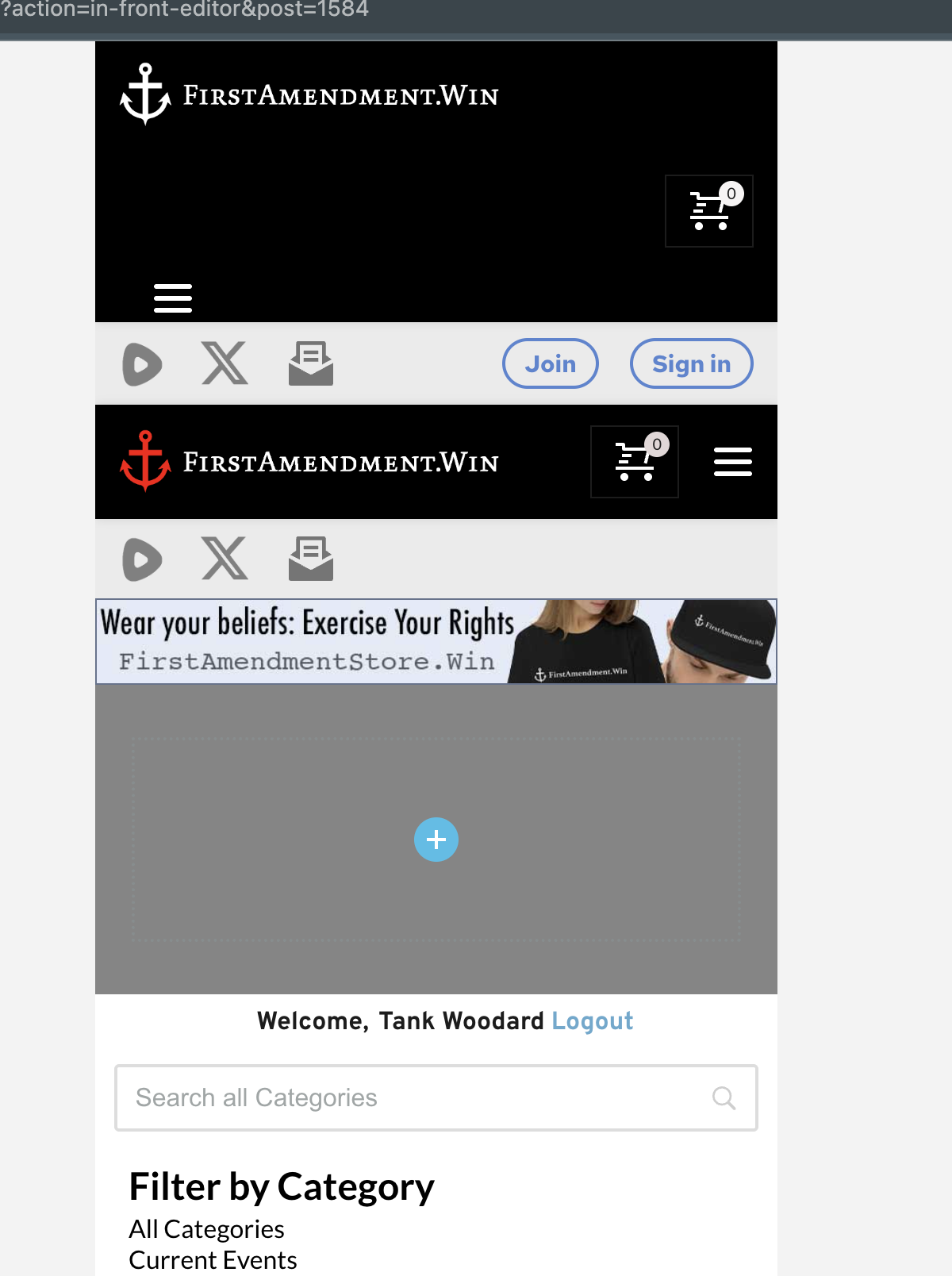
You got the bubble fixed, but you messed up the top header and added an empty grey block above my "welcome" block. I need to revert to a previous backup before your changes. Will I be able to edit the bubble color after that?
 0
0 -
Hello Daniel,
I had overlooked the tablet and mobile designs. I have done it now. Kindly check it again.
0 -
Hello Daniel,
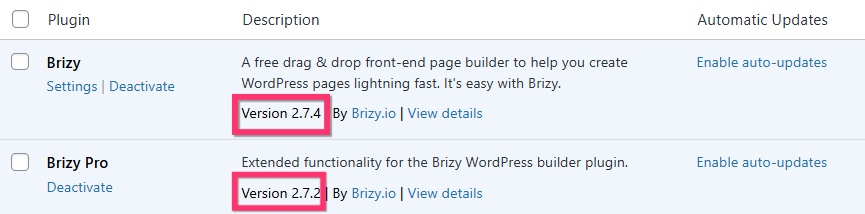
We have released Brizy 2.7.4, which includes a fix for the popup issue. Kindly update to these versions and check if the popup issue gets resolved.
 0
0
Please sign in to leave a comment.
Comments
14 comments