SSL Certificate error

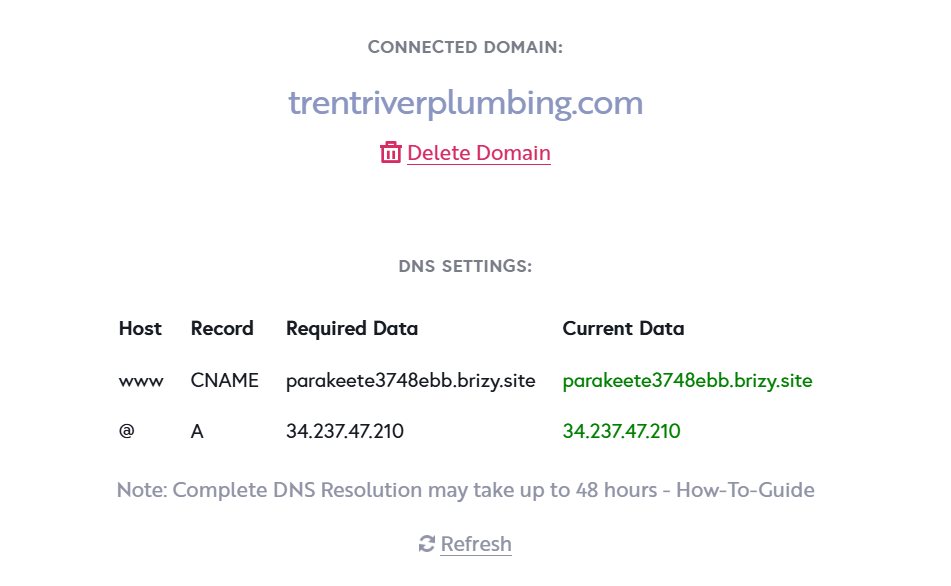
Like others lately I'm getting a SSL certificate error for a specific domain: https://www.trentriverplumbing.com/
-

Hello there,
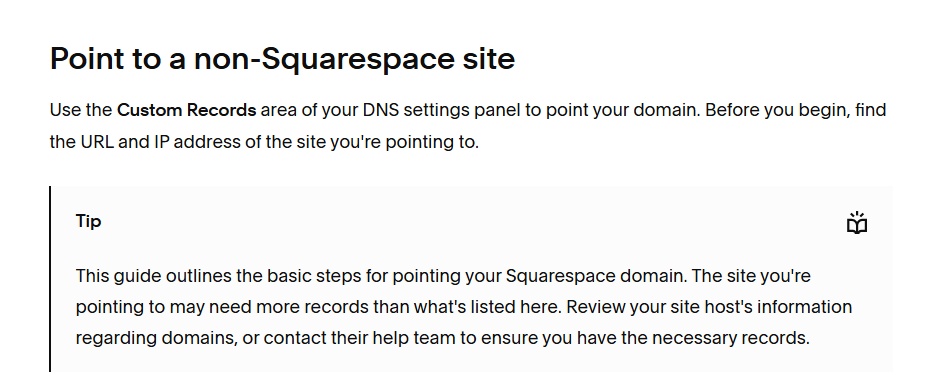
If your domain is registered with Squarespace Domains, the right procedure to point your domain to your Brizy Cloud project is provided under the heading "Point to a non-Squarespace site" at https://support.squarespace.com/hc/en-us/articles/215744668
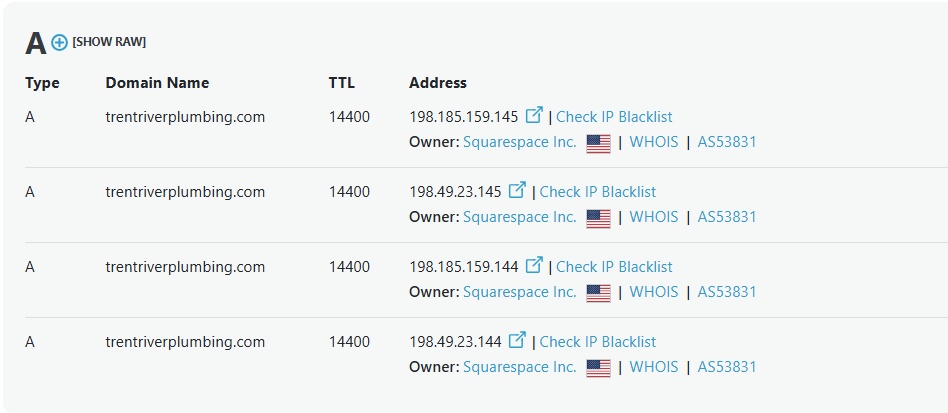
For the domain name to resolve to your Brizy Cloud project, your domain should point exclusively to the Cloud server with the IP: 34.237.47.210 and should not point to any external severs. Currently your domain points to 4 external servers. Kindly delete the following 4 A Records and add an A Record with the IP: 34.237.47.210
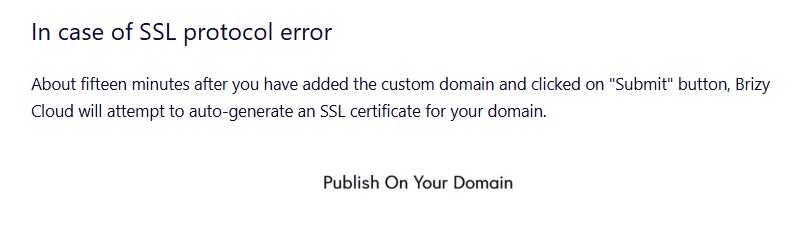
Then follow the procedure under the heading "In case of SSL protocol error" at https://support.brizy.io/hc/en-us/articles/360041764052 to auto generate the SSL certificate for your domain.
 0
0 -
Thank you KC. I have deleted those forwarding rules that were added somehow to my Squarespace account.
However, after 15 minutes a new SSL certificate has not been generated, and deleting the domain and re-adding doesn't seem to resolve it.
Can you manually reissue the SSL cert?
0 -
Nevermind, it seems to be resolved and the SSL certificate is applied.
Thank you!
0
Please sign in to leave a comment.
Comments
3 comments