Error with buttons in Word Press

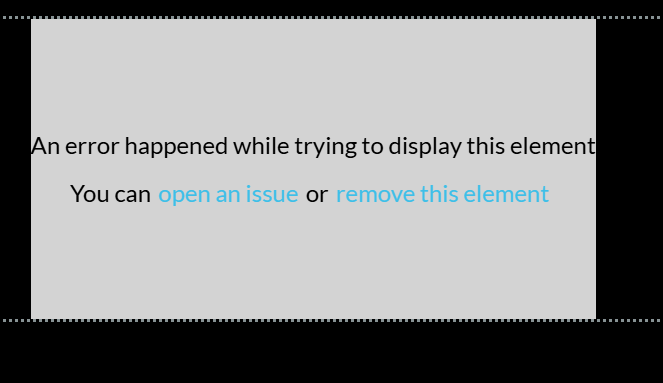
I'm trying to add and change some buttons in Brizy Word Press and every time I get the same issue.
I tried already with Brave, Brave Incognito, Edge. Always with the same issue.
I checked previous answers here in Help, but couldn't find a right answer.
Brizy Version 2.6.22
Brizy Pro Version 2.5.4
The URL where I have the problem is: https://alterfocus.de/
I'd appreciate any help with this topic.
Thanks.
0
-

Hello Manuel,
The versions of Brizy and Brizy Pro that you are using are incompatible. Please make use of these Brizy and Brizy Pro versions.
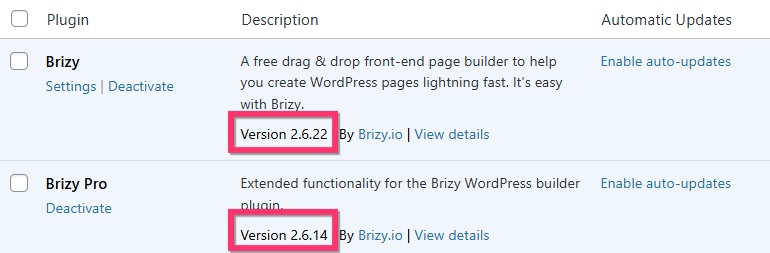
To install Brizy Pro 2.6.14, please follow these steps
- Deactivate and delete Brizy Pro plugin
- Sign in to your Brizy account at https://www.brizy.io/account/login
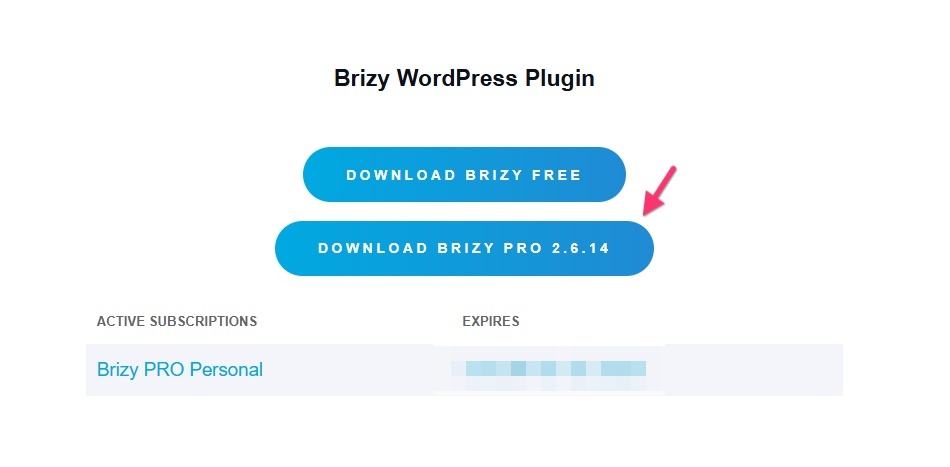
- Scroll down to the section "Brizy WordPress Plugin" and click the "Download Brizy Pro 2.6.14" button to download the Brizy Pro ZIP file
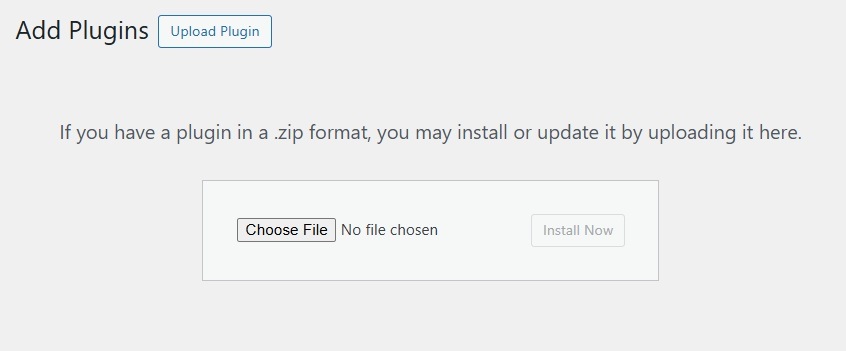
- In your WordPress Dashboard under Plugins > Add Plugin > click on "Upload Plugin" button and upload the ZIP file
- Activate Brizy Pro and check if the above error disappears.
0
Please sign in to leave a comment.
Comments
1 comment