Website Not Working After Logout

I am experiencing an issue with my website papertoys.eu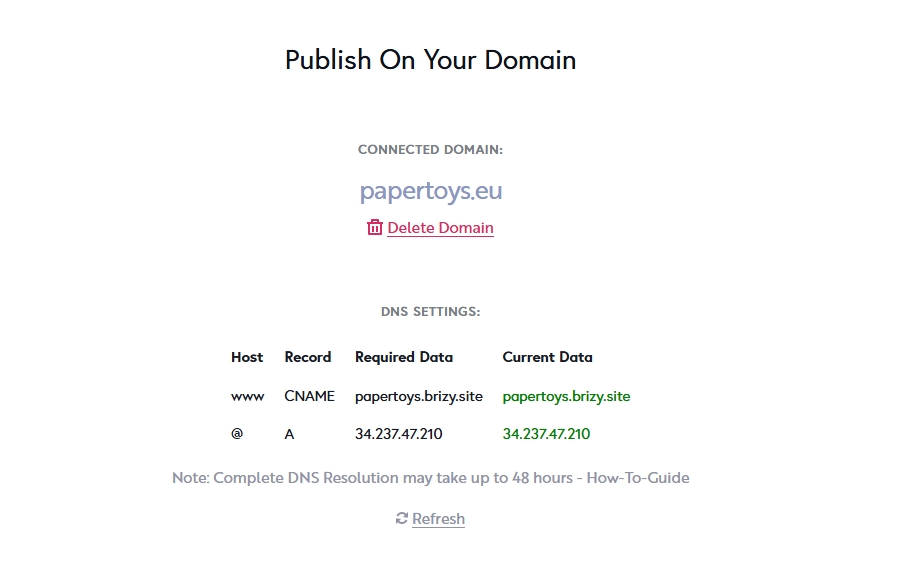 After logging out, the site becomes non-functional and does not load properly. This problem persists across different browsers and devices.
Could you please investigate this issue and let me know how it can be resolved?
Thank you for your assistance.
Best regards,
papertoys.eu
-

Hi Lubomir,Thank you for contacting us.
I’ve just tested it on my end, and everything appears to be working correctly. Please try clearing your browser cache or using a different browser to see if that helps.
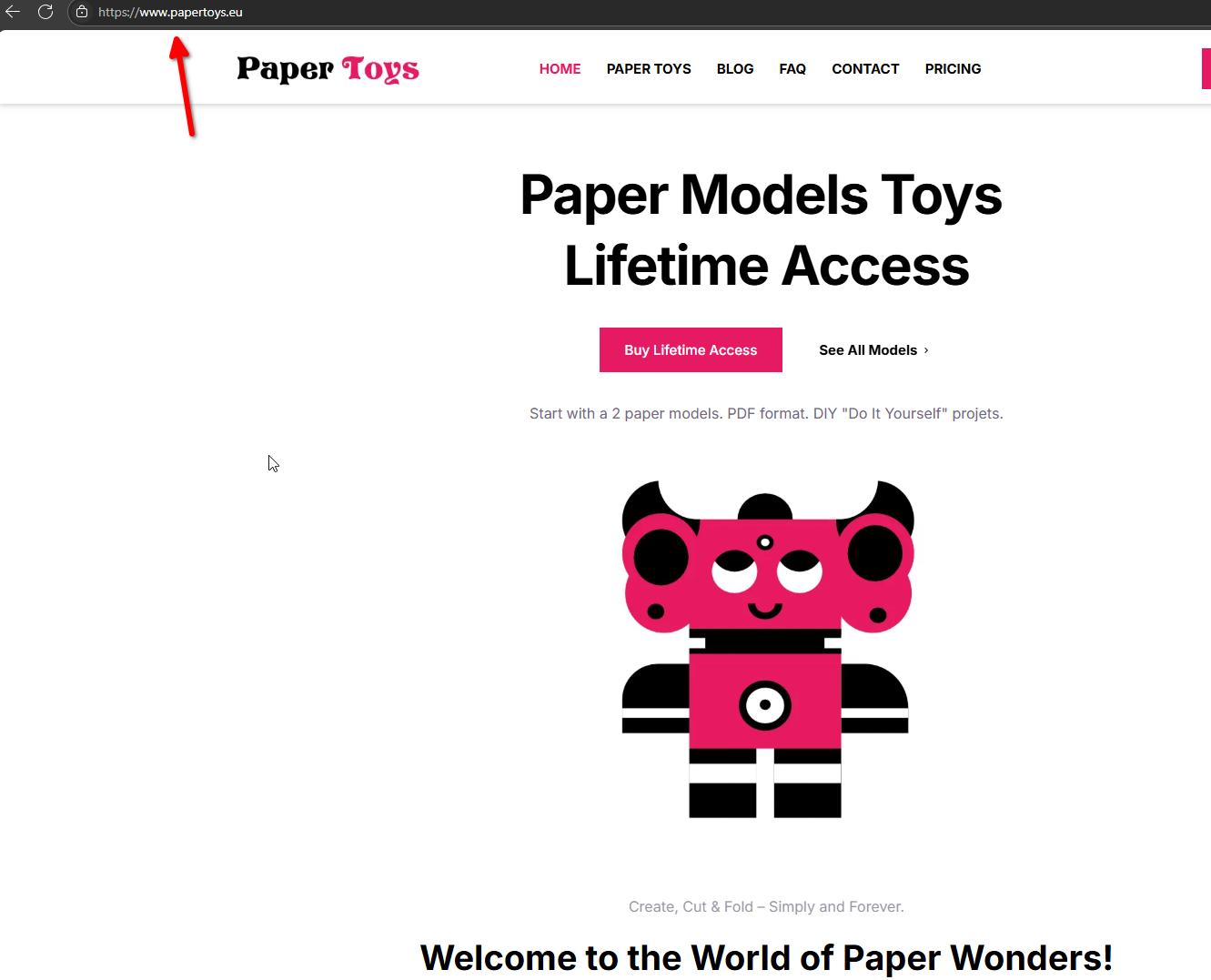
Let me know how it goes.
Best regards,
Ariel H.0 -
Hello Ariel,
I am unable to access your website from my current IP address. It seems that my IP may have been blocked.
Could you please check and let me know if there is a way to resolve this?
My IP address is: 188.167.250.75
Thank you in advance.
Best regards,
Lubomir L.
0 -

Hello Lubomir,
We have whitelisted the IP 188.167.250.75 in our firewall. Please try again.
0 -
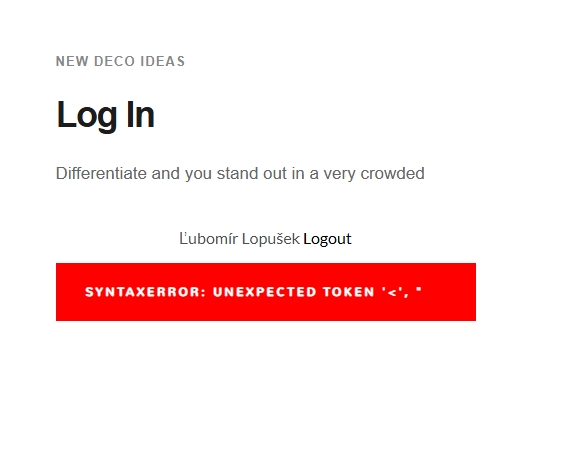
I still have no access to my site after clearing my browser cache and using a different browser.After I couldn't log out of my members area (it said an error), my access was danied.
Best regards,
Lubomir L.
0 -
Hello Lubomir,
Are you facing this issue on a single project or on all projects? If the issue is specific to a project, please share with us its preview URL (brizy.site or custom domain).
0 -
I didn't have a problem on the subdomain papertoys.brizy.site. But after self hosted sync I had error. ChatGBT info: "Roles" do not work with Server Sync because they do not apply outside the Brizy Cloud interface.Then I used Brizy Cloud again with my domain papertoys.eu. After I couldn't log out of my members area (it said an error), my access was denied.0
-
I have access problem also with all projects exept project ll-freelancer.com
0 -
Hello Lubomir,
You have mentioned "After I couldn't log out of my members area (it said an error), my access was denied" Can you share a screenshot of the error you saw or make a screen recording using a software like https://www.loom.com/ and share it with us? This will help us understand the problem better.
0 -
I didn't take a screenshot and now I don't have access.
0 -
Project ll-freelancer.com is self hosted with Server Sync.
0 -
Hello Lubomir,
I am able to access your project ll-freelancer.com in your Brizy Cloud dashboard and also able to visit https://ll-freelancer.com/sk/.
What are the steps we must follow to reproduce the problem you are facing? Kindly give us step by step procedure to see the issue you are seeing. Elaborate in more detail what you mean when you say "I don't have access"
0 -
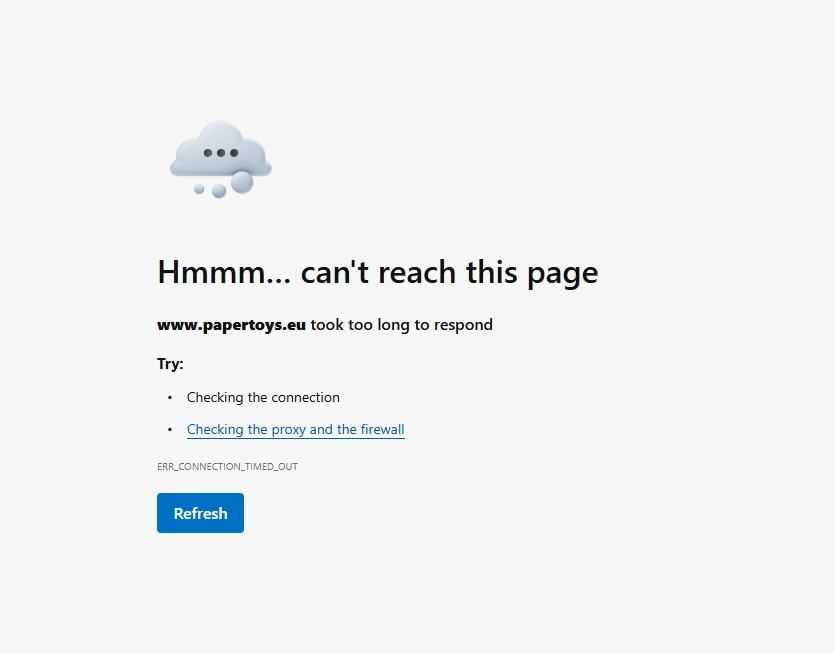
Only ll-freelancer.com is OK. I don't have acces to preview for projects papertoys.eu and others. I can edit all pages.
 0
0 -
Hello Lubomir,
If you are seeing the above error with all Cloud hosted websites, it may mean that your Internet Service Provider or your government maybe blocking Brizy Cloud preview URL brizy.site or the IP address of the web server 34.237.47.210. If the target audience for your websites live in the same region, you may need to host your websites locally using the Server Sync publishing option.
If your target audience live outside of your region, you can use a VPN like https://protonvpn.com/ to access the Cloud hosted websites.
0 -
Thanks for information.
Best regards,
Lubomir L.
0 -
Problem solved using VPN. Thanks.
Best regards,
Lubomir L.
0 -
Here is the error message when I tried to log out.
 0
0 -
Hello Lubomir,
Please let us know the page URL where we can see this error
0 -
SEE SCREENSHOT FOR Lifetime Access | Paper ToysI ALSO HAVE TEST PROJECTS WITH THE SAME PROBLEM.
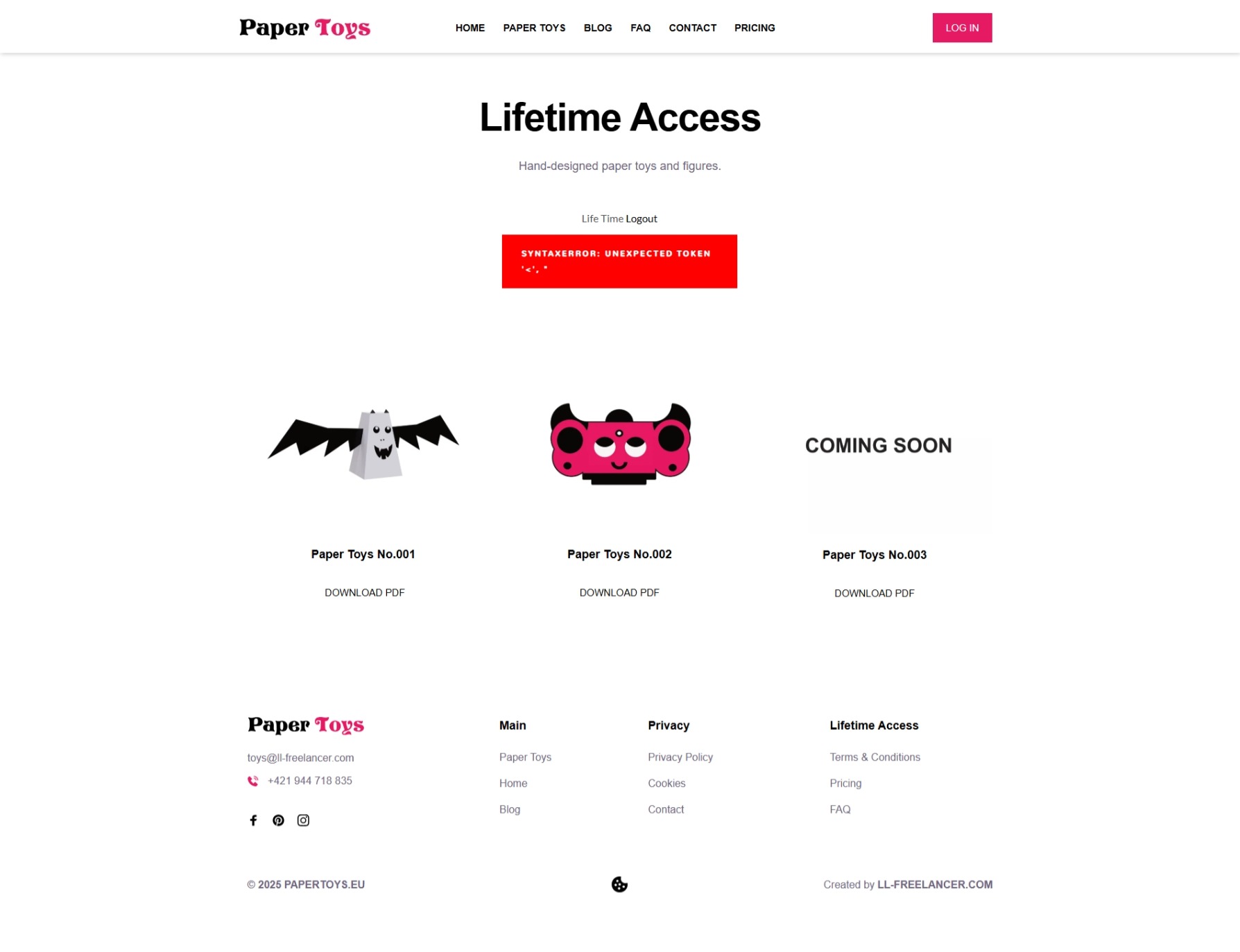 0
0 -
Hello Lubomir,
Thanks for reporting this bug. I have escalated this bug and we will work on fixing it and will let you know when it is fixed.
0
Please sign in to leave a comment.
Comments
19 comments