Bullet points not alligned correctly?

Bullet points are not at the start of the bullet point on mobile. Please help.

-

Hello Jeremy,
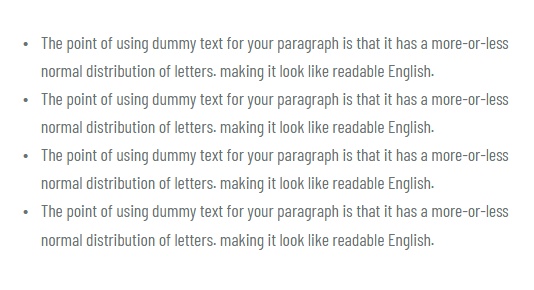
Bullets points are usually aligned on mobiles like in the screenshot below. Kindly share your page URL where you are experiencing this issue. We will take a look.
 0
0 -
You can have a look at any of these
https://dsproffesionals.brizy.site/airbnb-property-managementhttps://dsproffesionals.brizy.site/move-in-move-out-and-deep-cleaning
https://dsproffesionals.brizy.site/move-in-move-out-and-deep-cleaning
https://dsproffesionals.brizy.site/staff-placements-johannesburg-and-surrounding-areas
0 -
Hello Jeremy,
The issue with the bullet points is because you have added your blog post content into a Rich Text Editor first and later bringing it as a dynamic text to your blog post. The recommended approach to adding blog post content in is provided at How to Create Post Pages Like a PRO! If you add your blog post content following the procedure in the tutorial as static text (instead of dynamic text), the formatting issue with bullet points will get resolved.
0
Please sign in to leave a comment.
Comments
3 comments