Contact form not showing up

Contact form is not showing up on mobile, even when I load the desktop version of the site.
Smartsuccesssystems.com
0
-

Hello Jason,
You have hidden the form for mobile devices. To make the form visible, please follow these steps.
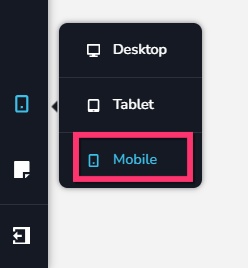
- Switch to the mobile design view by selecting the "Mobile" option on the left sidebar.
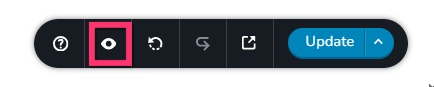
- Make the hidden elements visible by selecting the "eye" icon at the bottom right corner
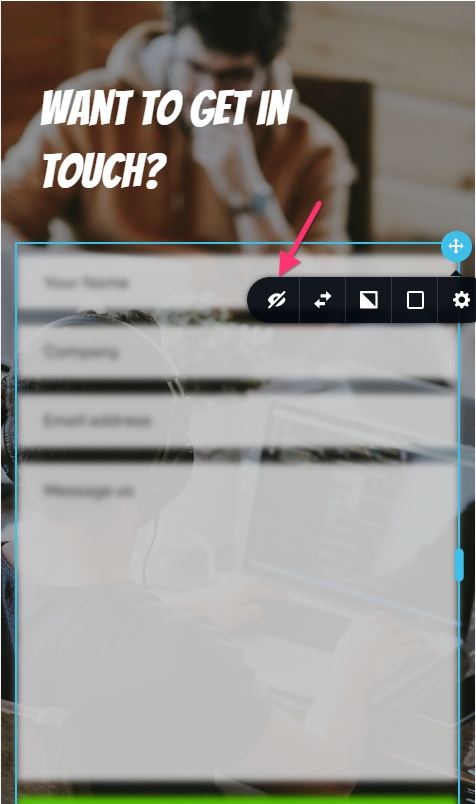
- Make the form visible by selecting the "un-hide" icon
0 - Switch to the mobile design view by selecting the "Mobile" option on the left sidebar.
-
Ah, thank you so much!
0
Please sign in to leave a comment.
Comments
2 comments