Brizy not updating page

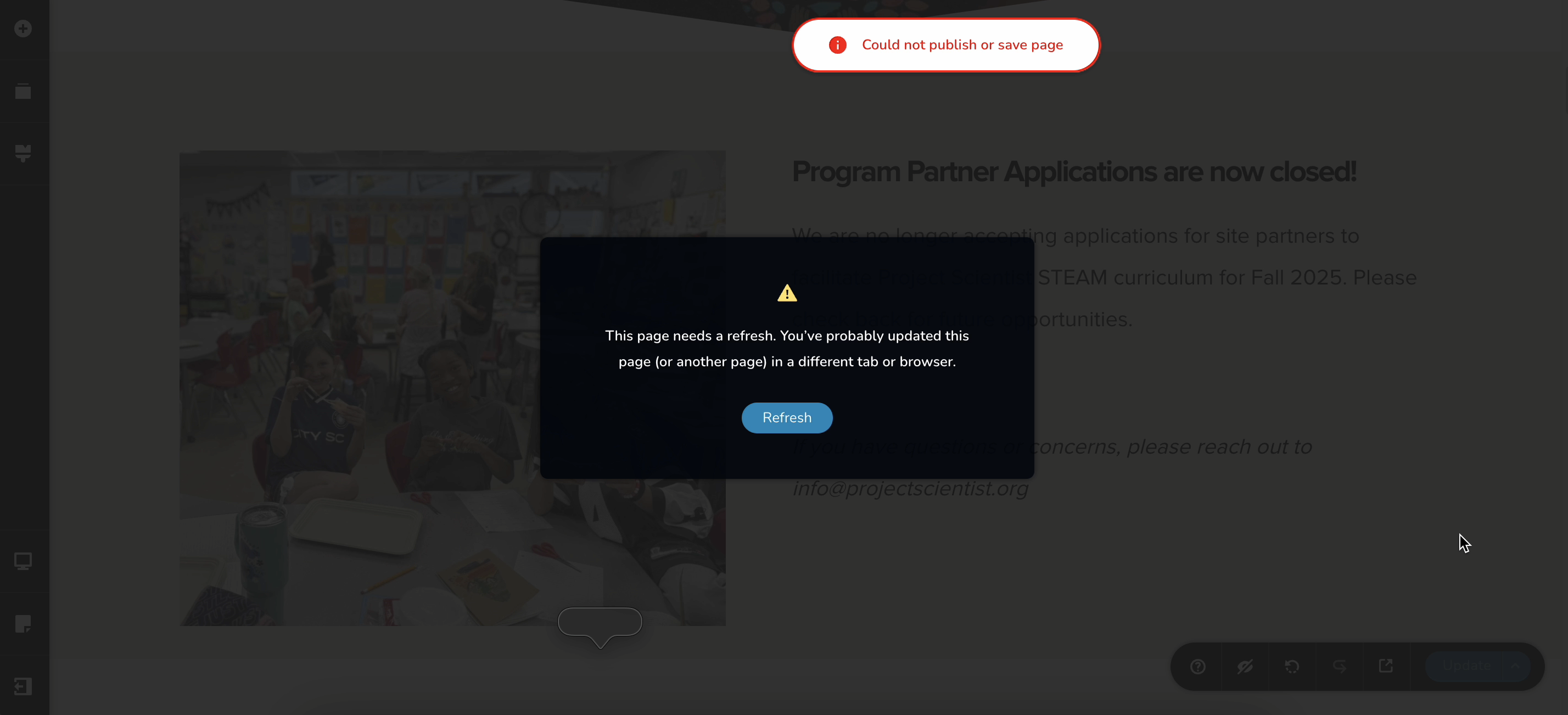
The Wordpress Brizy editor is not updating the page. I am getting a constant refresh error. Will you please help me with this?
-

Hi Pia Grace,
Thank you for contacting us.
Please follow the steps on this link to possibly address the issue: https://support.brizy.io/hc/en-us/articles/22590197512210
If the issue continues, try to isolate it by disabling all other plugins except Brizy and Brizy Pro. It’s also a good idea to temporarily switch to a default theme like Twenty Twenty-Four to see if the theme might be causing a conflict.
If this didn't help, please share your WordPress admin login details with us so we can take a closer look. Please add us as an Admin user to your WordPress Dashboard and send the following details to communitysupport@brizy.io.
Community Post link: https://support.brizy.io/hc/en-us/community/posts/27673432029202
WordPress Admin URL:
Username:
Password:Also make a full backup of your site as a precaution.
Looking forward to your reply.
Best regards,
Ariel H.0 -
Thanks Ariel. I reached out for support. I tried the steps listed above and it's still not working. I will make a backup.
0 -
Hi Pia Grace,
Thank you for your cooperation.
It appears the issue might be due to a timeout from Cloudflare while waiting for a response from the server.
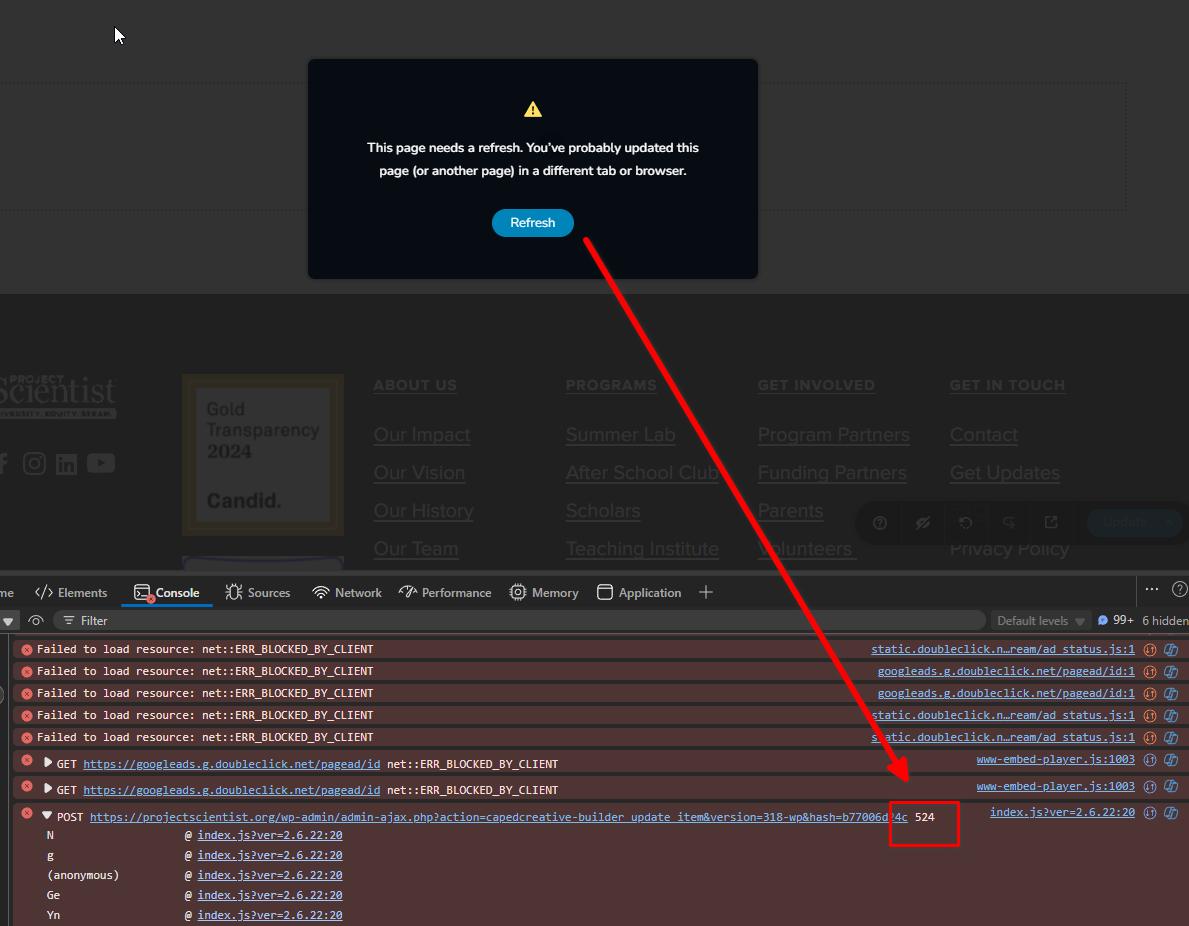
Kindly try the steps outlined in the link below to see if that resolves the issue: https://developers.cloudflare.com/support/troubleshooting/http-status-codes/cloudflare-5xx-errors/error-524/
If the issue persists, please enable Cloudflare’s Development Mode and check again:
https://developers.cloudflare.com/cache/reference/development-mode/Please try this and let me know how it goes.
Looking forward to your response.
Best regards,
Ariel H0 -
Hi there,
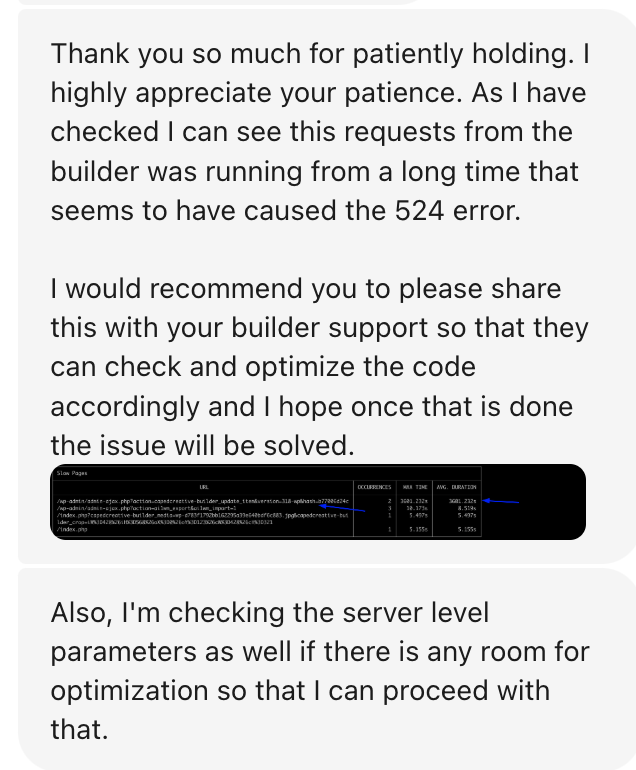
This is the response from my hosting provider:
 0
0 -
Hi Pia Grace,
Thank you for sending the image. However, it's quite small, and we're having trouble understanding it.
Also, I apologize that you've been passed back and forth between us and your hosting provider.With your permission, we’d like to clone your website to a secure staging server so we can investigate the issue more thoroughly. Please let us know if that’s okay with you.
Best regards,
Ariel H.0
Please sign in to leave a comment.
Comments
5 comments