Brizy Templates previews have all grey backgrounds

I sellect my templates trough your website (https://www.brizy.io/templates) but all the backgrounds are now grey which makes it harder to select the right template!
-

Hello T. KUPERUS,
Have a look at the screen recording at https://jmp.sh/ujw8pFHg for how the templates appear at my end. Kindly give us more details of the problem you are facing; if possible, include a screenshot or a screen recording to demonstrate the issue.
0 -
Hey George it's not with every template but if i take the Collabs template for instance (https://www.template-preview.site/?url=collabs1) i can see that the website had a pure white background in the template thumbnail, but when i preview it it has a grey backgound (see images). We use this so our clients can select a favored design but if it's not like it supossed to be it will be harder to make a clear sellection

 0
0 -
Hello KUPERUS,
When importing the template, the design will look exactly as in the screenshot provided. Have a look at https://leopard7f8fc8ae.brizy.site/ for how the design looks like when you import the Collab template to a project.
The issue is with the preview system. Thanks for bringing this to our notice. I will escalate this issue and we will work on fixing it.
0 -
Thanks,
I did find a different issue when sellecting the Conduct Template. In Worpdress when i select the Conduct layout it shows a very different template. also when i import it its not the original Conduct.


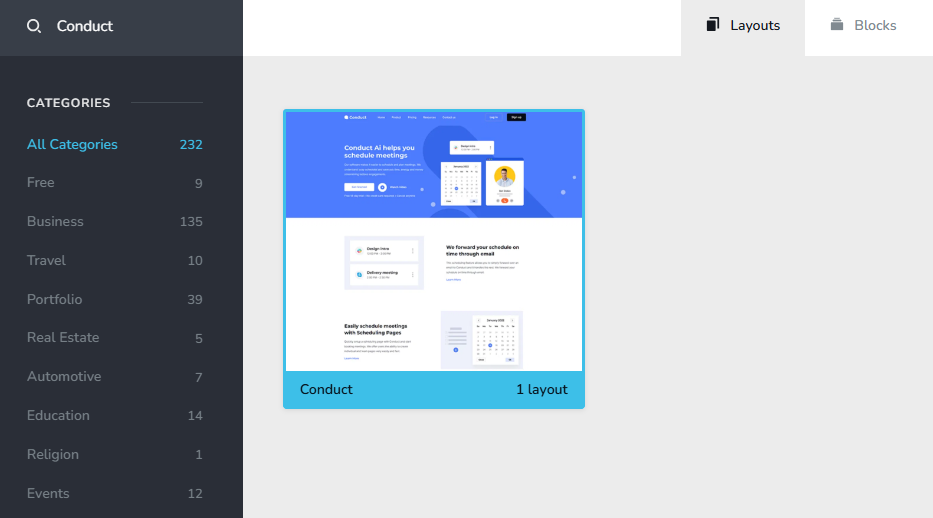 0
0 -
Hello KUPERUS,
You are right; the "Conduct" design layout in the Blocks and Layouts library imports the "Videocalling" layout. We will work on fixing this bug.
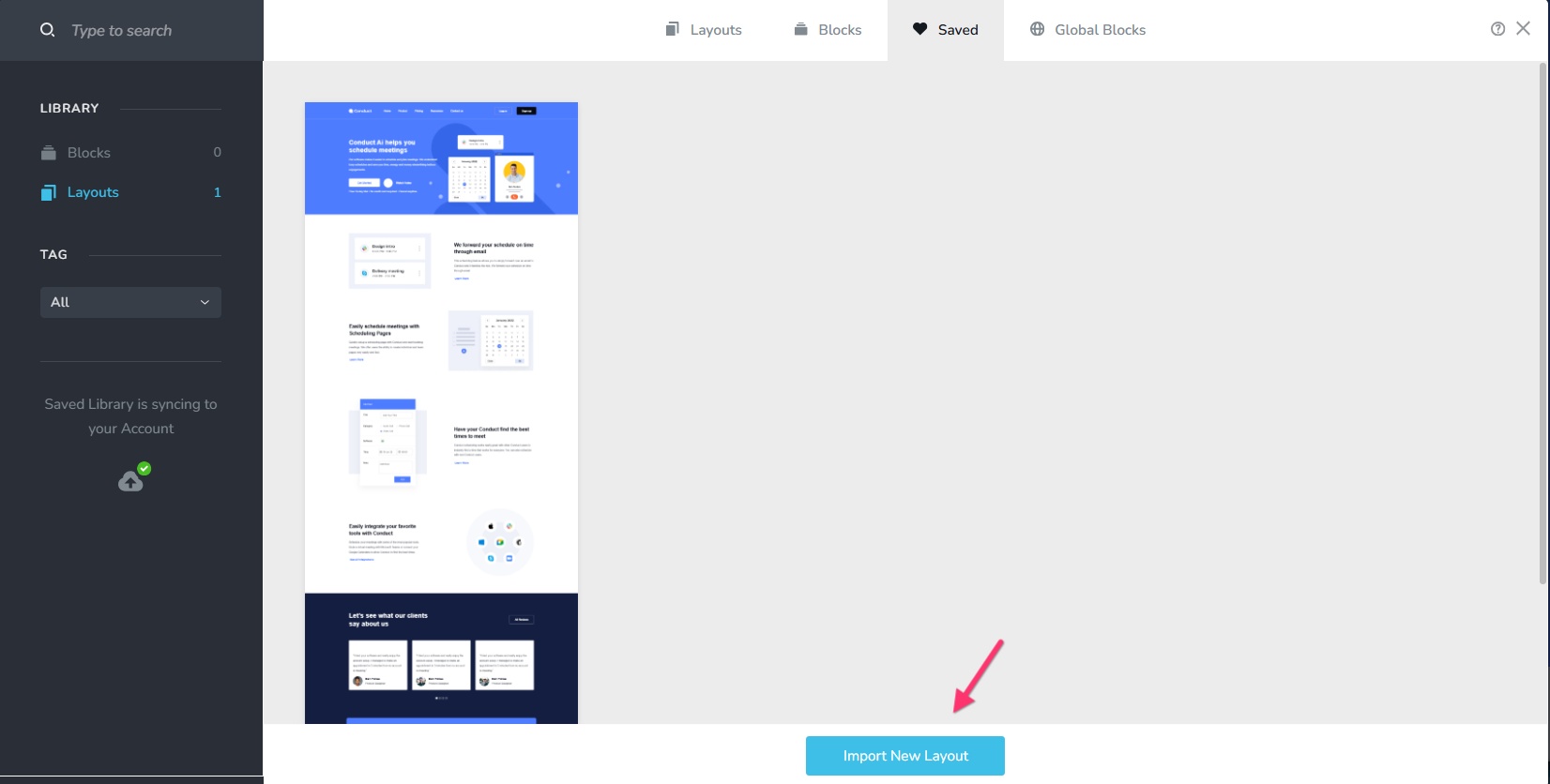
Until then, kindly download the "Conduct" Layout as a ZIP file at https://jmp.sh/K76ALJcq and import it to your project by selecting the "Import New Layout" button under the "Saved" tab of the Layouts library
 0
0
Please sign in to leave a comment.
Comments
5 comments