ERR_SSL_PROTOCOL_ERROR

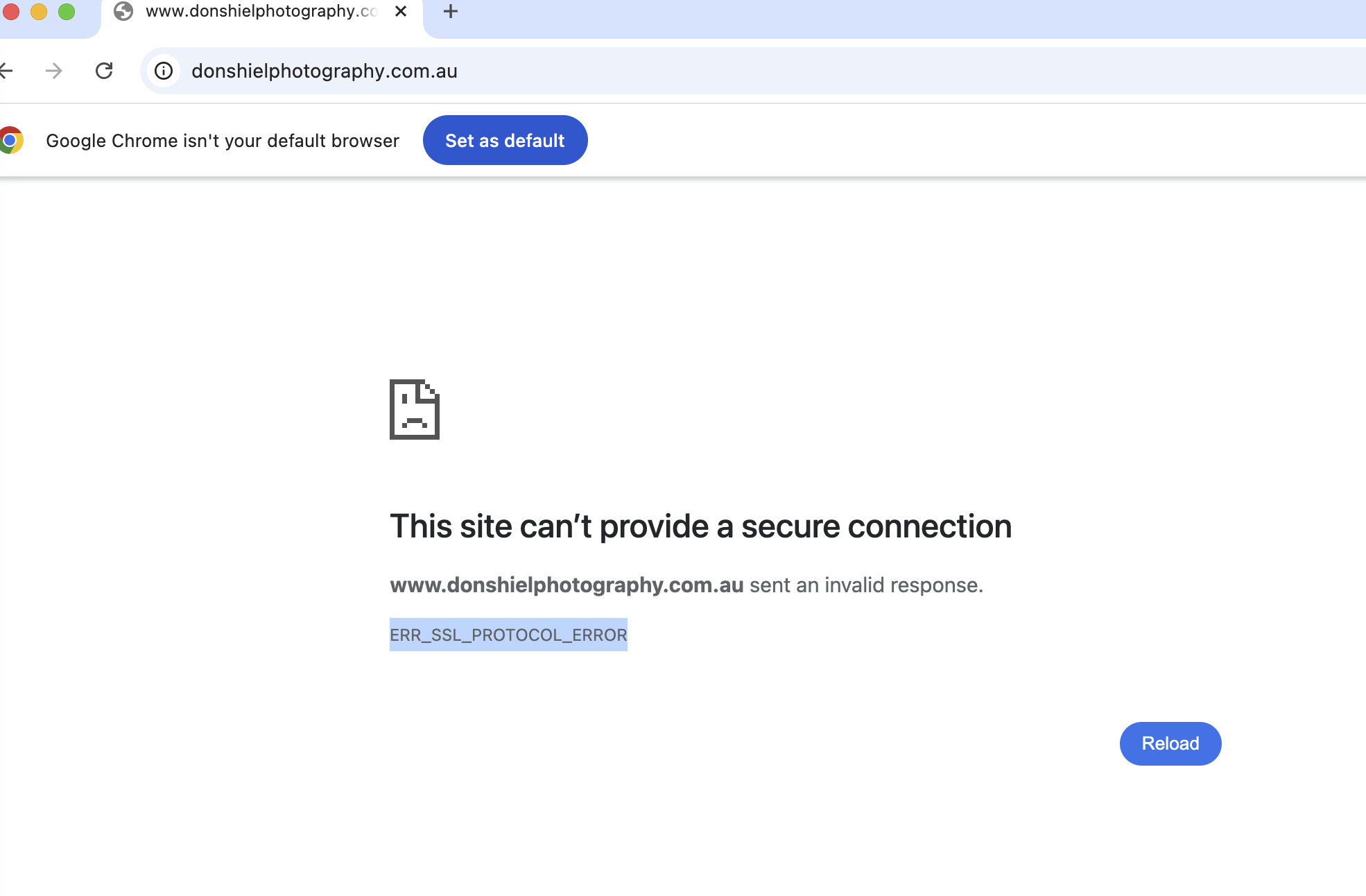
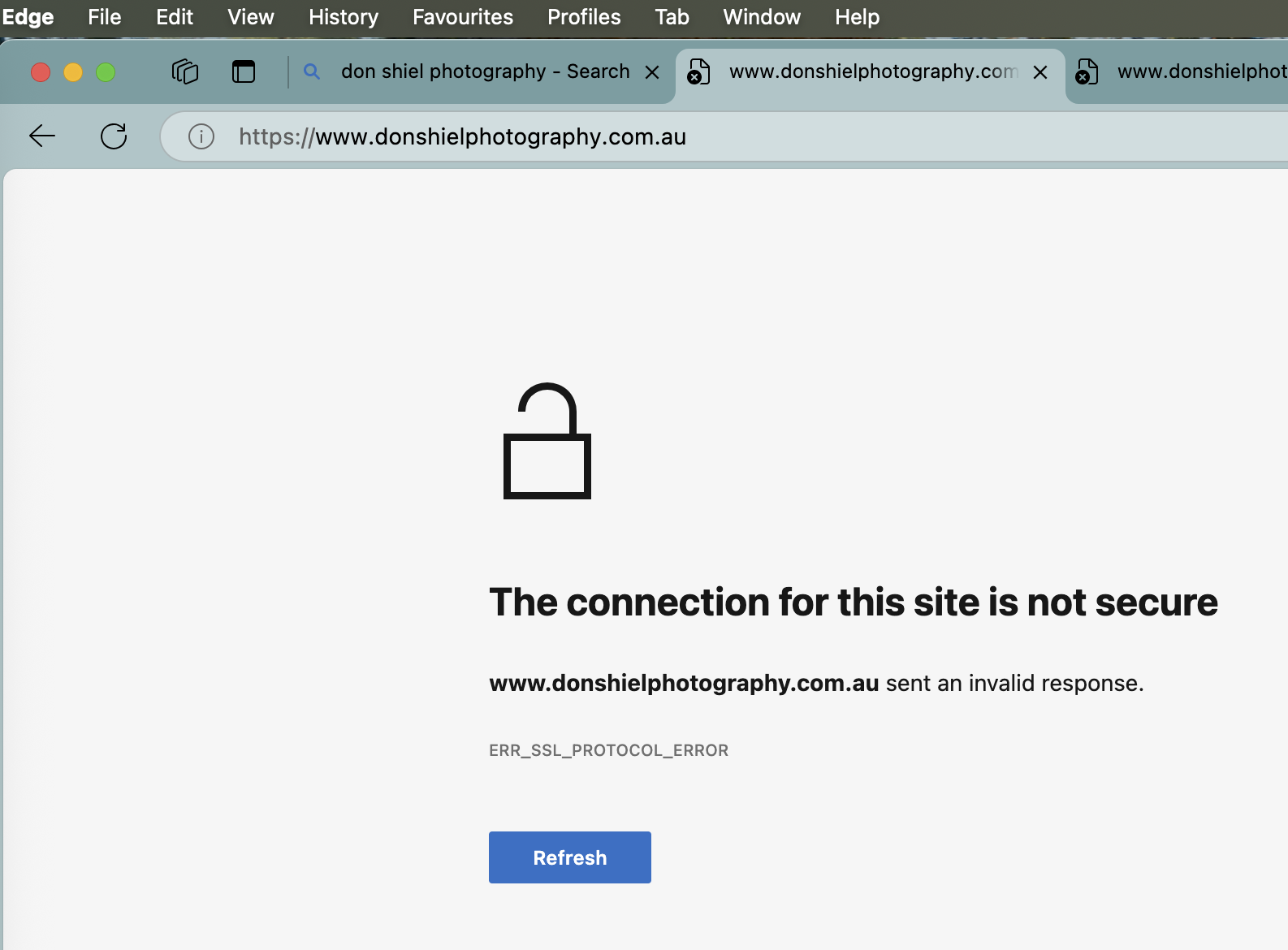 My website says it's insecure because the SSL certificate is invalid.
https://www.donshielphotography.com.au/
I'm on the Brizy cloud.
Please help.
-

Hi Don,
I just checked your site, and the SSL appears to be working now. If you recently updated your DNS settings, it’s possible that the changes hadn’t fully propagated yet when you were checking, which can sometimes cause temporary issues.
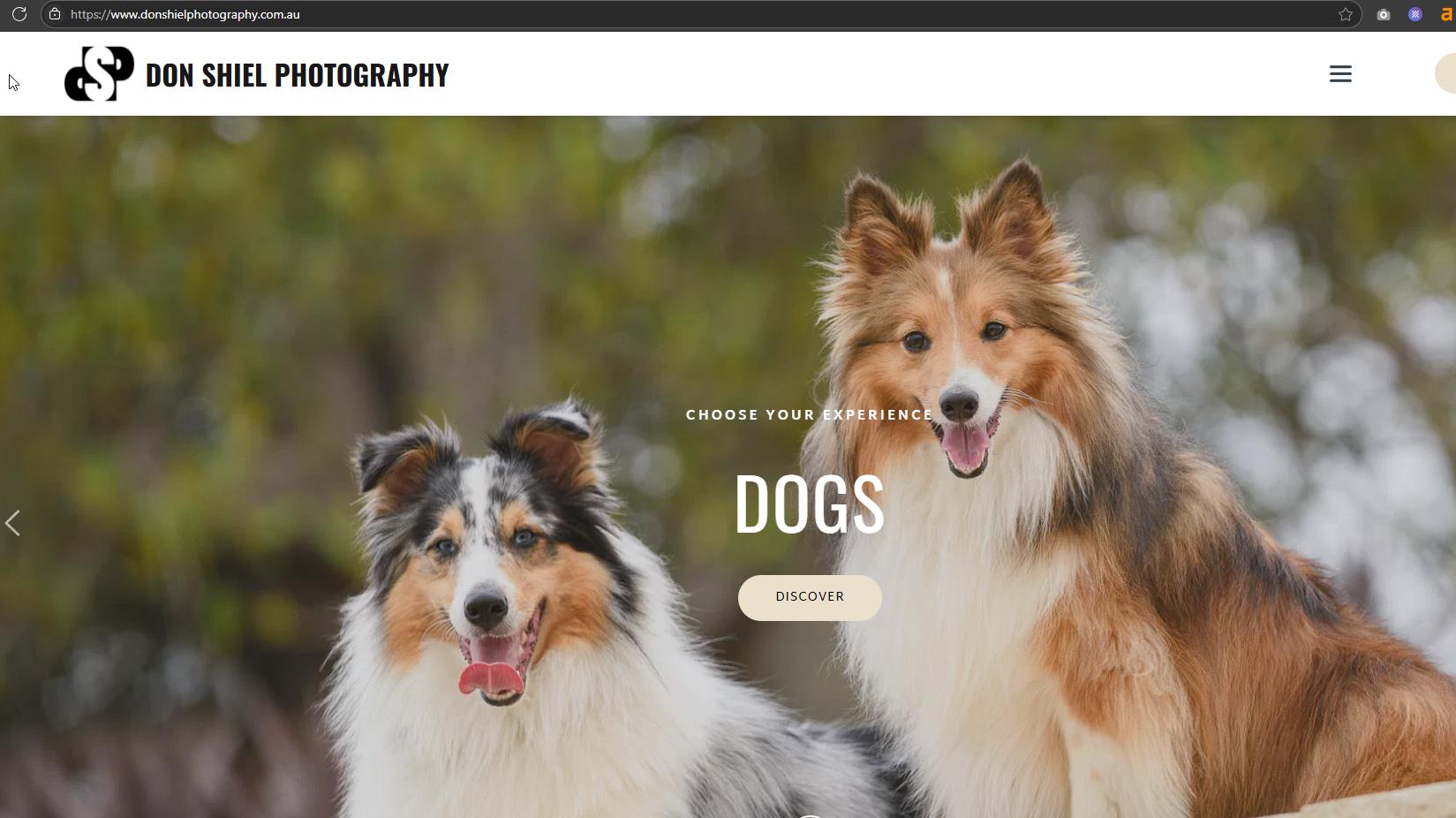
Let me know if you’re still seeing anything unusual on your end.
Best regards,
Ariel H.0 -
Hi Ariel,
I'm still having issues seeing my website in Safari, Chrome, and Edge, but I can see it on my iPhone browser.
Should I be resetting something within my computer?
0 -
Hi Don,
Could you please try opening your website on a different computer or ask a friend to check if they can access it from theirs? If it works for them, the issue might be with your browser, and resetting it to its factory defaults may help - https://www.howtogeek.com/171924/how-to-reset-your-web-browser-to-its-default-settings/
Let us know how it goes.
Best regards,
Ariel H.0 -
Hi Ariel,
Yes, the website opens on another Mac, iPad and iPhone.
I have reset my browsers, but it is still not loading.
Do you think it's something with my computer?
0 -
Hi Don,
Since the website is loading fine on your other devices, it does seem likely that the issue is specific to your computer. You might also want to check for any firewall, antivirus, or VPN settings that could be blocking access.
Best regards,
Ariel H.0 -
Hi Ariel,
I did reset all the browsers and I was able to view the website in the chrome browser but not safari and edge.0 -

Hello Don,
Have you reloaded the page in Safari and Edge by clicking the "Reload" icon on the browser address bar?
 0
0 -
After changing a few details within my modem and installing a VPN, the website opens now on all three browsers.
0
Please sign in to leave a comment.
Comments
8 comments