Templates dont show up

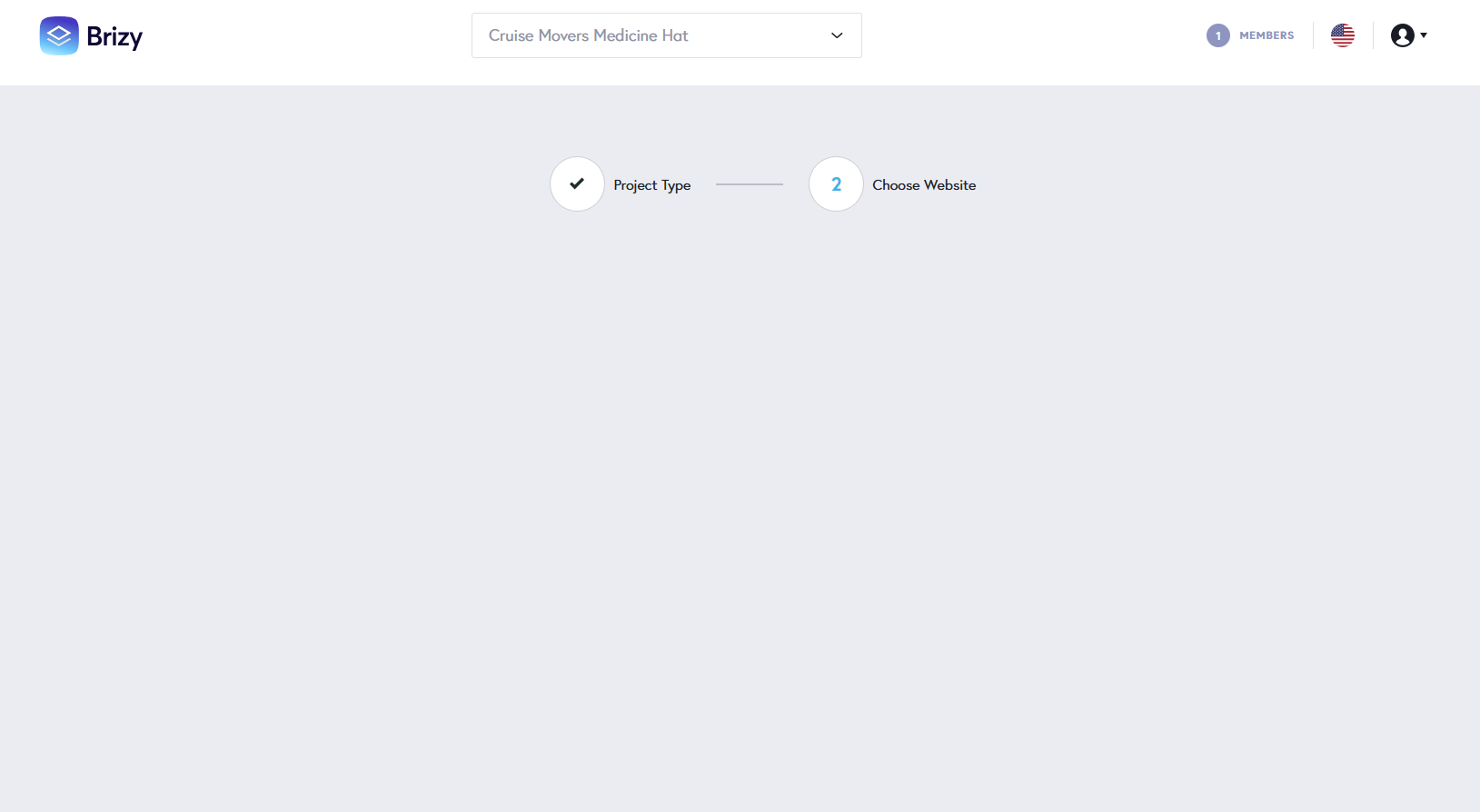
When I click on create new website and select choose from template, nothing shows up for templated to choose from. Need help! Please see below:
-

Hi Bilawal,
Thank you for contacting us.
Could you kindly check if the issue persists when using incognito mode or a different browser? This will help us determine if it's related to a browser extension or caching issue.
Please try this and let me know how it goes.
Best regards,
Ariel H.0 -
I tried a different browser and it shows. How can I make sure it shows up on my regular chrome browser?
0 -

Hello Bilawal,
Kindly delete cached images and files in Google Chrome following the procedure at https://jmp.sh/SLerEIjR and check if the issue resolves. If this does not help, please also delete cookies related to brizy.io following the procedure at https://jmp.sh/nTWu8K4C and check if helps.
0 -
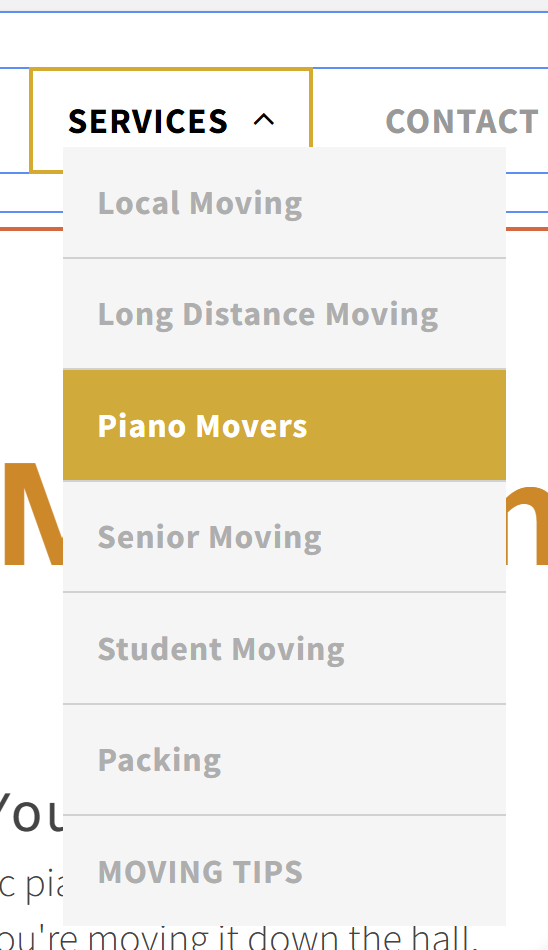
Okay. Thanks. Can you help me figure our how to do drop down menu like in screenshot?
 0
0 -
Hi Amjad,
Thank you for the update.
I’ve created a short screencast to demonstrate how to create a similar menu, which you can view here: https://youtu.be/6DbWUr_ZivU
Let me know if you have any questions.
Best regards,
Ariel H.0 -
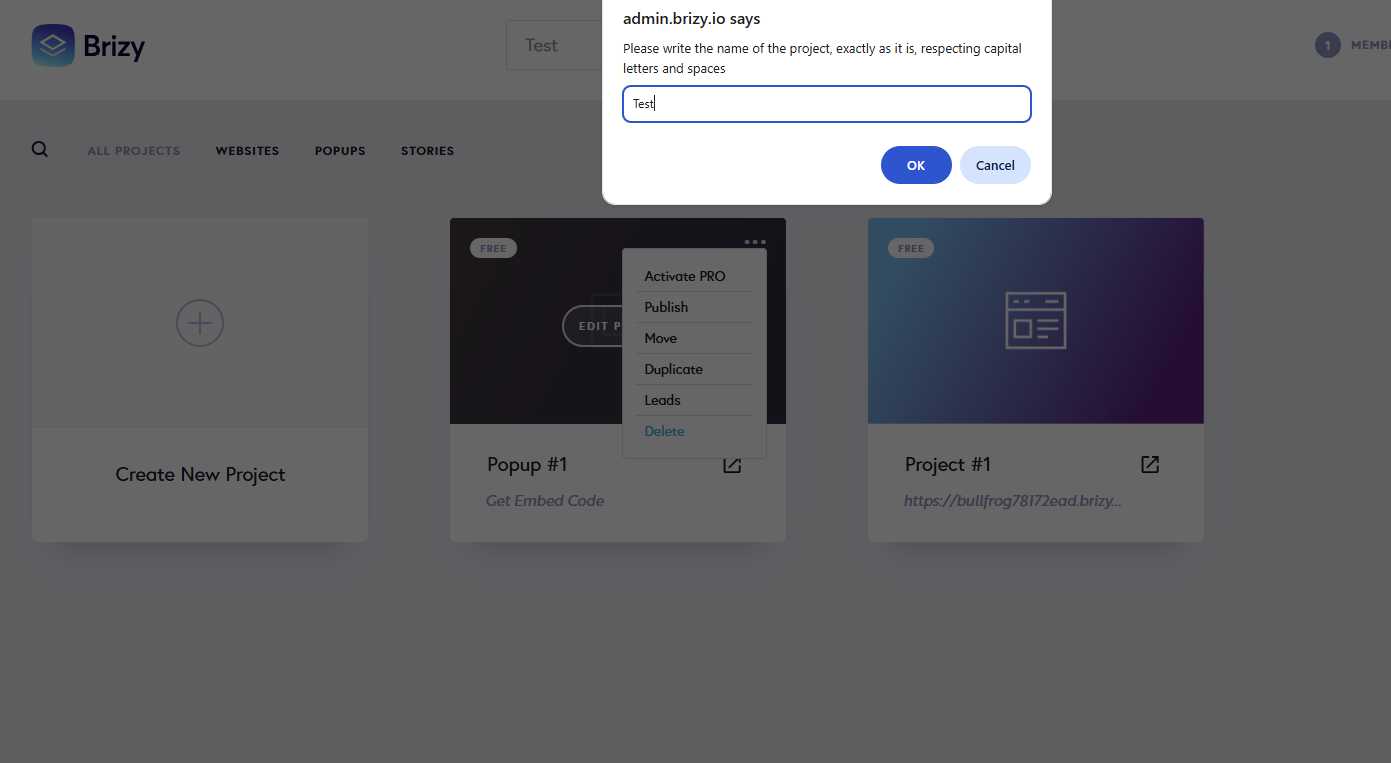
Thank you. Having issues when trying to delete a "test" project and the website and pop-up within that project, when I click delete and enter the name of the project exactly how it is spelled, nothing happens. It does not get deleted.
 0
0 -
Hello Bilawal,
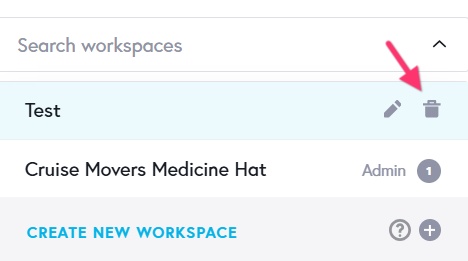
Did you mean that you wanted to delete the "test" workspace when you said delete the "test" project? You must delete all projects within a workspace before deleting it. Kindly follow these steps
- Delete "Popup #1" by selecting the "Delete" option in the project thumbnail
- Delete "Project #1" by selecting the "Delete" option in the project thumbnail
- Delete the "Test" workspace by selecting the "trash" icon
0
Please sign in to leave a comment.
Comments
7 comments