Brizy pagebuilder not loading on one of my pages

Hi I recorded a short video to illustrate my problem:
https://www.loom.com/share/e8bc3629afd4411b8d16e5b5c2e22b47?sid=1576ab12-af29-4cda-877a-388edb5c3a9e
The brizy builder is not loading until I deactivate ALL other plugins. I tried deactivating one at a time to find out wich plugin is causing the issue, but I need to deactivate all of them to edit my main page! If I acivate the plugins again the builder is not loading again. All other pages work just fine. It is happening with the newest brizy version as well!
-

Hi,
Thank you for taking the time to make the screencast.
Could you also confirm if you have any custom code or scripts embedded into this page? sometimes custom scripts could cause this issue. If you do have embedded scripts, please try to temporarily remove it and see if it makes any difference.
Otherwise, please feel free to share your WordPress admin login details with us so we can take a closer look for you. Kindy add us as an Admin user to your WordPress Dashboard and send the following details to communitysupport@brizy.io.
Community Post link: https://support.brizy.io/hc/en-us/community/posts/27026432736530
WordPress Admin URL:
Username:
Password:Looking forward to your reply.
Best regards,
Ariel H.0 -
There are no custom scripts in involved in the specific page.
We've send you a user.
Because this is happening over and over - please support us with the cause and solution.
Thanks!0 -
Hi Leonhard,
Thanks for your cooperation. I've checked your site, but unfortunately, the page isn't loading in Brizy even when all other plugins are disabled.
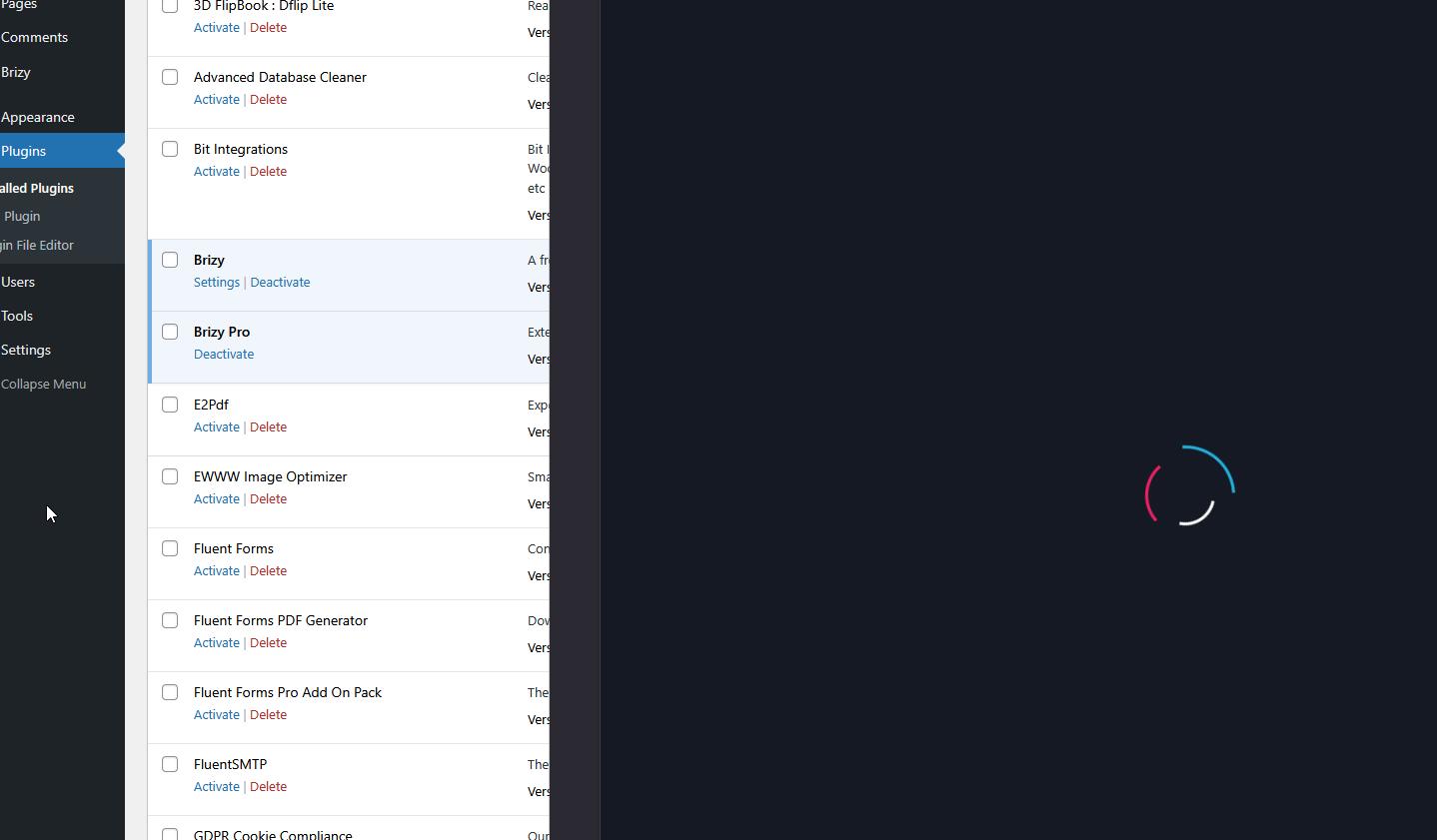
Could you try temporarily switching your Cloudflare settings to "Development Mode"? This sometimes resolves issues with page loading - https://support.hostinger.com/en/articles/5782198-how-to-enable-cloudflare-development-mode
Please try this and let me know how it goes.
Best regards,
Ariel H.0 -
I had to activate the plugins - I think in that moment you were testing!
When I deactivate the plugins I can access the site "Willkommen"!
Deactivating Cloudflare had no effect.0 -
Hi Leonhard,
Thank you for the update.
Inspecting the page, we found the following error in the console.
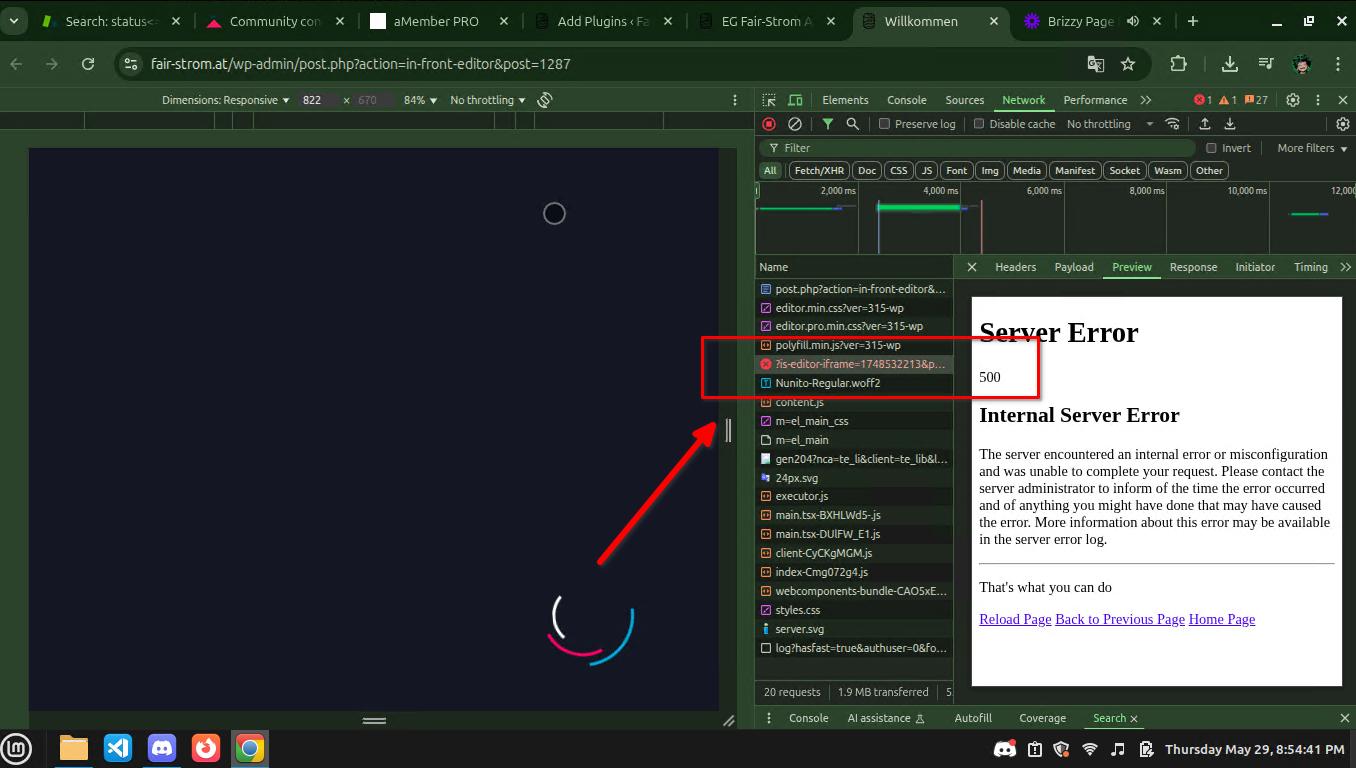
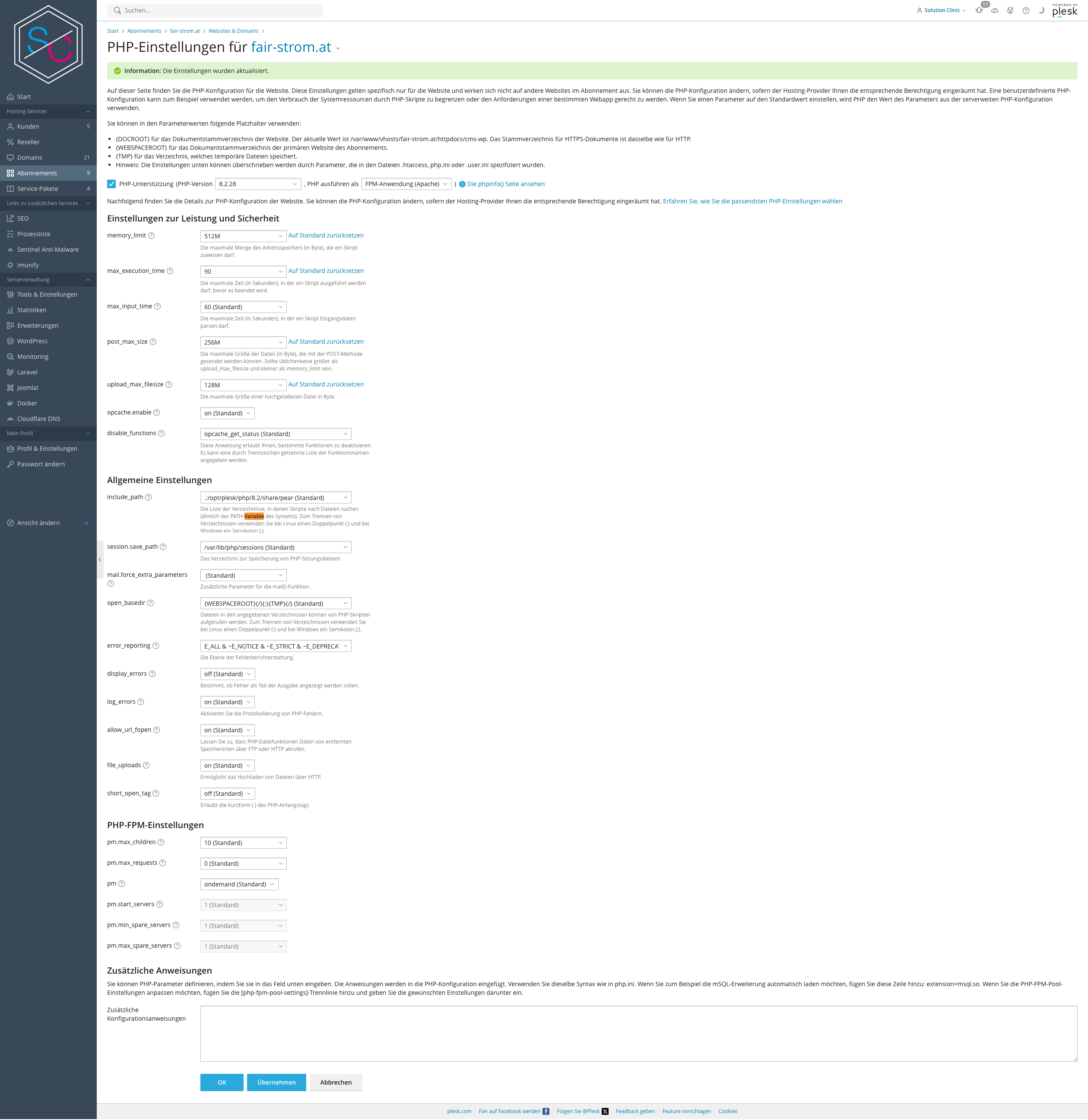
To help resolve this, please ask your hosting provider to update your server configuration to ensure the following settings:
PHP max input variables: 6000 or higher
PHP memory limit: 512M or higher
PHP post max size: 128M
Upload max file size: 128MUpdating these settings through your hosting provider should give the best results. Let us know if you have any questions.
Best regards,
Ariel H.0 -
The site lives on its own VPN. I updated the settings - no effect.
 0
0 -
Hi Leonhard,
Thank you for the update.
We tried accessing your site, but unfortunately, we encountered a 504 Gateway Timeout error during login.
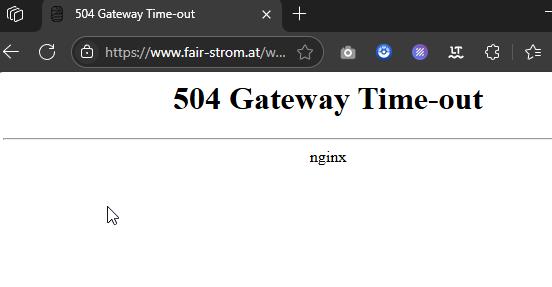
To proceed safely, could you please create a staging version of your site where we can replicate the issue? This will allow us to investigate further without affecting your live website.
Kindly let us know once the staging site is ready so we can check it again.
Best regards,
Ariel H.0 -
I am working on it as we speek. Please try again - maybe fetch a new IP adress...
0 -
Hi Leonhard,
Would you mind sharing your hosting panel (or SSH) credentials so we can further investigate the issue?
In the meantime, if ModSecurity is enabled on your server, please try temporarily disabling it to see if that makes any difference.Best regards,
Ariel H.0 -
I've limited SSH to private keys for security reasons. Would an FTP account or even an webspace account helpful?
0 -
Good Morning, now a vital Form won't work either. We really need to fix this...
0 -
Hi Leonhard,
We’ve been working on troubleshooting the issue remotely, but unfortunately, we’ve been experiencing frequent disconnections, making it difficult to investigate thoroughly.
Since Brizy works correctly when all other plugins are disabled, this indicates a conflict between one or more plugins on your site. While we had already disabled a few plugins to narrow down the issue, we lost access to the site before we could re-enable them, preventing further testing.
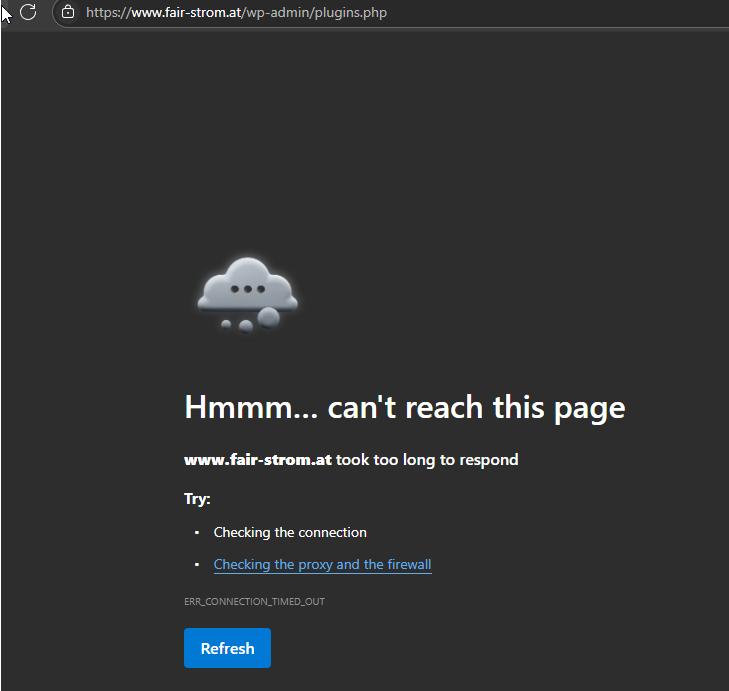
Additionally, the 500 error appearing in the browser console suggests a server-related issue. We recommend checking your server error logs, as they may contain useful details about what’s causing this problem.
Best regards,
Ariel H.0 -
Hi I really do not understand this. I have no issues what so ever. Did you try getting a new IP before login?
0 -
Hi Leonhard,
Yes, I did try accessing the site using a new IP address, but unfortunately, the issue still persists on my end. We were able to access it briefly, but the connection drops shortly after.
To investigate this further without affecting your live site, would it be possible for us to duplicate your website and run tests in our secure testing environment? This would help us better understand the root of the issue.
Please let us know if we have your permission to proceed.
Best regards,
Ariel H.0 -
Should I briefly deactivate Wordfence or whitelist your IP?
0 -
Please whitelist the following IP addresses:
112.201.178.177
112.201.183.410 -
All right try it now.
WAF in Wordfence is Whitlistet, The WAF of the VPN server is in Listening mode and Cloudflare in development mode.0 -
Hi Leonhard,
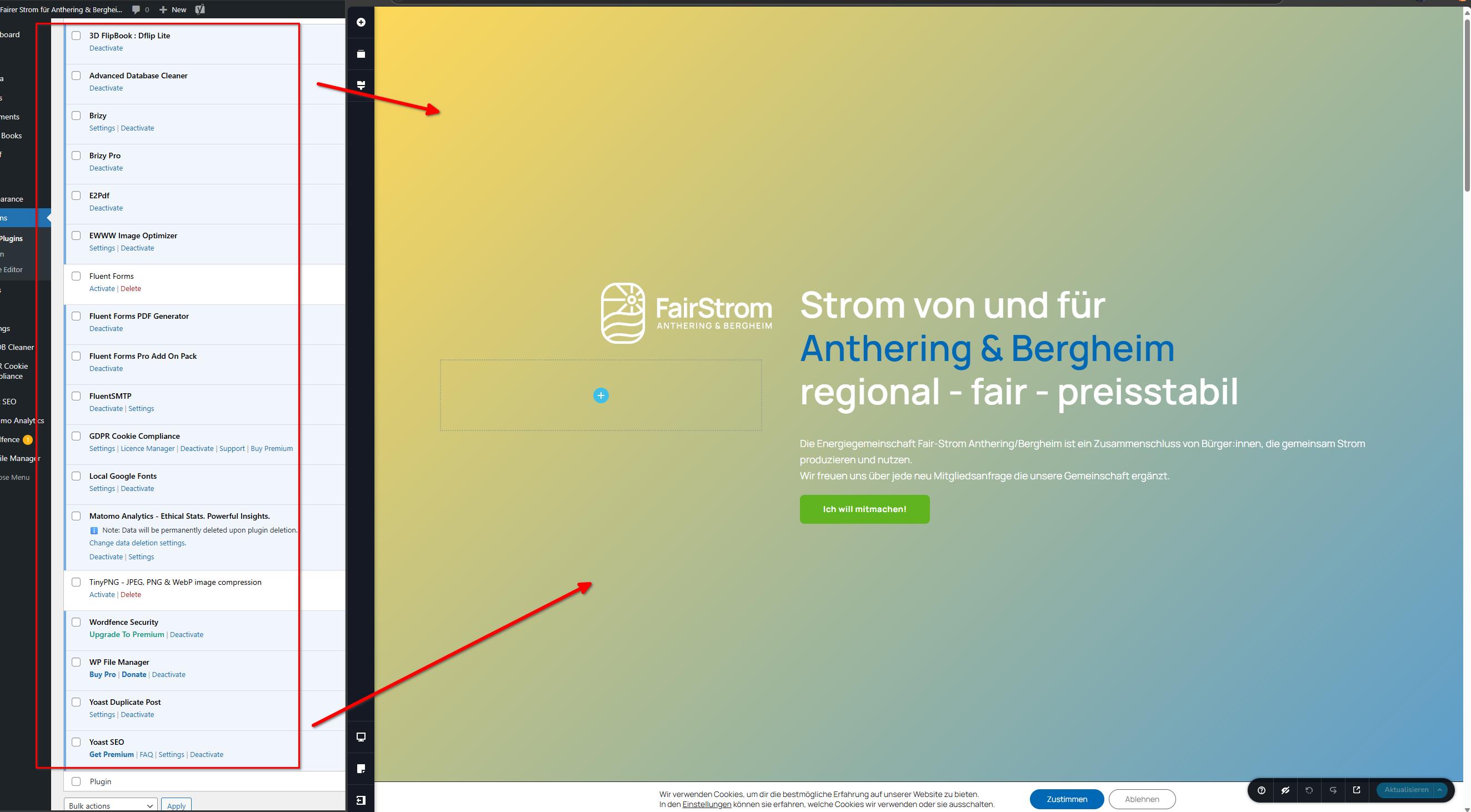
We’re now able to edit the page after the recent changes.
It looks like the security settings may have been blocking the editor, and adjusting them helped. Could you please check on your end as well?
Best regards,
Ariel H.0 -
Hi Ariel, it seems you are the solo hero in the support team!
Yes that worked. What settings did you adjust - so I can replicate it the next time?0 -
Hi Leonhard,
Thanks for the update. There may be a bit of confusion here, it looks like your previous adjustments to the WAF and VPN settings did make a difference. We suggest reviewing the recent changes you made to your server’s security setup and, if possible, try relaxing them a little to see if that helps resolve the issue fully.
Let us know how it goes, we're here if you need further help.
Best regards,
Ariel0 -
Dear Ariel,
the peace was just short. Unfortunately the problem persists. I still need to deactivate all plugins to edit the main Site. The other sites are not effected.0 -
It seems that brizy has some issues with wordfence. But it is strange that deactivating wordfence alone is not enough...
0 -
Hi Leonhard,
Thank you for the update.
It’s possible that Wordfence’s Extended Protection is still affecting the site, even if the plugin is disabled. This feature can leave behind changes in the .htaccess or .user.ini files that continue to run in the background. You can try removing those entries using the steps here:
https://www.wordfence.com/help/firewall/optimizing-the-firewall/#removing-the-optimizationPlease try this and let me know how it goes.
Best regards,
Ariel H.0 -
Hi Ariel, unfortunately that has no effect. .user.ini & .htaccess are clean like a baby and still I cant open the main pages. "Willkommen" and "Servus" (this will be the new mainpage)
0 -

Hello Leonhard,
Since all pages except the homepage is editable, its possible that the homepage file got corrupted. Is there any possibility of recreating the homepage from a backup?
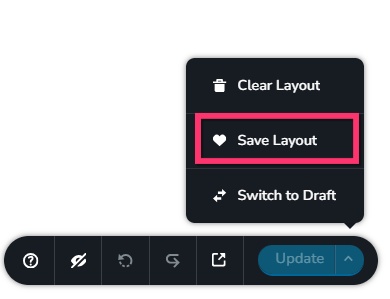
- If the homepage opens under any circumstance, open it, save it as design layout by selecting the "Save Layout" option at the bottom right corner.
- Do you have a backup of your website from the time when the homepage was editable? Explore the possibility of downloading the backup file, restore it to another WordPress instance and saving the homepage design as a layout.
- When you have the saved layout of your homepage, add a new page to your website, import the saved layout to the page, save your page by clicking the "Update" button and set the newly created page as your homepage.
0 - If the homepage opens under any circumstance, open it, save it as design layout by selecting the "Save Layout" option at the bottom right corner.
-
I've tried your solution according and followed it to the letter.
It worked for two days, but now the same problem happened again.0 -
Hello Leonhard,
Working on your website resulted in an Internal Server Error and now the website is inaccessible. Can you please work with your hosting support to bring the site back? We will then continue troubleshooting.
0 -
Hello Leonhard,
You could also give us access to your hosting control panel and we can restore the site ourselves.
0 -
Thanks that you look into it. Reinstalling Backup. Pleas use WP Staging to test things...
0 -
Hello Leonhard,
Kindly create a staging site for us and give us access to that. We will work on the staging.
0
Please sign in to leave a comment.
Comments
35 comments