the same Problem with me…

I have the problem that despite adding the employee in Brizy Cloud no access is activated, the message remains “Pending”, although the employee has an account in Cloud and is logged in with the identical mail...
-

Hello Helge,
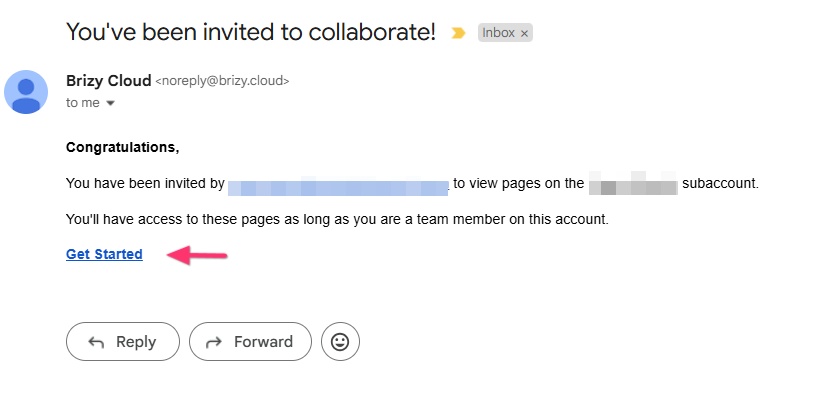
If you have invited an employee as a Team Member and if you see that the invitation is "Pending", it means that he/she has not accepted your invitation. Kindly request your employee to check for an email from noreply@brizy.cloud with the subject "You've been invited to collaborate!" and click on the "Get Started" link to accept your invitation.
 0
0 -
She had accepted the Mail by clicking the link. That was not the fault of her… Nothing happened
0 -
Hello Helge,
Do you want us to check if Team Member invitations work well in a specific workspace? Please let us know the name of your Workspace and we will do a test.
0 -
Petra Bauer
0 -
Hello Helge,
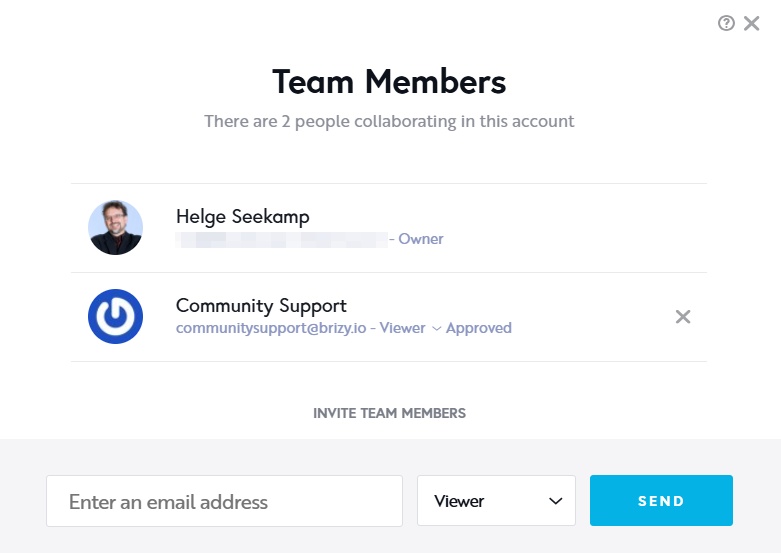
We could add our Community Support email as a Team Member to your "Petra Bauer" workspace. The Team Member invitations appear working. Feel free to delete this user.
 0
0 -
yes, and now? The Invitation worked, the email came, the clique on the acceptance-link worked, but then the login does not show the workspace PETRA BAUER in her account…
0 -
Hello Helge,
Once you send an invitation to someone, their name and email should appear in the list of "Team Members".
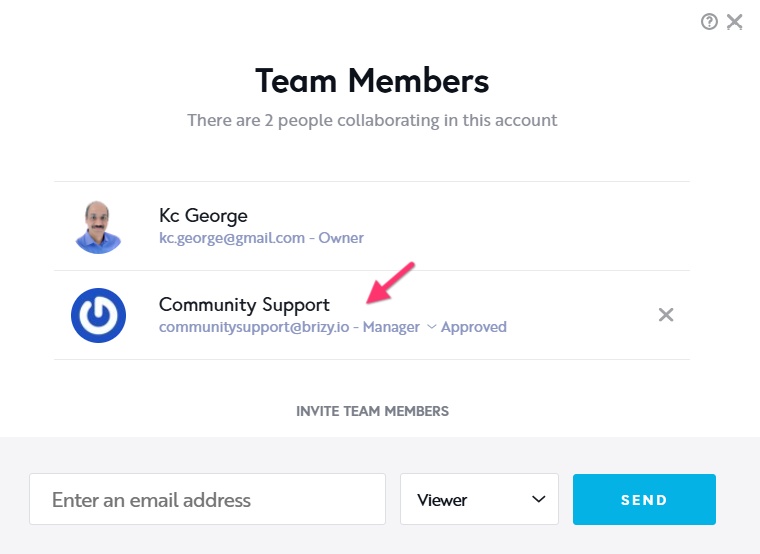
In your PETRA BAUER workspace, I don't see the invitation you sent. Can you invite her once more and request her to accept it again?
0 -
yes, the Name appeared there, but not "Approved" inspite of cliquing the link… That is the problem we could not solve… I showed you my picture
0 -
Hello Helge,
To resolve this issue, we will need to check what is causing the issue on her computer (as the Team Member invitations work in general for all other users). Can you arrange a Zoom call where we can look at what happens when she attempts to accept your invitation?
Now it is 9:06 PM in India where I live and if you fix a Zoom call in the next 2 hours, I can take a look today. Please let me know.
0 -
To summarize once again:
1. I have invited her see picture 1
2. she receives the mail
3. she clicks on the link (when I look in my account, she is still shown as “PENDING”),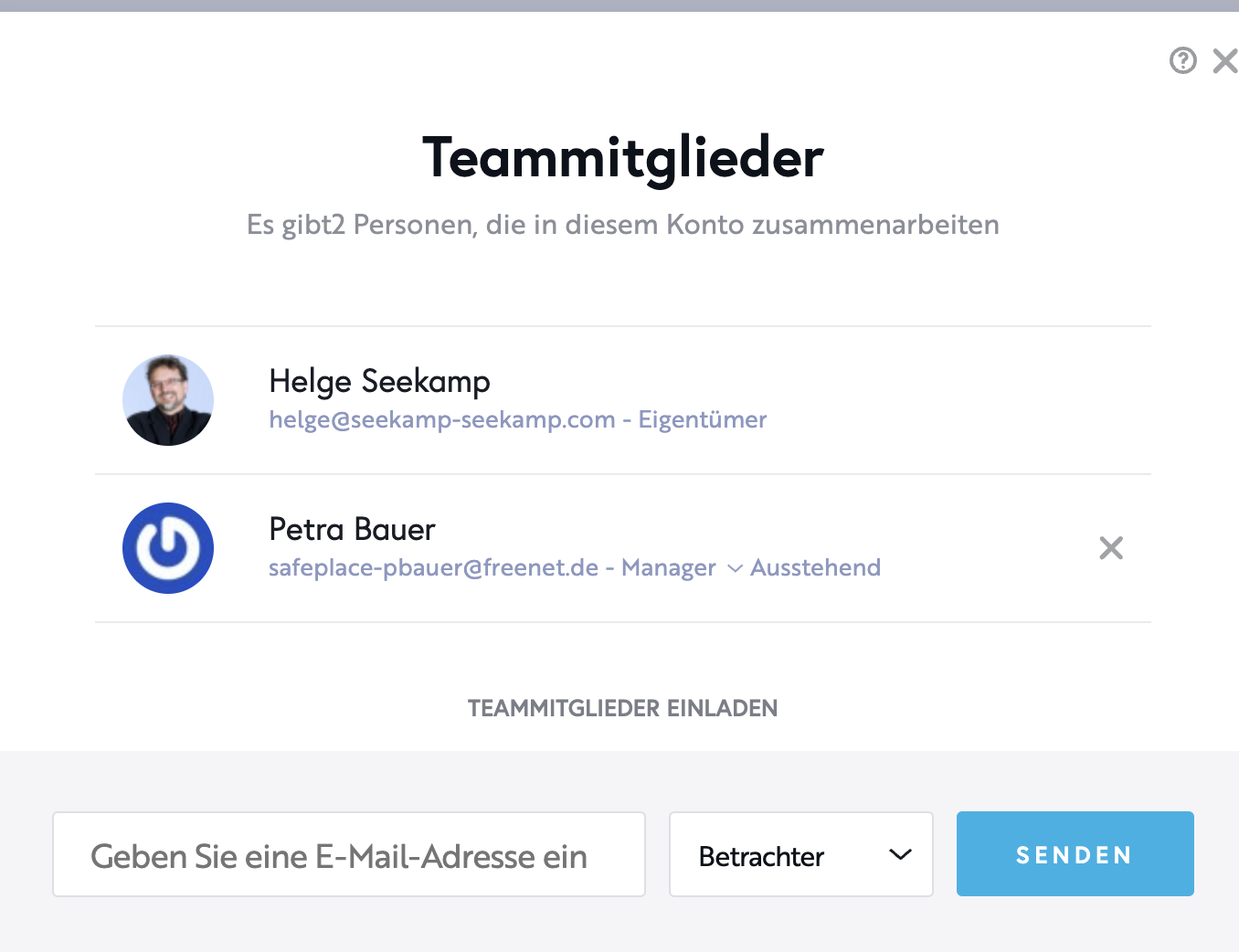
4. she comes to her Brizya account with exactly the same mail I used to invite her
5. she does not see the workspace “Petra Bauer” that I have created and to which I have invited her.
6. I have also created her as a collaborator in the project.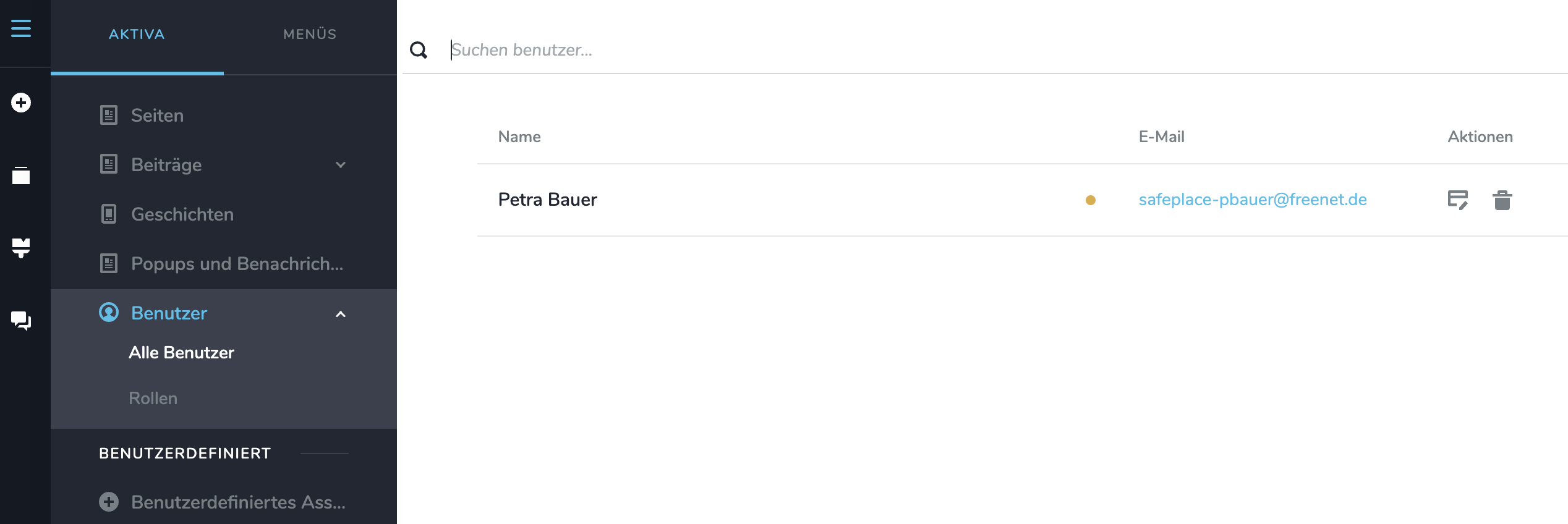
Are we on the same page so far? What exactly is to be researched at the ZOOM meeting?0 -
Hello Helge,
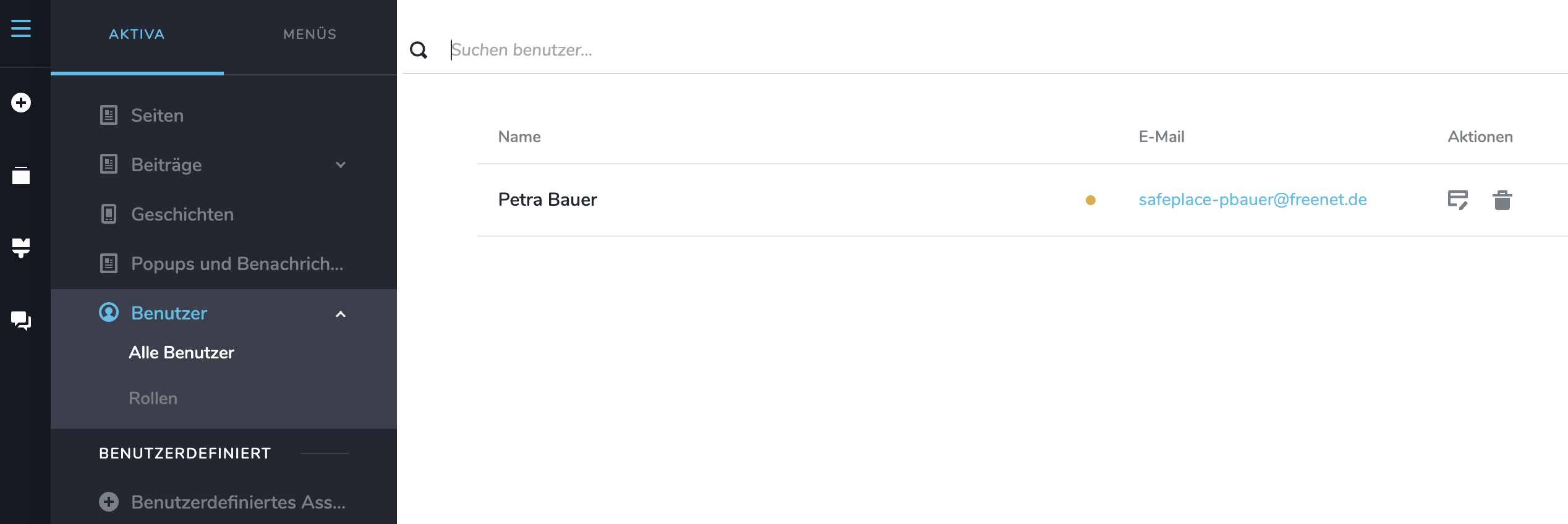
You can't have the same person as a Team Member as well as a website user. Kindly delete the user added here and ask her to click on the invitation link once more and let us know if it works this time.
We are on the same page so far. The Zoom meeting was meant to find an answer to the question "When thousands of other users can be added as a Team Member, why can't she?
0 -
Thanks, that was the Solution. Now she is arrived…
0 -
"You can't have the same person as a Team Member as well as a website user.!"
0 -
Why is there a specific place for ”website users”?
0 -
Hello Hello,
"Users" and "Team Members" have different roles.
- Users gain access to premium content published on your website after they sign up. Users are also sometimes called "members" or subscribers".
- Team Members are part of your website content creation process. They collaborate with you and help develop the website and its content. Designers, copy writers, blog authors, SEO consultant and customers are usually Team Members.
0
Please sign in to leave a comment.
Comments
15 comments