Mobile menu not collapsing - leaving an empty space where the second level remains open

Hello,
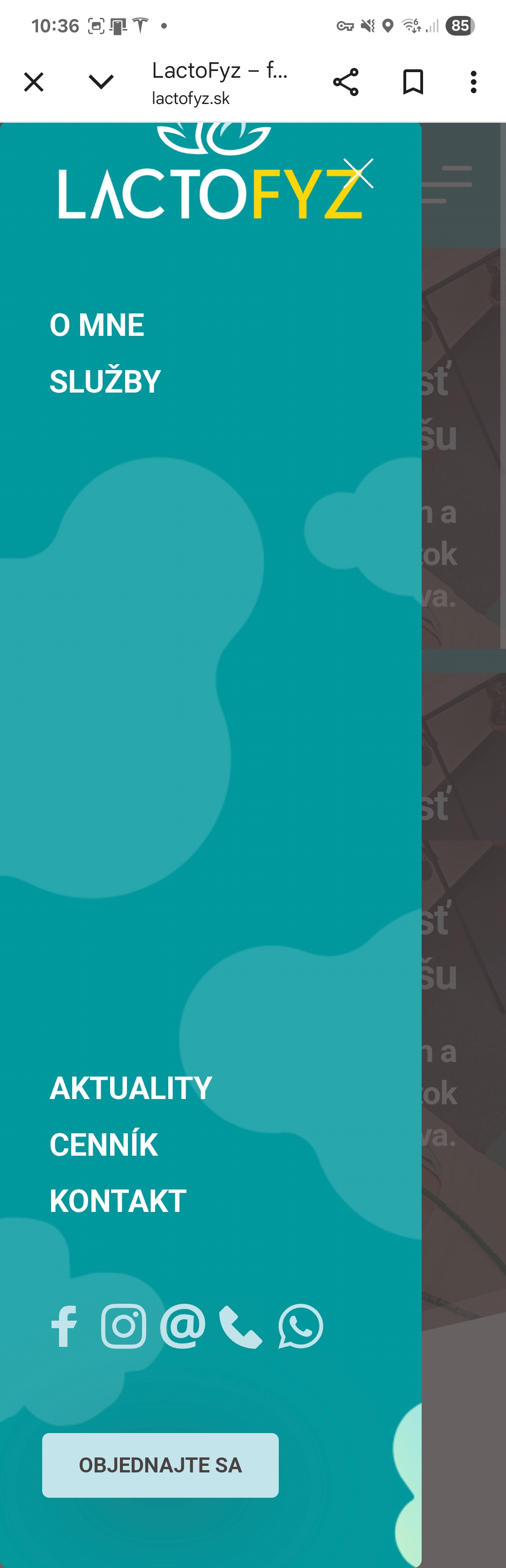
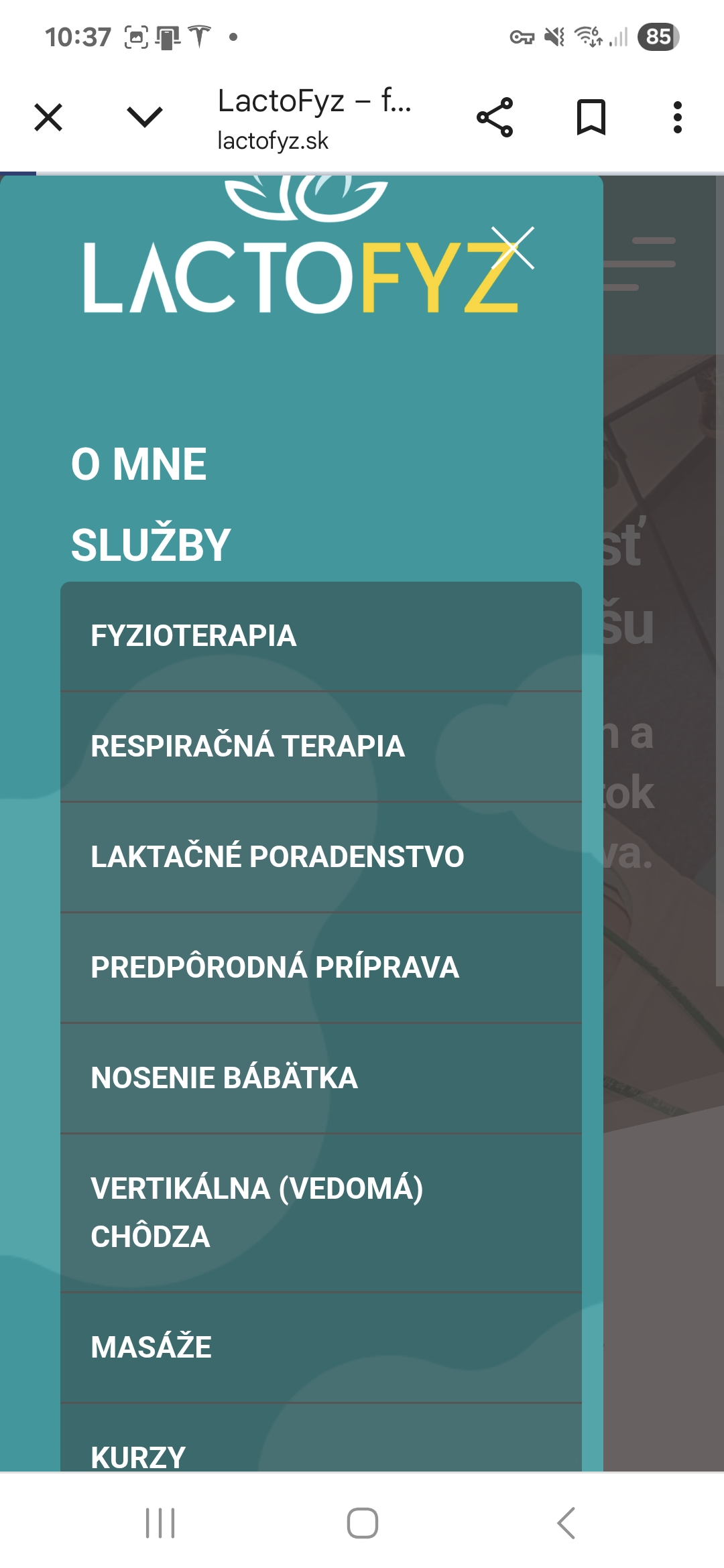
After the latest Brizy update, I’m experiencing an issue with the mobile menu I set up using a popup. The mobile menu is on mobile expanded all the time and does not collapse – leaving an empty space where the second level remains open.
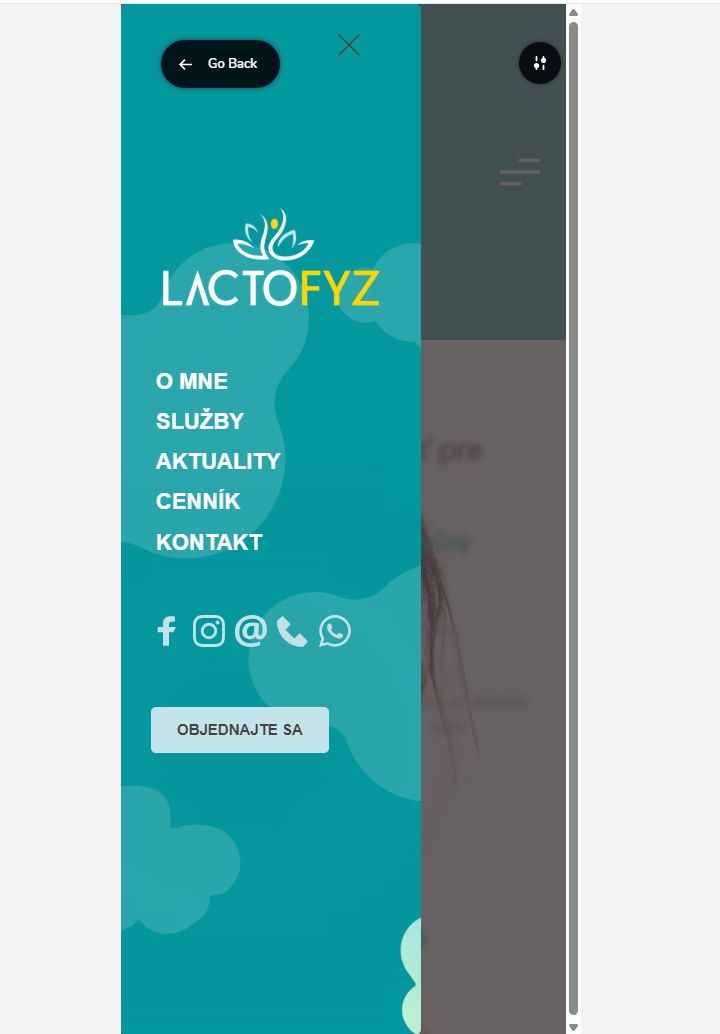
Interestingly, everything works fine when previewing the page in the backend (Brizy, mobile view). However, the issue appears on the live website in a mobile browser.
I’m attaching screenshots to illustrate the issue.
Could you please help me resolve this?
Thank you and have a great day,
Lucy
-

Hi Lucia,
Thank you for reporting this issue with the mobile menu after the recent Brizy update. We apologize for the inconvenience this is causing.
We're aware of this issue, and it's currently being addressed. A fix should be included in an upcoming update.
In the meantime, to restore the functionality of your mobile menu, you might consider reverting to a previous version of Brizy where this issue wasn't present. We understand this is an extra step, but it should provide a temporary solution until the update is released.
Let us know if you have any trouble reverting to a previous version, or if you have any other questions.
Best regards,
Ariel H.0 -
Hello Ariel
Where can I get the previous version of Brizy? I currently have 2.6.13.
Thank you
Kind regard
Lucy
0 -
Hi Lucy,
Thank you for the update.
Please try reverting to Brizy v2.6.18 and Brizy Pro v2.6.12? You can download these versions here:
https://drive.google.com/drive/folders/1E1kkK2hAxJ3ErHZ8k79OsyU-othM6ogU?usp=drive_linkAfter installing the previous versions, if you notice any unusual layout changes, please try this:
- Go to the affected page.
- Add 1px of padding to any global blocks or affected blocks.
- Preview your site. If the layout is fixed, revert your padding changes and update again.
- This often resolves layout glitches after Brizy version updates.
Let me know if this helps.
Kind regards,
Ariel H.0 -
Unfortunately, this did not help the mobile menu.
I deactivated and than deleted both Brizy and Brizy Pro, and than installed and activated them from the above link.
I also tried changing the padding in global block but nothing helped.
L.
0 -
Hi Lucia
Thank you for the update.
To investigate further, we’d appreciate it if you could provide temporary access to your WordPress admin. You can add us as an Admin user from your Dashboard and send the following details to communitysupport@brizy.io:
Community Post link: https://support.brizy.io/hc/en-us/community/posts/26983483974290
WordPress Admin URL:
Username:
Password:Looking forward to your response.
Best regards,
Ariel H.0 -
Hello Ariel
Any update on the issue?
Kind regards
Lucy
0 -
Hi Lucy,
Thank you for the update. We wanted to let you know that we haven’t received your site credentials yet.
Could you please confirm if you were able to follow the steps we provided in our previous email to send them over? Once we have the details, we’ll be happy to take a closer look and assist you further.
Looking forward to your response.
Best regards,
Ariel H.0 -
I actually sent it to you straight away (6days ago). And I even replied to your email, to let you know, that I have sent it. I have clicked on "password recovery" now, so you should receive another mail with credentials.
Thx
Lucy
0 -
Hi Lucy,
Thank you for the update, we were able to find your email.
For future emails, please kindly follow the format we shared in one of our previous messages. Including the Community Post Link helps us track support requests more efficiently. We receive a large number of emails every day, and without that link, it becomes quite difficult to follow up properly.
In the meantime, I’ve asked a colleague to look into the issue for you. I’ll get back to you as soon as I have an update.
Thanks again for your patience and understanding.
Best regards,
Ariel H.1 -
Hello,
Any update on the issue?
Kind regards
Lucy
0 -
Hi Lucy,
My apologies for the delay.
We're still working to address this issue, in the meantime, we've applied a manual CSS fix as a temporary solution.
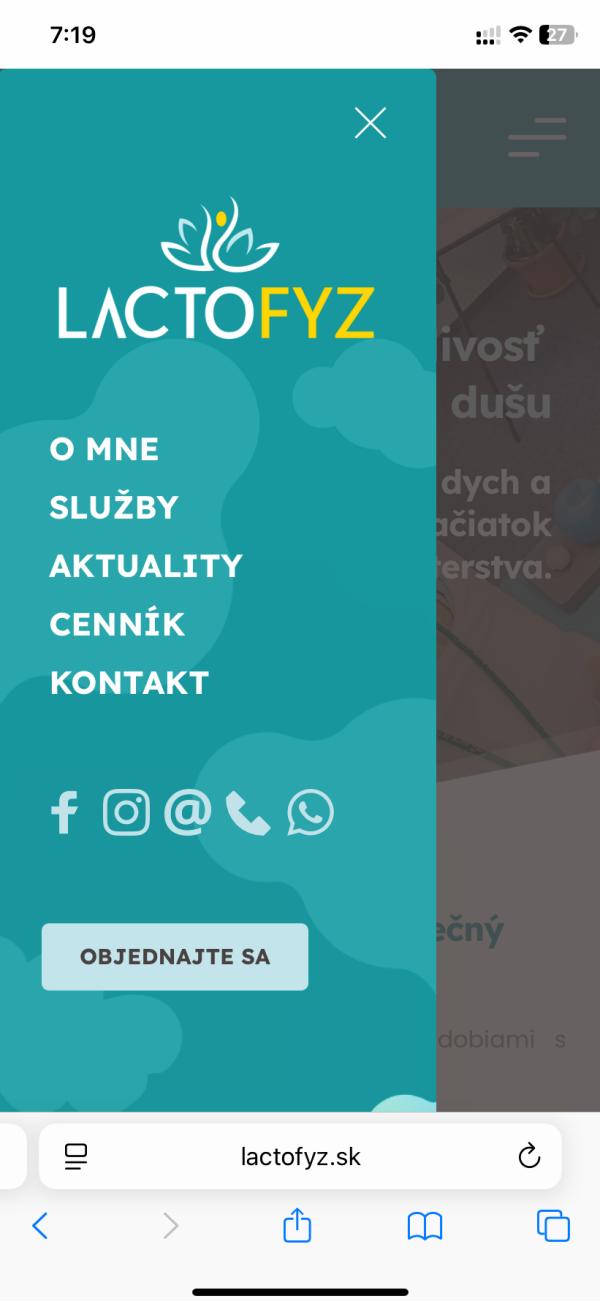
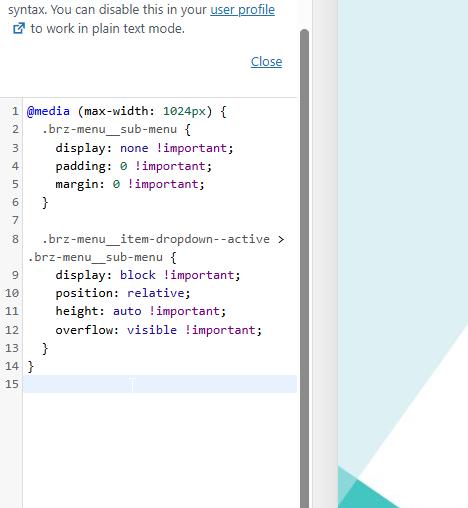
Please let us know if you notice any changes or if there's anything else you'd like us to check.
Best regards,
Ariel H.0
Please sign in to leave a comment.
Comments
11 comments