CLOUD: Two column blog website

Hi Support team,
Is this possible to set up in Brizy Cloud?
Vertical fixed menu on the left column, SINGLE post showing on the right column.
Example: by clicking the 'blog' link on the nav menu on the left, the content is shown on the right column not as list of archived (page) blog posts but direct to the actual single post page. Latest post is on the top of the page with the previous post right below it separated by the blog title and published date.
I've attached a screenshot to illustrate.
Thanks
JE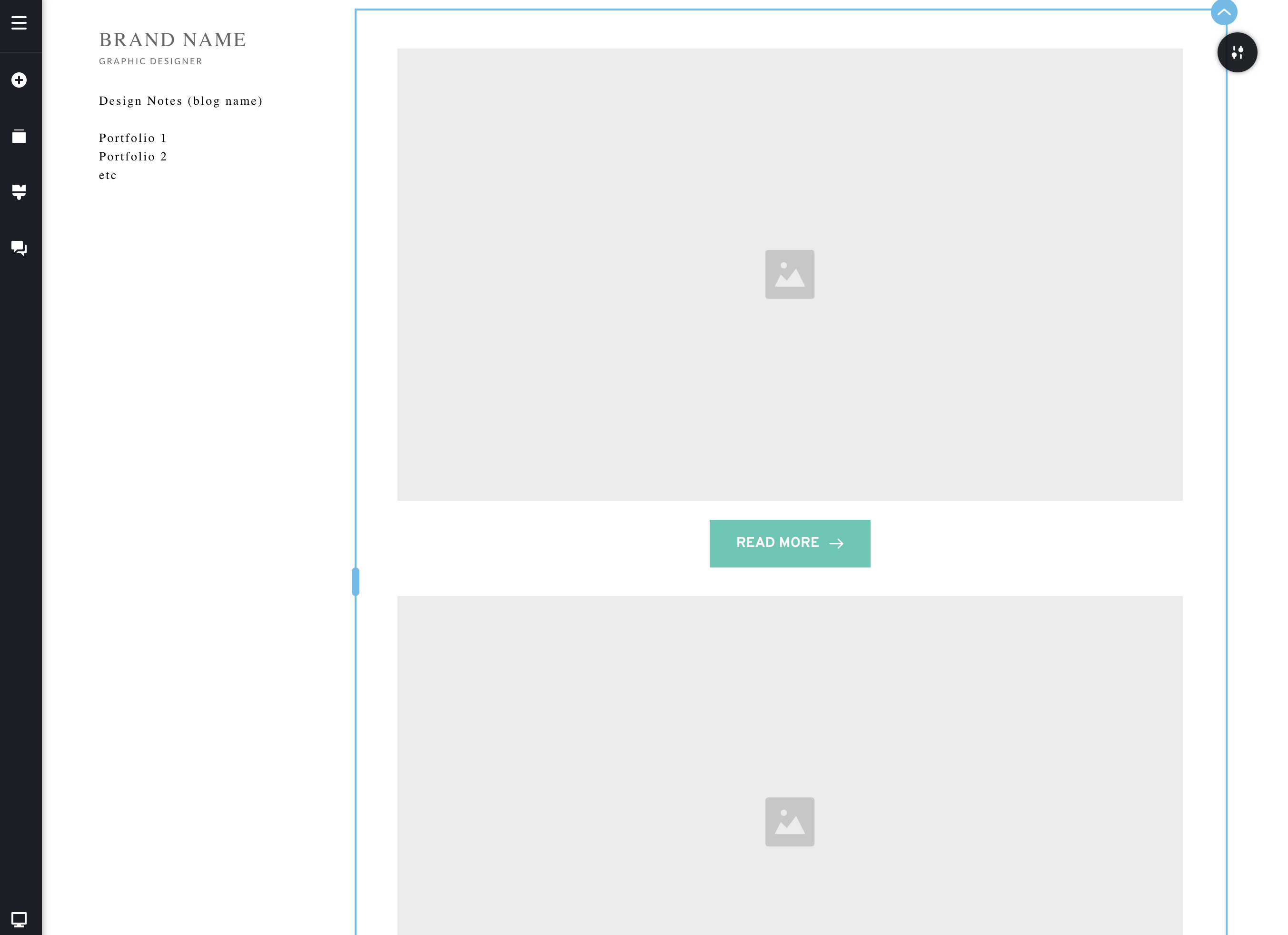
-

Hello Joel,
You can setup a vertical menu using Brizy Popup like at https://boarf86367d0.brizy.site/ While you scroll down the page, the menu will remain fixed on the left. In this example, I have set popup container's width to 15%.
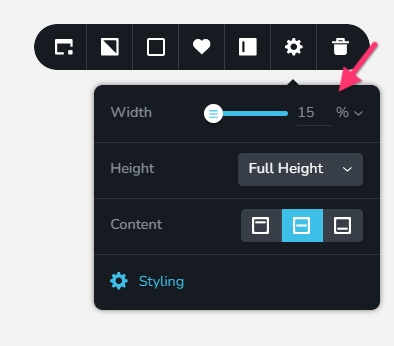
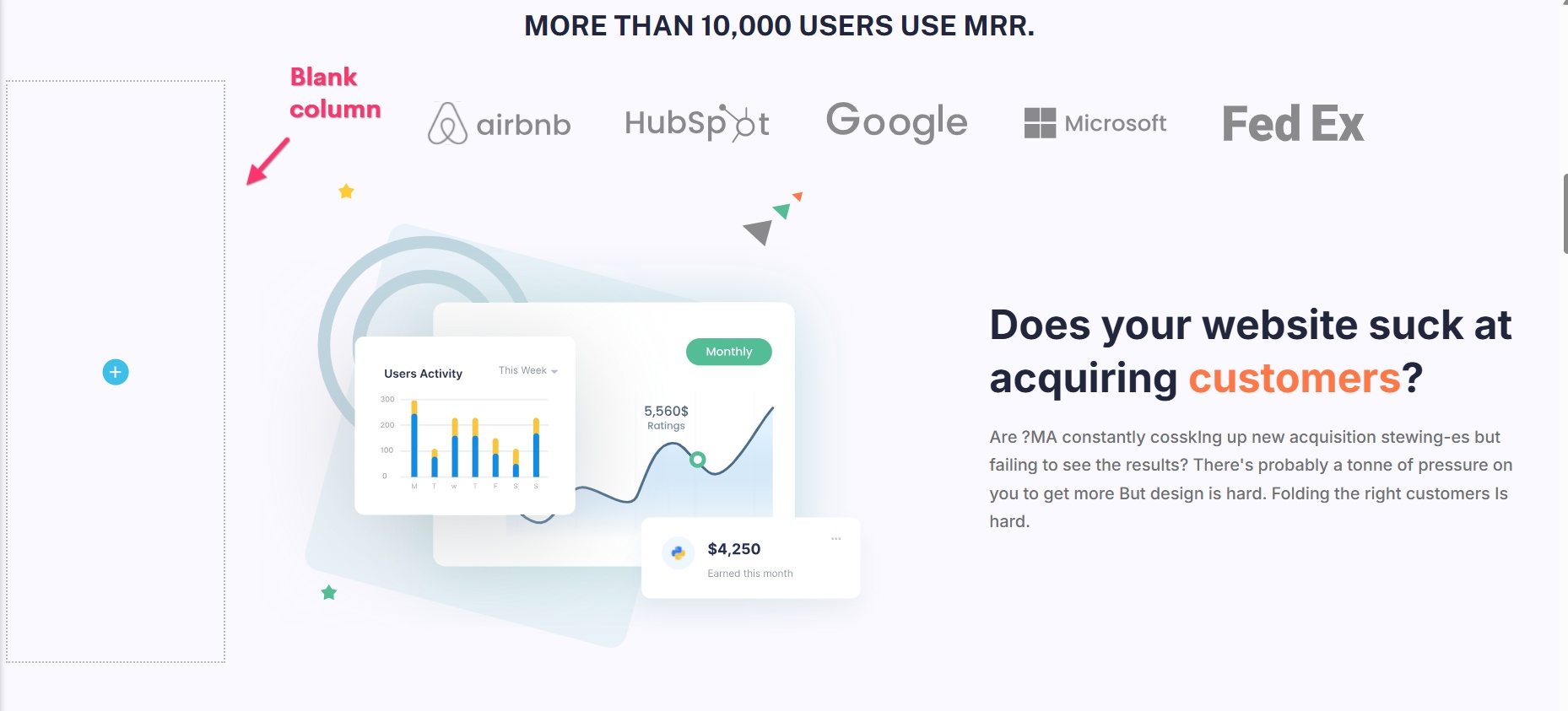
Kindly set full width for your pages and posts and add a Row or a Column with 15% width for the first column and 85% width for the second so that the popup width aligns to the left column width. Then add your page content or post content only on the right column with 85% width and leave the left column blank.
 0
0 -
Thanks K C George!
Got it all working
Thanks!!0
Please sign in to leave a comment.
Comments
2 comments