Problem with website export and import

Hello
I have a WordPress theme author license.
I used to easily transfer sites from my Multisite WordPress to a regular WordPress installation using standard export and import.
Today I exported a site and then imported it to another site. My site was not imported correctly.
If I open the site immediately after import, the appearance is broken. If I open the page in Brizy on the site, some images are loaded in the wrong places.
On the exported site, I only have 2 global blocks, the global site header and the global site footer. After import, I only see the global header block, there is no global footer block.
I have old XML files, I made these files a year ago, I tried to import them, everything was imported correctly.
I open the page immediately after exporting
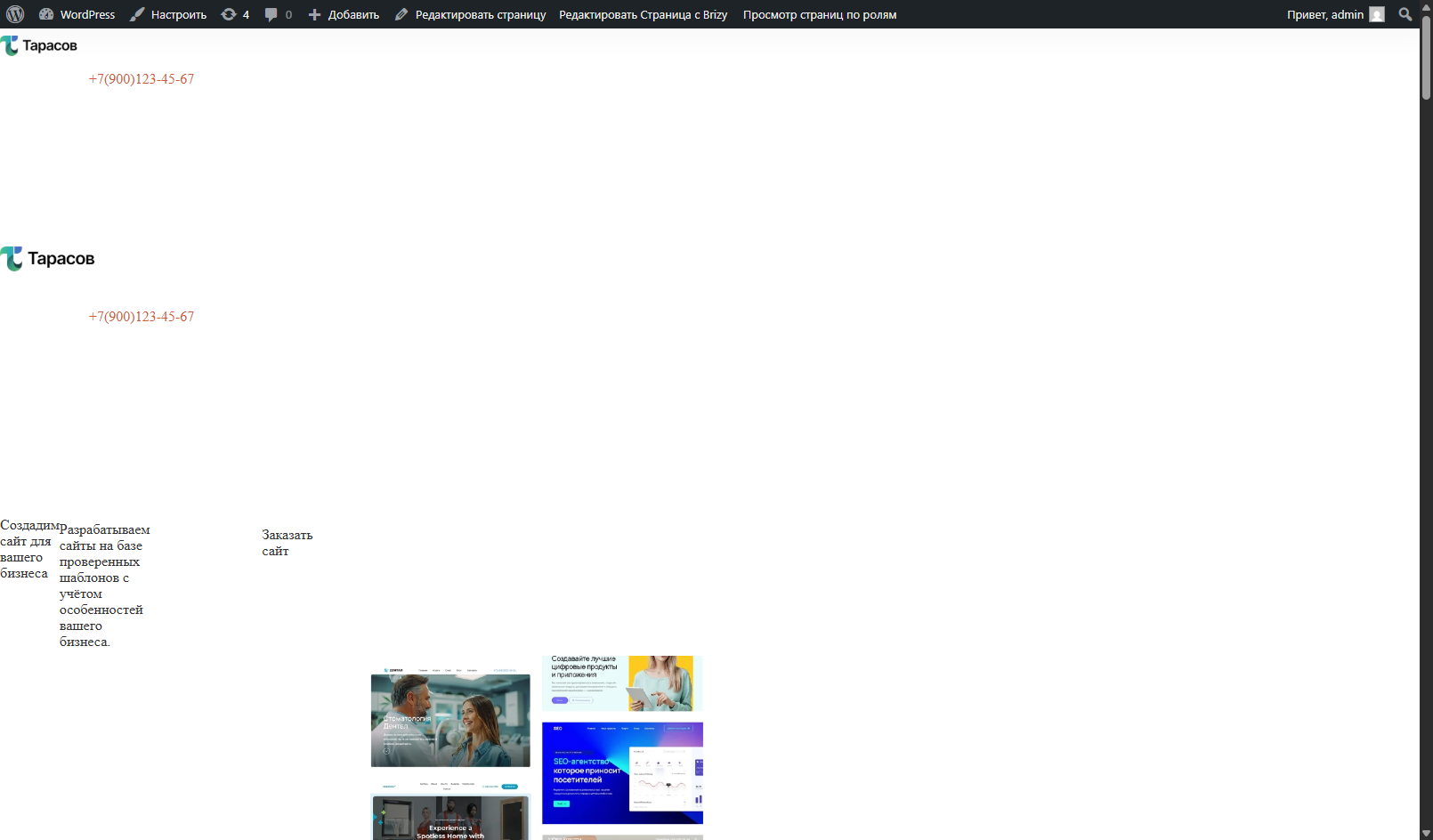
Opened in Brizy. Incorrect photos loaded on the page.



How the photos are arranged on the source site:

-
Source:
https://almazwptemplates.online/web-studio-4/
After standard export:
https://cf32513-wordpress-y0sms.tw1.ru/home/Default WP Theme
Latest WP Version
Latest Brizy Brizy Pro Versions.0 -

Hi Timur,
Thanks for contacting us.
Could you kindly confirm whether you’ve already tried refreshing your permalink settings after migrating the site? Sometimes, after migration, WordPress needs the permalink structure to be re-saved in order to restore proper URL functionality.
If not, here’s how to update your permalinks and set them to Post Name:
1. Log in to your WordPress admin dashboard.
2. Go to Settings > Permalinks.
3. Under Common Settings, select Post name.
4. Click Save Changes, even if nothing has changed. This refreshes the rewrite rules.Please try this and let me know how it goes.
Best regards,
Ariel H.0 -
Hello
I tried to change the permanent links.
After that I imported the site again via standard import, everything is exactly the same, the import does not work correctly. The photos are mixed up.
0 -
Hi Timur,
Thank you for the update.
I tried replicating the issue on my end, but I wasn’t able to reproduce the layout break or mixed-up images. I’ve created a short screencast demonstrating the correct export and import process: https://youtu.be/8AR3I2N6yyE
To ensure a clean test, please:
1. Disable all third-party plugins before exporting your site.
2. Follow the steps shown in the video.Let me know if the issue still occurs after doing this, and feel free to share any error messages or screenshots if possible.
Best regards,
Ariel H.0 -
Hello
I have 3 problems:
---
01
I spent half a day trying to find the cause of the problems with incorrect images after importing a site to a new site.
The problem is in the Brizy constructor.
When I created a page in the constructor, I created some blocks from scratch, and I uploaded some Brizy blocks from my other site. There are no problems with the blocks that I created from scratch in the constructor. And the blocks that I uploaded to the constructor work correctly, but when importing to another site, the photos are loaded incorrectly. The problem is probably that when uploading a third-party block to Brizy, the file is not uploaded to the standard folder "/wp-content/uploads/", but these photos are uploaded to "/wp-content/uploads/sites/185/brizy/6/assets/images/"
How I solved the problem:
I uploaded photos that were not imported correctly to the original site to the media library, now they are located in "/wp-content/uploads/". I tried importing to a new site, the images are now uploaded correctly.
Link to the photo that was automatically uploaded to the site after adding Brizy blocks from another site (Did not upload after import to the new site):
https://almazwptemplates.online/web-studio-4/wp-content/uploads/sites/185/brizy/6/assets/images/rajt-hills.webpLink to the photo that was manually uploaded to the library (Correct import):
https://almazwptemplates.online/web-studio-4/wp-content/uploads/sites/185/2025/05/cherrydeck-upsef48wagk-unsplash.webpPlease fix this problem in future updates.
---
02
If a global header and footer are added to my site. After a standard import to a new site, the global header was imported, but the block footer is not. I noticed that the global footer disappears if the site is multi-page and has many blocks.
This problem also often appears when installing multi-page templates built into Brizy starter templates.
---
03
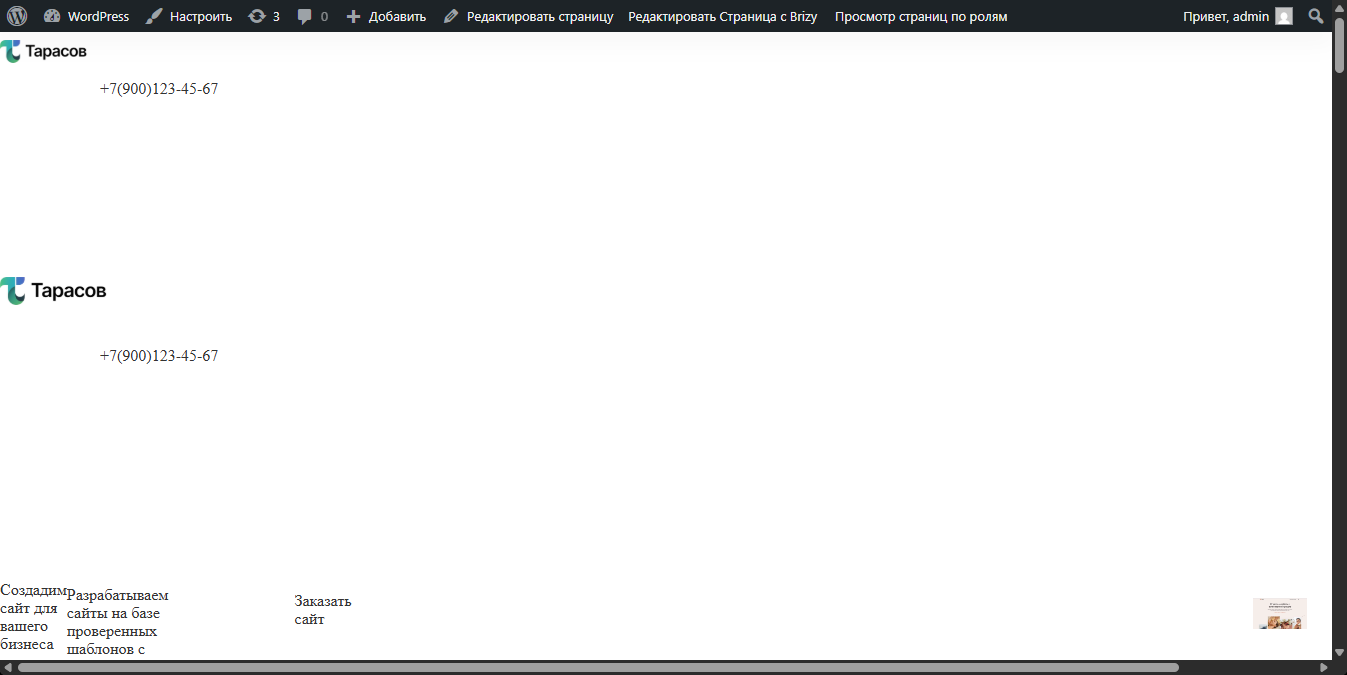
Immediately after import, the first page opened in the browser for viewing is not displayed correctly, this problem is solved if you open the page in the designer and refresh the page.
---
Please fix these problems.
0 -
Hi Timur,Thank you for your feedback. I apologize for the issues you had with the import. We understand your concerns.
We are working on a better version of the Brizy compiler. It should help fix some of these issues, especially with images and how pages load after import.
Thank you again for your support.
Best regards,
Ariel H.0


Please sign in to leave a comment.
Comments
6 comments