Briziy for woocommere

Hi!
I need your help with the Woocommerece plugin. Frankly, I don't even know where to start.
Am I making a product and a page in Woocommerece? Am I doing it in Brizy? How do I add a product page? Where do I add a payment method? I can only use PayPal for now.
I want to sell a 45 minute consultation session.
I don't know even where to start with all of this. Can you please guide me through it and send me video tutorial but that are in the right order like step 1 step 2 etc.
Thank you.
-

Hello Stefan,
To sell 45 minute consultation sessions, you may not need WooCommerce. However, if you have a reason why you prefer using WooCommerce, please let us know.
You will need a paid subscription with a booking software like Calendly to accept PayPal payments for your consultation sessions. For instance you could follow these steps if you choose Calendly for your bookings
- Sign up with https://calendly.com/ and buy a paid subscription
- Setup a 45 minutes consultation session as an event in Calendly following the procedure at How to create an event in Calendly
- Add PayPal payment to your consultation session following the steps outlined at How to Book Paid Meetings With Calendly + PayPal
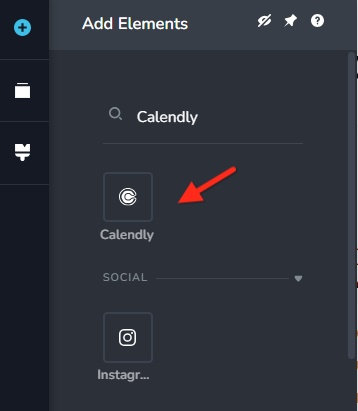
- Drag the Brizy Calendly element to a webpage
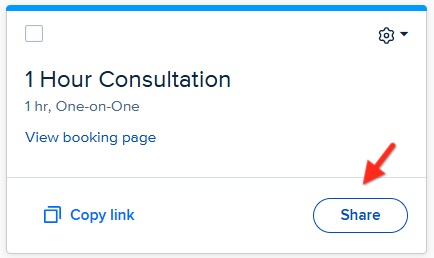
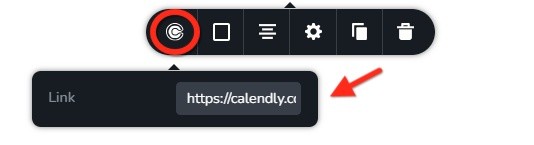
- Click on the "Share" button in your Calendly event and copy your scheduling link. It will look like https://calendly.com/stefan-trbojevic/1hour
and add it to the Calendly element
0
Please sign in to leave a comment.
Comments
1 comment