Issue Uploading Images to My Website

Hi,
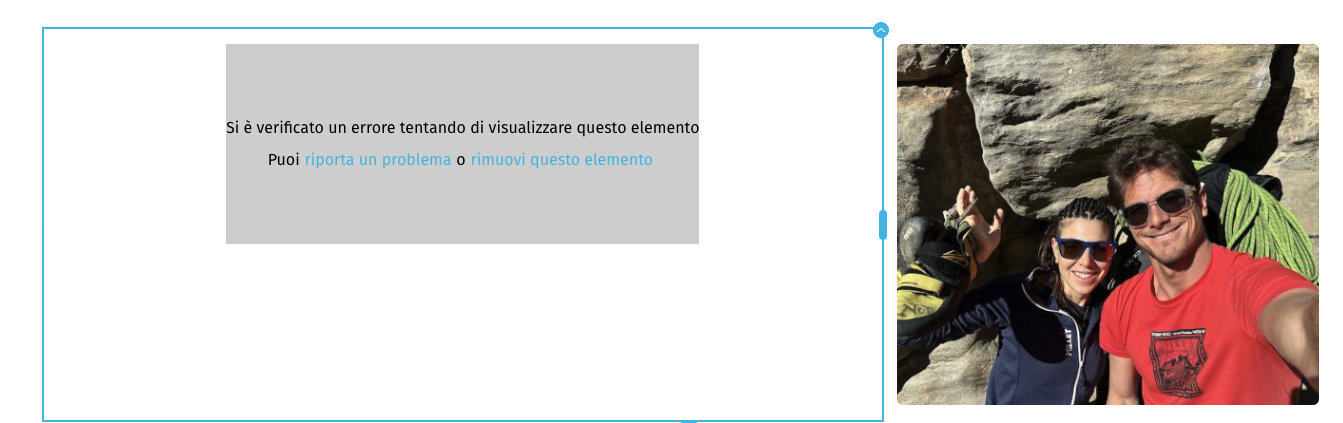
I'm currently experiencing an issue where I'm no longer able to upload or display images on my website. As shown in the attached screenshot, an error message appears saying:
"An error occurred while trying to display this element."
This happens whenever I try to upload new images or view existing ones. I've tried refreshing and re-uploading, but the issue persists.
Could you please look into this or let me know how to resolve it?
Thank you in advance for your support!
Best regards,
Flavio
-

Hi Flavio,
Thank you for reaching out.
This issue is usually caused by a version mismatch. Please make sure you're using the latest versions of both Brizy and Brizy Pro.

If you're currently using Brizy free version 2.5.10, you'll need to manually uninstall it and then install the latest version from scratch.
Give that a try, and let me know if it resolves the issue.
Best regards,
Ariel H.0 -
Hi Ariel,
I followed the procedure shown in the video (https://youtu.be/Y4Txvq3GXvU)
, but it doesn't work. 
Can you help me?
Thank you.
0 -
Hi Flavio,
Thank you for the update.
Please provide us temporary access to your WP Admin login details so we can look into this issue. Kindly add us as an Administrator in your WP Admin Dashboard and send the details to communitysupport@brizy.io following this format:
Community Post Link: https://support.brizy.io/hc/en-us/community/posts/26813514432914
WP Admin login URL:
Username:
Password:
I am looking forward to your response.
Best regards,
Ariel H.0 -
sent by email
0 -
Hi Flavio,
Thank you for your cooperation. I created a test page to replicate the issue, but I wasn’t able to reproduce it as described.
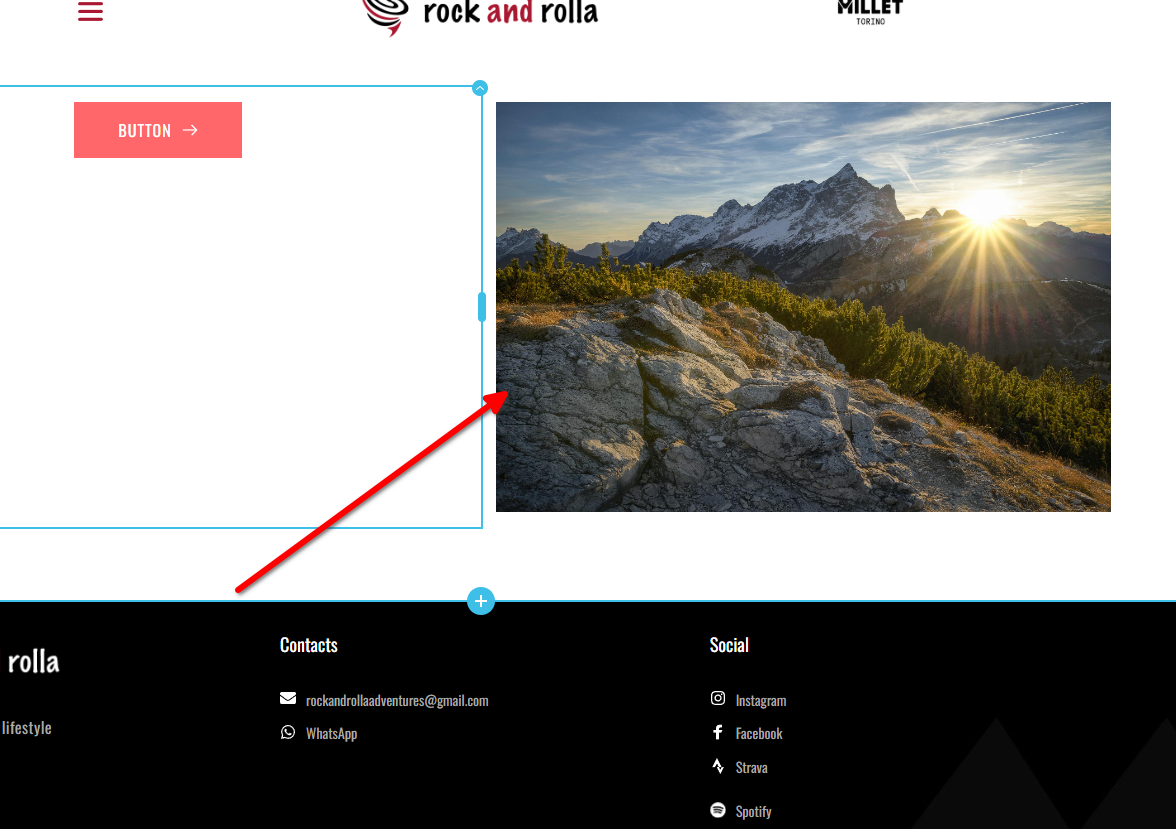
Could you please try using a different browser to see if that makes any difference?
Best regards,
Ariel H.0 -
got mail
0 -
any news?
0 -
Hi Ariel,
I’m following up because I urgently need a response regarding the issue we discussed. It’s important for me to resolve this matter today, and your input is essential.
Please let me know where things stand or if there’s anything else you need from my side to move forward.
Looking forward to your reply.
Best regards,
0 -
Hi Flavio,
I actually replied to you yesterday regarding this issue. I tried to replicate the problem as described, but I wasn't able to reproduce it on my end, as shown in this screencast: https://youtu.be/KizEyOheEVM
Could you please try clearing your browser cache or using a different browser to see if the issue persists? If it does, it would be very helpful if you could share a screencast showing the issue from your end so we can better understand what’s happening.
Looking forward to your response.
Kind regards,
Ariel H.0
Please sign in to leave a comment.
Comments
9 comments